- Official Fedora support for ARMv8 architectures on Raspberry Pi boards.
- Deployment methods using automated tools or manual image recording.
- Graphics performance optimization and Wayland support on recent hardware.
- Advanced boot capabilities from external USB drives and kernel management.
Bringing a robust distribution like Fedora to a Raspberry Pi board is a fantastic idea for those seeking a powerful development environment in a tiny form factor. While many people stick with the official Raspberry Pi OS, switching to the Fedora ecosystem allows you to enjoy an up-to-date, secure system with excellent support for aarch64 architectures.
If you have the new Raspberry Pi 5 in your hands, you'll have noticed that the hardware has taken a significant leap forward. We're no longer just talking about a toy for home automation, but a machine capable of running modern desktop environments like KDE Plasma with Wayland, provided you know how to tweak a few settings in the system configuration.
Prerequisites and recommended hardware
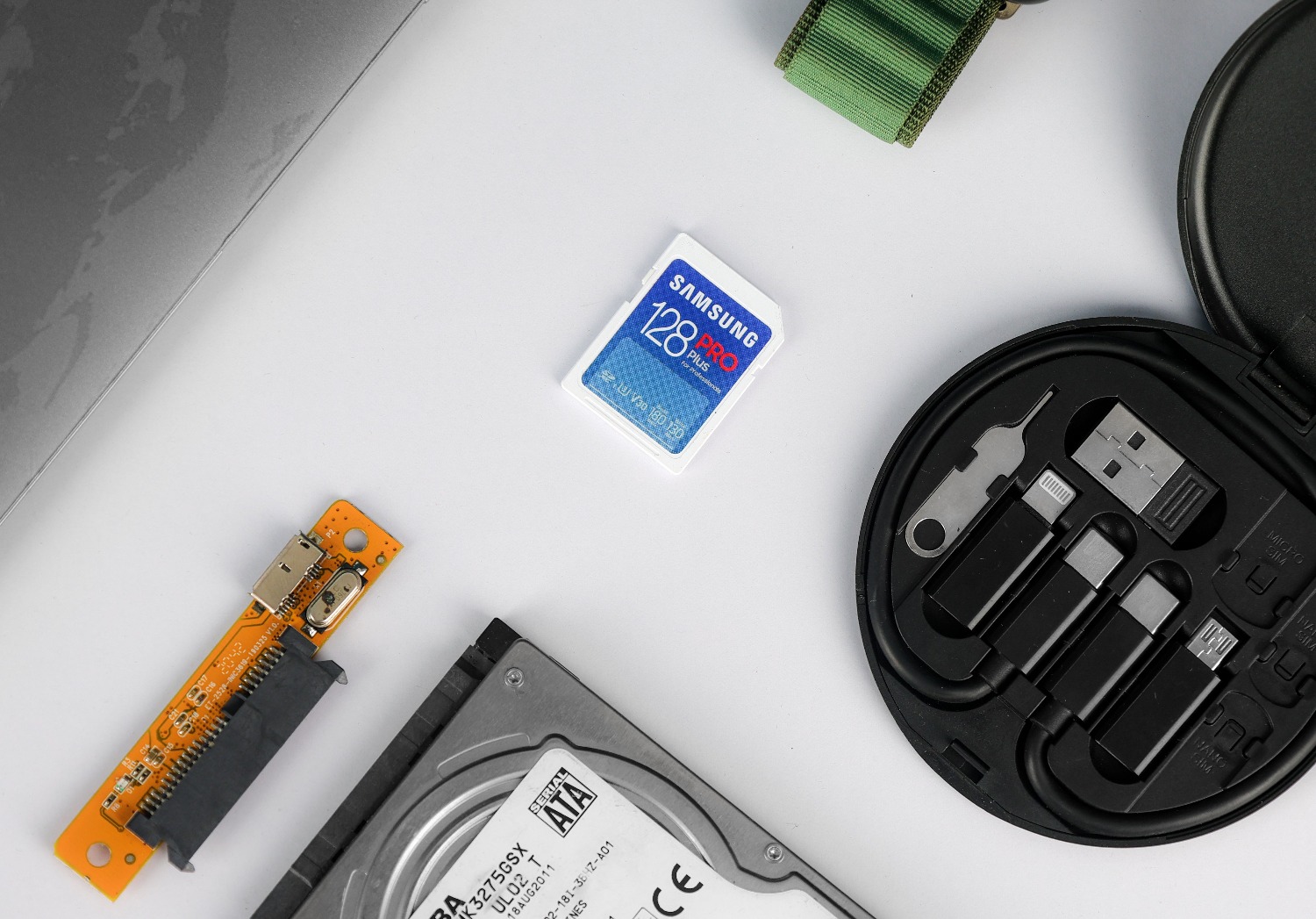
Before diving into the installation, it's crucial to have the right equipment to avoid any surprises. For the system to run smoothly, you'll need a high-quality SD card or, preferably, a USB-connected SSD, as read and write speeds significantly impact the user experience. Don't forget a stable power supply of at least 2.5A (or the official Pi 5 power supply), because Fedora tends to utilize the processor more efficiently, and a voltage drop could cause unexpected restarts.
As for the software, you'll need a computer running Windows, macOS, or Linux to prepare the bootable media. For maximum performance, consider using GPT drives on USB disks , although this requires your motherboard's EEPROM firmware to be updated to allow booting without an SD card.
Step-by-step installation process
There are two main ways to get Fedora up and running on your motherboard. The first is the automated method using arm-image-installer , a tool available in the Fedora repositories that greatly simplifies the process. With a single command, you can define the image, the target (such as rpi4 or rpi5), and the destination device. It even handles resizing the file system to make the most of the available disk space.
If you prefer a manual approach or don't have Fedora installed on your PC, you can download the official image in .raw.xz format and use the `dd` command in Linux or tools like Raspberry Pi Imager. Once the image is burned, inserting the card or disk into the Pi and powering it on will greet you with the initial setup wizard where you can define the language, time zone, and create your user account.
Performance and graphics optimization on Raspberry Pi 5
To prevent the interface from lagging, it's vital to configure the video drivers correctly. On the Raspberry Pi 5, it's recommended to ensure that the Mesa V3D controller is active. You can verify this by running glxinfoIf the result indicates that you are using lvmpipeThis means that the system is processing graphics with the CPU and performance will be mediocre.
To fix this and enable hardware acceleration, you need to check the file config.txt (usually located in /boot or /boot/efi) and make sure that the line dtoverlay=vc4-kms-v3d is enabled. Furthermore, if you use KDE Plasma, it is highly recommended to force the use of Wayland using environment variables in the file /etc/environment, configuring QT_QPA_PLATFORM=wayland to prevent flickering and improve window smoothness.
Advanced boot and kernel management
For more experienced users who want to do without an SD card, booting from a usb hard drive That's the goal. Although Fedora manages updates well through dnfSome users have experienced problems with the traditional boot chain (GRUB/U-Boot). A stable solution is to configure the Pi firmware to load the kernel directly, although ideally the standard Fedora flow should be maintained so that kernel updates do not break the system.
If you notice that the system takes too long to start up or gets stuck during network negotiation, remember that you can interrupt processes unnecessary or adjust the serial console settings by enabling enable_uart=1 in the configuration file, which is very useful for debugging if the monitor is not giving a signal.
Software and peripheral compatibility
Most of the components work perfectly the first time. WiFi and Bluetooth They are usually operational on compatible models, although there may be limitations on some specific versions of the 4 series. For audio, the HDMI output It's the most reliable option, while the analog port may require additional adjustments. If you have an official camera, remember to adjust the GPU memory in the config.txt assigning gpu_mem=80 to avoid loading errors.
For those looking to set up high-performance servers or AI workstations, it is possible to install additional packages through Copr repositories , although care must be taken with version compatibility (such as Fedora 42) and the aarch64 architecture, as not all maintainers activate the ARM build immediately.
Setting up Fedora on a Raspberry Pi 5 transforms the board into a versatile workstation, provided you optimize V3D graphics acceleration and use fast storage like a USB SSD. The key lies in correctly editing the config.txt file and using tools like arm-image-installer to ensure a clean and efficient installation.
FAQ
Is it possible to install Fedora on the Raspberry Pi 5 without using an SD card?
Yes, it is possible by booting the system from a hard drive or SSD connected via USB, provided that the motherboard's EEPROM firmware is configured to prioritize USB booting.
How can I tell if graphics acceleration is working on my Fedora?
You must run the glxinfo command in the terminal; if the renderer mentioned is Broadcom or V3D, acceleration is active, but if llvmpipe appears, the system is using the CPU.
What to do if the screen stays black during startup?
It is recommended to add the line hdmi_force_hotplug=1 to the config.txt file to force monitor detection and ensure that the power supply provides the necessary voltage.
How do I automatically install Fedora on a Raspberry Pi?
The simplest way is to use the arm-image-installer tool, which allows you to burn the image to the destination medium and automatically resize the partitions.
Does audio work correctly on Fedora for Raspberry Pi?
Sound through the HDMI output is supported and works well, while the analog port usually requires manual configuration or the use of USB audio interfaces.
How to improve the smoothness of the KDE Plasma desktop on the Pi 5?
The system must be configured to use Wayland instead of X11 by modifying the environment variables in the /etc/environment file and enabling the vc4-kms-v3d driver.
