- Detailed analysis of the most powerful open source frameworks for developing custom conversational assistants.
- Implementation of local AI systems through the combination of model managers, graphical interfaces, and containers.
- Methodologies for integrating external knowledge bases using the RAG technique to obtain precise and contextualized answers.

Today, most of us use artificial intelligence through websites or apps that send our data to remote servers. While convenient, this raises serious privacy concerns and locks us into expensive monthly subscriptions. Fortunately, the open-source ecosystem has moved beyond this madness, and it's now entirely feasible to build a digital brain on our own computer, without a single byte leaving home.
If you like the idea of having an assistant that doesn't spy on you, doesn't charge fees, and that you can customize to your liking, you've come to the right place. We'll break down everything from the most robust platforms for developers to simple solutions where you don't need to write a single line of code, including technical tutorials for those who want to get their hands dirty with programming.

Open source platforms for chatbot development

When we talk about open source software, we're referring to tools whose code is public, allowing an entire community to improve it and giving you complete control over the system . This is essential if you're looking for transparency and efficiency in your project.
- Botpress: It's a very well-rounded option. It allows you to create visual flows so you don't get bogged down in code, although it does have a JavaScript editor for when you need to do more complex things. It works great with Slack, Telegram, and Facebook Messenger.
- Breed: For those seeking a professional solution, Rasa is the crown jewel. Instead of rigid flows, it uses a story-based approachTraining the bot with real conversation logs. It's installed on your own servers and is ideal if you have a lot of training data.
- Botkit: Owned by Microsoft but licensed under MIT, it is a tool focused on developers who want to create powerful integrations on messaging platforms.
- wit.ai: Acquired by Meta, it's a free and very robust option for natural language processing, especially if your bot is going to live on Facebook Messenger.
- DeepPavlov: Here we enter the realm of deep learning. It's an ideal Python framework for those who want to implement models like BERT and create complex dialogue systems.
- Tock: A complete solution that does not depend on external APIs and allows you to deploy bots locally using Docker.
- BotMan.io: If you're a PHP fan, this is the tool for you. It's probably the most popular PHP framework for bots, allowing you to write the logic once and deploy it across multiple channels.
- Other interesting options: We have OpenDialog, which offers a no-code designer in PHP; Botonic, based on React and TypeScript for more visual experiences; Claudia Bot Builderwhich simplifies the infrastructure on AWS; and Bottenderwhich optimizes the management of conversational events. It also highlights G, a Python framework that uses a universal linguistic approach instead of a purely statistical one.

The No-Code alternative: Intelligence without programming

Not everyone knows how to program or has the time to wrestle with the terminal. For these cases, there are no-code constructors, which use drag-and-drop interfaces to define the path the conversation will follow.
Tools like Ringover's AI Assistant or Crisp let you automate customer service and capture leads effortlessly. On the other hand, Typebot is a fantastic open-source option that allows you to create very modern interfaces and integrate them with Notion or Google Sheets. If you're looking for something that learns from your own documents, Chatling is ideal, as it trains the bot directly from your website or FAQs. Other solutions like WotNot or Joonbot focus more on the B2B environment and lead qualification.

Building your own local AI: The modern ecosystem
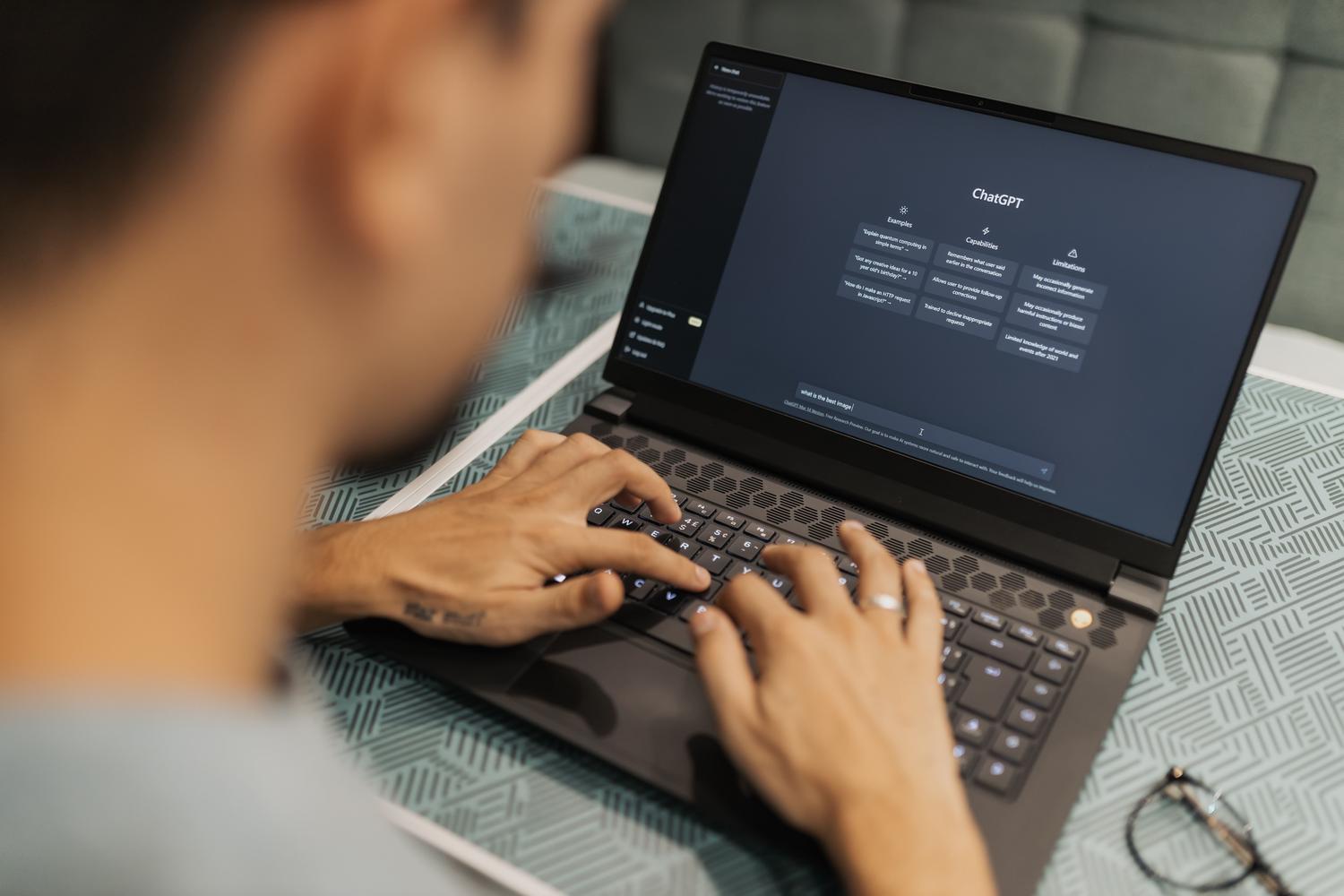
If you want to run a giant language model (LLM) on your machine, the winning combination right now is Ollama along with Open WebUI . Ollama acts as the manager that allows you to download and run models like Llama 3 or Mistral without complications. So you don't have to use the terminal for everything, Open WebUI gives you an interface identical to ChatGPT's, with chat history and personality presets.
For everything to run stably and easily scale, using Docker is highly recommended . By packaging the application in a container, you avoid dependency conflicts and make the system portable. For smooth setup, at least 16 GB of RAM and a modern GPU are recommended , as the models perform exceptionally well when fully utilized in video memory (VRAM), meeting Windows 11 requirements for local AI.
Taking the bot to the next level with RAG and FastAPI

A local chatbot is great, but sometimes it only knows what it learned during its general training. To make it an expert on your own data, we need to apply a technique called RAG (Retrieval Augmented Generation ). Basically, it involves giving the model an external knowledge base (like your notes or company manuals) to consult before responding.
To implement this professionally, we can use FastAPI , an ultra-fast Python framework that serves as a bridge between the user and AI. Alongside FastAPI comes LlamaIndex , a library that extracts text from your documents, indexes it, and connects it to the Ollama model, making it easy to serve a large language model from your local workstation.
The workflow is simple: the user asks a question through a FastAPI endpoint, LlamaIndex searches for relevant information in your local files and passes it to Ollama, which drafts the final answer based strictly on that data. In this way, you can turn your AI into an exam preparation tutor or an expert on your company's regulations simply by adding .txt or .pdf files to a folder.
Having a local AI system is the best way to ensure that sensitive information doesn't fall into the wrong hands and to eliminate recurring costs. Whether you opt for powerful frameworks like Rasa, visual no-code tools, or the Ollama and LlamaIndex combination to create RAG systems, the freedom to manage your own knowledge on your own hardware is a significant leap forward in efficiency and digital security.


Passionate writer about the world of bytes and technology in general. I love sharing my knowledge through writing, and that's what I'll do on this blog, show you all the most interesting things about gadgets, software, hardware, tech trends, and more. My goal is to help you navigate the digital world in a simple and entertaining way.