- Fundamental differences between the audio architectures of Linux (ALSA), macOS (Core Audio) and Windows (ASIO).
- Performance comparison between general-purpose distributions like Ubuntu and those optimized for music production like CachyOS.
- Importance of buffer size and the use of real-time kernels to eliminate sound artifacts.
- Recommendations for Class Compliant hardware and professional software for low latency environments.

If you work in music production, you know that dealing with sound latency is a daily struggle. When you're trying to play a virtual synthesizer or run a guitar through an amp simulator, even the slightest delay between pressing the string and hearing the note can completely throw you off and make the experience, frankly, infuriating.
Many people believe that achieving professional-grade latency requires either switching to macOS or sticking with Windows and struggling with ASIO drivers. However, Linux has evolved tremendously and is now a viable alternative, although it does require knowing where to look to avoid running into problems with outdated information.
Understanding the concept of latency in digital audio
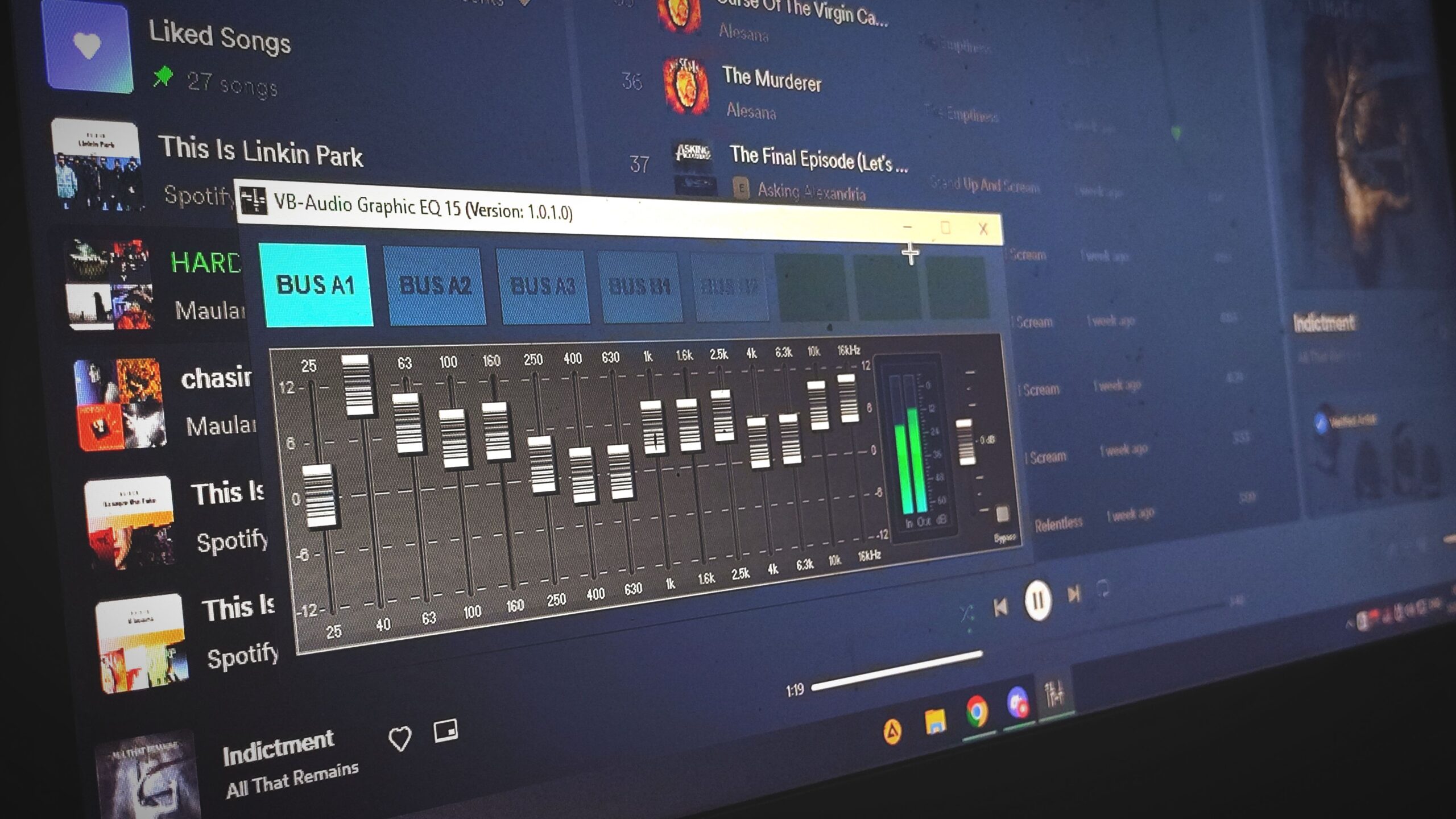
To avoid any surprises, latency is simply the time it takes for a signal to travel from the microphone or keyboard to the monitors. It's measured in milliseconds (ms) and is the result of a complex process: the analog signal is converted to digital, passes through the system buffer, is processed by algorithms, and is then converted back to analog.
The critical point here is the buffer size . Imagine it like a waiting room; if it's too large, the audio is stable but the latency is noticeable. If it's too small, the response is instantaneous, but if the processor can't keep up, those annoying clicks or "clippings" start to appear, ruining any recording.
- Imperceptible latency: The one that is below 10 ms. Here the human brain does not notice the delay.
- Perceptible latency: Above 10 ms, especially critical for singers or guitarists who monitor their own voice.
The Windows scenario: ASIO and WASAPI
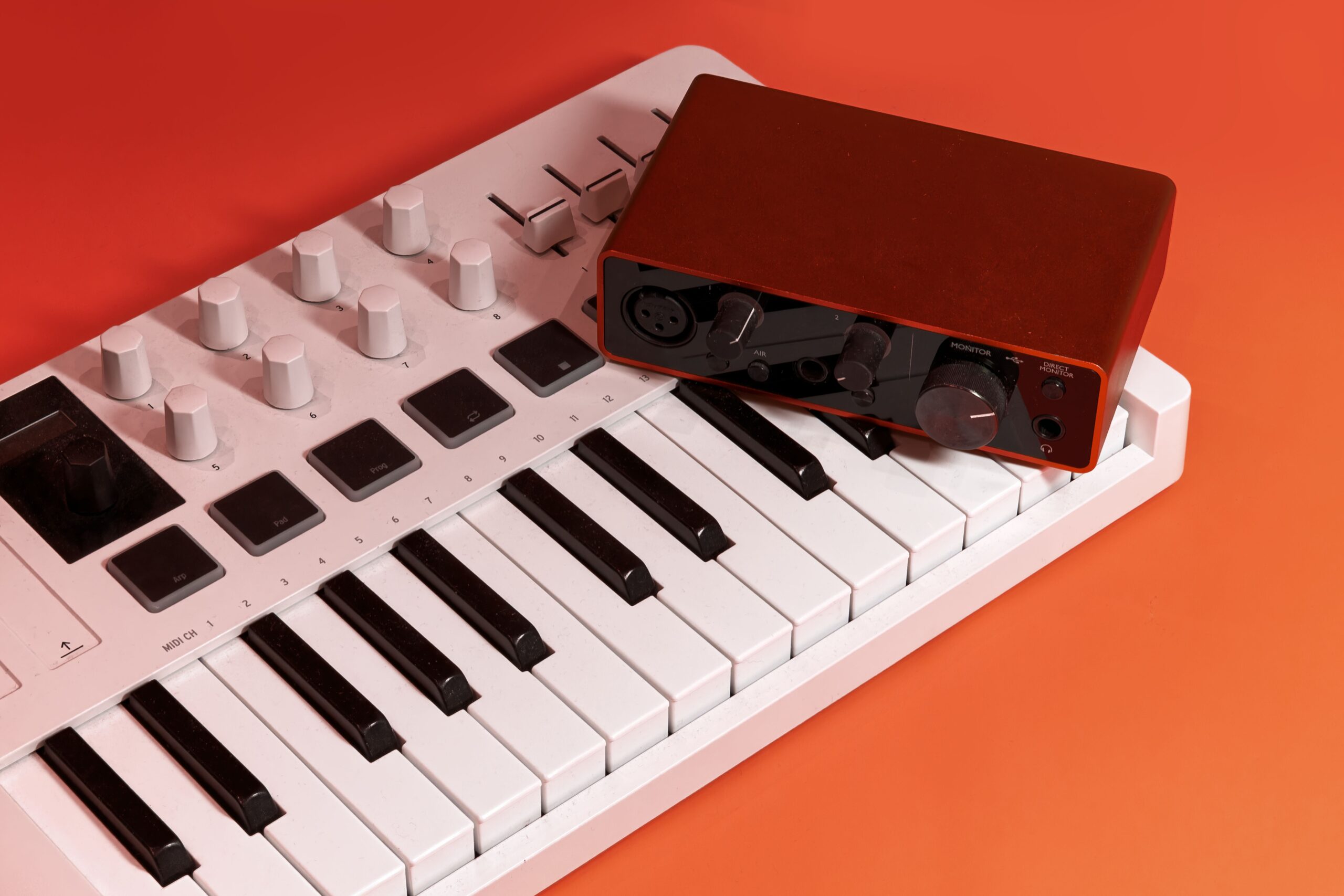
In Windows, the kernel wasn't designed with professional audio in mind, so additional layers were created. ASIO is the standard for minimizing the buffer size between software and hardware. However, ASIO is often exclusionary; if one application takes control, others like Spotify or your browser may become muted if not configured correctly.
Microsoft has attempted to improve this with WASAPI and AudioGraph in Windows 10 and 11. These APIs allow the system to better manage resources and reduce latency in shared mode, although for heavy DAW workloads, ASIO drivers from manufacturers like RME remain the benchmark for stability and efficiency.

Audio Optimization in Linux: From Ubuntu to CachyOS
Getting into Linux for music production can feel like navigating a minefield. General-purpose distributions like Ubuntu 24.10 can work decently with buffer sizes of 128 or higher, but for demanding productions, they can introduce instabilities that are difficult to debug if you're not a terminal expert or don't know how to handle driver errors in Linux.
For those seeking maximum performance, there are more refined options. CachyOS is an example of extreme optimization, as it uses kernels with process schedulers (like bpf) specifically designed to reduce latency across the entire system, not just for audio. By leveraging packages optimized for modern architectures (like AMD Zen 4), it's possible to work with 64-sample buffers without audio breakup, even with multiple virtual instrument tracks.
The technical architecture: ALSA vs Core Audio and ASIO
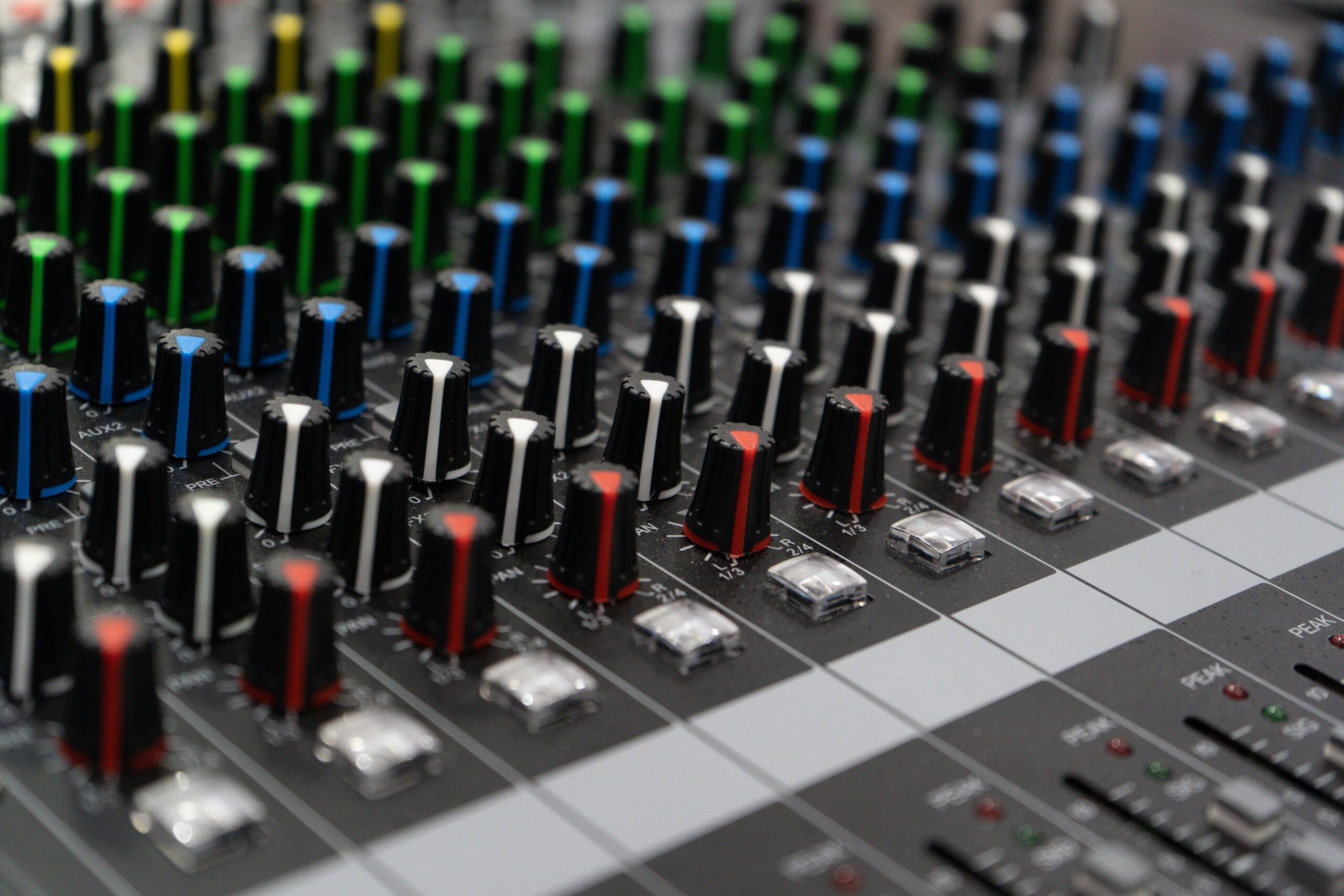
One of the great advantages of Linux is ALSA (Advanced Linux Sound Architecture) . Unlike Windows drivers that act as intermediaries, ALSA is integrated directly into the kernel. This means it has direct access to the hardware , eliminating unnecessary software layers and drastically reducing latency.
This approach is similar to that of Core Audio on macOS , which is why Macs are so beloved in studios. Both systems treat audio as a core priority, whereas on Windows, the ASIO driver attempts to "bypass" the operating system to achieve a similar result, although this sometimes depends on whether the hardware manufacturer has done a good job or released a buggy driver.

Recommended Tools and Software
It's not all about the operating system; the software is key. While some feel lost with free options, tools like Bitwig Studio offer official support on Linux. For those seeking powerful free alternatives, Ardour is the quintessential professional choice, enabling high-resolution recordings and enviable channel management.
If you're looking for something extremely lightweight, Reaper is frequently mentioned as a DAW that consumes very few resources compared to giants like Cubase or Sonar. Regarding plugins, the use of NAM (Neural Amp Modeler) through wrappers like Guitarix demonstrates that a professional guitar sound can be achieved on Linux, provided the system is well optimized.
Practical tips to reduce delay
If you notice your audio is failing, there are several steps you can take. First, make sure the power mode is set to "performance" to prevent the processor from throttling mid-record. Second, installing realtime-privileges on Linux allows your DAW to have absolute priority over other system processes.
On the hardware side, investing in a class-compliant interface is essential. These interfaces don't require complex proprietary drivers because they adhere to a universal standard, making them extremely stable on both Linux and macOS. Furthermore, using interfaces with integrated DSP allows for direct audio mixing in the hardware, achieving a latency of around 3 ms, which is completely imperceptible.
Achieving a stable music production environment depends on the triad of compatible hardware, an operating system with an optimized kernel, and proper buffer configuration. While Windows remains the software standard, Linux offers a superior technical architecture thanks to ALSA and specialized distributions that allow for extremely low latency, provided the user is willing to explore beyond the default settings.


Passionate writer about the world of bytes and technology in general. I love sharing my knowledge through writing, and that's what I'll do on this blog, show you all the most interesting things about gadgets, software, hardware, tech trends, and more. My goal is to help you navigate the digital world in a simple and entertaining way.