- The most common faults include WiFi connection problems, black screen and applications that don't work.
- Solutions range from updating the firmware to checking cables and rebooting the device.
- Optimizing your TV's settings and maintenance can prevent most of these errors.
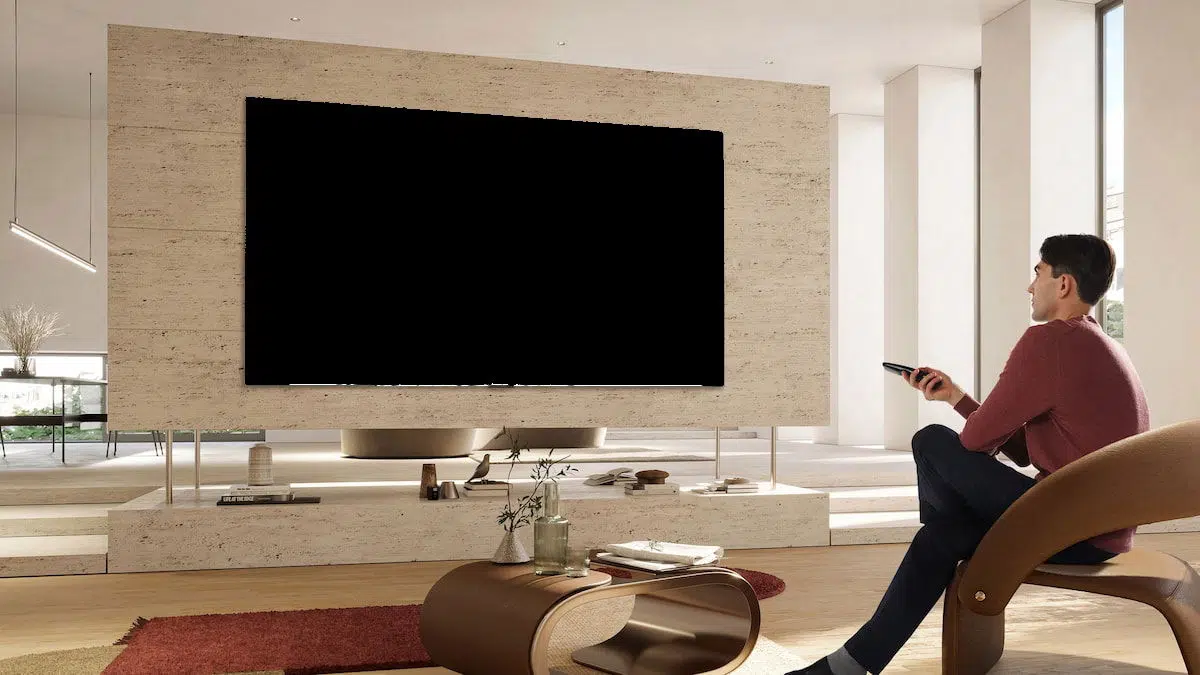
LG TVs with the webOS operating system are an excellent choice for enjoying multimedia content at home, but like any other electronic device, they can experience technical issues that affect their performance. From Wi-Fi connection problems to image or app malfunctions, knowing the most effective solutions will allow you to keep your Smart TV in optimal condition.
In this article, we'll explore the most common issues that can occur with LG TVs running webOS , as well as the most effective solutions for each. Follow this detailed guide and discover how to resolve your Smart TV problems without needing to call a technician in most cases. If you need more information about specific problems with other brands, you can consult the article on Izzi control issues.
Wi-Fi connection issues on LG Smart TVs with webOS
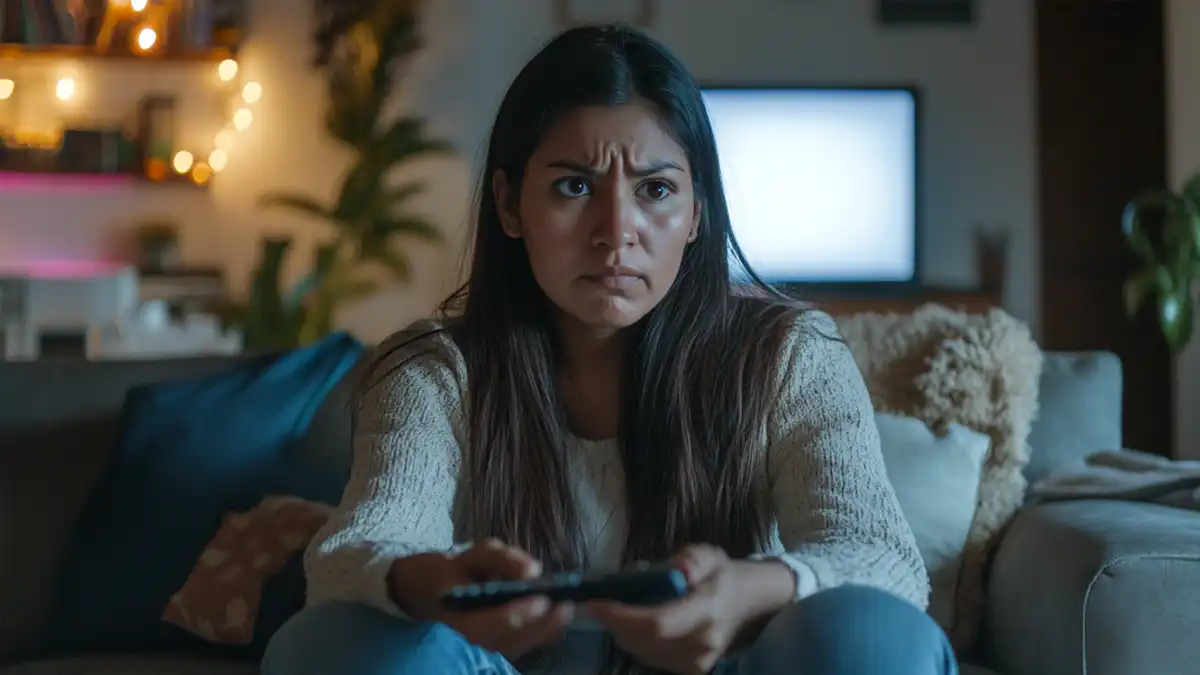
One of the most common problems with LG TVs is the inability to connect to a Wi-Fi network. This can be due to various factors, from incorrect settings to router problems or signal interference.
Common causes
- Incorrect password: Check that the password is correct and spelled correctly.
- Weak WiFi signal: The distance between your router and TV can affect the quality of your connection.
- Interferences: Other electronic devices and physical obstacles can reduce signal strength.
- Outdated software: Old firmware can cause connectivity issues.
Solutions
- Restart your router and TV: Turn off both devices, wait a few seconds, and turn them back on.
- Move the TV closer to the router: If possible, reduce the distance between the two to improve the signal.
- Change the WiFi band: Try connecting to the 2.4 GHz network instead of 5 GHz if the signal is unstable.
- Update the firmware of the TV: Go to Settings > All Settings > Support > Software Update.
Black screen on LG Smart TV with webOS
One of the most alarming problems is when the screen goes completely black, even though the sound continues to work. This can be due to an incorrect setting or a hardware failure.
Common causes
- Incorrect input source: The TV may be set to an input with no signal.
- Cable problems: A loose or faulty HDMI cable can cause the black screen.
- Pending updates: Outdated firmware can cause visual glitches.
- Overheating: If the TV has been on for a long time, it may malfunction.
Solutions
- Restart the TV: Unplug the TV for 30 seconds and plug it back in.
- Change the input source: Use the remote control to select another HDMI input.
- Check the cables: Make sure the HDMI and power cables are properly connected.
- Update software: If possible, go to Settings and check for available updates.
Apps that don't work on LG Smart TVs
If streaming apps like Netflix , YouTube, or Disney+ stop working on your LG TV, there's likely a connectivity, caching, or software compatibility issue. If you're experiencing error 91 on Disney +, I recommend reading the article on how to troubleshoot error codes on Disney+.
Common causes
- Internet connection problem: The quality of the WiFi signal can affect the performance of the apps.
- Outdated apps: Some apps require the latest version to work properly.
- Corrupted cache: Accumulating cached data can slow down or crash applications.
Solutions
- Restart the TV: A power cycle may resolve temporary problems.
- Clear the cache of applications: Go to Settings > General > Storage and delete the data of the app in question.
- Reinstall the app: Uninstall the problematic app and reinstall it from the app store.
- Update the operating system: Make sure your TV is running the latest version of webOS.
Keeping your LG Smart TV with webOS in good working order is key to enjoying a smooth and uninterrupted experience. By following these tips, you can easily troubleshoot the most common problems and extend the life of your TV.


Passionate writer about the world of bytes and technology in general. I love sharing my knowledge through writing, and that's what I'll do on this blog, show you all the most interesting things about gadgets, software, hardware, tech trends, and more. My goal is to help you navigate the digital world in a simple and entertaining way.