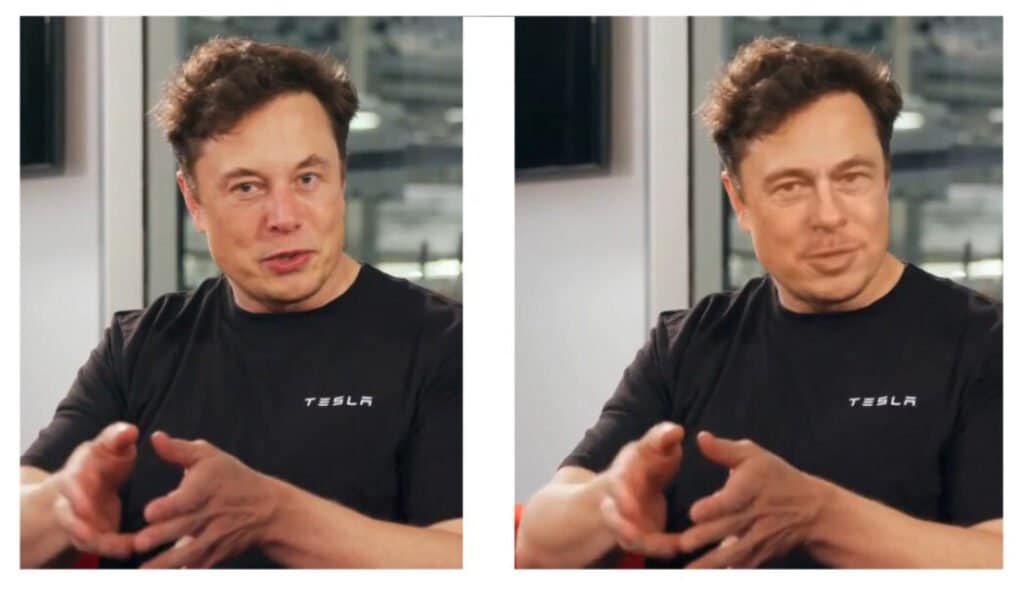
In simpler terms, DeepFake is the manipulation of visual content. It combines the latest technological advances: deep learning and IA, Artificial Intelligence.
Deep learning is a type of machine learning (ML) based on algorithms that are inspired by the behavior of the human brain. Currently, Deepfake users are looking for applications to edit photos and videos. The most common application is the creation of memes, gifs, and viral content for social media.
These images can also be fabricated to replace real people with someone else's image. Sometimes the modification is so fine that it is difficult to tell whether it is a deepfake or not.
However, it can also be used to create fake actions: for example, person A has performed a certain activity, but with Deepfake it is possible to add another person B to the visualization. This makes people believe that person B performed an activity in a video or photo. Discover the best Deepfake app.
<How does DeepFake work?
Now you understand what Deepfake is and what the technology behind it is. But it is not as easy as it seems. It uses deep learning technology, an application of ML and AI.
Simply put, each frame or image in a video is modified by the encoding and decoding process of the selected visual model. Since this is automation, autoencoders are also involved.
For Deepfake face swapping to work, the visual model needs to be converted into lower latent spaces. Encoders create these common latent spaces for the original content. Later, when changes are made, decoders reconstruct these common latent spaces to edit the Deepfake videos and images.
In this case, the encoder uses the source image and reduces it to a smaller latent space. In this way, the decoder can reconstruct an image with a smaller latent space.
Given the complexity of the task, creating these replacement images is time-consuming. One of the basic requirements for face editing is to have many images of the source. This ensures that all possible angles and aspects are covered for a reface with minimal defects.
How to recognize a Deepfake photo or video
Although it is still difficult, it is possible to display a Deepfake video or photo.
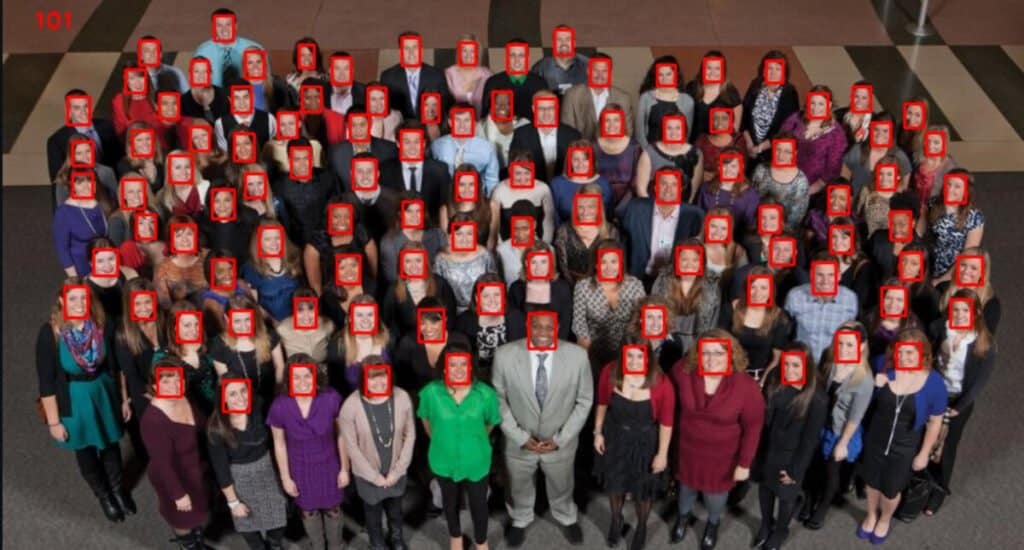
Moreover, if the Deepfake is of poor quality, it is easy to spot it first. But smart face swapping applications require closer vision, even with computer vision. Also, you can check the following details to spot an artistic Deepfake:
- Abnormal skin colors
- Blurry or misaligned vision
- Abnormal body movements
- Poor synchronization of face swaps
- Little lip sync
- Image discoloration
- Shadow or missing parts
- Digital background noise.
Risks associated with the use of Deepfake applications
So far, movies have shown a positive application of Deepfake technology. This has led to a new cinematic experience for the audience. However, some groups and individuals are using this technology for negative aspects such as financial fraud.
Deepfake technology has wide application in spreading fake news. It is also used to create fake stories about celebrities and even the general public.
In several countries, committing such crimes is considered a cybercrime. In addition, participants risk serious legal penalties.
10 Best Deepfake Apps
Here are the top ten Deepfake apps that you can try and explore.
1. Deepfakes website β
It is an online software that helps to fulfill the face swapping requirements of deepfakes. It relies on machine learning algorithm to achieve this.
Once you've registered on the site, you have to be patient. The high-end cloud-based GPU takes about 4-5 hours to process the images or videos. And then another 30 minutes to apply the faceswap with a watermark in the background.
Being online, it does not offer an application for iOS o AndroidBut you will have to pay $3 for every hour the software spends working for you.
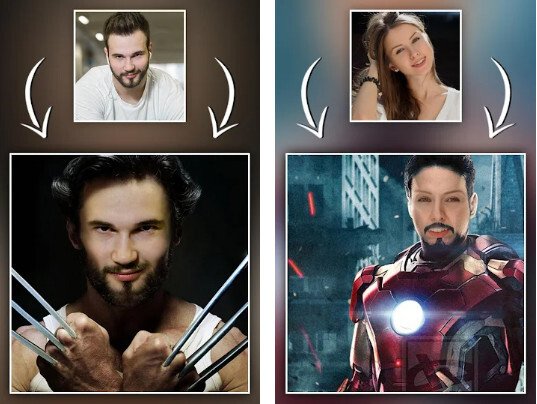
2. Morphology of the face of famous people
Here's another powerful face-swapping deepfake. It uses the power of artificial intelligence and morphing technology.
You don't need to have any previous experience in photo editing to use this app. Just upload the photo you want to swap your face in and the app will take care of the rest.
Its features include automatic face detection, face morphing, face averaging, face warping, and even face blending. You can choose from all the celebrities, sportsmen, and even politicians.
But the best thing is that it's all free. All you have to do is download the app from Google play storeHowever, the developers have not released any version of the app for iOS.
3.DeepFaceLab
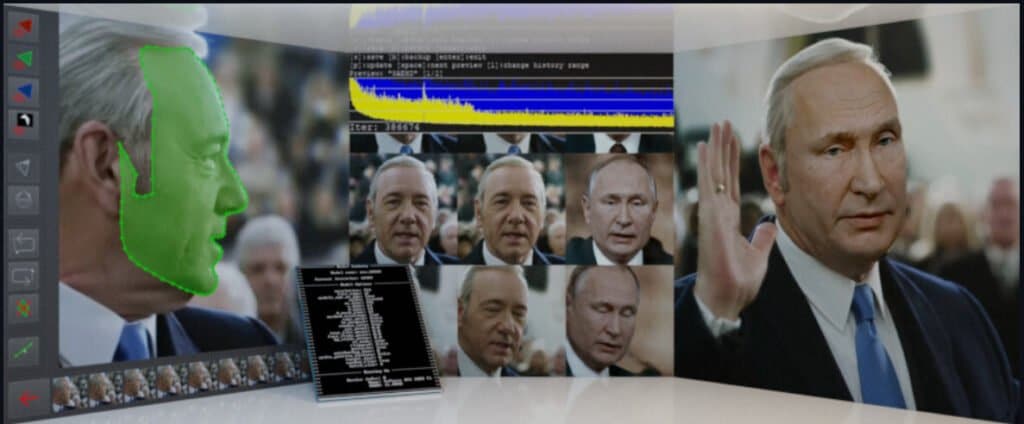
Another highly successful emerging deepfake app is DeepFaceLab. The app uses new models of neural networks to apply face replacement. It creates very convincing deepfake videos and is widely used by popular YouTube channels.
This app has one of the simplest user interfaces, with enough demo videos to get you started with the tool. It also contains a step-by-step guide to using the custom model weight feature.
It was developed by the research division of Facebook and the online tool has been free since 2016. You can also download the Android app from the Play Store.
4. Wumbo
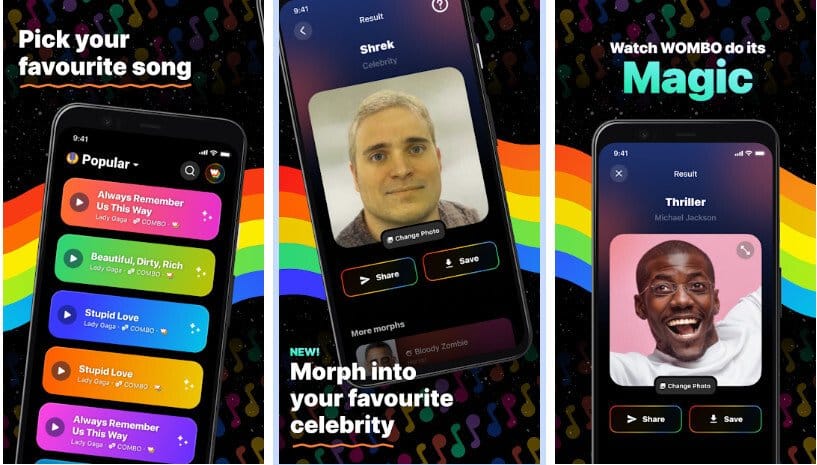
Wombo is an app specializing in deepfake videos that revolves around lip-syncing. As a user, you upload a photo, usually a selfie. Then, use a video song and the app will sync the uploaded photo to the video.
Your face will sing in sync with the lyrics and music of the chosen song. You don't need to use any other editing features. The app does it all for you. Even if the resulting video is like an animated video. You can also share this video with your friends.
To use this deepfake video app, you can download it for free from the Apple Store for iOS users and from the Google Play Store for Android users.
5. MyHeritage
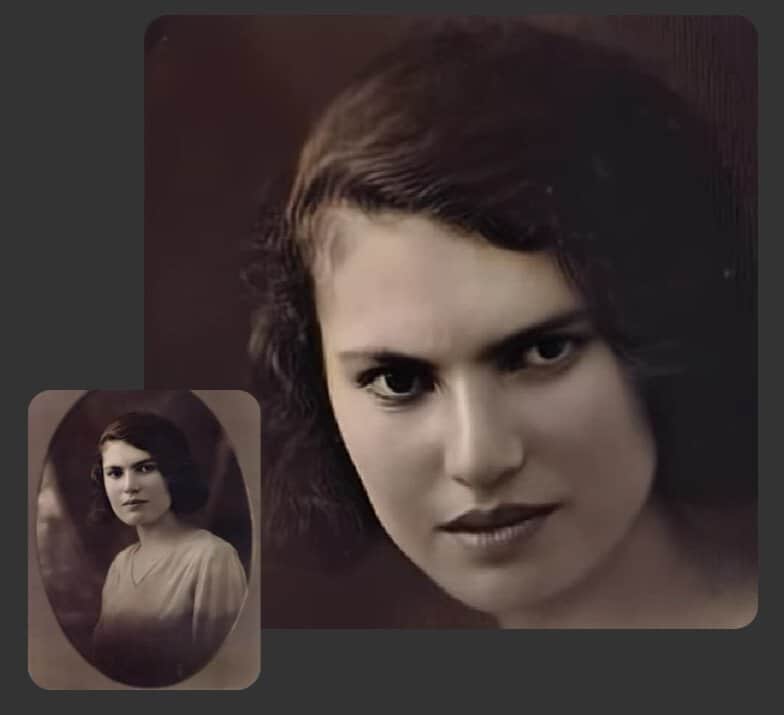
This deepfake app has built a reputation for working well with old photos. It uses the first AI assistant, Deep Nostalgia, to animate old photos.
Animation means that once an old photo is uploaded, a version with moving lips and eyes will be created. Finally, it adds expressions that weren't there originally.
The best use of the app is to create colorized versions of black and white photos. Also, with this app you can recover faded colors and blurry images and remove watermarks.
The mobile app is available to everyone in the Apple and Google Play stores.
6. Jiggy
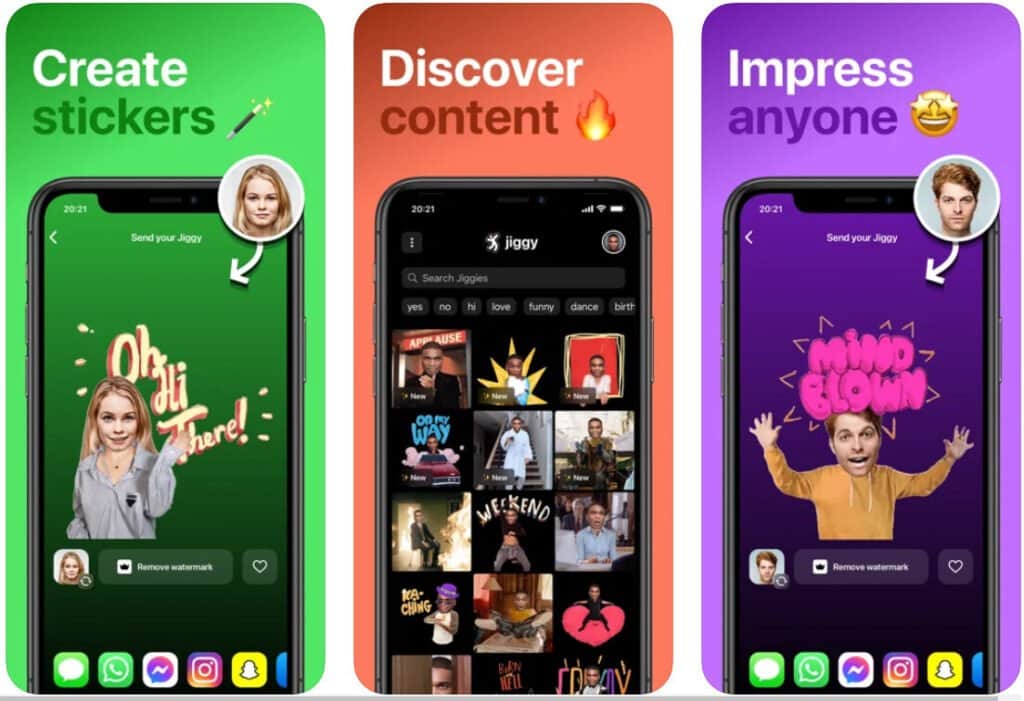
If you are interested in a complete bodywap or reshaping a series of GIFs, then Jiggy is for you. It is an app suitable for creating realistic but fake digital stickers and videos. It is also suitable for creating funny content.
You can choose from over 100 face morphs and dance moves and change your face or your whole body to recreate the movements as you like. It's a complete photo animation package. Apps are available for iOS and Android.
7. FaceApp
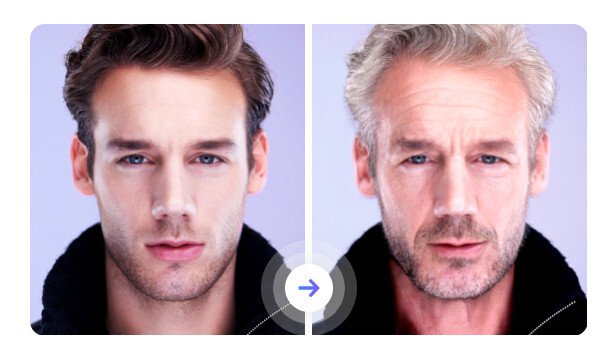
FaceApp is a free AI-powered face editor. It is known for using advanced neural face editing technology. For each photo uploaded to the app, you can add hair and makeup, enhance or add smiles, and remove or replace the background.
You can also try the “old” and “young” filters to generate older and younger versions based on the uploaded photo. An impressive feature is the convincing gender swap. The free edition also adds watermarks to updated or made-up photos.
You can try the free versions through the Google mobile app and the Apple Store.
8. Reface the application
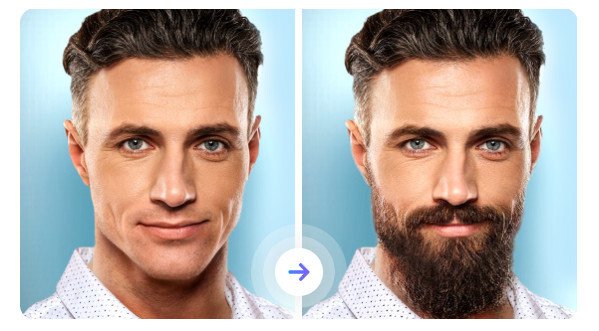
This is a fake video creation app that primarily implements face swapping functionality. It is available for both iOS and Android.
The developers gave great importance to privacy norms while developing the app. It is another app known for creating comical content for entertainment.
The best thing is that everything it offers is free. You can upload an image to create high-quality yet realistic GIFs and videos. Of course, you can use Reface AI-based face swapping, which is known for its excellent implementation of face swapping with ML and AI.
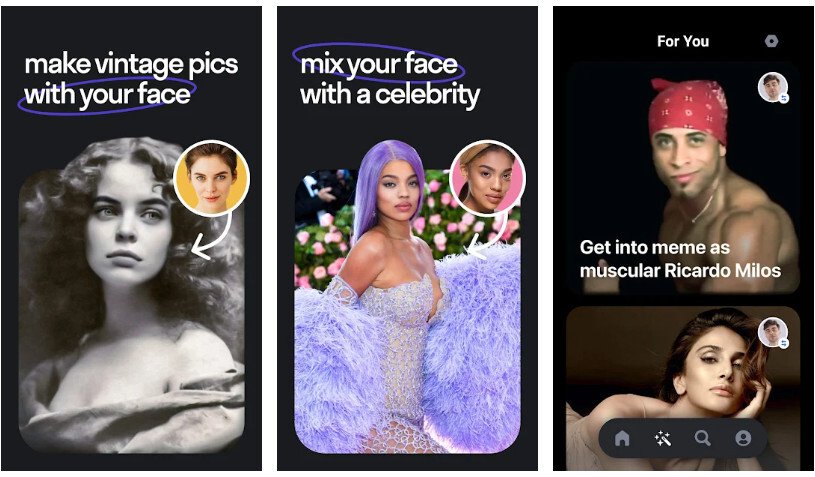
9. Instagram's DeepFake robot
As the name suggests, it is a product of the social media platform InstagramThe robot uses images based on the first-order model.
Instagram users can also use the bot to create deepfake filters. It offers a super-fast face detector that helps create quality deepfake photos and videos. While it is more favorable for regular Instagram users, it is available to everyone.
It has a simple and free user interface.
10. SpeakPic
If you want to add voice notes to your heavily edited or filmed videos, SpeakPic is all you need. This app allows you to add human speech to your morphological images and videos.
As a result, you may see strong lip movements in the final results. However, there are several features that allow you to audiograph your style.
You can choose different accents, celebrity voices, and languages and try out different genres. Or at least you can add a laugh. The app offers a wide range of deepfake audio.
You can also use the “deepfake” feature to add a voice to your website.
Frequently Asked
Is Deepfake an artificial intelligence?
Deepfake is a type of machine learning that uses the complex algorithms of artificial intelligence. It is used to create convincing but fake content. Deepfake technology can also be used on old photos and digital content in today's world.
Is Deepfake Software Free?
Yes, many Deepfake programs and apps are free, but they offer limited functionality.
Is Deepfake Easy?
Even with the right software, creating a high-quality deepfake isn't easy. You need a graphics processing unit (GPU) to create an impressive one. Plus, high-end GPUs cost a few thousand dollars.
Are Deepfake Apps Illegal?
Although there are no binding laws on deepfakes, they are not illegal. If someone creates or promotes explicit content or targets a specific person, these cases are dealt with under the scope of computer crime violations.

My name is Javier Chirinos and I am passionate about technology. Ever since I can remember, I have been interested in computers and video games, and that passion has turned into a job.
I have been publishing about technology and gadgets on the Internet for over 15 years, especially in mundobytes.com
I am also an expert in online marketing and communication and have knowledge in WordPress development.