- WinRing0 is a driver used to access the hardware low level in Windows.
- Windows Defender has begun to detect it as a threat due to security vulnerabilities.
- Several monitoring applications have stopped working due to this blockage.
- There are solutions such as updating software, creating exceptions in Defender, or looking for alternatives.
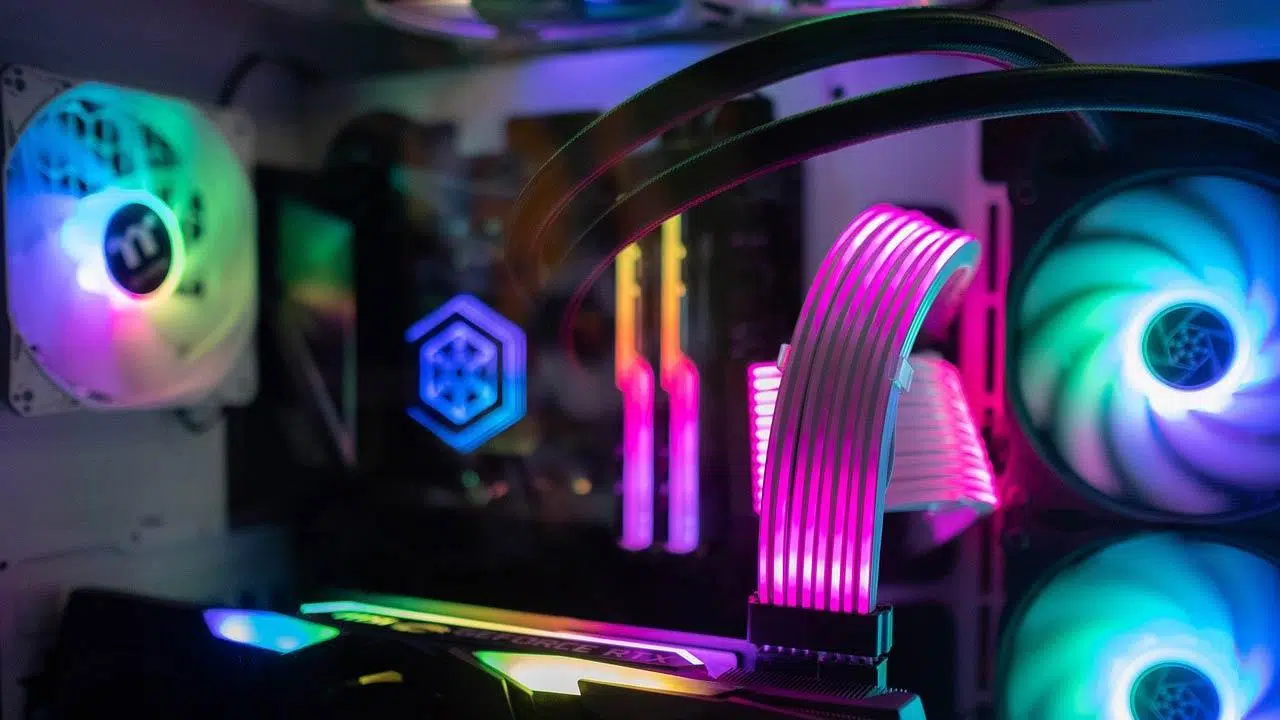
If suddenly your Windows antivirus has identified a file on your system called WinRing0 As a threat, it's normal to feel worried. Is it really a virus? Or is it a false positive? Recently, the famous antivirus Windows Defender has begun detecting this file as a potential threat, which has caused confusion among the user community who rely on various hardware monitoring and fan management programs on their computers.
This change in Microsoft's security policy has caused problems in applications that use WinRing0 to control hardware aspects such as fan speed or RGB lighting. If you use tools such as HWiNFO, Fan Control, Open Hardware Monitor or software for devices from brands such as Razer and SteelSeries, you may have experienced unexpected failures. Below, we'll explain exactly what it is. WinRing0, why it has become a problem, and what solutions exist to mitigate the inconveniences caused by this new Windows restriction.
What is WinRing0 and why is it used?
WinRing0 is a hardware driver used by multiple applications to access low system levels in Windows. Its primary function is to allow certain programs to interact directly with hardware components such as fans, temperature sensors, and lighting control chips. Because Windows doesn't provide many ways to access these resources for free, monitoring and customization tools have used WinRing0 to gain this functionality for years.
One of the reasons for its popularity is that it is open source, which has allowed applications such as Fan Control, HWiNFO, MSI Afterburner and OpenRGB incorporate it into their operation. However, this accessibility has also generated security problems, since its structure allows users without administrator privileges access critical areas of the system.

WinRing0 and security concerns
The main problem with WinRing0 is its vulnerability historyIn 2020, a critical security breach was identified called CVE-2020-14979, which allowed non-elevated users to read and write to random memory segments on the system. This poses a significant risk, as may be made by each malware Exploiting this weakness could compromise the device.
Microsoft has been tightening its security policies in recent years, and with the recent scandal of CrowdStrike and the problems caused by kernel bugs, has decided to take drastic measures. Considering WinRing0 to be a potential risk, Windows Defender has begun classifying it as a threat, even in legitimate software.

Applications affected by WinRing0 crash
Since Windows Defender began detecting WinRing0 as a threat, multiple programs have stopped working properly or have been blocked. Among the most affected are:
- Fan control: stops detecting and controlling fan speed on some systems.
- HWiNFO: : experiences crashes when trying to access hardware sensors.
- Open Hardware Monitor: is having trouble displaying hardware information correctly.
- Razer Synapse y SteelSeries Engine: In some versions, RGB lighting and custom settings are no longer recognized.
Possible solutions to the problem
If you use any of the above applications and have been affected by this change in Windows Defender, here are some solutions you can try:
Update the app
Many developers are already working on updated versions of its programs that replace WinRing0 with more secure drivers. Companies like SignalRGB have migrated to new solutions, and other developers have reported being in testing phases with new ones drivers.
While these updates may take a while, it's a good idea to stay tuned for new versions that may address the WinRing0 dependency.

Allow WinRing0 in Windows Defender
If you need to continue using a WinRing0-based application, you have the option to Add an exception in Windows Defender. To do it:
- Opens Windows security.
- Go to Protection against viruses and threats.
- Click on Protection history and look for the WinRing0 alert.
- Choose Allow on the device.
However, this option comes with risks, as if malware ever attempts to exploit this vulnerability, your system could be at risk.
Look for alternatives
There are monitoring tools that do not depend on WinRing0 and can perform similar functions. A popular option is InpOut32, although in some cases it can conflict with anti-cheat systems in games like Valorant.
On the other hand, manufacturers such as iBuyPower have stated that they could get a signed version of WinRing0 to distribute it among developers, which would partially solve the problem.
As Microsoft strengthens its security policies, monitoring tools like HWiNFO and Fan Control have begun adapting their systems to avoid these crashes. While it's still possible to use WinRing0 with exceptions in Windows Defender, in the long term, developers will need to look into safer alternatives To avoid compatibility and security issues, if you use monitoring applications, it's best to stay tuned for new updates that offer permanent solutions.


Passionate writer about the world of bytes and technology in general. I love sharing my knowledge through writing, and that's what I'll do on this blog, show you all the most interesting things about gadgets, software, hardware, tech trends, and more. My goal is to help you navigate the digital world in a simple and entertaining way.