- System32 is a fundamental folder of Windows containing essential system files.
- Removing System32 causes critical failures and may prevent Windows from running. Boot.
- The commands SFC and DISM allow you to repair damaged files without reinstalling the system.
- Copying or restoring this folder is not recommended, as it may cause compatibility issues.

Windows has a large number of files and directories essential for its operation, but there's one folder in particular that has always generated doubts and myths: System32 . Many erroneous claims circulate on the internet about its purpose and the consequences of modifying or deleting it, so it's important to know firsthand what it is, what it's used for, and what happens if it's accidentally deleted.
To clear up any doubts, this article will explain in detail what the System32 folder is , where it's located, what files it contains, and why it's so important to the operating system. We'll also cover what to do if it's been deleted or corrupted, the risks of modifying it, and whether it's really worth backing up its contents. If you'd like to learn more about other Windows system files, you can consult the information on Windows SYS files.
What is the System32 folder?
System32 is a fundamental directory in all versions of Windows . It is located at C:/Windows/System32 and stores most of the key files that allow the operating system to boot and function correctly.
Inside this folder are essential files such as:
- DLL files: Libraries that contain functions necessary for Windows and programs to run correctly.
- EXE files: Fundamental applications and processes such as Task Manager, File Browser y winlogon.exe. If you need help opening Task Manager, see this article.
- Drivers: Controllers of hardware that allow correct communication between the system and the peripherals.
This folder is so crucial that any alteration to its files can cause serious system failures , including boot errors and blue screens.
What happens if I remove System32?
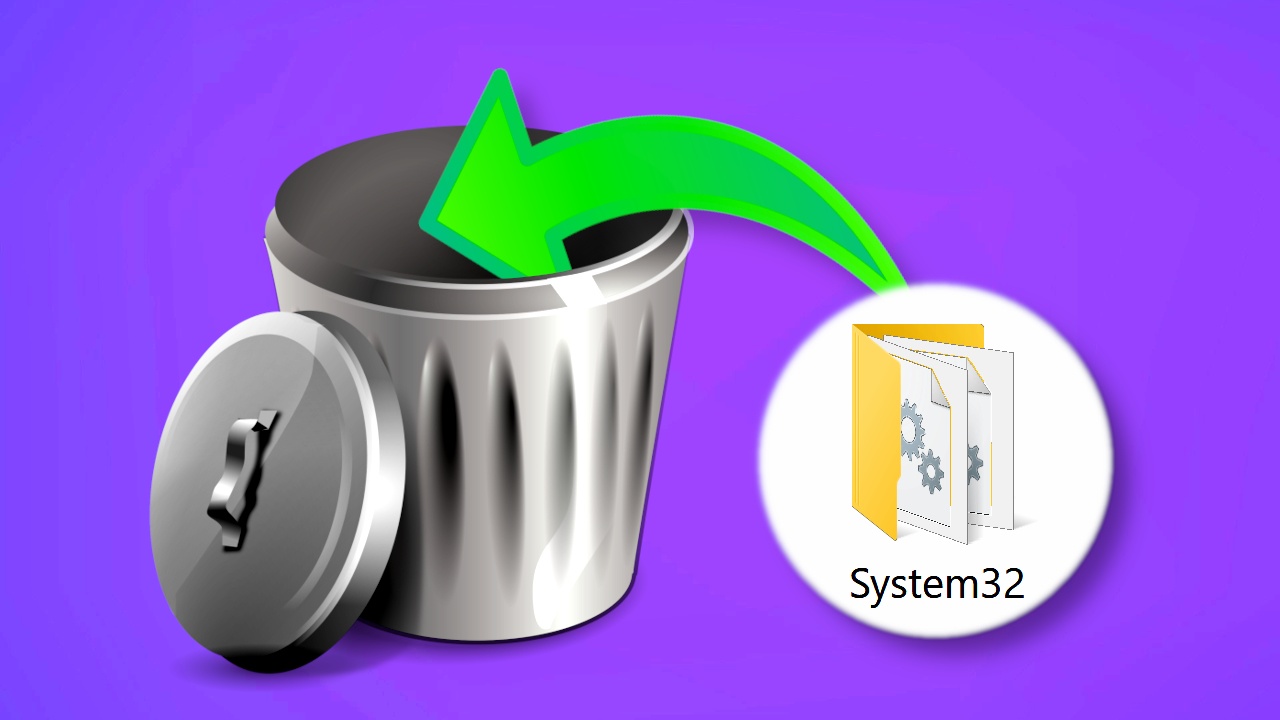
One of the most widespread myths on the internet is that deleting System32 improves computer performance, but this is completely false. In fact, deleting this folder will make the operating system unstable and, in most cases, Windows will fail to boot.
Deleting critical files will cause the system to progressively malfunction until it eventually crashes completely with a blue screen . In this case, there is no going back, and the only viable solution is to reinstall Windows from scratch. If you experience problems related to reinstalling Windows, consult this guide.
How to recover a PC if you deleted System32
If you accidentally deleted System32 or it has been corrupted, there are a few things you can do to recover your system and avoid losing your data:
- Safe Mode: You can try to start Windows in safe mode and perform a system restore.
- Recovery from another PC: Remove the hard drive and connect it to another computer to back up your files.
- Reinstalling WindowsThe safest option is to reinstall the operating system. If you choose the "Keep my files" option, you may retain some of your information.

Can System32 be infected with a virus?
It's rare for a virus to infiltrate the System32 folder, since only the SYSTEM user , controlled by TrustedInstaller , has permissions to modify it. However, some advanced malware can exploit vulnerabilities to reside in this directory.
If you suspect an infection, the best course of action is to perform a full scan with a reliable antivirus program such as Windows Defender , Kaspersky, or Malwarebytes. Never attempt to delete files manually, as this could remove essential system components.

How to repair System32 if it has errors?
If System32 becomes corrupted for some reason, Windows provides several commands that can help repair the damaged files:
sfc /scannow
DISM.exe /Online /Cleanup-image /Scanhealth
Dism.exe /Online /Cleanup-Image /CheckHealth
DISM.exe /Online /Cleanup-image /Restorehealth
DISM.exe /Online /Cleanup-image /startComponentCleanup
Running these commands from a CMD window with administrator privileges allows you to recover essential system files.
Is it useful to backup System32?
Some users consider backing up System32 as a precaution, but this is not recommended . Restoring an old backup could cause compatibility issues with recent updates and, in most cases, will not resolve system errors.
Instead of making a copy of System32, it's best to perform a full system backup or use Windows recovery tools. If you need more information on troubleshooting common Windows problems, you can read our article on troubleshooting common printing problems in Windows.
Important files within System32
Although you should avoid modifying files within this folder, there are elements that may be useful:
- Drivers: They are stored in C:/Windows/System32/Drivers and contain files SYS related to hardware drivers.
- Windows' register: The folder C: / Windows / System32 / Config stores system settings.
- Hosts file: Located in C:/Windows/System32/drivers/etc/hosts, allows you to redirect or block web addresses.
It is recommended that you only modify these files if you have experience, as incorrect changes could cause errors in Windows.
The System32 folder is a vital part of the Windows operating system and should never be deleted or modified without proper knowledge. It contains essential files for Windows to function, and deleting it will prevent the system from booting. In case of failure, it is recommended to use recovery tools such as repair commands or reinstall the operating system. There are myths surrounding its deletion, and it is crucial to understand that this folder is essential for the correct operation of the system.