- Online tools like Word Online and Google Docs allow you to open and edit DOCX without installing software.
- Browser extensions, such as Office Edition in Chrome, offer a quick and convenient solution.
- Free programs like LibreOffice, OpenOffice and WPS Office are ideal for desktop users.
- apps mobiles of Google Docs o Microsoft Word allow you to work with documents on any device.

The DOCX format is widely used for sharing text documents due to its flexibility and compatibility . However, we don't always have Microsoft Word installed on our devices, which can be inconvenient. Fortunately, there are multiple options for opening and editing DOCX files that don't require this program. From online tools to free desktop applications , there are solutions for every need.
If you've come across a DOCX file and don't know how to open it, this article offers a complete guide, detailing the best available options . Whether you need to edit , view , or even convert the file to another format, you'll find everything you need to know here, explained clearly and simply.
Use online tools
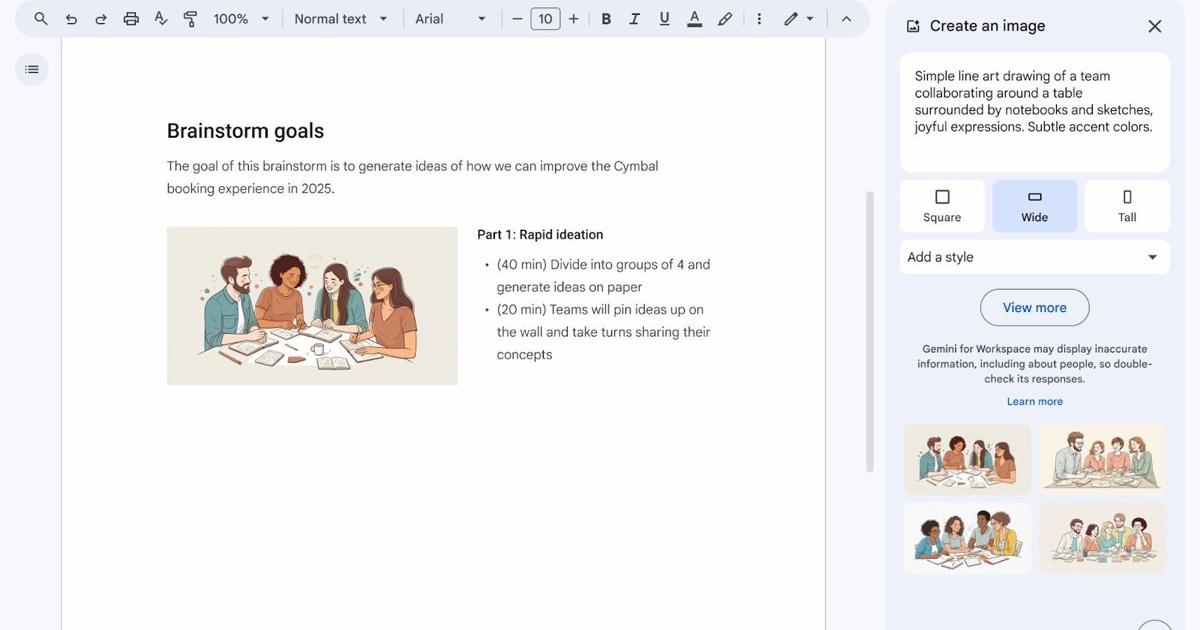
If you don't want to install any software on your device , online tools are an excellent option. These platforms allow you to open, edit, and even save DOCX files directly from your browser, saving you time and hard drive space.
One of the most popular solutions is Word Online , the free version of Microsoft Word available through any web browser. To use it, you only need a Microsoft account and OneDrive storage space. Once you upload your file to the cloud, you can easily open and edit it.
Another option is Google Docs , which is part of Google Drive. With a Google account , you can upload your DOCX file, edit it, and save it in different formats. It also allows real-time collaboration with other users, which is ideal for team projects.
Browser Extensions
If you prefer not to rely on online tools, you can install extensions in your web browser . For example, the "Office Editing" extension for Google Chrome lets you open and edit DOCX files directly from your browser. Simply drag the file into the browser or open it from Google Drive to start working with it.
This solution is especially useful for those who frequently work with Office documents and need to access them quickly and easily.
Free desktop software
Several free office suites offer broad compatibility with DOCX files. Among the most prominent are LibreOffice and OpenOffice . Both are open source and include word processors that can open, edit, and save DOCX documents. However, some formatting styles may not be transferred accurately.
Another notable program is WPS Office , which features an interface very similar to Microsoft Word. It's lightweight and compatible with a wide variety of formats, making it a highly functional alternative.
Tools on mobile devices
If you need to work with DOCX files on your mobile phone or tablet, apps like Microsoft Word for Android or iOS , Google Docs , and WPS Office are ideal options. These apps allow you to open, edit, and save documents directly from your mobile device, ensuring a smooth and convenient user experience .
Security and privacy aspects
Maintaining security is essential when working with DOCX documents. Here are some tips:
- Use reliable tools: Avoid uploading documents to unknown websites.
- Password protection: Add passwords to your sensitive documents.
- Updates: Keep the software you use up to date to avoid vulnerabilities.
Regardless of which tools you prefer, there are multiple options for opening DOCX files without having Microsoft Word. From using Google tools to free options like LibreOffice or WPS Office, you can access and edit your documents easily and securely.

Passionate writer about the world of bytes and technology in general. I love sharing my knowledge through writing, and that's what I'll do on this blog, show you all the most interesting things about gadgets, software, hardware, tech trends, and more. My goal is to help you navigate the digital world in a simple and entertaining way.