- Firmware is the lowest level software, stored in the device's internal memory, that directly controls the electronic circuits and their Boot.
- The drivers These are programs installed on the operating system that act as intermediaries between it and the hardwareusing the interfaces exposed by the firmware.
- Firmware and drivers are updated with different objectives and very different risks, making it much more delicate to modify the firmware than to change a driver.
- Although it's all software, each layer (firmware, drivers, and applications) plays a specific role, and understanding this helps diagnose problems and decide what to update.
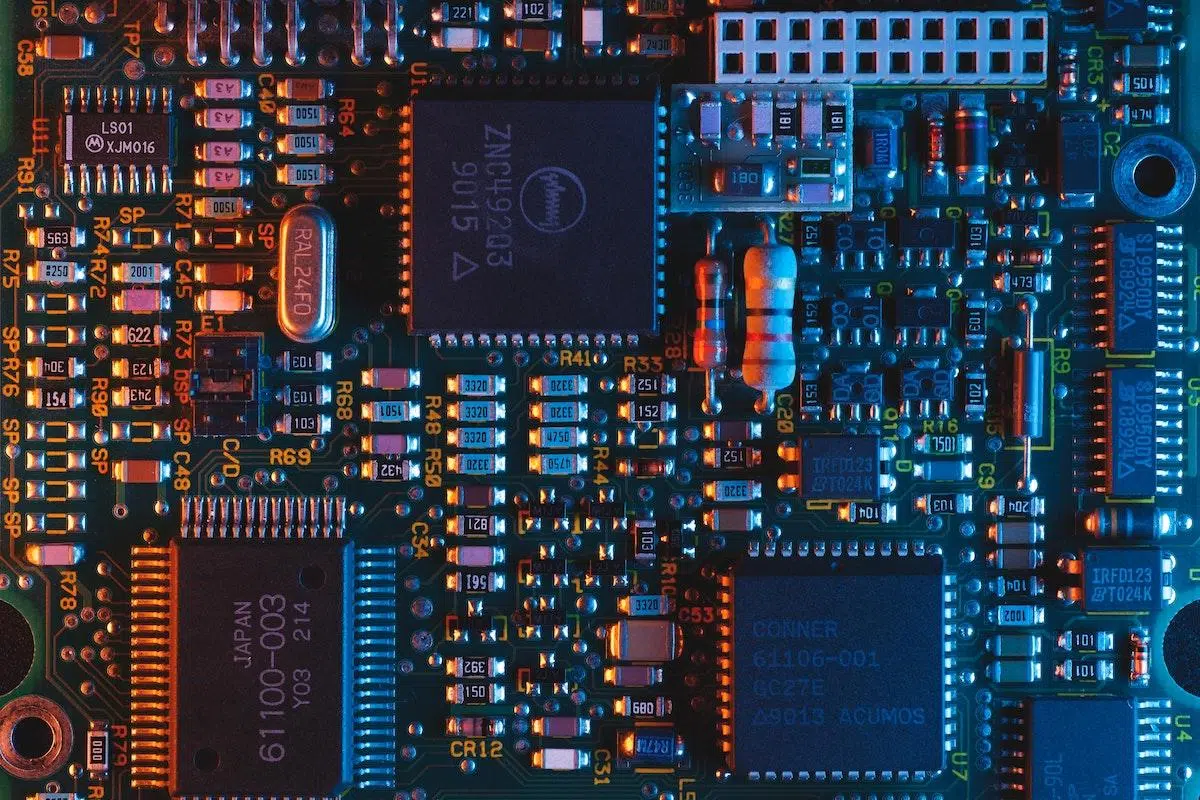
In the world of technology there are words that we hear every day but that, when we stop to think about them, we don't always understand them clearly. Firmware, drivers and software These are three of those terms that are often used as if they were the same, when in reality they perform very different functions within any electronic device.
If ever you wondered Are there real differences between drivers and firmware?Whether you've struggled to update your PC, mobile phone, or even your washing machine, this article is for you. We'll break down what firmware is, what drivers are, how they relate to the rest of your software, and why updating each has different objectives and consequences.
What exactly is firmware?
When we talk about firmware, we are referring to a very basic program that gives "life" to the hardware of a device. It is a set of instructions recorded on a special memory chip that tells the electronic circuits what to do, how to start up, and how to react to external commands.
In practice, the firmware is the lowest level logic of an electronic deviceBefore the operating system even starts up, there's already code that decides which components to power on, how to initialize them, and how to verify that everything is in the minimum condition to function. That's precisely what firmware does.
This code is usually stored in non-volatile memories such as ROM, PROM, or flash memoryseparate from the main memory where normal programs run. That's why everything from a mouse to a console... video gamesEverything from a washing machine to a router includes a small chip dedicated to storing the firmware that controls them.
The firmware has an interesting peculiarity: It is situated halfway between hardware and software.It's so integrated into electronics that it's often considered part of the hardware itself, but at its core it's still executable code—software. In fact, it's one of the main points of connection between the two worlds.
In addition to handling internal operations, firmware typically provides a basic interface for configuring the deviceOn a computer, for example, the BIOS UEFI allows you to adjust the boot order, enable or disable ports, and set critical parameters before the operating system loads.
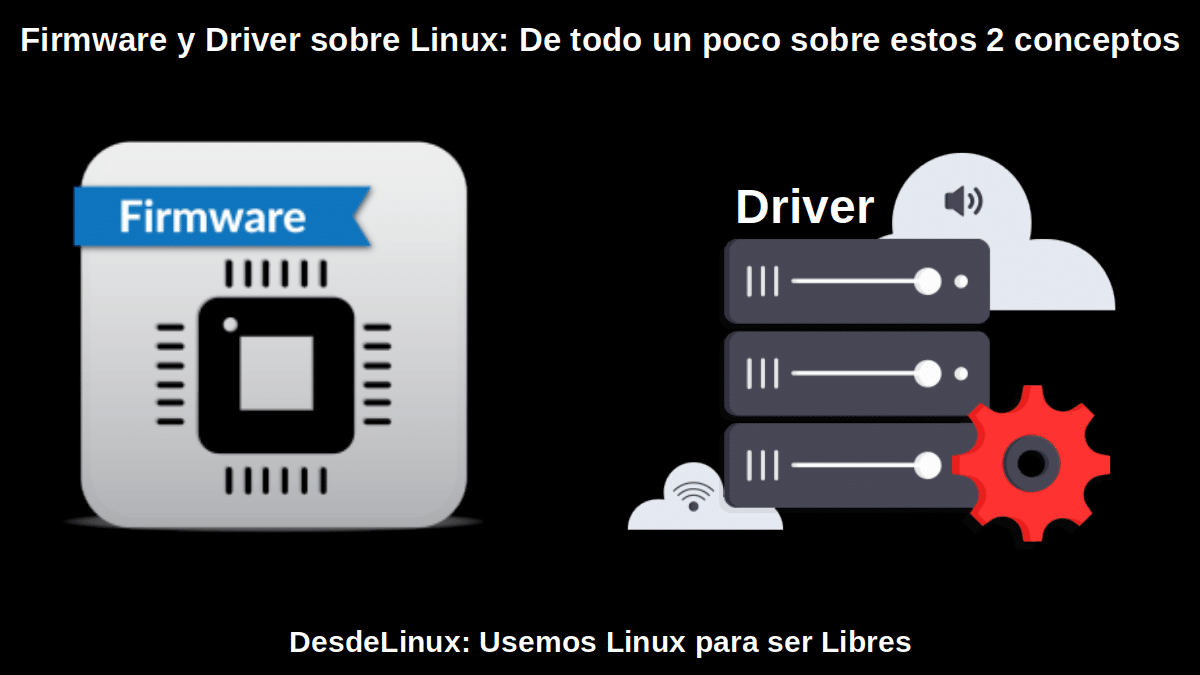
Clear examples of firmware in your daily life
The most classic case when talking about firmware is that of the BIOS or UEFI of a desktop or laptop PCIt is the first code that runs when the power button is pressed and is responsible for checking the RAM, detecting the disks, initializing the graphics card, and verifying that the motherboard and other components are responding as they should.
But firmware goes far beyond the computer. Basically any electronic gadget you have around the house It includes a small portion of firmware that tells the hardware how to behave:
- Remote controls from the TV or the air conditioner, which interpret the pulses and send the correct signals.
- Computer peripherals such as keyboards, mice, printers, or webcams, which are internally small specialized computers and often connected by USB ports.
- Smartphones and tabletswhere the firmware coordinates communication between the processor, screen, camera, sensors, and operating system.
- Routers and WiFi access pointswhich rely on firmware to manage the network, security, and simultaneous connections.
- Music and video players portablewhich are often updated to support new formats or fix playback problems.
- modern cars, full of electronic control units whose firmware controls everything from the climate control to the multimedia system.
- Appliance such as washing machines, dishwashers or microwaves, which use firmware to translate the program you choose (temperature, mode, time) into specific actions of the motor, valves and resistors.
- Traffic lights and electronic signagewhere the firmware is responsible for the light sequence and traffic control.
In many of these devices, The firmware acts practically as a minimal operating systemEspecially in the simplest devices, like an alarm clock or a remote control. There's no other software above it; everything the device does is defined in that code stored in its memory.
How the firmware works inside the device
The role of firmware is, basically, to serve as an intermediary between the physical part (hardware) and the rest of the software that can be executed on the system. It defines how the different components communicate, what protocols are used, and what sequence of steps is followed from the moment power is applied.
During startup, the firmware Activate only the hardware essential to start the systemOn a computer, this means, for example, initializing the CPU, a minimum amount of memory, the graphics card, and other devices. storage from which the operating system can be loaded.
Because the firmware must retain its information even when the device is turned offIt is stored in non-volatile memory, usually in flash chips or ROM. This way, when the device is turned on, the processor can read those instructions from the same memory address as always and execute exactly the same initial code.
The complexity of the firmware depends a lot on the type of device. In very simple devicesThe firmware is small, tightly tied to the hardware, and is practically never updated. In more complex systems, such as a router or a... smartphoneThe firmware can be very sophisticated and have modules that can be updated frequently.
Types of firmware according to their complexity
Not all firmware is the same. It can be classified into different levels. depending on its position in the software stack, the memory where it resides, and the type of functions it offers to the device.
Low-level firmware
The low-level firmware is so tightly coupled to the hardware that It is often considered literally part of the device itself.It is recorded in memories such as ROM or PROM (non-reprogrammable or very difficult to reprogram) and is intended to last the entire lifespan of the device.
It is usually found in devices with a single, very specific functionsuch as some remote controls, simple clocks, or basic measuring equipment. In these cases, the firmware is the only "software" present: there is no separate operating system, only a fixed logic that always performs the same task.
High-level firmware
High-level firmware, on the other hand, is usually stored in reprogrammable flash memory It's a step above the most basic firmware. It's more complex, offers more advanced features, and, above all, can be updated relatively easily if the manufacturer releases new versions.
It's the type of firmware we find, for example, in home routers, smart TVs, or digital cameraswhere updates are released periodically to fix bugs, close security holes, or add new options.
Subsystem or device firmware
There is also a special type of firmware known as subsystem firmware or device firmwareThis is code that controls a specific component (such as a sound card, a monitor, or even a CPU), but works quite independently of the rest of the system software.
A typical example would be the dedicated sound cards or some network adapterswhich include their own firmware to manage the internal functions of the hardware (effects, mixes, protocols), independently of the main operating system, which then communicates with them through drivers.
What are drivers or controllers?
While the firmware resides within the device itself, The drivers are installed on the operating systemA driver is a program that acts as a translator between the operating system and a particular hardware component.
Neither Windows, nor Linuxneither macOS nor any other operating system They can figure out on their own how to talk to each piece of hardware that exists on the market. That's what drivers are for: to tell the system what instructions to send, how to receive the responses, and how to take full advantage of the device's capabilities.
These drivers are stored in the same disk or memory where the operating system is installedIf you format the hard drive or reinstall the system, the drivers disappear and you have to reinstall them or let the system itself download compatible versions.
By their nature, drivers are closer to the user than firmware. They are updated much more frequentlyThey can be installed automatically through system updates, or manually by downloading them from the website of the manufacturer of the graphics card, printer, etc.
Relationship between firmware, drivers, and the rest of the software
To fully understand the difference between firmware and drivers, it's helpful to look at... how both fit within all the software layers of a systemImagine a kind of staircase:
- At the lowest rung, at the hardware level, is the firmwareintegrated into the device itself.
- Slightly above them are the operating system drivers, which act as interpreters between that firmware/hardware and the system.
- And then they come operating system (Windows, Linux, AndroidiOS…) and, finally, the user applications (browsers, games, editors, etc.).
So, when you click a mouse on an application, it actually sets in motion a whole chain of events: The app calls operating system functions, which rely on the mouse driver, and the driver communicates with the firmware. from the device, which in turn tells the hardware what to do and sends the information back up.
That's why it's said that both firmware and drivers are essential for the proper functioning of a teamBut they play in different leagues: the firmware is linked to the device itself, while the driver belongs to the operating system environment.
Key differences between firmware and drivers
Although in both cases we are talking about software that makes it possible for a device to function, Firmware and drivers are not the same thing Nor are they used in the same context. The main differences are several, and it's important to be very clear about them.
- Where is the code installed?The firmware is hosted on a internal memory module of the device (ROM, flash, etc.), while the driver is stored on the disk or memory where the operating system is installed. The firmware travels with the device; the driver is associated with the system where you connect that device.
- Level of interaction with the hardwareThe firmware is the lowest level of software that directly interacts with electronic circuitsDrivers, on the other hand, are located in higher layers, communicating with the operating system and using the interfaces it provides to reach the hardware.
- Operating system dependencyThe firmware is independent of the operating system. It works even without an OS at all.This is the case with many household appliances or simple devices. Drivers, on the other hand, are specific to each system (a Windows driver won't work on Linux, for example) and are designed to integrate with its kernel or services.
- Update and maintenanceAlthough many firmwares can be updated, the process is usually more delicate and less frequentOn some devices, the user has little to no direct access to the firmware, or needs specialized tools. In contrast, updating drivers is usually trivial: the operating system itself detects new versions, or the user installs them with one or two clicks.
- Consequences of a failureIf something goes wrong with a driver, the result is usually that That device stops working properly on that operating system. (for example, a keyboard that doesn't respond properly or a graphics card that malfunctions), but the device itself remains functional. A firmware failure, on the other hand, can render the device totally or partially inoperable; in extreme cases, it becomes a "brick" that won't even turn on.
- Presence of generic controllers: many OS include generic drivers For common devices (keyboards, mice, storage drives), this allows the hardware to function, even if advanced features are lost. Firmware doesn't offer this: it must Always provide it from the device manufacturer and it is absolutely essential for it to have the minimum functionality.
Firmware, drivers, and the general concept of software
It's important to keep in mind that both firmware and drivers are still... specific types of softwareThe term "software", originally coined by Alan Turing and extended from modern computing, encompasses every program that runs on a system, from the operating system to the simplest application.
Within that broad category we have several levels: operating systems, user programs, drivers, firmware and even the innermost microcode of certain processors. They are all software, but with very different purposes and varying degrees of proximity to the hardware.
There is essential software for the system to boot and be usable (such as the operating system itself, the firmware, or some critical drivers) and software intended for facilitate specific tasks (office applications, design, games, etc.). Even the malware, such as viruses, Trojans or worms, is software, albeit with an obviously harmful purpose.
Firmware, driver and software updates: objective and risks
Nowadays we are used to receiving update notifications almost daily: from the browser, the system, the apps from the mobile phone… But Not all updates have the same purpose or the same risk. when we talk about firmware, drivers and general software.
The firmware is usually updated to correct critical errors, close security vulnerabilities, or add very specific functionsBecause the process involves modifying code that is vital for the device to boot, it is usually more delicate: a power outage or a corrupted image can render the device unusable. That's why manufacturers don't release firmware updates lightly.
In the case of drivers, updates are more frequent and accessibleThey are used to improve compatibility with new versions of the operating system, add support for new hardware models, optimize performance (as with graphics cards in games), or fix bugs detected by users.
The rest of the software (applications, services, etc.) is updated even more often, with functionality changes, interface improvements, security patches, and minor fixes. The risks of updating user software are much lower than those who modify the firmware, although there may always be incompatibilities or errors.
To manage the firmware, in many connected devices it is the system itself that notifies the user that there is a new version and guides the update process. In other cases, it's necessary to download the image from the manufacturer's website and manually launch the process, which requires more care. With drivers, however, it's often enough to just let it run. Windows UpdateThe Linux package manager or the manufacturer's tools will handle it.
Is it firmware or a driver? A practical example with a motor controller
A very useful way to understand the boundary between firmware and drivers is to look at a real-world example. Imagine you have a stepper motor driver, such as the TMC5130, and you develop in C the code that manages the SPI or UART communication with that chip, reading and writing to its registers.
If that code is intended for to be recorded inside the microcontroller The program that governs the system, forming part of the set of instructions executed within the device itself, is more accurately described as firmware. It's the program that directly controls the hardware from within the device and defines its behavior.
On the other hand, if what you're writing is a kind of reusable library that any MCU or even an operating system can use To communicate with that same motor controller, then it fits better into the definition of a driver. It's a reusable middle layer that provides a standard interface for talking to that hardware, isolating the rest of the system from the low-level details.
The confusion arises because in embedded systems the boundary between firmware and drivers is blurred. sometimes it's blurryThere is very low-level code that could be considered both depending on the context. However, the key question is: does this code live inside the device and form part of its core logic (firmware), or does it live in the system environment and serve as a reusable intermediary layer (driver)?
Can the firmware be modified or "hacked"?
Because the firmware is embedded in a less visible part of the device, it might seem untouchable, but It's still code.Therefore, it is possible to analyze, modify and, ultimately, "hack" it in the broadest sense of the term.
You can find them in many specialized forums Modified firmwares for all types of devicesRouters with extra features, consoles that support homebrew software, players with new supported formats, etc. These are examples of how, with the right knowledge and tools, this code can be altered to change the device's behavior.
Whether we should do it is a different matter. In legal and security terms, It's usually a bad idea for the average userModifying the firmware can violate the terms of use, void the device's warranty, and, most seriously, introduce vulnerabilities or errors that render it unusable.
That said, there are specialists capable of revive obsolete machines or give them a new use precisely by manipulating its firmware. It's a fascinating field of reverse engineering, but one that requires advanced knowledge and involves taking significant risks.
In light of all the above, it becomes clearer that firmware, drivers, and software are three different pieces of the same technological puzzleThe firmware is embedded within the hardware and defines the device's basic logic; drivers ensure the operating system can communicate with that hardware in an organized manner; and software in general, from the system itself to applications, relies on these layers to provide the functions we use daily. Understanding these differences not only helps us speak accurately but also helps us know what we're modifying each time we update something and why some updates are routine while others require much more careful handling.


Passionate writer about the world of bytes and technology in general. I love sharing my knowledge through writing, and that's what I'll do on this blog, show you all the most interesting things about gadgets, software, hardware, tech trends, and more. My goal is to help you navigate the digital world in a simple and entertaining way.