- Checking internal storage space and SD card status.
- Configuring permissions for unknown sources and version compatibility.
- Cache cleaning, system restart, and use of ADB commands for forced installations.
I'm sure it's happened to you: you try to install an app you're really excited about, whether it's an APK downloaded from the internet or an update, and suddenly the system throws up that dreaded "Application not installed" message . It's a frustrating situation because Android doesn't usually explain exactly what's wrong, leaving you in limbo, unsure if the problem is the file, your phone, or some misconfigured setting.
Don't despair, this problem is more common than you might think, and in most cases, it has a quick fix that doesn't require any technical expertise. Below, we'll thoroughly analyze all the reasons why your phone might be rejecting the installation and give you the necessary tips so you can enjoy your apps without further complications.
Why are my APK installations failing?

One of the most common causes is that the device has run out of internal storage space . This includes not only the size of the file you want to install, but also the space the app needs to decompress and function. If your phone is full of photos and videos, the system will likely block the installation.
Another critical point is the file's condition. If you download apps from outside the Play Store, you run the risk of the file being corrupted or incorrectly downloaded. It's essential to ensure the source is reliable and that the file extension is correct to prevent the installer from stopping due to read errors.
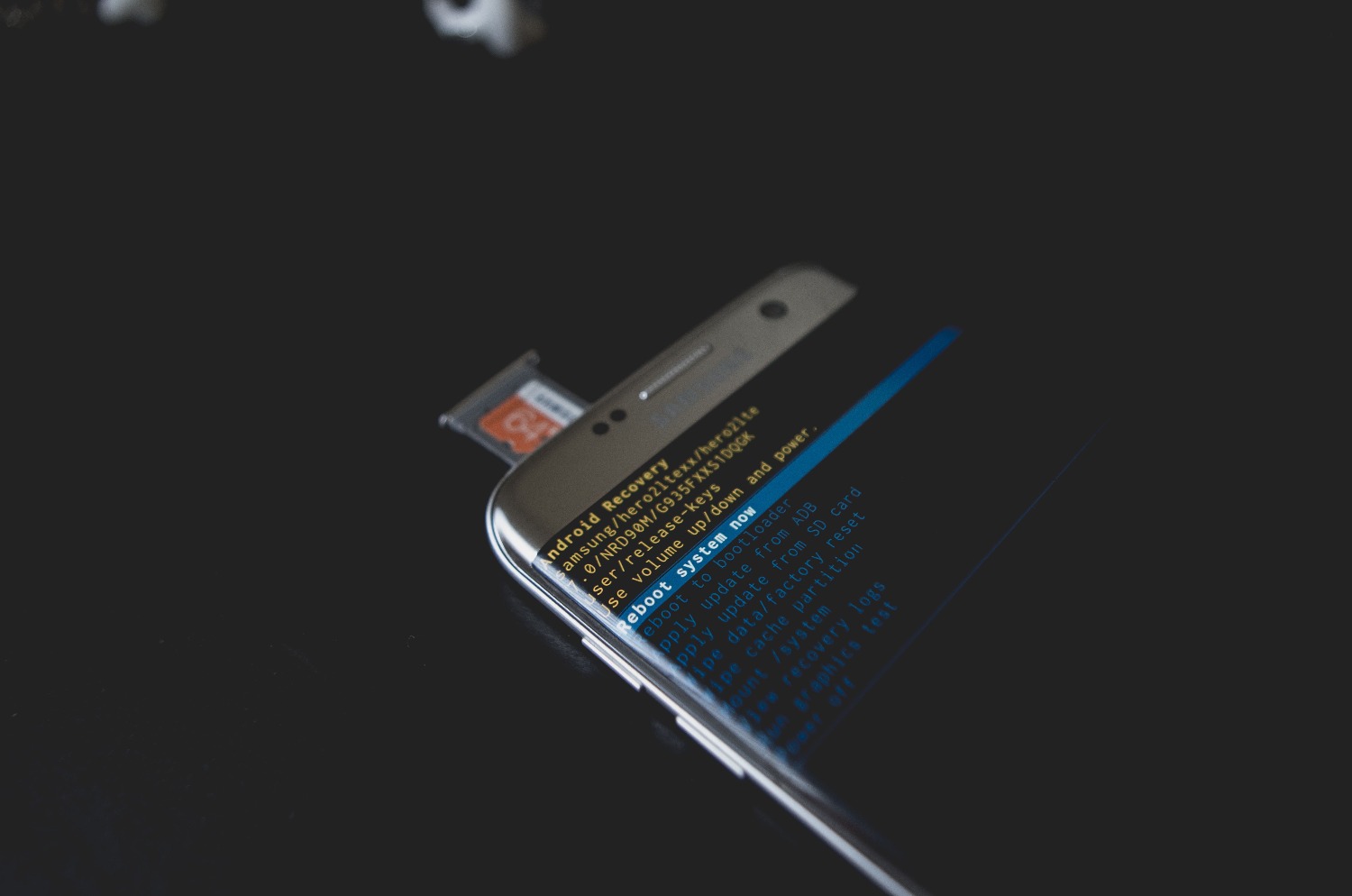
Regarding the hardware, the SD card can cause problems . If you've configured your device to save apps to the expandable memory but the card isn't inserted or has bad sectors, the process will fail spectacularly. Even if the card is inserted, some write errors in the storage can cause this unknown failure.
Version and permission conflicts
Sometimes the problem is a matter of incompatibility. If you already have one version of the application installed and want to install another, especially if you try to install an older version (downgrade), Android often throws an error because the digital signatures don't match or the certificate is different.
We also mustn't forget security permissions. To install external files, you must have enabled the "Unknown sources" option in the security settings. Without this permission, the operating system will block any installation attempts for security reasons.
In addition, there are more technical factors, such as the Android version . If the app was designed for a much newer or older version than yours, the minimum requirements won't be met, and your device will reject the package. Also, if you've modified your system with a custom ROM, there might be some kernel-level incompatibility.
Tips and advanced solutions

If you've already checked the basics and are still stuck, try a deep clean. Clearing the cache and data of apps related to the installer can work wonders. And, as is often the case with technology, restarting your device can fix processes that may be stuck in the background and preventing new data from being written.
For the bravest or those who know how to handle themselves a bit more, there is the option of using the ADB command console via a computer. This method allows you to force the installation or update of an app using the command adb install -rbypassing some of the phone's visual interface restrictions.
If you're a developer and the app is your own creation, double-check that there are no errors in the execution threads . Checking the Android Studio console will give you a precise clue as to why the package isn't deploying correctly to the physical device.
To fix this problem, the best approach is to start by freeing up storage space, verifying that unknown sources are enabled, and ensuring that no previous versions of the app are installed. If the file is intact and the hardware is in good condition, most errors will disappear simply by restarting the phone or using external debugging tools like ADB.
FAQ
What to do if the APK says the application was not installed?
It is recommended to verify that there is sufficient space in the internal memory and check that there is no previous version of the app installed that may cause a conflict.
Where do I enable unknown sources on Android?
This option is usually found within the Settings menu, by navigating to the Security section.
Can the SD card cause the "App not installed" error?
Yes, if the card is damaged, missing, or if the application attempts to write to an unavailable storage location.
How do I install an APK if my phone keeps giving me an error?
It is possible to use the command terminal via ADB from a computer using the command `adb install` to force the process.
Why can't I install an older version of an application?
Android often blocks the installation of older versions over newer versions because the signed certificates do not match.
Does restarting the phone help to fix this problem?
A restart can clear background processes that are blocking the installer and help the system recognize the file correctly.
