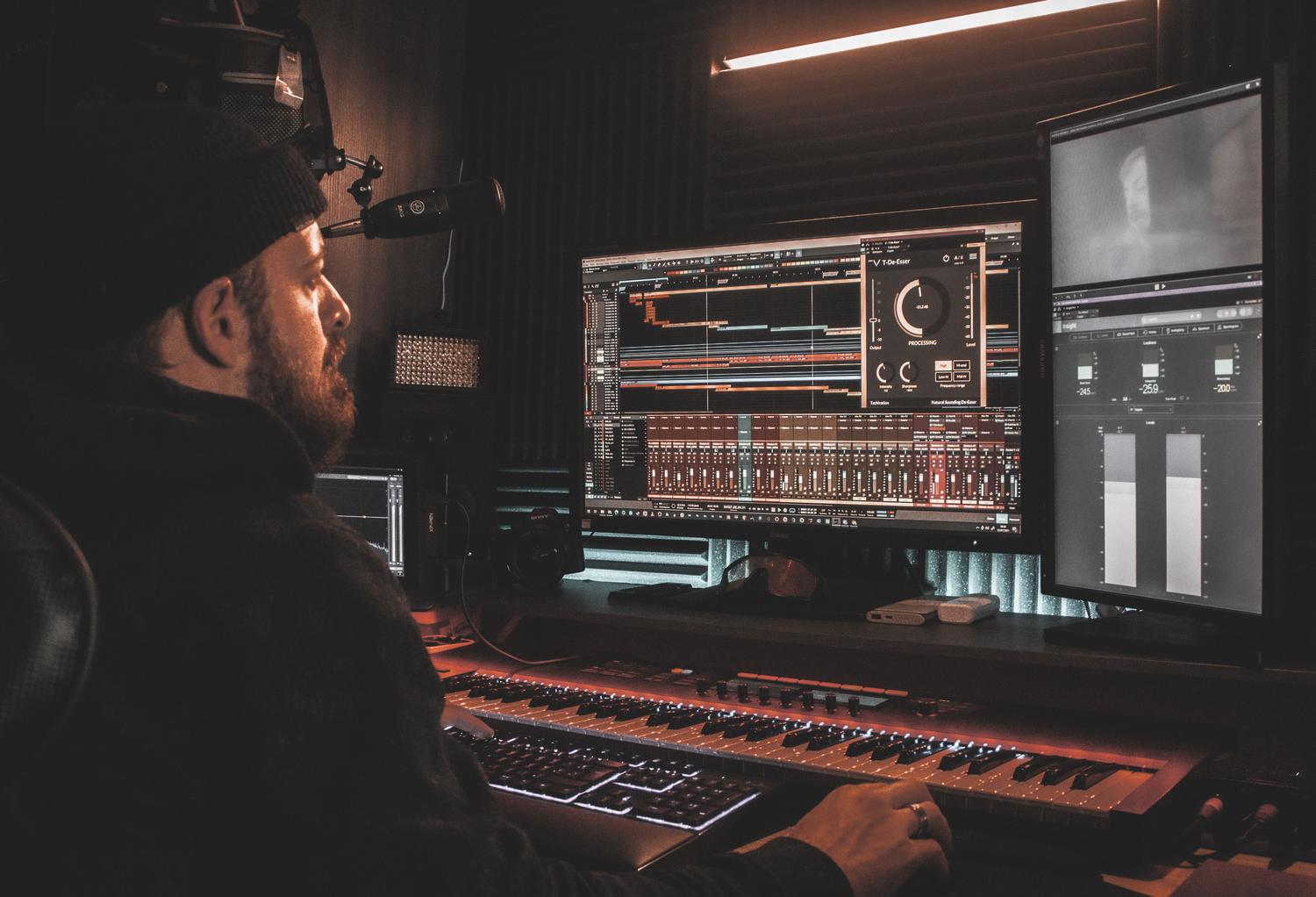
If you're setting up a recording space or want to professionalize your sound, you've probably encountered the big question: which audio interface is right for me? Essentially, this device is the heart of your studio , as it's the bridge that allows your voice, guitar, or any synthesizer to reach your computer for processing and mixing. It's not just an external sound card, but a complex tool that defines the quality ceiling for all your audio work.
Many people think that the PC's integrated sound card is sufficient, but the reality is that these cards are very basic and often introduce terrible noise or annoying latency. To avoid these headaches, you need dedicated equipment that accurately handles the analog-to-digital signal conversion . In this article, we'll break down every detail, from cables to drivers, so you don't waste your money and buy exactly what you need.

The first step: defining your creative profile
Before looking at prices, you need to know what you're going to use the equipment for. It's not the same for someone who wants to make short videos as it is for a musician recording a full drum kit. For example, if you're a podcaster or online educator , what matters most is that your voice sounds crystal clear; here, the key is the preamp's gain , especially if you're using dynamic microphones that require a lot of power to avoid hissing.
On the other hand, streamers and content creators need something more dynamic. For them, virtual routing or loopback is essential, as it allows them to mix game audio, browser music, and vocals without echoes. If you're an independent musician , prioritize Hi-Z input for your instruments and a high sample rate to give you headroom in post-production editing.
Connections and signal types: the language of hardware
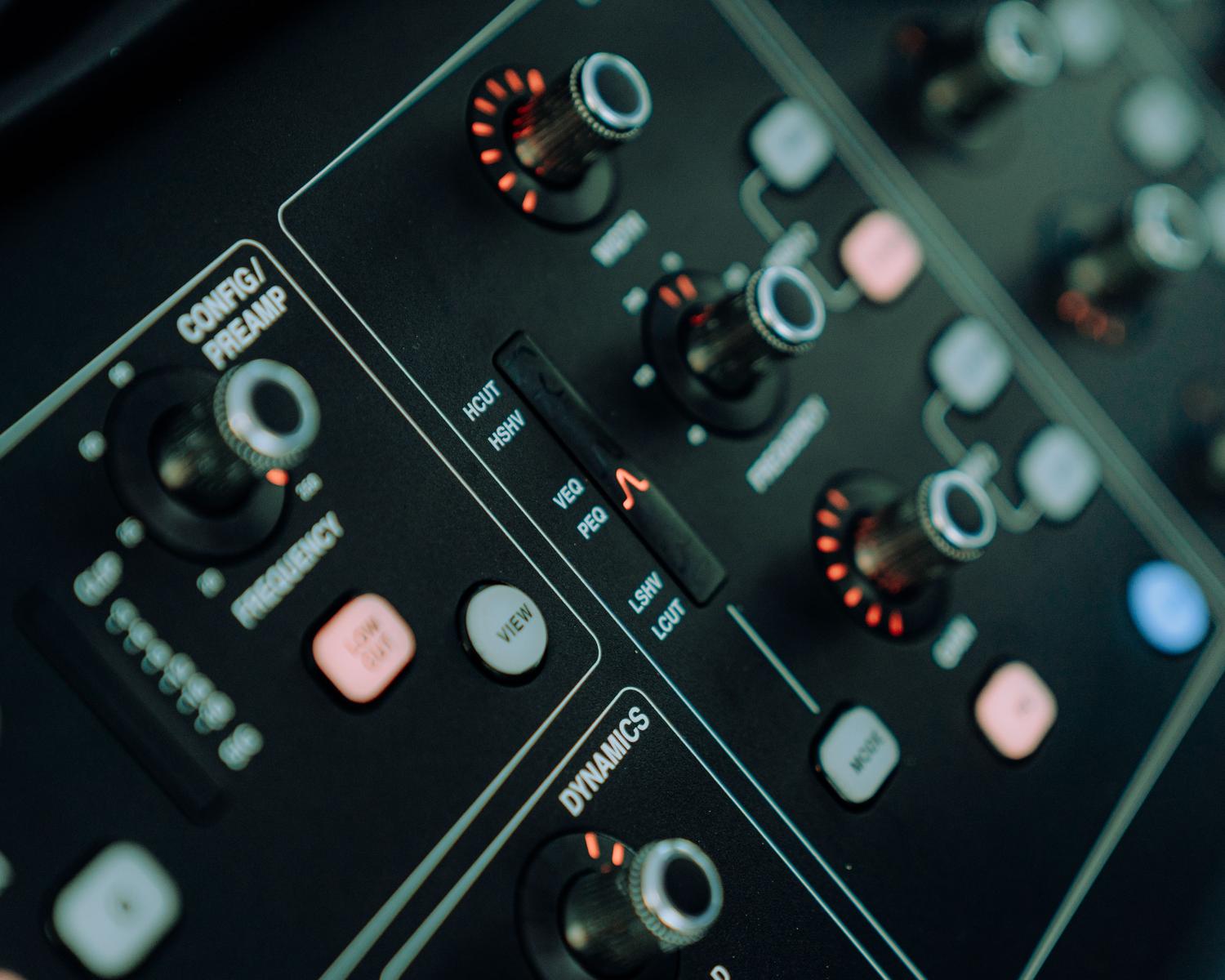
When you look at the back or front of an audio interface, you'll see several types of plugs. The most common are XLR (Canon) connectors , designed specifically for microphones, and 6.35mm jacks , ideal for guitars or keyboards. Many modern interfaces use combo connectors , which accept both cables in the same port, which is incredibly convenient.

- Microphone signal: It is a very weak signal that absolutely needs to be amplified.
- Line signal: It comes from synthesizers or drum machines and already has a strong level.
- Instrument signal (Hi-Z): It is vital for electric guitars and basses, as they handle a very high impedance which requires a special circuit to avoid losing brightness.
Another critical point is 48V phantom power . If you plan to use condenser microphones, your interface needs to have this button enabled, as these microphones won't work without power. Be careful, because some budget interfaces activate phantom power on all channels simultaneously, while mid-range and high-end interfaces allow you to do it independently for each channel.
Inside the machine: preamplifiers and converters
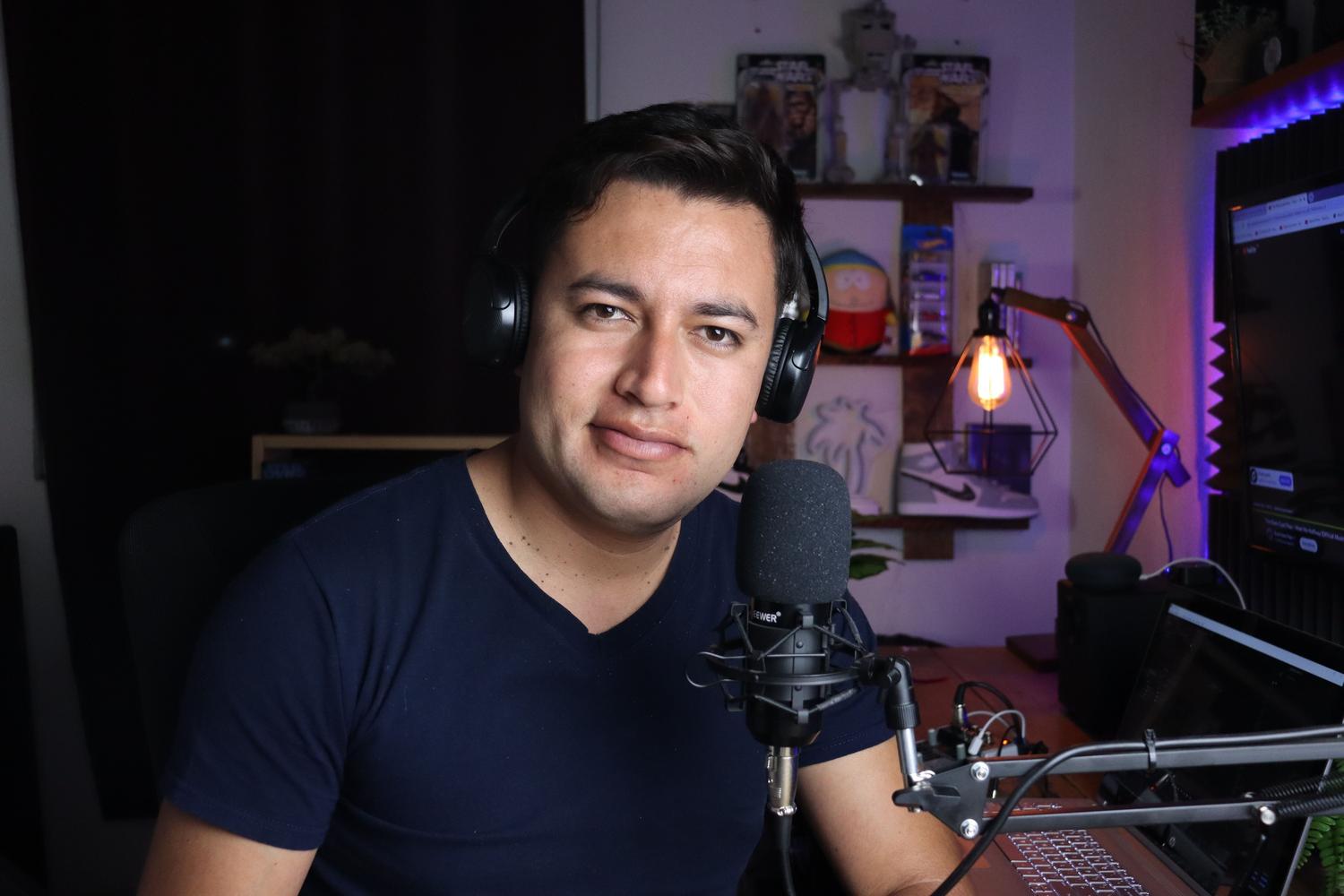
The preamp is where the magic happens. A good preamp should have very low input noise (ideally around -128 dB) to ensure clean recordings. Gain is another key factor; while a standard 55 dB is sufficient for most applications, interfaces with 70 dB or more allow you to avoid buying external boosters like the Cloudlifter.
Then there are the ADC (analog-to-digital) and DAC (digital-to-analog) converters. Although most interfaces around €200 offer decent quality these days, setting up an external DAC and professional audio drivers ensures much more faithful and transparent sound. Don't get too hung up on 192 kHz if you're just starting out, as 24-bit/48 kHz is more than enough for streaming and most current productions.

The fight against latency and buffering
Latency is that annoying delay between when you press a key and when you hear it through your headphones. This happens because the computer processes audio in blocks called buffers . If the buffer is too large, the latency increases and it's impossible to press keys in time; if it's too small, the PC can crash and you'll hear clicks or dropouts in the audio.
To solve this, almost all audio interfaces include direct monitoring . This feature allows the signal to go directly from the microphone to your headphones without passing through the computer, completely eliminating latency. It's an essential tool to prevent musicians from getting frustrated during recording.
Drivers, Software and Compatibility
In the Windows world, installing ASIO drivers is mandatory to reduce latency to professional levels. On Mac, it's simpler thanks to CoreAudio, which makes most devices plug and play . If you work on a company computer where you can't install anything, look for USB Audio Class Compliant interfaces , which work with the operating system's generic drivers.
Some advanced interfaces include internal DSP processing . This means the interface itself has a processor that applies effects like EQ or compression without overloading your computer's CPU and, most importantly, without adding latency . This effectively turns the interface into a standalone digital mixer.

Suggestions based on your budget
For beginners who don't want to spend a lot, there are basic options under €100 that cover the essentials: an XLR input and a jack input. These are ideal for discovering if you enjoy recording without making a risky investment. If you're looking for the perfect balance, the €100 to €200 range is the sweet spot, with very reliable models that offer professional quality and often include software packages such as basic DAWs.
For more demanding users, there are interfaces costing over €300 that offer multiple analog and digital (ADAT) inputs, allowing you to expand the number of channels if you need to record a full drum kit. Brands like RME and Universal Audio are the standard in professional studios due to their legendary reliability and the quality of their converters.
Choosing the right equipment depends on analyzing how many instruments you'll be connecting simultaneously, whether you need phantom power, and how critical background noise is in your environment. From the simplicity of a USB-C interface for portability to the power of a system with DSP and multiple outputs, the key is that the hardware shouldn't be an obstacle, but rather an enabler of your sonic creativity, ensuring the purest possible audio capture before entering the editing software.


Passionate writer about the world of bytes and technology in general. I love sharing my knowledge through writing, and that's what I'll do on this blog, show you all the most interesting things about gadgets, software, hardware, tech trends, and more. My goal is to help you navigate the digital world in a simple and entertaining way.