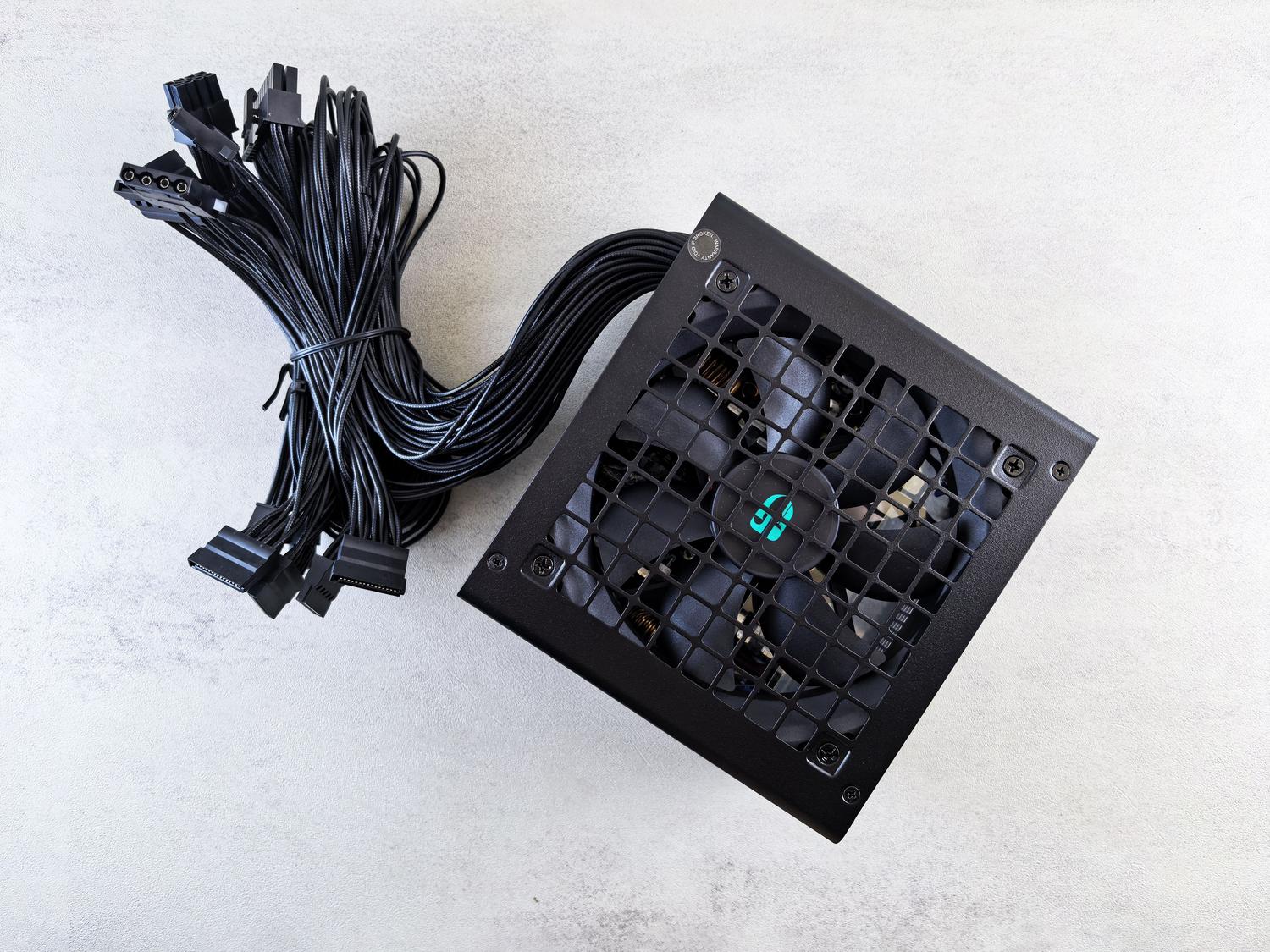
Often, when building a computer, we focus on the power of the graphics card or the speed of the processor, neglecting the power supply. However, the PSU (Power Supply Unit) is the heart that pumps power to the entire system; if it fails or is of poor quality, you could damage the rest of the components in no time.
Selecting the right power supply isn't just about wattage; it's about understanding how it interacts with your hardware and the environment where your PC will be located. In this article, we'll break down every detail so you can avoid surprises and choose a power supply that provides stability, quiet operation, and a long lifespan without wasting money on overpriced or dangerously cheap models.

Total power: How many watts do you really need?

Power is measured in watts (W) and is the first filter to consider when buying a power supply. It's not about buying the biggest one just in case, but about calculating your system's actual power consumption. You need to add up the power used by the CPU and GPU (which are usually the biggest power hogs), the SSDs, the RAM, and any extras like fans or LED strips. For a standard gaming PC, something between 650W and 850W is usually sufficient, although if you like overclocking or use multiple graphics cards, you'll need a much larger capacity.
A key tip is to avoid pushing your power supply to its limits. Ideally, actual power consumption should be between 40% and 60% of the PSU's total capacity, as this is where it achieves maximum energy efficiency and generates the least heat. If you live in a very hot climate, keep in mind that efficiency decreases with ambient temperature, so maintaining a power buffer is a smart move to prevent premature degradation of the power supply.

Efficiency certifications and the 80 Plus seal

You've probably seen labels like "Bronze" or "Gold." The 80 Plus seal indicates how much of the electrical grid's energy is converted into electricity for your PC and how much is lost as heat. The higher the number, the less electricity you waste, and therefore, the less you pay on your electricity bill . Levels range from Bronze (82%) to Titanium (94%), although newer 80 Plus power standards exist.
For most users, an 80 Plus Gold certified power supply is the sweet spot, perfectly balancing price with top-tier energy efficiency. Don't trust suspiciously cheap power supplies promising incredibly high efficiencies; if the price is ridiculously low, they probably lack active PFC , meaning they consume more power than they deliver and can be unstable during voltage spikes.
Modularity and cable management

Not all power supplies manage cables the same way, and this directly impacts the cleanliness of your case. Non-modular power supplies have all the cables glued together, which can be a problem for airflow. On the other hand, modular power supplies allow you to connect only the cables you'll actually use, making organization easier and helping to keep components cooler.
There's also a middle ground: semi-modular cases. In these, essential cables (like the motherboard cable) are integrated, but the PCIe and SATA cables are removable. If you have a compact case or are simply a stickler for organization, a fully modular option is the best investment to prevent dust from accumulating on unnecessary cables.
Modern standards: ATX 3.0, 3.1 and PCIe 5.0

If you're buying a next-generation graphics card (like the RTX 40 or 50 series), you need to make sure the power supply is compatible with ATX 3.0 or 3.1 . These standards are designed to better handle transient power spikes and include the new 12VHPWR (or 12V-2x6) connector , which allows you to power the GPU with a single cable instead of using multiple adapters.
In addition to compatibility, it's crucial to check the physical form factor. Most use the ATX standard, but if you're building a Mini-ITX system, you'll need compact form factors like SFX or SFX-L . Always make sure the power supply fits in your case and has enough EPS and PCIe connectors for future upgrades.
Electrical protections: Your PC's life insurance
A cheap power supply might work fine the first day, but an electrical problem could ruin your entire investment. A good PSU should include protections like OVP (overvoltage protection) , OCP (overcurrent protection) , SCP (short circuit protection) , and OPP (overpower protection) . These features act like a smart fuse, instantly shutting down the power supply if it detects an anomaly, preventing voltage from damaging your motherboard or GPU.
If you notice your PC restarting on its own, making strange noises like buzzing, or worse, smelling like something is burning, turn it off immediately . These are clear signs that the power supply is failing. Replacing the power supply in time is much cheaper than replacing a burnt-out processor.

Recommended brands and buying advice
There are brands on the market that are a guarantee of reliability. Seasonic and Corsair are global leaders in quality and extended warranties. Be Quiet! is the preferred choice for those seeking silence, while EVGA , MSI , and ASUS offer competitive alternatives. Remember that not all models from a given brand are the same; pay attention to the quality of the capacitors and the warranty of the specific model.
For those looking to push their hardware to the limit with overclocking, it's essential to find power supplies with an extremely stable 12V output and premium-grade components. Don't skimp on this: investing a little more in a high-end power supply gives you peace of mind that your system won't crash. As an added benefit, consider a UPS if you live in an area prone to power outages.
Investing in a quality power supply ensures that every watt reaches your components cleanly and reliably, preventing premature wear. By prioritizing efficiency, modularity, and protection, this component becomes the cornerstone of your PC's durability and performance .


Passionate writer about the world of bytes and technology in general. I love sharing my knowledge through writing, and that's what I'll do on this blog, show you all the most interesting things about gadgets, software, hardware, tech trends, and more. My goal is to help you navigate the digital world in a simple and entertaining way.