- Notepad's autosave preserves your session and restores tabs and text when you reopen the app.
- Activate it in settings with “Continue previous session” and combine it with Save to pin files.
- Office requires OneDrive/SharePoint for true AutoSave; OneNote always saves everything.
- Tabs, character counter and corrector reinforce productivity in Windows 11.
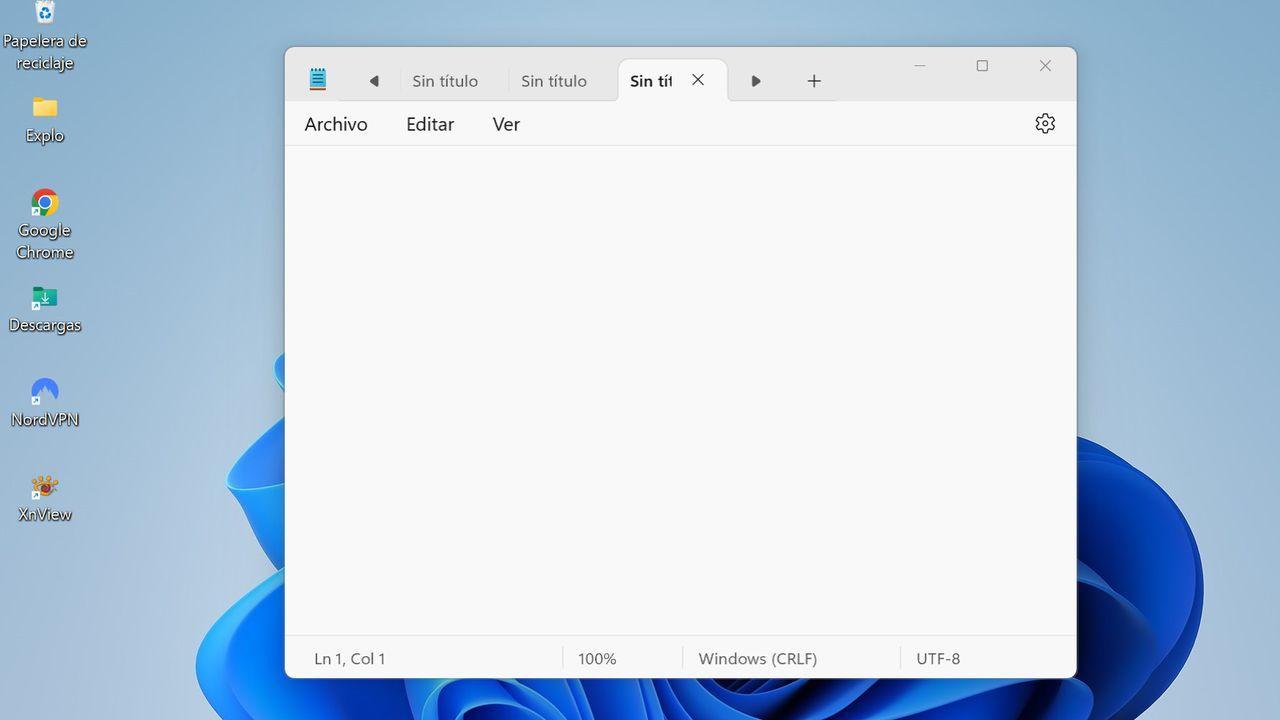
For decades, Notepad has been a discreet yet indispensable tool for millions of Windows users . Its simplicity, speed, and accessibility have made it the ideal companion for taking quick notes, editing plain text files, writing code, or simply jotting down ideas. However, one essential feature had been missing: autosave.
Why was autosave necessary?
For years, Notepad users have had to deal with a critical limitation: if you accidentally closed the program or suffered an unexpected power outage, all unsaved content would be lost. This vulnerability contrasted with other, more advanced text editors that already offered session recovery and autosave mechanisms.
What does the new autosave feature include?
The update available from version 11.2307.22.0 allows:
- Automatically save the contents of open tabs.
- Recover the previous session when reopening the application.
- Avoid warnings when closing the program, even if there is unsaved content.
- Caching data without directly modifying the original files.
Autosave does not overwrite files on disk, but saves the session state to a temporary file that only Notepad can restore.
How does it work technically?
When you close Notepad, a copy of each tab's contents is saved in a temporary location. When you reopen it, that session is automatically restored. This behavior is similar to that of modern web browsers.
Can it be disabled?
Yes. From Notepad settings, you can enable or disable autosave according to your preferences. This is useful in environments where security or accuracy are critical.
Key benefits of autosave
- Data Loss Prevention: The content will be there when you return.
- work continuity: You can close the program and resume it later without worrying about saving manually.
- Greater efficiency: Less clicks, more focus.
- Convenience for multitasking users: Ideal for those who work with multiple tabs.
Where is it available?
The feature began testing in the Canary and Dev channels of the Windows Insider Program. It has since been gradually rolled out through the Microsoft Store. Make sure you have the latest version installed.
Comparison with other editors
Notepad comes close to its competitors in terms of usability. While it doesn't offer advanced features like syntax highlighting, autosave is an important step toward a more modern experience.
What does this mean for the future of Notepad?
The addition of autosave is part of a series of recent improvements. From dark mode to tab management, Notepad is evolving into a more robust and versatile tool.

Passionate writer about the world of bytes and technology in general. I love sharing my knowledge through writing, and that's what I'll do on this blog, show you all the most interesting things about gadgets, software, hardware, tech trends, and more. My goal is to help you navigate the digital world in a simple and entertaining way.