- Replace the traditional tab bar with a side panel with an automatic archiving system to avoid saturation.
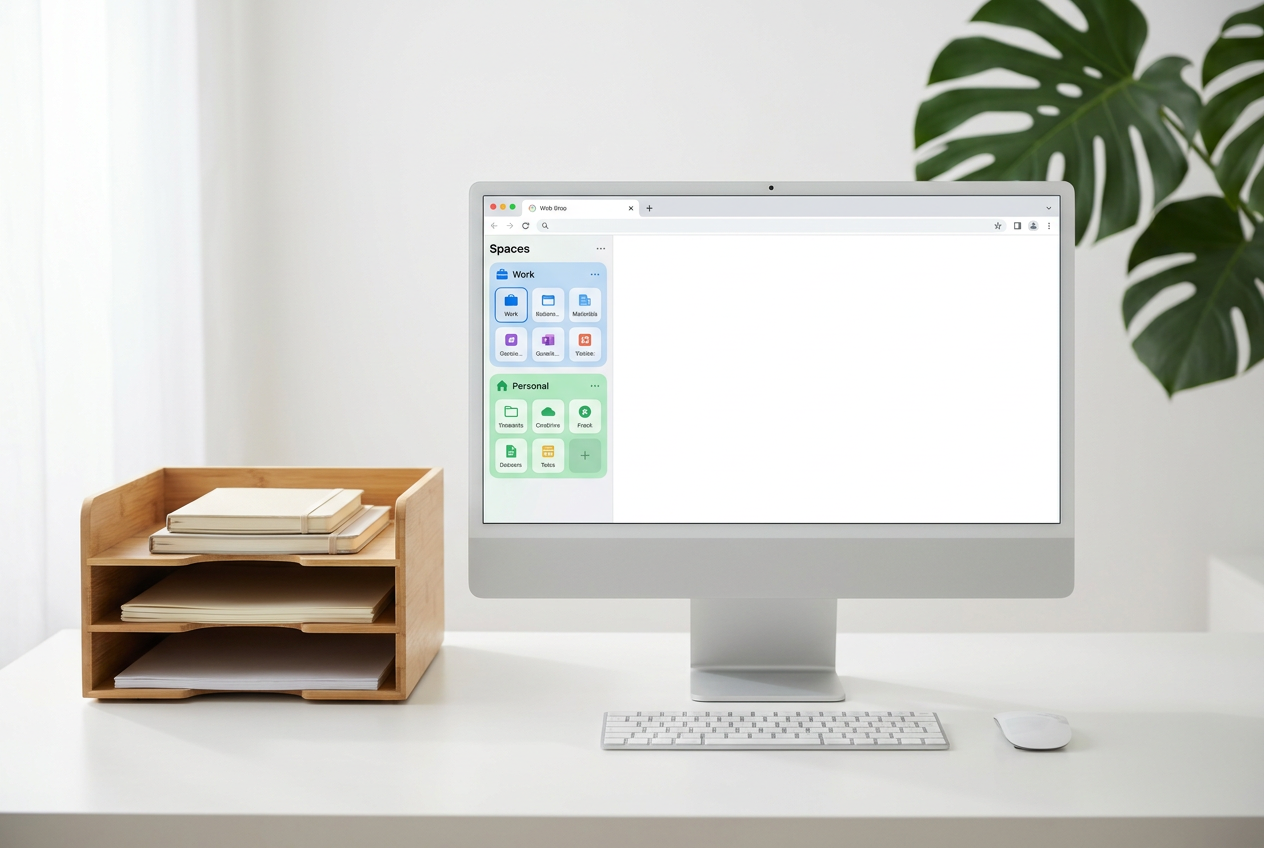
- It allows you to create separate spaces with separate profiles and cookies to completely differentiate your work life from your personal life.
- It includes advanced features such as split view, Easels for notes, and Boosts to customize the appearance of any website.
If you feel your current browser is a chaotic mess of endless tabs and browsing the web has become a tedious task, it might be time to give Arc Browser a try . We're not talking about a simple skin change or adding a couple of extra features, but rather a proposal that aims to redefine how we interact with the internet , positioning itself more as an operating system for the web than as your typical web browser.
Developed by The Browser Company, this New York-based project aims to eliminate visual clutter and the stress of window management. While it might be a bit jarring at first and requires a mental adjustment , once you get the hang of it, you feel like you've regained control of your productivity, separating your personal and professional life in a way that Chrome or Edge simply can't.


The first thing you'll notice is that Arc doesn't play by the conventional rules. While most browsers are stuck in designs from two decades ago, Arc offers a minimalist, side-scrolling interface . It does away with the top tab bar, moving everything to a left-hand panel, which makes much better use of the screen's vertical space.
Under the hood, it uses the Chromium engine , which means it's incredibly fast and compatible with all extensions in the Chrome Web Store. Essentially, you get the power of Google Chrome but with a completely revamped user experience layer that prioritizes organization and workflow.

The eyelash revolution and organization

Tab management is where Arc truly shines and where it might initially cause the most frustration for the user. No tabs are left open forever; Arc implements an automatic archiving system that cleans up your space every 12 hours (though you can change this), preventing you from waking up to fifty open tabs the next day.
- Lashes set: They function as a hybrid between a bookmark and an open tab. You don't have to worry about whether the site is loaded or not; you simply click the side icon and access it instantly.
- Command bar (Ctrl+T): Instead of opening a new tab each time, Arc checks if you already have that site open. If you search for "Gmail" and you already have a Gmail tab open, it takes you to that tab instead of opening a duplicate. ending the disorder of having the same page three times.
- Favorites: They are quick icons at the top that remain visible no matter what space you are in, ideal for tools you use every five minutes.

Spaces: the key to separating work from personal life
One of the crown jewels is Spaces . Imagine having two separate browsers in one. You can create one space for your office tasks and another for your hobbies or personal things. The best part is that each space can have its own browsing profile , with its own cookies and history.
This is vital to avoid mixing up Google accounts or social media sessions. To make this even more effective, it's recommended to name your workspaces based on tasks (for example, "Invoice Review" or "Focus Mode") and assign them specific colors. This way, the brain immediately identifies the mental context it should be in when switching workspaces.
Advanced features for "power user" users
For those who demand more than the basics, Arc offers tools that seem straight out of the future. Split View lets you view two or more pages in the same window without having to juggle window sizes in Windows or macOS. You can even save this split-screen configuration as a single, pinned tab.
In addition, we have Easels , which are creative spaces where you can mix notes, images, links, and screenshots on a single canvas, turning your browser into a planning tool. And for those who love to customize everything, there are Boosts , which let you change the look of external websites (like removing YouTube Shorts or changing Gmail colors) to suit your preferences.

AI, Privacy and Business Model
Arc is integrating artificial intelligence through Arc Max , offering page summaries and quick previews , although many of these features are being rolled out first on Mac. Regarding privacy, while it requires creating an account to function (something that might bother some), the company assures users that it does not sell data or track browsing for advertising.
Currently, the browser is free as it is in an experimental phase. The company is focusing on a model where the value lies in productivity, although it is likely that in the future we will see subscription plans for more advanced AI features or tools geared towards corporate teams.
Learning curve and user experience
Let's not kid ourselves: installing Arc isn't like installing any other browser. At first, you'll probably feel less productive because you have to relearn where everything is. It's what some call "rewiring your brain." It's not a tool for those who want to open their browser and have everything be exactly the same as Chrome.
However, for those who work all day on the web, manage multiple projects, or feel overwhelmed by the amount of information, the effort is worthwhile. The onboarding process is fun, with animations and visual personalization that makes the user feel part of the product creation, applying gamification and psychology concepts to reduce learning friction.
At the end of the day, Arc positions itself as the ultimate tool for those seeking an organized and efficient digital environment . By integrating profile management, intelligent tab organization, and a groundbreaking design, it transforms navigation from a chaotic jumble of windows into a fluid, context-based workflow.


Passionate writer about the world of bytes and technology in general. I love sharing my knowledge through writing, and that's what I'll do on this blog, show you all the most interesting things about gadgets, software, hardware, tech trends, and more. My goal is to help you navigate the digital world in a simple and entertaining way.