- New feature in video calls: WhatsApp will allow you to disable the camera before accepting a video call.
- Increased privacy and security: This option will help avoid awkward situations and protect you from video call scams.
- Available in beta: The feature has been detected in beta 2.25.7.3 for Android and could soon reach all users.
- Impact on communications: This update gives users more control in personal and professional environments.
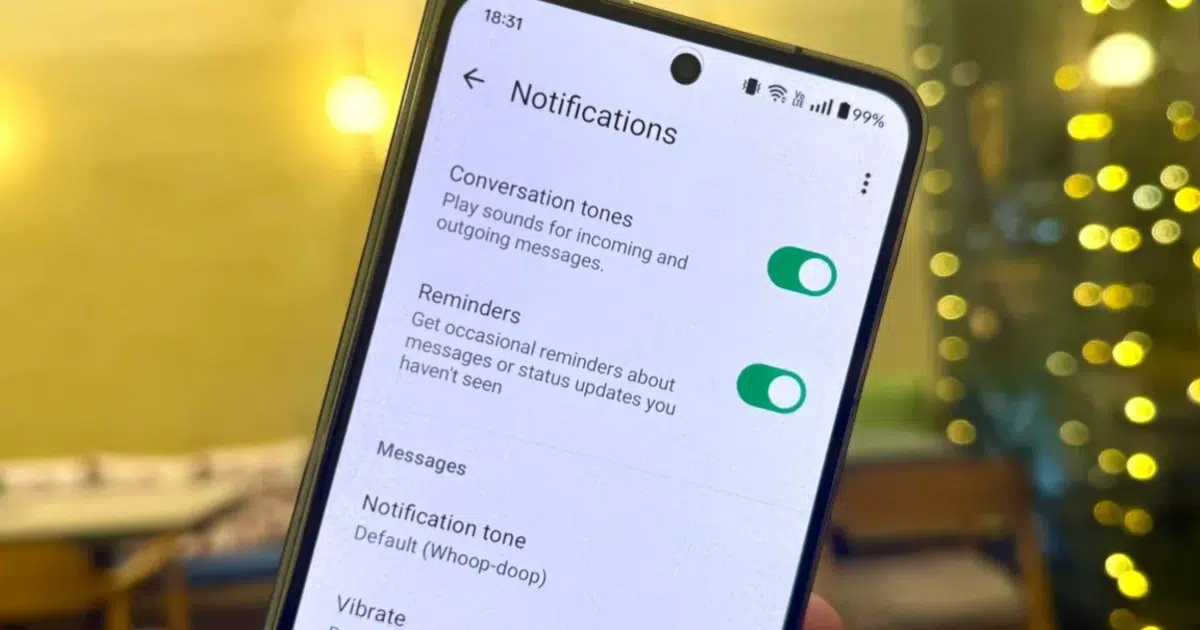
WhatsApp has developed a new feature that promises to change the video call experience. Until now, accepting a video call automatically activated the camera, which could be inconvenient for many users. Now, the app is testing a feature that will allow users to deactivate the camera before accepting the call, providing greater control and privacy.
This feature has already been detected in Android beta version 2.25.7.3 . On the incoming call screen, a button will appear with the option "Turn off your video," allowing you to start the call with audio only. Additionally, the text on the accept button will change to "Accept without video," ensuring that the camera remains off when you answer.
Avoid awkward moments with more control over your camera

Automatic camera activation has been a recurring problem for WhatsApp users. Video calls often catch people off guard when they're not ready to appear on screen. With this new setting, users can decide whether they want to appear on video before accepting the call, eliminating the pressure of hastily turning on the camera.
This feature is also useful in professional settings. Many people use WhatsApp for impromptu work meetings and, in some cases, would prefer to start the conversation without showing their camera. This option adds flexibility and improves the instant messaging experience.

Greater privacy and fraud prevention

Beyond convenience, this new feature offers key benefits in terms of privacy and security . One of the risks of video calls is the emergence of scams in which cybercriminals use calls with inappropriate content to deceive and extort users. This type of scam, known as "sextortion," has been reported in various parts of the world, especially in countries like India.
By allowing people to accept a call without activating their camera, WhatsApp provides an additional layer of protection. Users will be able to check who's calling before showing up on video, reducing the risk of falling prey to this type of fraud.

An update that strengthens privacy in WhatsApp

In recent years, WhatsApp has implemented several improvements focused on ensuring better privacy for its users. From the introduction of view-only messages to the option to password-protect chats , the company has strived to provide greater control over how people interact on the platform.
This new video calling feature follows that same approach, allowing users to decide from the outset how they want to answer a video call. The ability to turn the camera on or off before answering is in addition to other tools designed to offer a safer and more customizable experience.

Availability and release
For now, this option is only available in the beta version of WhatsApp for Android, but its presence in the testing phase suggests that its global release could be very close . Although WhatsApp hasn't provided an exact date for the update, it's likely that the feature will arrive in the coming weeks with a new stable version of the app.
With this improvement, WhatsApp offers users greater control over their privacy and video call experience. The ability to answer a call without the camera automatically activating is a feature many users have requested for years, and its arrival represents a significant step forward in how the app handles video communication.

