- Differentiation between repairable electronic faults in the T-CON or backlight and irreversible physical damage to the LCD/OLED panel.
- Home diagnostic methods using the internal menu and flashlight test to avoid unnecessary expenses.
- Economic profitability analysis between replacing internal components and buying a new television.
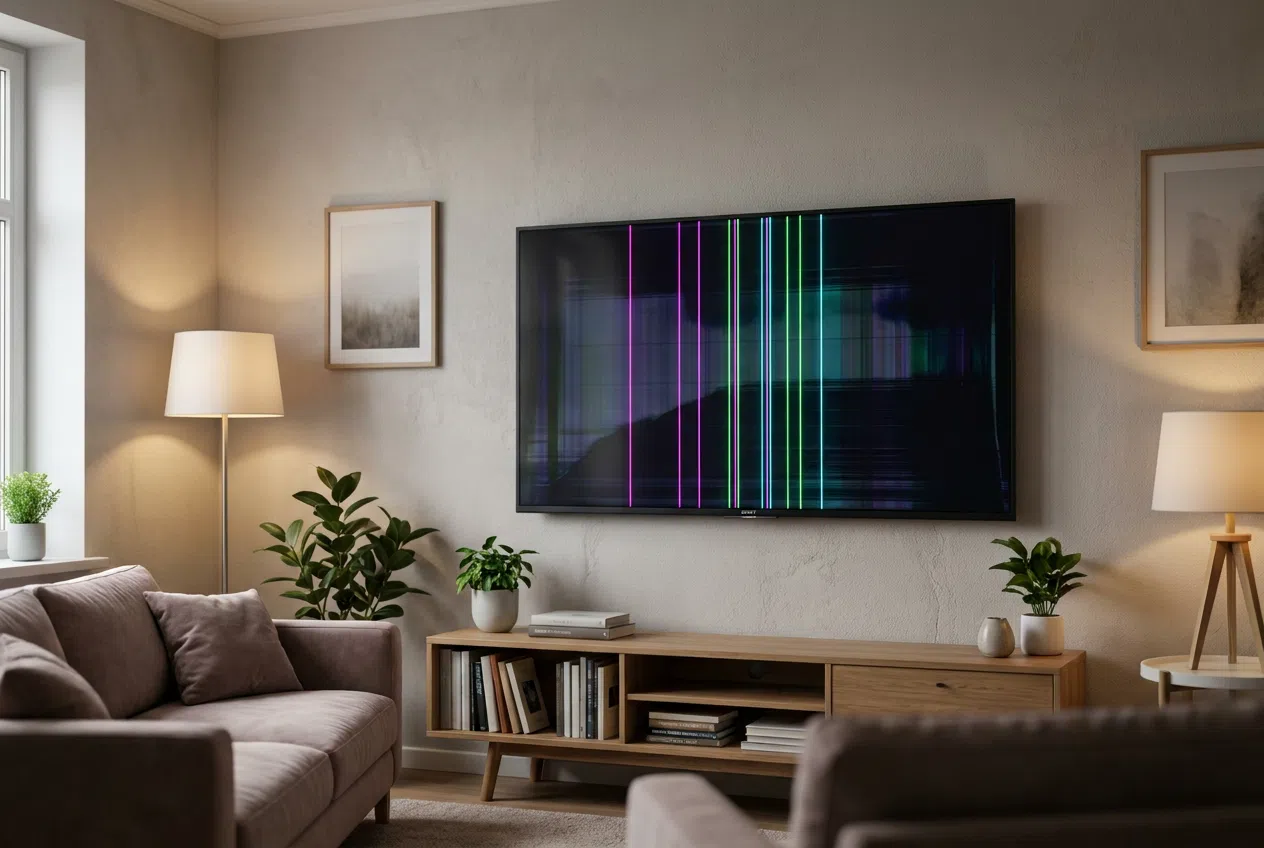
There's nothing more frustrating than settling down to watch a game or a movie and having the TV screen suddenly decide to go on a visual strike. From vertical lines that look like Matrix code to black spots that resemble spilled ink, or even worse, a completely black screen with sound. Our first thought is usually that the TV has given up the ghost and we'll have to spend a fortune on a new one, but beware, rushing into a diagnosis can be very costly.
In the world of technical support, we know that a distorted image doesn't always mean the screen is broken. Sometimes the culprit is a simple faulty HDMI cable, an incorrectly configured power-saving mode, or a problem with the T-CON board. That's why, before giving up, the ideal approach is to perform a systematic and thorough troubleshooting process : we start with the simplest external issues, move on to internal tests, and leave the most complex ones for last.

Don't condemn your TV without performing these basic tests
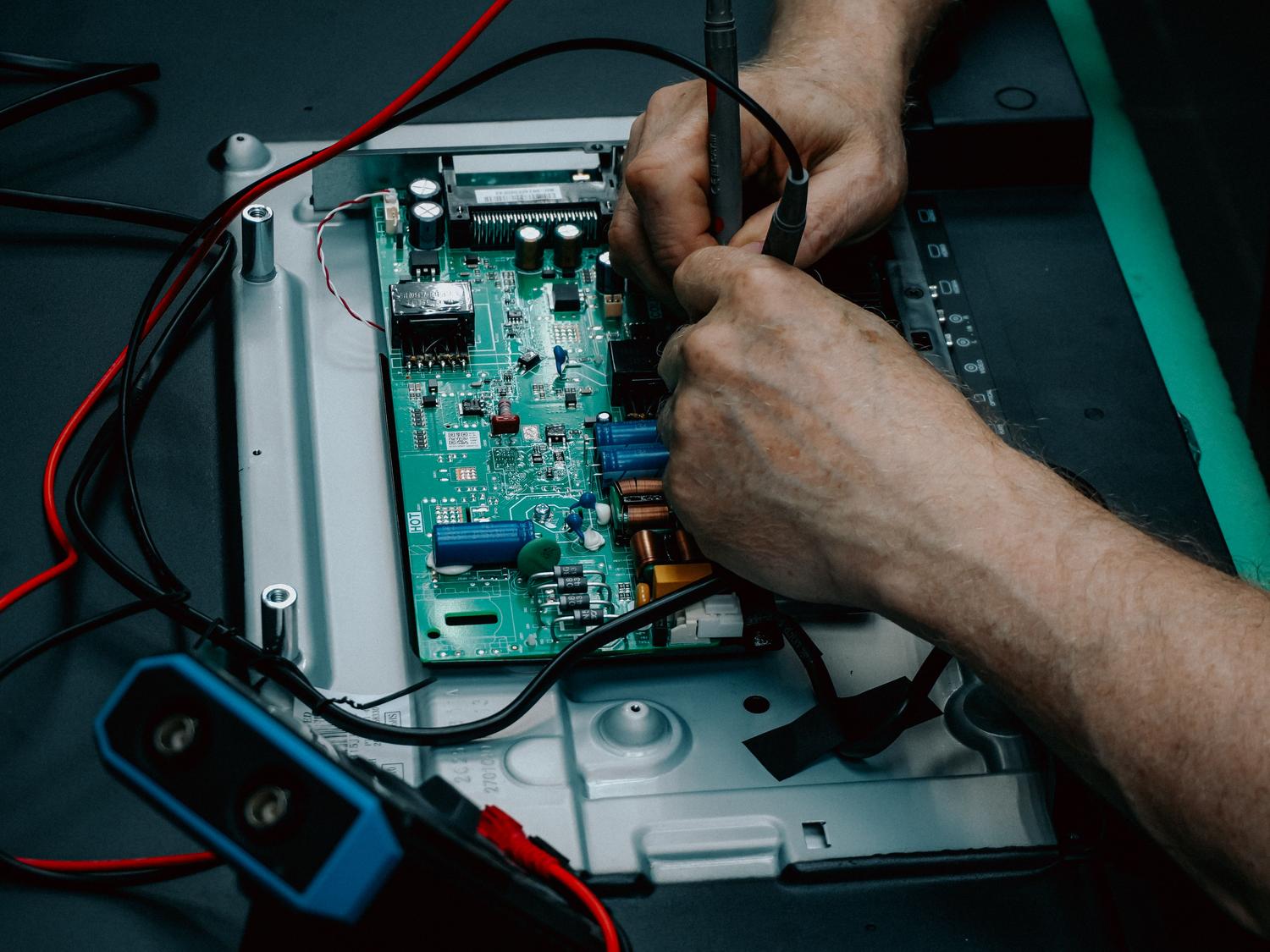
When lines or spots appear, the most common mistake is to assume the panel is dead. However, a Smart TV is an assembly of components: panel, backlight, main board, power supply, and flex cables. Manufacturers like Samsung suggest checking if the problem persists when opening the TV's internal menu . If the lines also appear on the menu, the problem is internal; if they disappear, the culprit is external.
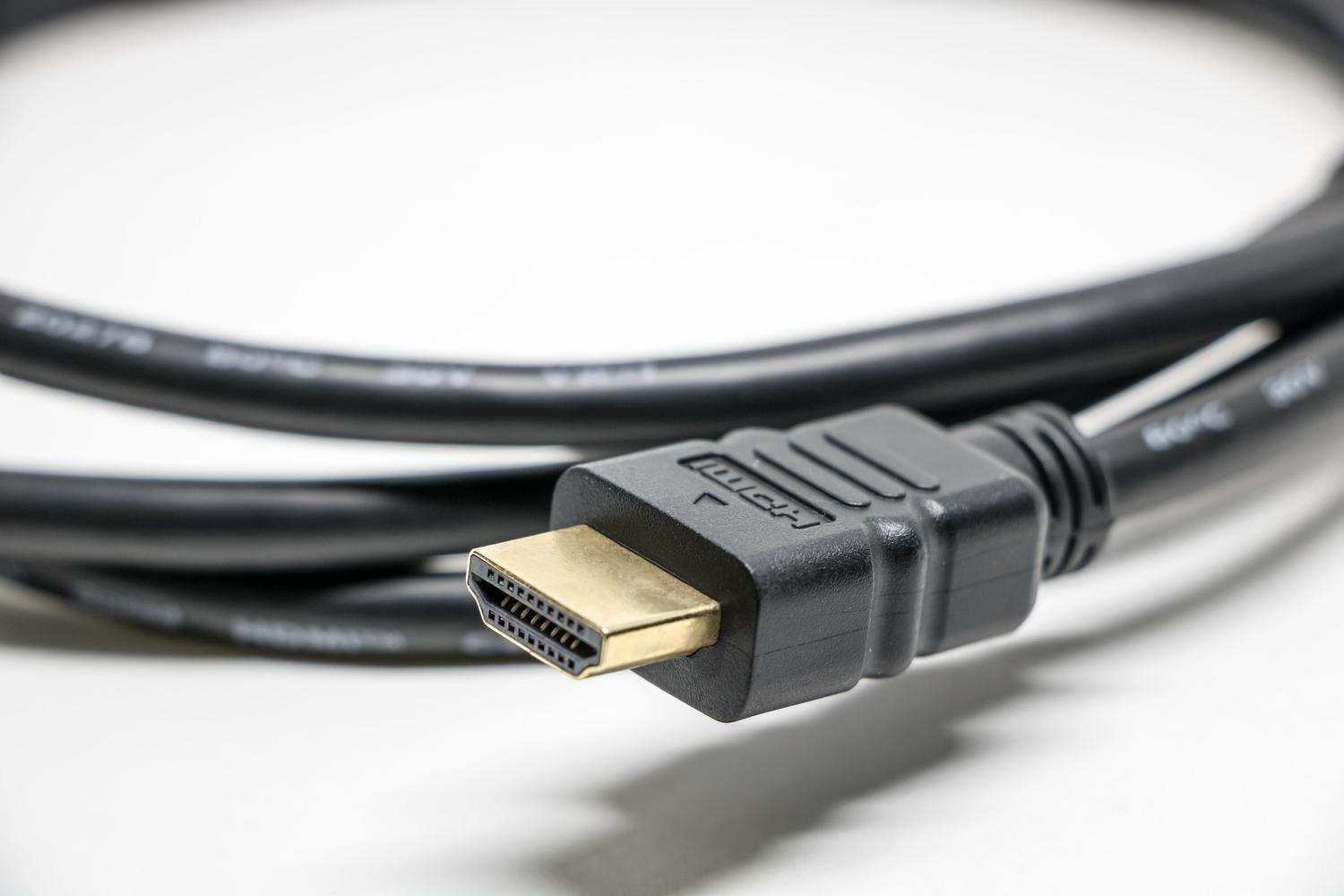
Before calling a technician, try this: turn off and unplug your device for a few minutes, try a different HDMI cable with one you know works, test a different port, and run the self-diagnostic or image test if your model allows it. It's also crucial to switch between different applications or devices (for example, switching from your game console to Netflix) to see if the problem persists in the same place.

Differences between a broken screen, a damaged panel, and an electronic failure
We often say "broken screen" for everything, but technically there are nuances. A damaged panel shows persistent physical defects, such as dead zones or discoloration that doesn't change even if you wiggle the cables. Sometimes, the outer glass is intact, but the internal LCD or OLED layers have suffered pressure or impact damage.
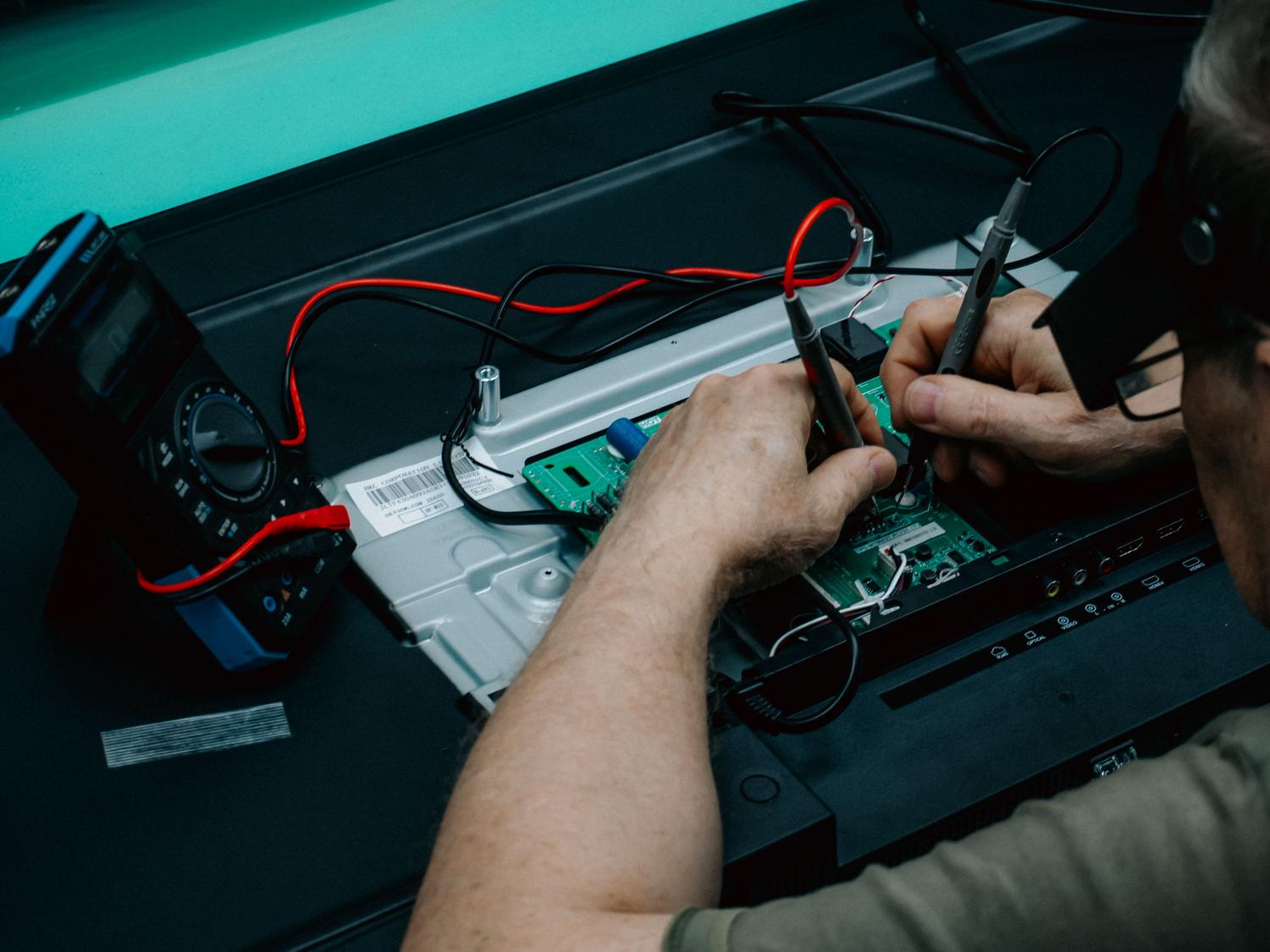
On the other hand, an electronic failure is much more likely to cause problems. The T-CON board, which coordinates the signal, can cause you to see half a white screen , inverted colors, or ghosting. Similarly, a loose flex cable can cause flickering or fine lines on your Smart TV screen . These problems are usually much more affordable to repair than replacing the entire display.

The flashlight trick: Is the image still alive?
A very common scenario is having sound but a black screen. Before you panic, try the flashlight test: turn off the lights, turn on the TV, and shine a powerful flashlight directly at the screen. If you can see silhouettes or a very faint menu , it means the panel is still working, but the backlight (the LED illumination) has failed. This is a classic problem that doesn't require replacing the screen , but rather replacing the LED strips or checking the backlight driver.
Black spots and lines: When should you really worry?
If you see spots that look like spilled ink, dark patches, or areas where the image disappears completely, the situation is serious. These symptoms usually appear after an impact, overly aggressive cleaning, or a rough move. If the spot is permanent and grows over time , it's very likely that the damage is internal, within the panel's layers. In this case, avoid pressing on the screen, as this could worsen the damage.
Regarding the lines, if they are vertical or horizontal and present across all sources and in the menu, they could be due to faults in the COF circuits or bonding processes. However, if the image appears solarized, with colors like a negative , or duplicated, the suspicion falls on the T-CON board, which can be replaced without having to discard the television.

External causes and configuration errors
It seems obvious, but many problems stem from a damaged set-top box or poor output resolution. If the TV menu looks perfect but the cable content shows lines, the problem lies with the external signal. Also, check the power-saving modes or automatic brightness; sometimes the screen appears too dark not due to a physical fault, but because the ambient light sensor is limiting the backlight's power.
Repair or buy a new one? The economic analysis
This is where you need to do the math. If the diagnosis points to the T-CON board, the power supply, or the backlight, it's usually worth getting a repair quote, as the cost is typically around 20% to 40% of the price of a new TV. However, if the panel is cracked or has internal physical damage, the replacement part can cost almost as much as a new TV.
As a general rule, for screens smaller than 40 inches, a broken panel usually renders the device unusable. For high-end models or screens 50 inches or larger, repair might be worth considering. Always take into account the age of the device and the availability of original replacement parts to avoid wasting money on a temporary fix.
Tips to avoid visual disasters
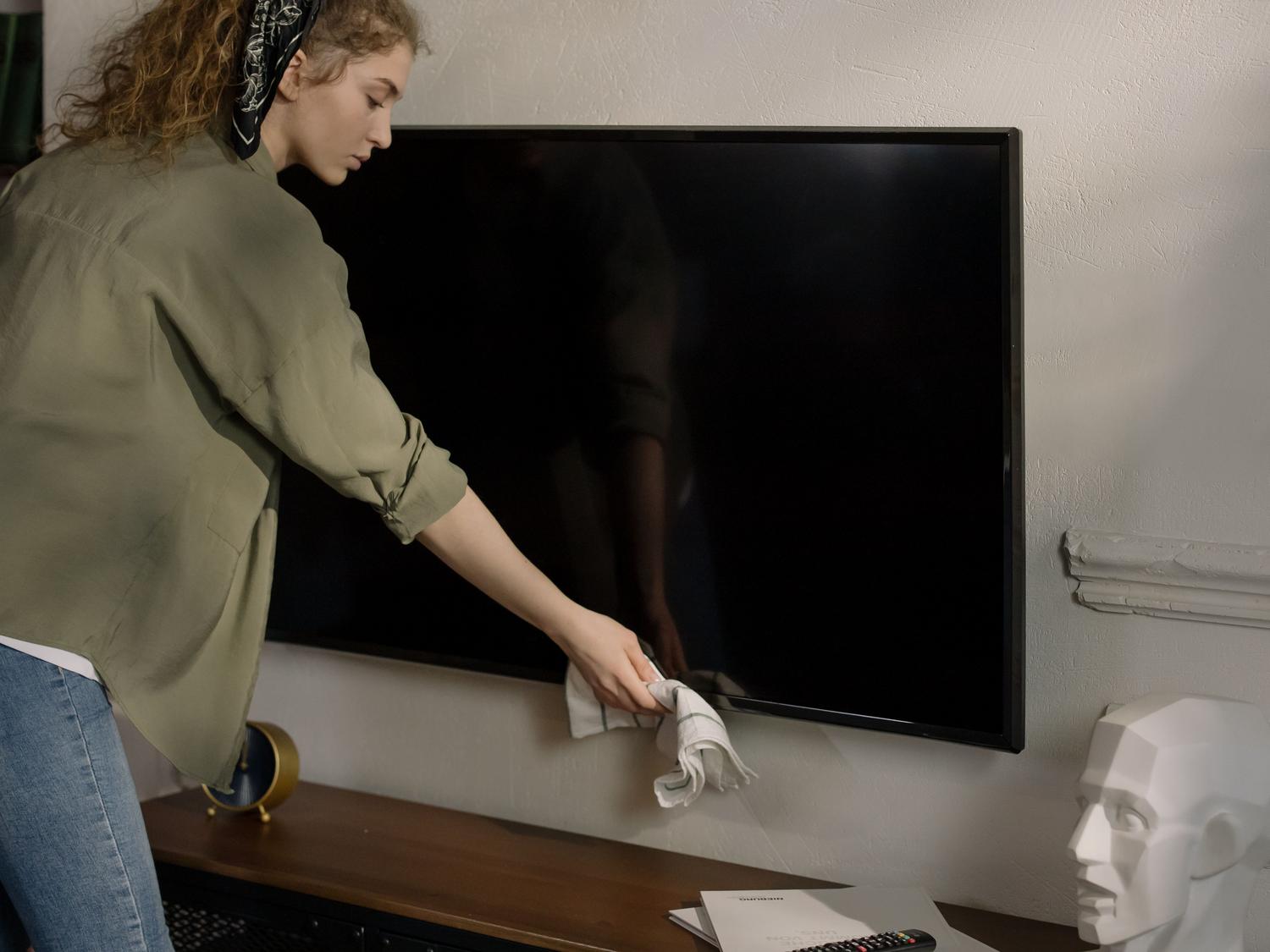
To prolong the life of your Smart TV, avoid cleaning the screen with direct liquids or products containing ammonia; always use a slightly damp microfiber cloth . Installing surge protectors is essential to prevent power surges from damaging the main board. Additionally, keep the TV out of direct sunlight and prevent children from hitting the screen with toys, as the glass is extremely sensitive to pressure.
To determine if your television can be repaired, the first step is to rule out external issues with cables and menus, use a flashlight to check the backlight, and look for any physical stains. While T-CON board or LED errors are often repairable, cracks and ink stains usually indicate a dead panel. The wisest course of action is to request a professional diagnosis before purchasing a new television, always evaluating whether the cost of the replacement part justifies the investment based on the model and age of the television.
Table of Contents
- 1 Don't condemn your TV without performing these basic tests
- 2 Differences between a broken screen, a damaged panel, and an electronic failure
- 3 The flashlight trick: Is the image still alive?
- 4 Black spots and lines: When should you really worry?
- 5 External causes and configuration errors
- 6 Repair or buy a new one? The economic analysis
- 7 Tips to avoid visual disasters
