- You can use Microsoft Paint on your mobile device through JSPaint, a clone available in the browser.
- There are alternative applications such as ArtRage, Autodesk SketchBook and Adobe Illustrator Draw.
- Another option is to run Paint on your PC and control it from your mobile device using Microsoft Remote Desktop.
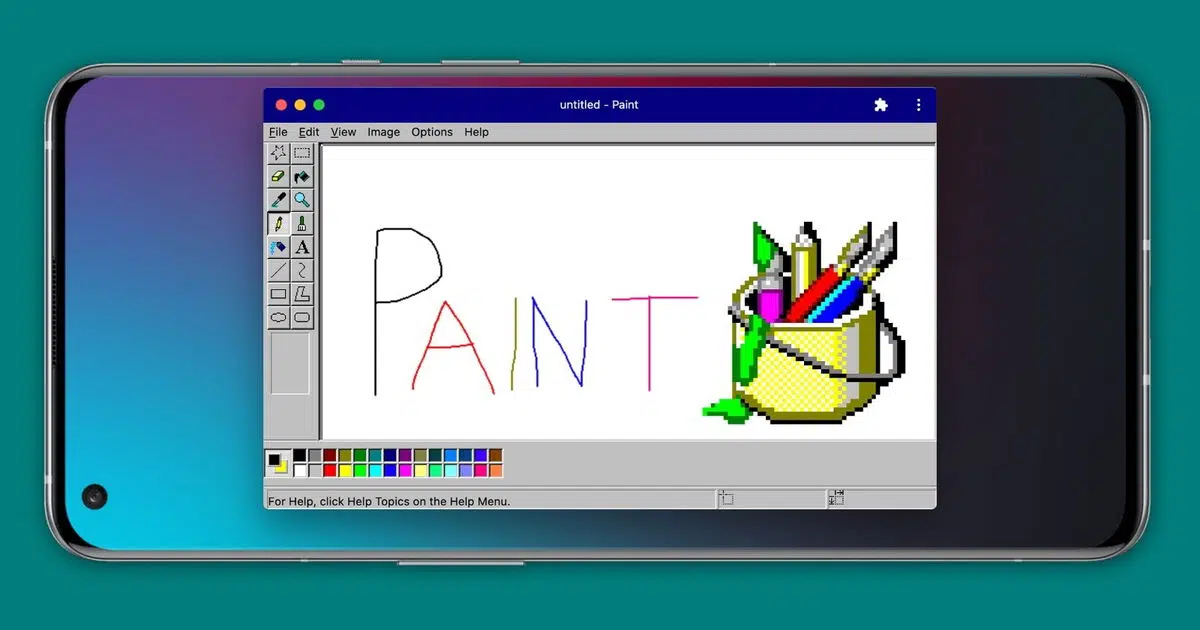
Microsoft Paint has been one of Windows ' most iconic tools since its release in version 1.0 of the operating system. For years, it was the preferred choice for minor image editing or simply enjoying some drawing. Although Microsoft stopped including it by default in the most recent versions of the system, it remains available, and now there are options for using it on a mobile device.
Although there isn't an official version of Microsoft Paint for Android or iOS , it's possible to enjoy this iconic application on your mobile device through alternatives and web versions that replicate its functionality. This article explains how to do it and what other options you have if you're looking for a similar experience.
How to use Microsoft Paint on your mobile
Although there is no official version of Microsoft Paint for mobile devices , you can use it on your smartphone thanks to JSPaint , a web replica faithful to the classic version of the program.
JSPaint is an open-source application that you can run directly from your browser without any downloads or installations. Its interface is identical to the original Paint, including classic tools like the color picker, pencil tool, brushes, shapes, and the ability to undo and redo actions.
To use JSPaint on your mobile, follow these steps:
- Open the browser on your phone.
- Access the website of JSPaint (or you also have canvaspaint.org) by typing your address into the search bar.
- Once inside, you'll see the classic Paint interface and can start drawing.
- If you want faster access, you can create a shortcut to the website from your mobile's home screen.
JSPaint even includes advanced features such as the ability to work collaboratively or generate GIFs with the editing history.

Alternatives to Microsoft Paint on Android
If JSPaint doesn't meet all your needs or you prefer an alternative you can install on your mobile device, there are several drawing apps that can replace Paint on Android. Some of the most recommended are:
ArtRage
ArtRage is an advanced drawing app that lets you create illustrations with a wide variety of tools. It's ideal for those looking for a more powerful alternative to Paint.
Autodesk SketchBook
Autodesk SketchBook is an excellent choice for those seeking a drawing application with a simple and intuitive design . It features a variety of brushes and specialized tools. You can also learn more about this tool if you're interested in improving your design skills.
Adobe Illustrator Draw
Developed by Adobe, this application offers professional features for illustrators and designers. It allows the creation of layers and multiple brush styles for more detailed results.
Paint parameters Android
If you're looking for an app similar to Paint with basic editing options , this might be the best choice, as it maintains the simplicity of the original program with some improvements adapted for mobile devices.
You can also take advantage of drawing tools to a greater extent with free photo editing programs, which offer similar functionality.

Run Microsoft Paint on your PC and control it from your mobile
Another interesting option if you want to use the original Paint on your phone is to use remote control applications like Microsoft Remote Desktop . With this solution, you can run Paint on your computer and control it from your mobile device.
To do so, follow these steps:
- Download Microsoft Remote Desktop on your mobile from the Android or iOS app store.
- Set up the connection to your computer.
- Once paired, open Paint on your PC and use it from your phone's touchscreen.
This option is useful if you want to use the original version without any limitations, although it requires your computer to be turned on and connected to the same network as your phone. If you're interested in using your Android tablet as a drawing tool, you can learn more about it.

Now you know all the ways to use Microsoft Paint on your mobile device. Although there isn't an official app for Android or iOS, options like JSPaint let you relive the Paint experience from your browser, while third-party apps offer more complete alternatives for drawing and image editing.


Passionate writer about the world of bytes and technology in general. I love sharing my knowledge through writing, and that's what I'll do on this blog, show you all the most interesting things about gadgets, software, hardware, tech trends, and more. My goal is to help you navigate the digital world in a simple and entertaining way.