- Technical differentiation between modifying access permissions using chmod and changing resource ownership with chown.
- Permission representation system based on octal and symbolic notation for users, groups, and others.
- Implementation of security strategies based on the principle of least privilege to prevent vulnerabilities in servers.

If you've ventured into managing your own VPS server or dedicated machine, you'll have realized that Linux is a system designed from the ground up for networking. That's why security is paramount , since controlling who can read, edit, or execute a file is what prevents your information from falling into the wrong hands or a malicious process from crashing the entire system.
To navigate this environment with ease, simply knowing how to run commands isn't enough; you need to understand the logic behind file ownership. In Linux, every resource belongs to a user and a group , and this is where the tools for adjusting these privileges come into play, allowing us to secure the system without blocking our applications from working.

Understanding the anatomy of permits

When you launch a command ls -l In the terminal, you'll see a string of characters that looks like a secret code, something like -rwxr-xr--Don't worry, it's simpler than it seems. The first character tells us What type of element do we have in front of us?A hyphen indicates a regular file, 'd' a folder (directory), and 'l' a symbolic link. There are also less common characters such as 's' for sockets or 'p' for pipes.
The following nine characters are divided into three equal sets of three. The first set is for the owner (the one who created the file), the second for the owner group , and the third for all other users on the system. Each set of three characters can contain the letters 'r' (read), 'w' (write), and 'x' (execute), or a hyphen if that permission is not granted.

What does each permit really mean?
- Reading (r): In a file, it allows you to open it and see what's inside. If we're talking about a folder, it means you can list the files and subdirectories containing.
- Writing (w): It gives you the power to modify the contents of a file or even delete it. In the case of directories, it allows you to create, delete or rename elements within it.
- Execution (x): For a file, it's what allows a script or program to run. In folders, this permission is vital because it's what allows you to... access the directory using the command
cd.
The chmod command: Adjusting access

The command chmod (change mode) is our tool for altering these permissions. There are two ways to use it: symbolic, which is more intuitive, and octal, which is preferred by administrators because it is faster.
On symbolic modeWe use letters to indicate who the change affects (u for user, g for group, o for others, a for everyone) and symbols like '+' to add or '-' to remove permissions. For example, if you want the group to be able to write to a file, you would use chmod g+w archivo.txtIt's a very flexible way to adjust permissions as needed without altering the rest of the configuration.

El octal mode It uses numbers based on the binary system. Each permission has a value: read is 4, write is 2, and execute is 1. Adding these values gives us a number from 0 to 7. For example, the value 7 (4+2+1) means full access, while 5 (4+0+1) means read and execute. Thus, a command like chmod 755 carpeta grants total control to the owner and only read/execute access for the group and others.
Managing the property with chown and chgrp
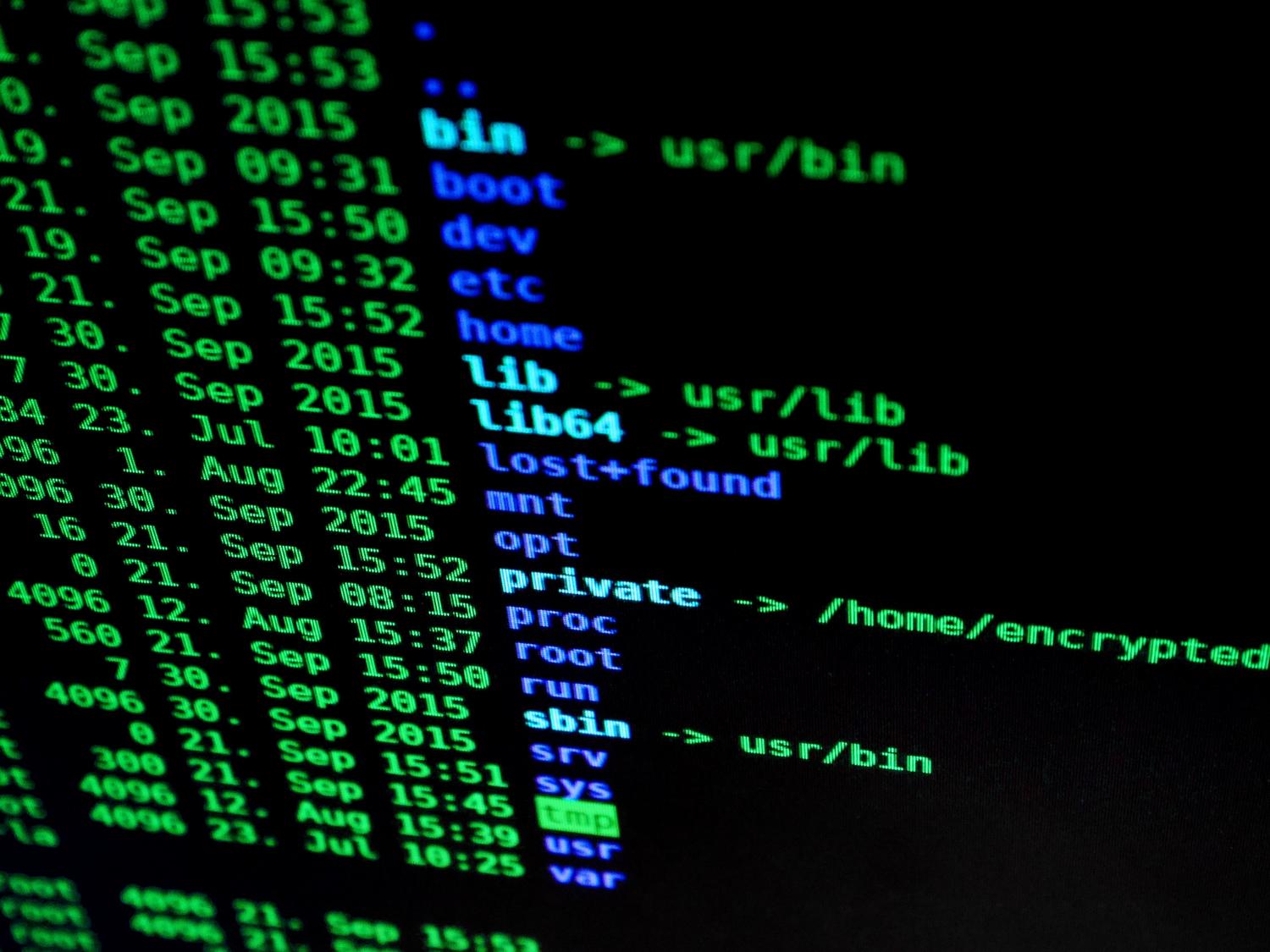
Sometimes, even if the permissions are correct, the file won't work because the owner isn't the right person. That's where [the appropriate tool/app/device] comes in. chown (change owner). This command allows change user and group who possess the file. The most common syntax is chown usuario:grupo archivo.
It is very common on web servers for files to belong to the server user (such as www-data in Apache or Nginx) so that the website can write to certain folders. If you need to apply this change to a folder and everything inside it, you must use the recursive option -R, for example, running chown -R www-data:www-data /var/www/html.

User and group administration in the system

For all of the above to make sense, we first need to manage who those users are. In Linux, commands like useradd o adduser to create accounts, and passwd to assign them a key. All this information is stored in critical files such as / Etc / passwd (account details) and / Etc / shadow (encrypted passwords).
Groups are essential to avoid having to assign permissions one by one. groupadd We created the group and with usermod -aG We add users to it. In this way, we can give collective permits for a work team on a specific folder without compromising the security of the rest of the system.

Sweats and elevated privileges
It's not recommended to always work as root, since a mistake could wipe the entire system. For this, we use sudowhich allows us to execute commands with superuser privileges. The configuration of who can do what is found in the file / Etc / sudoerswhich must always be edited with the command visudo all with troubleshooting sudo errors in Linux and avoid syntax errors that would leave us out of the system.
Security and best practices on servers
A common mistake many beginners make is assigning 777 permissions to a folder when something isn't working. This opens the door wide to any attacker. Ideally, you should follow the principle of least privilege : grant only the minimum access necessary to complete the task.
As a general rule, files should have permissions of 644 (the owner writes, everyone else can only read) and folders 755. For extremely sensitive files, such as SSH keys or password-protected configuration files (.env), permission 600 is the correct setting, ensuring that no one other than the owner can even read the contents.

If you encounter the dreaded 403 Forbidden error on your website, it's most likely due to an ownership or permissions issue. Before making any drastic changes, verify that the web server owns the files and that the directories have the execute bit set to allow navigation.
Proper management of users, groups, and permissions using tools like chmod and chown is the first line of defense for any Linux server. From using the umask mask to define default permissions, to recursive directory management and strict control of sudoers, every adjustment contributes to creating a stable and resilient environment against potential intrusions, ensuring that system processes and human users can coexist without compromising data integrity.


Passionate writer about the world of bytes and technology in general. I love sharing my knowledge through writing, and that's what I'll do on this blog, show you all the most interesting things about gadgets, software, hardware, tech trends, and more. My goal is to help you navigate the digital world in a simple and entertaining way.