If you've ever wondered how to access TikTok from your computer, you've come to the right place. Although TikTok is primarily a mobile app, there are several ways to enjoy its content from the comfort of your PC without relying entirely on your smartphone . Whether you're a content creator or simply enjoy watching videos on a larger screen, here are all the options available to you.
In this article, we explain the different ways to easily use TikTok on your computer, from using a web browser to using emulators or even the official TikTok app for Windows . Keep reading to learn all the details and choose the option that best suits your needs.
Using TikTok directly in the browser
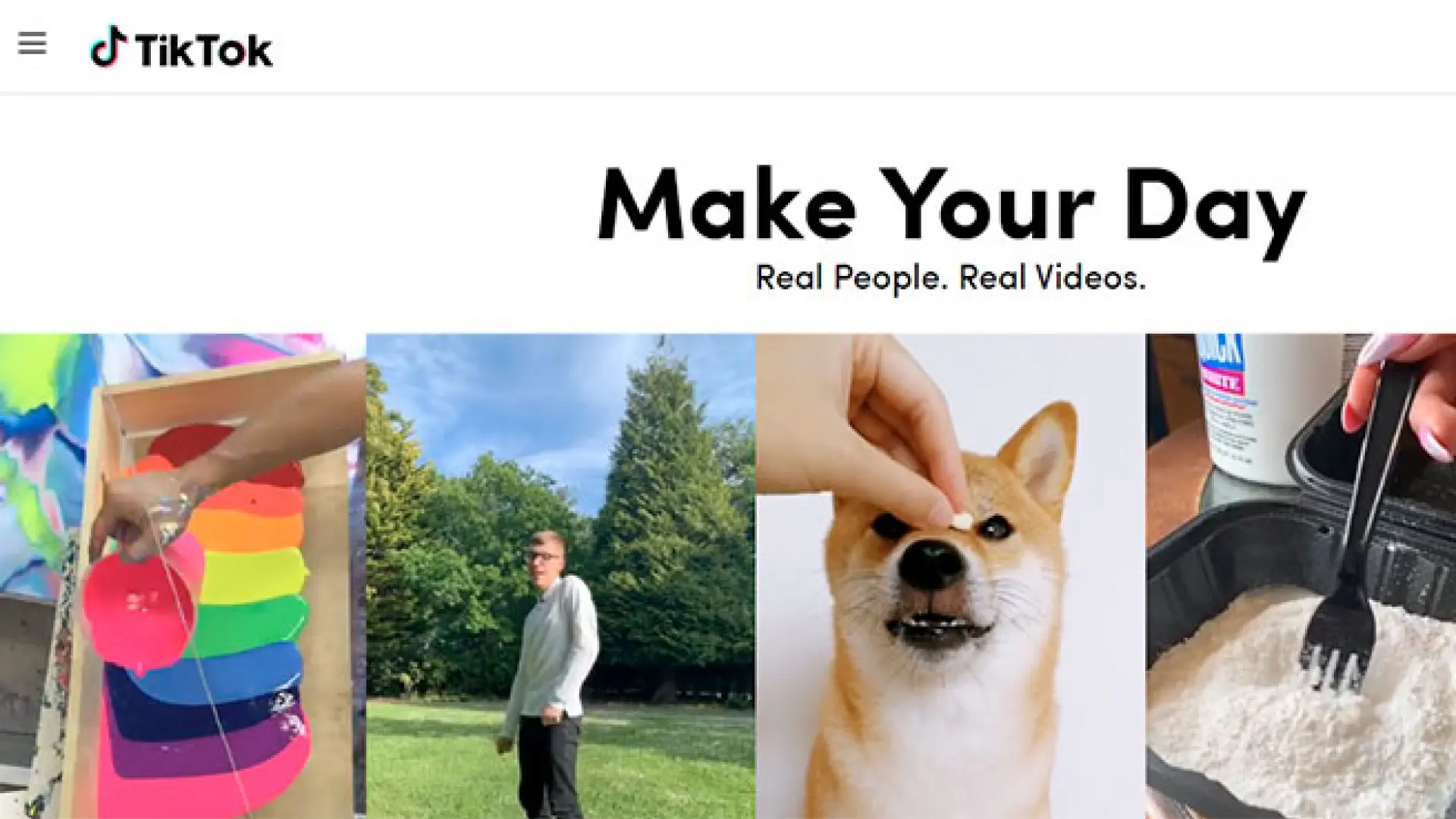
The easiest and quickest way to use TikTok on your PC is by accessing the web version of the platform. TikTok, like other popular social networks, has a web version that allows you to browse the platform without having to download any application. This is ideal if you are just looking to watch videos, interact with other users, or upload content that you have previously edited on your computer.
Accessing TikTok through a web browser is quick and easy . Just follow these simple steps:
- Open your preferred browser on your PC.
- Go to the TikTok official page.
- Log in with your TikTok credentials.
Once you're logged in, you'll be able to watch videos, follow your favorite creators, like and share content directly from the web. While the experience is similar to the mobile app, it does have some limitations.
Advantages of using TikTok through the browser
- It is a quick and easy access method.
- Perfect for replying to messages and checking notifications.
- You can upload edited photos and videos on your PC.
Disadvantages of using TikTok through the browser
- You can't use TikTok's built-in video editor.
- Popular video filters and effects are not available.
Use an emulator to have the full TikTok app on your PC
If you're looking for an experience more like the TikTok mobile app and want to use all its features, then the best option is to use an Android emulator on your PC . An emulator essentially creates a simulated Android environment where you can install mobile apps like TikTok.
There are several popular emulators out there, including BlueStacks, NoxPlayer, and LDPlayer. Here are the general steps to use TikTok on your PC with an emulator:
- Download an Android emulator, such as BlueStacks.
- Install the emulator on your computer.
- setup Google Play Store with your account Google.
- Search for TikTok on Google Play and install it, or download the APK file from trusted sites like Uptodown.
- Once installed, launch TikTok and use it as you would on your smartphone.
Key advantage : By using an emulator, you can access all the features of the TikTok app on your PC, from effects to the full video editor. You can also upload content directly from your computer by dragging and dropping files into the emulator.
Advantages of using an emulator for TikTok
- You can do everything you would do on a phone, but on a bigger screen.
- Using the mouse and keyboard makes navigation easier.
- You have access to all the features of the app, including filters and effects.
Disadvantages of using an emulator
- You need to configure the emulator, which may take a while.
- Emulators are resource intensive, which can affect performance on older computers.
Official TikTok app for Windows
Another available option is the official TikTok app for Windows, which can be downloaded directly from the Microsoft Store . This app lets you watch videos, interact with other users, and manage your account from your PC, offering a smoother experience than the web version.
However, it should be noted that the official Windows app does not yet have all the features that the mobile app has. For example, you cannot use advanced editing tools or special effects within it.
To download it, follow these steps:
- Access the Microsoft Store on your PC.
- Find the TikTok app and download it.
- Install the app and log in with your TikTok account.
Advantages of the TikTok app for Windows
- Provides an improved experience compared to the web version.
- It is lighter and easier to use than an emulator.
Disadvantages of the TikTok app for Windows
- Some key features of the mobile app are missing, such as video editing.
Other alternatives and their risks
There are some third-party apps and websites that claim to offer access to TikTok from your PC. However, you should be very careful with these options as they are not official and could put you or your account at risk.
Some of the most common risks are:
- Accessing personal information without your consent.
- Install malicious software that damages your PC or steals your data.
- Intrusive advertising or redirects to malicious pages.
It's advisable to avoid using third-party apps or websites and rely only on official or popular options, such as those mentioned above . Make sure any software or app you download is well-rated and has security guarantees.
Safety tips when using TikTok on your PC
If you decide to use TikTok on your computer, it's essential to make sure your device is fully protected. Here are some key tips to keep your account and data safe:
- Protect your PC with a password to prevent unwanted access.
- Use a strong password for your TikTok account and enable two-step authentication if possible.
- Join the backup of all content that you create on your computer before uploading it to TikTok.
With these precautions, you can enjoy TikTok without worries.
As you can see, you have several options to use TikTok on your PC, from the web version to the Windows application or using emulators to access all the features. Whether you prefer convenience or functionality, with these alternatives you can continue enjoying TikTok on your computer without problems.

I'm Alberto Navarro and I'm passionate about everything related to technology, from cutting-edge gadgets to software and video games of all kinds. My interest in digital began with video games and continued in the world of digital marketing. I have been writing about the digital world on different platforms since 2019, sharing the latest news in the sector. I also try to write in an original way so that you can stay up to date while having fun.
I studied Sociology at university and completed my studies with a Master's in Digital Marketing. So if you have any questions, I'll share with you all my experience in the world of digital marketing, technology and video games.