- Pairing and factory reset methods for smart lighting ecosystems.
- Diagnosing connectivity failures in hubs, routers, and end devices.
- Optimization of sensitivity and physical maintenance of motion sensors.
- Hardware alternatives and protocols such as Zigbee and Matter to improve stability.

I'm sure it's happened to you: you get home tired, you want to create that relaxing atmosphere with a tap on your phone or a voice command, and suddenly nothing works . It's frustrating when technology that's supposed to make our lives easier becomes a headache because a light bulb has gone offline or the motion sensor has decided to completely ignore you.
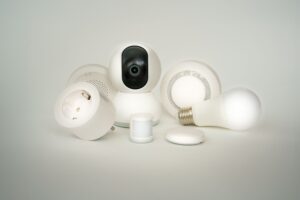
The reality is that smart home ecosystems , while seemingly magical, rely on constant and stable communication between the hub, router, and accessories. Whether you use Zigbee, Wi-Fi, or the new Matter standard, there are tricks and technical steps that can rescue your setup without you having to throw in the towel or spend a fortune on technical support.

Taming IKEA Tradfri's smart lighting
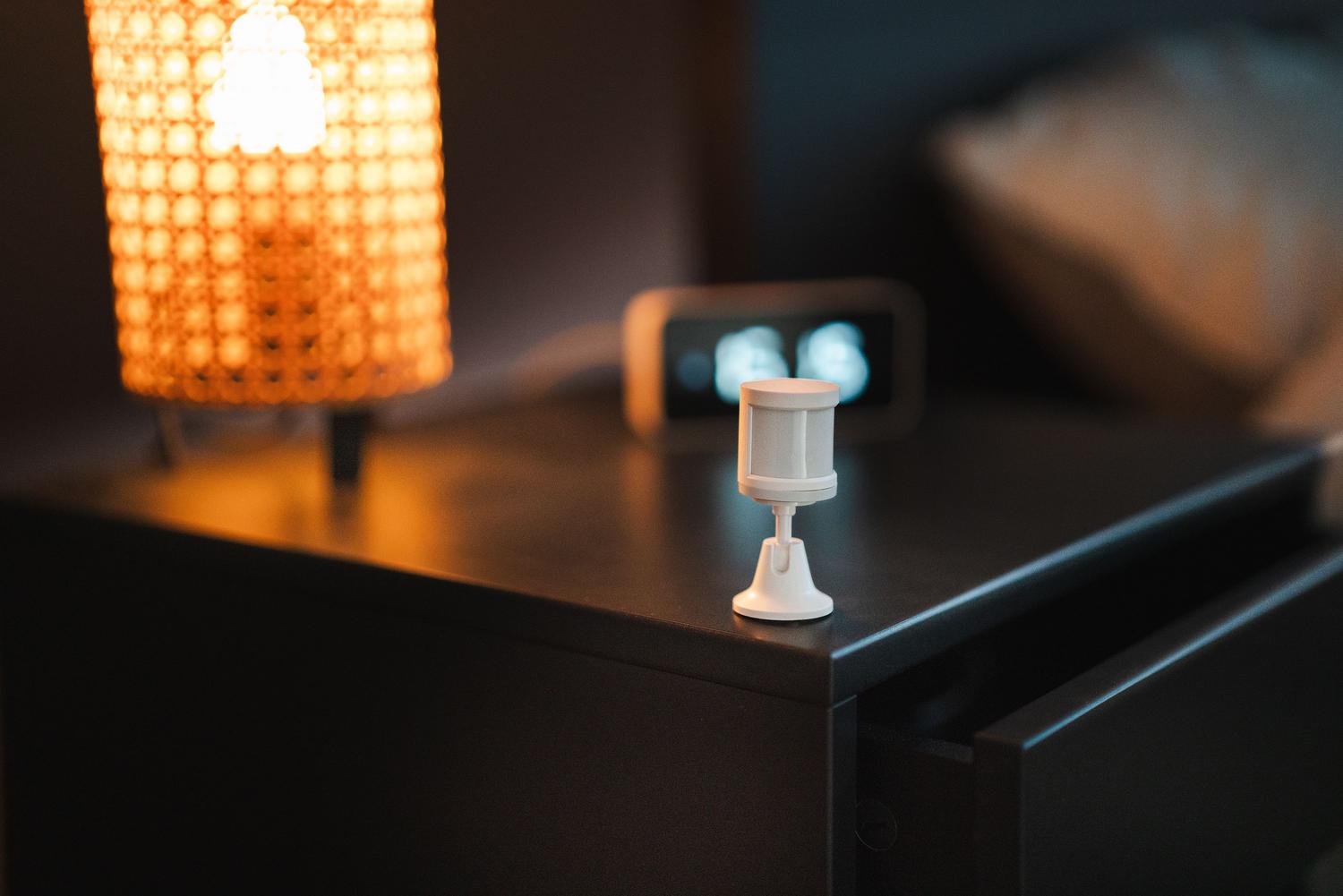
For those using the IKEA system, it's essential to understand that it's based on the Zigbee Light Link protocol . This means the lights form a kind of network where they help each other transmit the signal. There are four main ways to control them: via remote control, motion sensors, the official app, or voice assistants like Alexa, Google Home, and Apple HomeKit.
If you notice your remote control has stopped responding, don't panic. Most likely, it has simply become unsynchronized due to a lack of power . Before trying anything, replace the battery with a good quality one, as these versions drain the battery quite quickly. To re-pair it, make sure to reset the light fixture's power supply (turn the switch off and on again), and then press and hold the plastic button on the remote for at least 10 seconds, holding it within 10 centimeters of the bulb or driver (specifically near the infinity symbol).
When things get really bad and the previous method doesn't work, you can resort to a hard reset . For the lights, flip the main switch six times in a row. For the remotes or sensors, press the sync button four times within 5 seconds. If the problem is with the hub, use a paperclip to press and hold the button for 5 seconds until the LED stops flashing.

When the Smart Hub fails
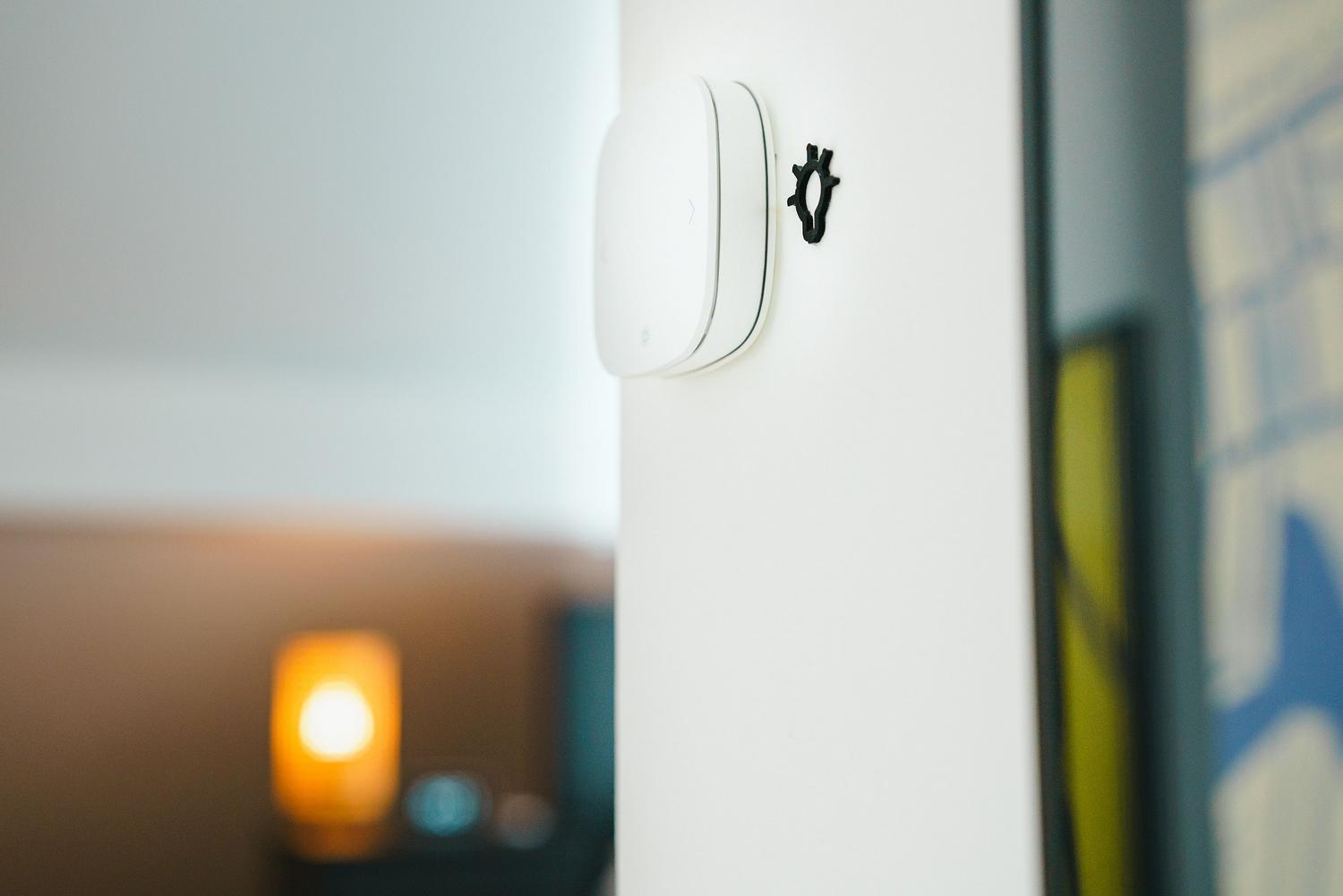
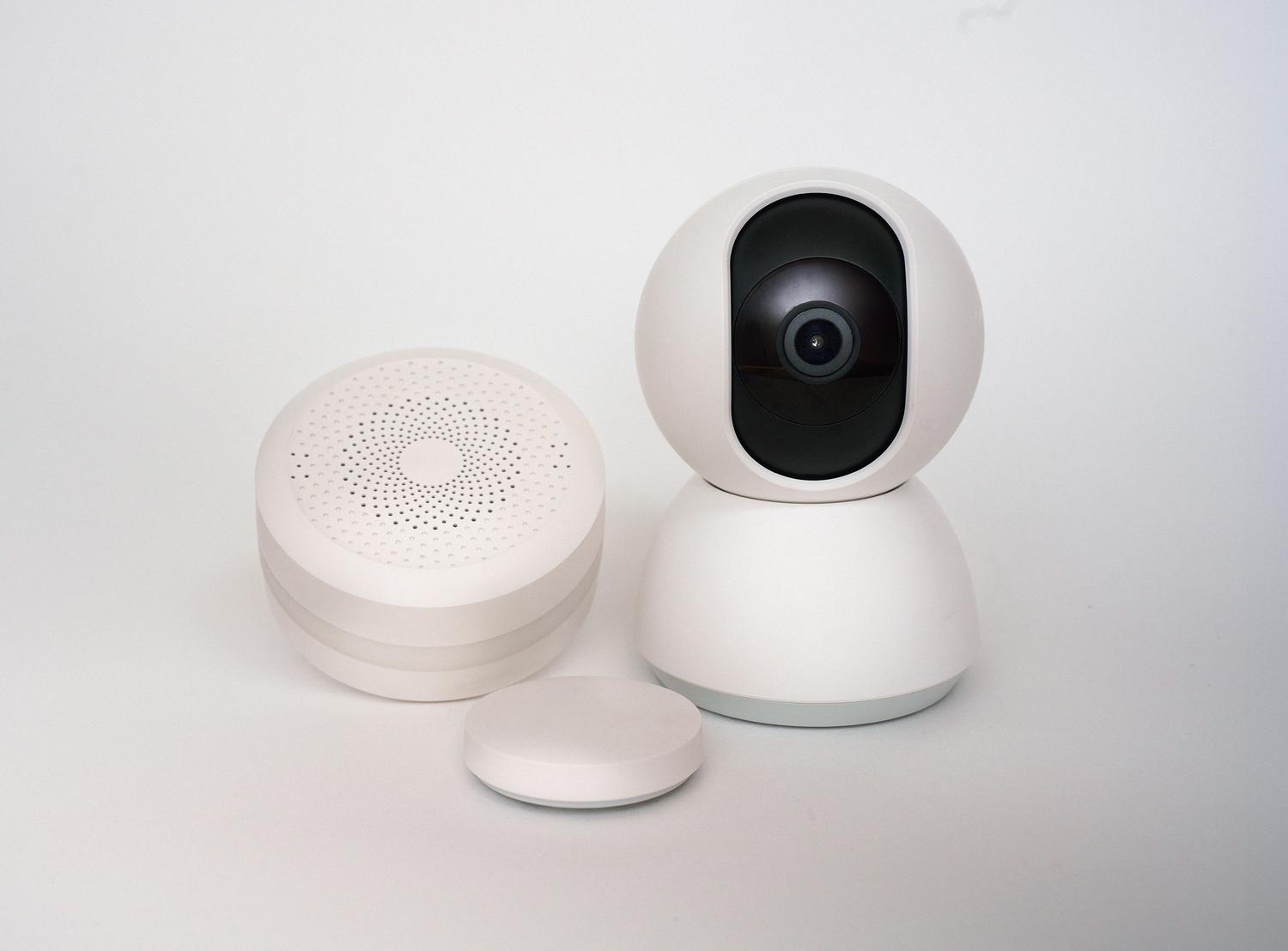
The hub is the brain of the operation. If it fails, the entire system goes down. The clearest symptoms are slow response times or devices appearing unavailable. Often, this is due to electromagnetic interference from microwaves or cordless phones, or simply to Wi-Fi network congestion.
To fix this, start with the basics: check that the power and Ethernet cables are securely connected. A foolproof trick is a power reset ; unplug the hub for a full minute to clear its memory and let it restart. If the problem persists, access your router's settings and check if the hub is connected to the 2.4GHz band, which typically offers greater range and stability for these devices, unlike the 5GHz band.
Don't neglect the firmware. Manufacturers constantly release patches to fix bugs. Look for the device update section in the app . If the system remains unstable, consider migrating to more robust hubs, such as those from Aqara. These offer local processing, meaning automations will continue to work even if your internet connection drops , and they are compatible with modern standards like Matter , ensuring your investment won't become obsolete in a couple of years.

Optimization of motion sensors and Smart Life bulbs
Sensor lights often malfunction due to environmental factors. If you notice false activations, it's best to adjust the sensitivity dial so the sensor doesn't trigger when exposed to shadows or small pets. It's also vital to keep the sensor lens clean; accumulated dust and dirt drastically reduce its responsiveness.
In the case of generic light bulbs that use the Smart Life app, intermittent power outages are common. A recurring problem is that some bulbs remain on despite the automation system's instructions to turn them off. In these cases, trying a schedule-based automation (sunrise/sunset) is usually more effective than relying solely on the physical sensor. If a single bulb behaves erratically, it most likely has an internal hardware failure and needs to be replaced.
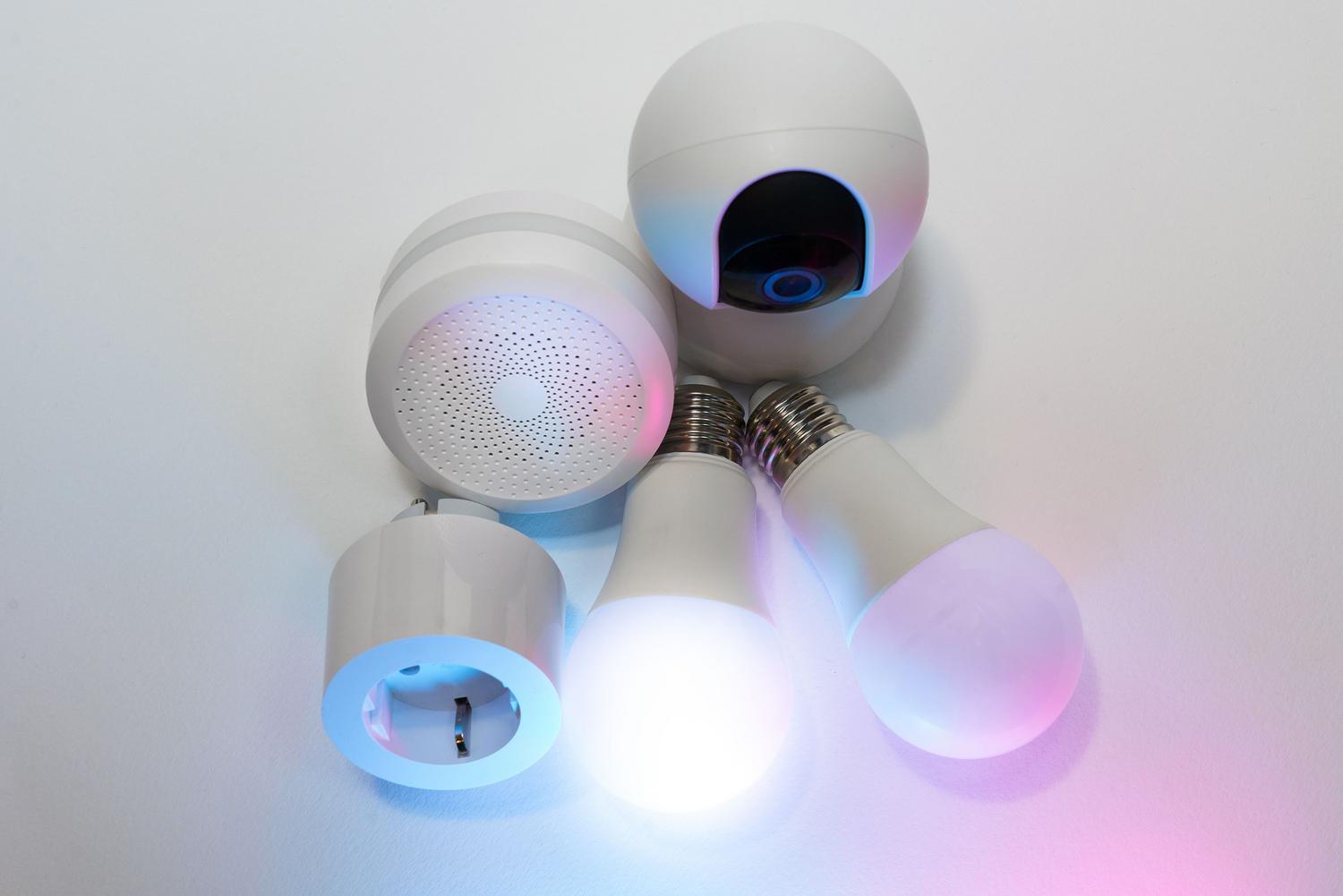
To diagnose a faulty sensor, follow a logical process: check the power supply, clean the surface, test the light under different lighting conditions, and as a last resort, perform a factory reset. If none of this works, the sensor may have reached the end of its lifespan due to wear and tear on its electronic components.
Maintaining a connected home requires a balance between good network setup, up-to-date hardware, and basic physical maintenance. From replacing a dead battery in an IKEA remote to adjusting the router's frequency band or cleaning a sensor lens, most synchronization issues can be resolved with simple diagnostic steps and a little patience with system restarts.

Passionate writer about the world of bytes and technology in general. I love sharing my knowledge through writing, and that's what I'll do on this blog, show you all the most interesting things about gadgets, software, hardware, tech trends, and more. My goal is to help you navigate the digital world in a simple and entertaining way.