- Identifying the files and applications that consume the most internal storage.
- Deleting temporary data, cache, and duplicate files to optimize the system.
- Use of cloud tools and external hardware to store data without overloading the device.
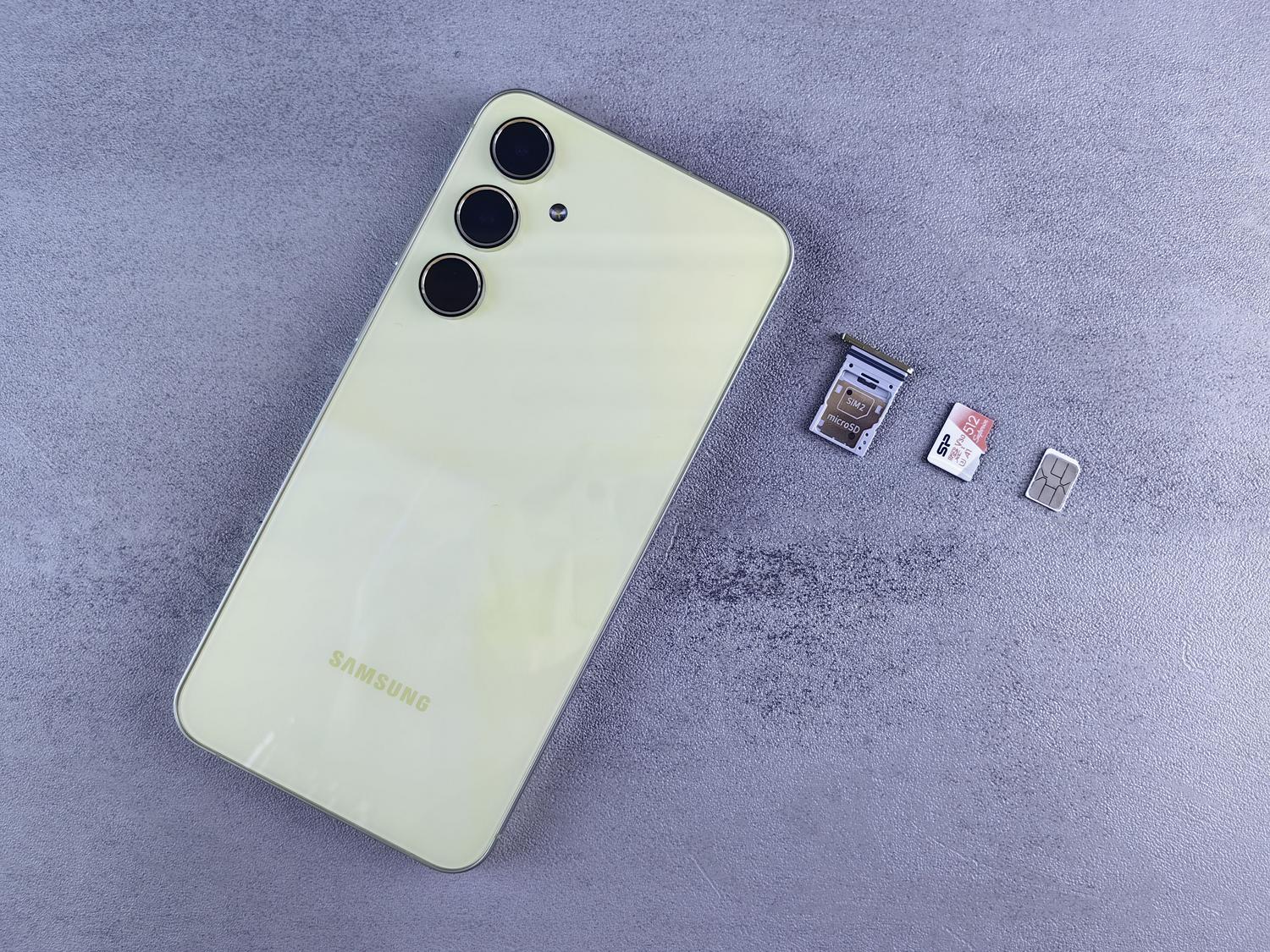
Has it ever happened to you that just when you're about to take that perfect photo or download an app you urgently need, you get that dreaded " storage full" warning ? It's a frustrating situation, but don't worry, you don't need to rush out and buy a new phone just because your storage has run out. Most of the time, the problem isn't that the phone is small, but rather that we've been accumulating digital junk without realizing it.
Having your phone full of files not only prevents you from saving new things, but it also makes the device slow, drains the battery quickly, and sometimes causes apps to malfunction. That's why doing a thorough cleanup from time to time is essential to improve your Android phone's performance and get it running smoothly again, like new, by reclaiming that vital space we all need.

Analyze what is devouring your memory
Before you start deleting things willy-nilly, the smartest thing to do is find out exactly what's taking up the most space . On most Android devices, you can go to Settings and look for the Storage section. There you'll see a detailed breakdown by category: apps, photos, videos, audio, and system. This will allow you to focus your efforts on the most critical areas ; for example, if you see that videos are taking up 60% of the storage, you know where to start.
Goodbye to the apps you no longer use
We all have that one app we downloaded for a specific event or a game that hooked us for a week and is now gathering dust in a folder. These apps not only take up space when installed, but they also generate internal data that fills up your memory. We recommend going to Settings > Apps and uninstalling anything you haven't opened in the last month. Don't worry, if you need it later, you can easily download it again from the Play Store.
In addition, there's bloatware , which is software that comes pre-installed and often serves no purpose. While some can't be completely removed, you can disable them to prevent them from consuming unnecessary resources and space in the background.

Intelligent photo and video management

Images and video clips are undoubtedly the biggest culprits behind full storage. A very effective trick is to delete duplicate photos or those that are nearly identical (like when you take five photos in a row to get one right). Tools like Remo Duplicate Photos Remover or Avast Cleanup help you detect similar images so you only keep the best one.
Don't forget to check your screenshots folder , which we often fill with things we later forget. Select the ones you no longer need and send them to the trash. For videos, which are the largest files, try deleting long clips that you've already backed up elsewhere. However, if you made a mistake, remember that you can recover deleted photos on Android with specialized tools.
Cleaning cache and temporary files

The cache is like short-term memory where apps store data to load faster. The problem is that, over time, these temporary files accumulate and can take up gigabytes of space. To clear them, go to Settings > Apps, select the app, and under Storage, select Clear cache . Be careful not to tap "Clear data" unless you want to completely reset the app and lose your active sessions.
It's also vital to clear your web browser cache and Chrome browsing data. Go to the three-dot menu, then to History, and select Clear browsing data, making sure to check the box for Cached images and files.

The Downloads Folder Graveyard
The Downloads folder is where PDFs, manuals, tickets, and documents we only download once often end up. It's very common to have gigabytes wasted on files we'll never use again. Open File Manager or the Google Files app, go to Downloads, and delete anything irrelevant . It's one of the fastest ways to recover significant space, especially if you notice some downloads stopping in Chrome for Android due to lack of space.
Optimization of streaming and map apps
If you use Spotify, YouTube Premium, or Netflix, you probably have downloaded content to listen to or watch offline . These files are huge. Go into each app's settings and look for the option to delete all downloads or manage which ones you want to keep. The same applies to Google Maps; if you've downloaded maps of entire cities for offline use, check if you still need them and delete any outdated maps.
Alternatives to avoid deleting anything: The cloud and hardware
If you're one of those people who can't bring themselves to delete a single photo, you have two safe solutions. The first is cloud storage (like Google Drive, OneDrive, or dedicated services like DIGI Storage), which lets you upload your files to an external server and delete them from your phone, while still maintaining access from anywhere. The second option is to use an external hard drive or an SD card (if your phone supports it), moving the largest folders there using a USB cable or adapter.

Advanced and physical maintenance

If your phone is still slow after all this, you can try restarting the device to clear the RAM and close any phantom processes. In extreme cases, a factory reset is the only solution, but remember to back up your data first because it will erase absolutely everything.
Finally, don't neglect physical cleaning . Dust in the charging ports or dirt in the speakers can affect performance. Use a microfiber cloth lightly dampened with 70% isopropyl alcohol and a cotton swab to carefully clean the crevices , always with the phone turned off, thus preventing the Android phone from overheating due to external obstructions.
Keeping your device free of unnecessary files, managing the cache, and taking advantage of external storage allows the operating system to run more smoothly, prevents overheating, and extends battery life, ensuring your phone is always ready for new downloads and memories.


Passionate writer about the world of bytes and technology in general. I love sharing my knowledge through writing, and that's what I'll do on this blog, show you all the most interesting things about gadgets, software, hardware, tech trends, and more. My goal is to help you navigate the digital world in a simple and entertaining way.