- Implementation of minimum, maximum and necessary stock levels to automate purchases and avoid stockouts.
- Use of scanning technology and barcodes to streamline logistics and reduce manual errors.
- Configuration of stock valuation methods and detailed control of batches and expiry dates.
- Multi-warehouse management with real-time visibility to optimize the supply chain.

Keeping track of what comes in and goes out of the warehouse is no easy feat, especially when product volume grows and demand starts to fluctuate. For any small or medium-sized business that handles physical goods, maintaining a balanced stock level is the difference between sleeping soundly and facing angry customers due to stockouts, or worse, having capital tied up in unsold products.
This is where SAP Business One comes in. It's not just another program, but a comprehensive tool that allows you to manage logistics from start to finish . From configuring how you value each item to automating supplier orders, the goal is for your company to increase productivity and stop relying on spreadsheets that, let's face it, often cause more problems than they solve.
The foundation of everything: Valuation and Inventory Types
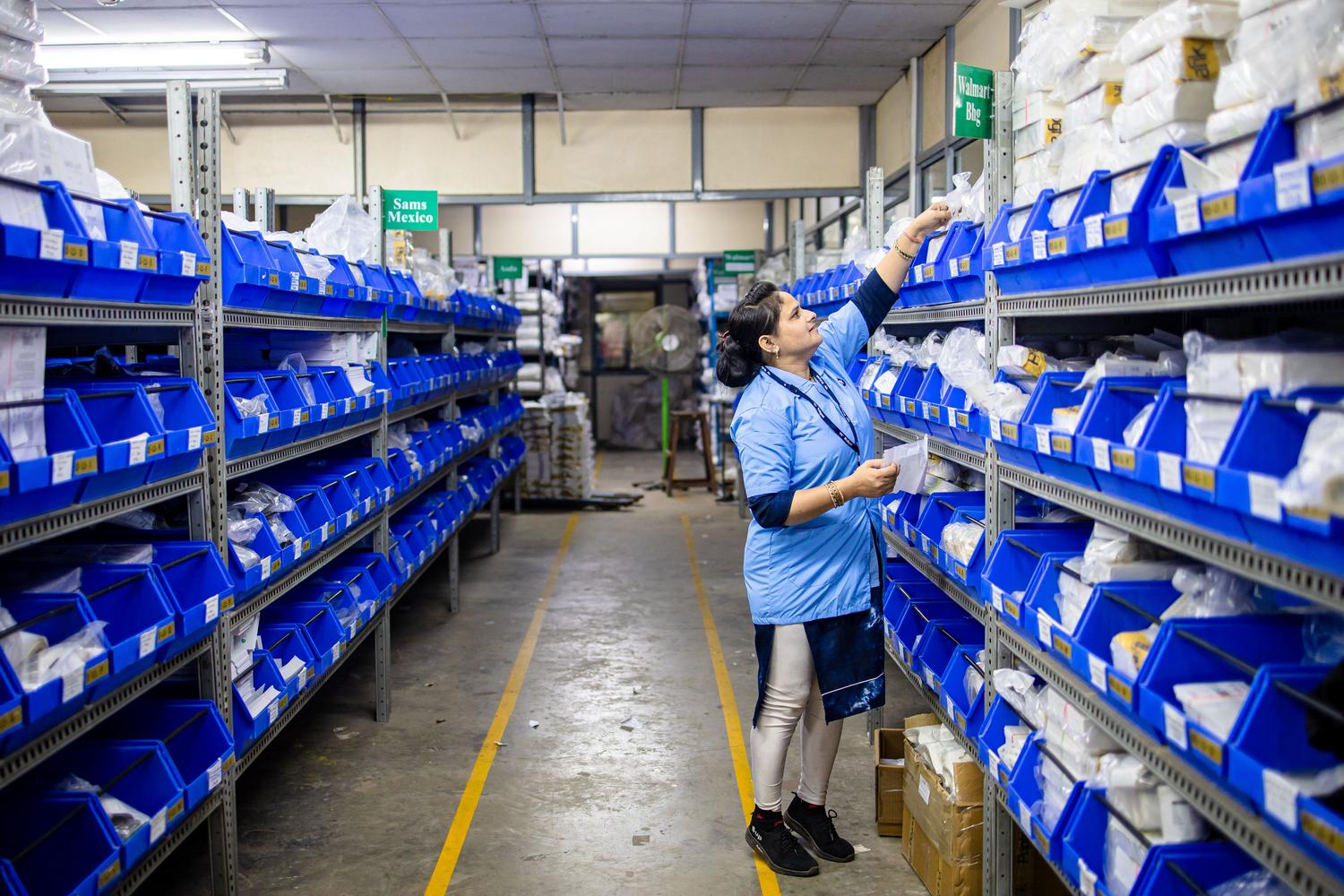
Before delving into the system, it's essential to understand the concepts. A perpetual inventory is not the same as a periodic one. The former provides a constant and up-to-date view of our stock, while the latter requires specific physical counts. SAP Business One excels with the perpetual inventory model, allowing us to know our stock levels instantly.
A critical point in the initial setup is choosing the default valuation method . Since goods are purchased on different dates and at varying prices, we need a formula to value inventory consistently. Choosing the right method is vital, as it has a direct impact on the organization's accounting and tax obligations.
Master control of stock levels

To avoid going in blind, the item's details are where the magic happens. In the Inventory Data tab, we can define three fundamental levels that act as the brain of our purchases and sales:
- Required stock level: It's the ideal amount to keep the business running smoothly. The best part is that SAP uses it for suggest quantities in the orders for purchase; if you have 100 and need 200, the system will tell you to buy 100 more automatically.
- Minimum level: It functions as a safety net. It's the acceptable lower limit for to avoid running out of money unexpectedly.
- Maximum level: It's the ceiling. It serves to prevent filling the storage room with things we don't need, thus avoiding... overstock and unnecessary spending of space and money.
The interesting thing is that we can configure how the software reacts when we exceed these limits. We can have the system block the operation completely , issue a warning, or simply remain silent if we prefer to have complete freedom of movement.
Logistics Optimization and Traceability

For companies that distribute food or sensitive products, batch and expiration date control is mandatory. SAP Business One enables complete traceability, which is a lifesaver during an audit and helps to drastically reduce losses due to expired products.
Furthermore, productivity skyrockets when we move from paper to scanning. Implementing barcodes makes transactions up to ten times faster than manual recording, eliminating costly human errors. This gives us real-time visibility , eliminating doubts about the exact location of a pallet or whether there is actually stock available for sale.
Multiple Warehouse Management and WMS

Not all companies have just one warehouse. When operating with multiple locations, SAP allows you to activate warehouse-specific stock management . This means you can set different minimum and maximum stock levels for each site, adapting to the specific demand of each geographic area.
For those requiring a higher level of functionality, there is integration with a WMS (Warehouse Management System) . While the ERP handles administrative and accounting control, the WMS manages the micro-management of physical inventory movement, optimizing picking routes and the exact location of each unit, seamlessly connecting with SAP Business One.
Implementing these technological strategies allows SMEs to move beyond improvisation and start operating with real data. By combining automated purchasing , rigorous stock level control, and fast scanning, they can reduce operating costs and improve end-customer satisfaction, ensuring a smooth and profitable flow of goods.

Passionate writer about the world of bytes and technology in general. I love sharing my knowledge through writing, and that's what I'll do on this blog, show you all the most interesting things about gadgets, software, hardware, tech trends, and more. My goal is to help you navigate the digital world in a simple and entertaining way.