- Mute affects timelines and notifications, but not search results.
- Capitalization has no influence, and related hashtags are also muted.
- It can be limited by time (24 hours, 7 days, 30 days or indefinite) and by origin.
- Muting is discreet; blocking cuts off interaction and is visible to the other account.

If you've noticed your X (formerly Twitter) feed filling up with topics you're not interested in, discussions you'd rather avoid, or spoilers that ruin shows and games, you need to master muting. The mute feature for words, hashtags, authors, and conversations lets you clean up your timeline and notifications without having to block or unfollow anyone.
This isn't a drastic measure like blocking: it's selective, reversible, and very flexible. You can block terms, phrases, tags, and even mute specific accounts or threads for 24 hours, 7 days, 30 days, or indefinitely. Below, you'll find detailed instructions on how to do this on Android , iPhone , and the web, along with tips , limitations, and real precautions to keep in mind.
What does mute mean in X and when is it a good idea to use it?
Muting tells the platform you don't want to see certain content in your feed or receive notifications about it. It's ideal when the For You feed is showing you posts you don't want , even if you don't follow the people who posted them.
- Avoid spoilers at all costsIf you're away the weekend of your favorite series' premiere, mute the title, character names, and even the cast. So your chronology doesn't spoil anything for you. even if the algorithm insists.
- Filter annoying or provocative content: political, social issues or any other topic that you know drains your energy. Silencing common terms you will see a calmer start.
- Staying out of endless debates: sports, politics or any niche that tends to polarize. You will reduce the temptation to get into fights that do not contribute.
How to add muted words and phrases?
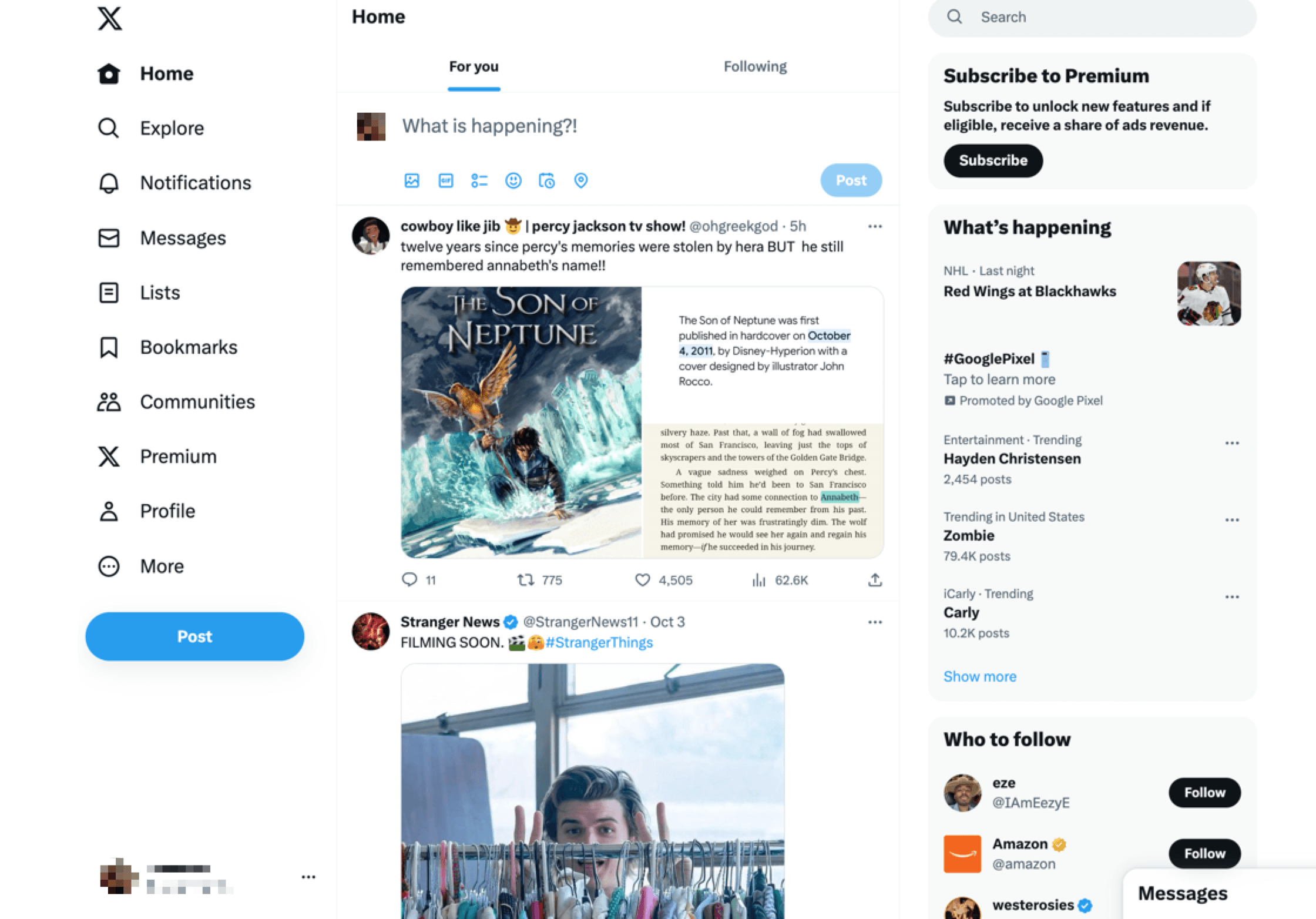
The platform lets you create a personal list of terms you don't want to see. You can mute words, phrases, hashtags, and even @users , deciding whether to apply the filter to your timeline, your notifications, or both, and setting the duration of the mute.
Mute words from the Android app
On Android, the process is quick and highly configurable. You only need a few seconds to secure your startup and notifications.
- Open X on Android and tap the Notifications icon (bell) in the bottom bar.
- On the notifications screen, tap the gear icon (top right) to access settings.
- Sign in Filters and then in Silenced words.
- Press the button with the plus sign (+) in the lower right corner.
- Write the word, phrase, hashtag or @user that you want to silence.
- Activate if you want to exclude it from the start timeline.
- Decide the scope in Notifications: from anyone or just from those you don't follow.
- Choose the duration of the silence: 24 hours, 7 days, 30 days or forever (the latter is the default option).
- Confirm with Save to apply the filter.
Mute words from the iPhone (iOS) app
On iOS, you have two options: from a specific tweet or through the settings. Both lead to the same panel for configuring reach and time.
Quick method from a tweet: If you see a post with a word you want to mute, open it, tap and hold the word, use the right arrow (>) in the small pop-up menu until you find "Mute" and tap it. There you'll adjust the timeline/notifications and duration , and finish by tapping "Save".
Method from app settings: Tap your profile picture (top left), go to Settings and support > Settings and privacy > Privacy and security > Mute and block > Muted words . Tap Add , configure range and time, and tap Save.
Mute words from the web version
You can also keep unwanted topics at bay in your browser. The process may vary slightly depending on your current browser layout .
- Click on More (left side menu) and enter Setup and Support o Settings and privacy.
- Go to Privacy & Security and then to mute and block.
- Opens Silenced words and press the + button (usually located at the top right).
- Enter the word, phrase or hashtag, define if it affects timeline and/or notifications, choose the duration and tap Save.
In some menu variations, you can also access the "Mute specific words from your notifications and timeline" option from Notifications . The practical result is the same.
Important tips and limitations of muting
Before filling your list of muted terms, it's a good idea to understand how this feature works. There are details that will save you from surprises.
- Uppercase/lowercase do not matter: “MANZANA” and “manzana” are treated the same when muted. You don't need to duplicate variants.
- Associated hashtags are also silenced: If you mute “Pineapple”, X also hides #Pineapple. If you only want to block the hashtag, include the # when adding it.
- Does not affect search results: If you search, you'll see tweets that contain those words. Mute applies to home, notifications and the Explore section.
- The default duration is “forever”: if you don't change There, the term will remain silenced indefinitely until you edit or delete it.
- They are added one by one: You cannot import a comma-separated list. It's time to go word by word.
How do I edit, expand, or unmute terms?
If the context changes (for example, you've already watched the series), you can unmute yourself in seconds. It's just as easy on mobile and web.
- Sign in Settings and privacy > Privacy & Security > mute and block > Silenced words.
- Tap or click on the term What do you want to modify?
- Edit the scope or duration, or choose the option to unmute.
There's a key distinction: you can't edit the text of the word/phrase itself . If you want to change it, remove it from the list and add it again with the correct text.
Muting accounts and conversations: options beyond words
When the problem isn't a topic but a specific account or thread that's overflowing with notifications, there are specific solutions. Muting an account or conversation doesn't break the relationship ; it simply stops you from seeing or receiving notifications.
Mute a specific account
- From a tweet: Open the three-dot menu (…) of the tweet and press Silence .
- From the profile: Enter the profile, tap the three-dot menu (…) and choose Mute.
The muted account does not receive notifications . You can still like, reply to, or retweet manually by visiting their profile, but their content will not appear in your feed by default.
Mute notifications for a conversation
When a thread gets too active, you can calm it down without abandoning it. Perfect for avoiding notification bombardment.
- Open the tweet or thread that you want to silence.
- Press the menu three dots (…) and choose “Mute this conversation”.
You can continue reading and participating whenever you want, but you'll stop receiving notifications from that thread. If you change your mind, repeat the process and select Unmute.
Can words be blocked in X?
It's a common question: "I want to block words so I never see them again ." The platform doesn't offer word blocking as such ; what it does offer is muting, which achieves practically the same effect on your timeline and notifications.
If an account is bothering you, then blocking users is an option . Keep in mind that blocking is visible to the person if they visit your profile, while muting (both accounts and words) is discreet and private . Use blocking if you want to cut off interaction and visibility; use muting if you simply want to stop seeing them without raising suspicion.
Advantages and disadvantages of using muting
Silencing is incredibly powerful, but it's not perfect. It's wise to consider the potential side effects before overusing it.
- You can lose context: If you follow a topic, you might miss key pieces of the conversation. The overall image suffers.
- Less diversity in your feed: Part of the beauty of X is the variety. If you mute too much, everything sounds the same and the experience is impoverished.
- Risk of missing trends or novelties: a term silenced today could be news tomorrowYou won't find out as long as he's on your list.
Parental Controls and Remote Management: Dos and Don'ts
A common question: Can I mute words on my child's account remotely? It's not possible to do this remotely from X. However, parental control solutions like Msafely do exist , capable of monitoring device activity (messages, location, apps , and networks) on Android and iPhone without being detected. Be aware of risks like doxing . It's a way to provide digital supervision and guidance , not a magic button to mute words from the outside.
If you choose to use these types of tools, act transparently and with consent, in accordance with age and the legal framework of your country. Dialogue remains the best approach for a healthy online experience.


Passionate writer about the world of bytes and technology in general. I love sharing my knowledge through writing, and that's what I'll do on this blog, show you all the most interesting things about gadgets, software, hardware, tech trends, and more. My goal is to help you navigate the digital world in a simple and entertaining way.