- Analysis of compatibility between file systems and manufacturer brands to prevent data loss.
- Implementation of 3-2-1 backup strategies and progressive synchronization to ensure service continuity.
- Use of orchestration tools and automated migration services to minimize downtime.
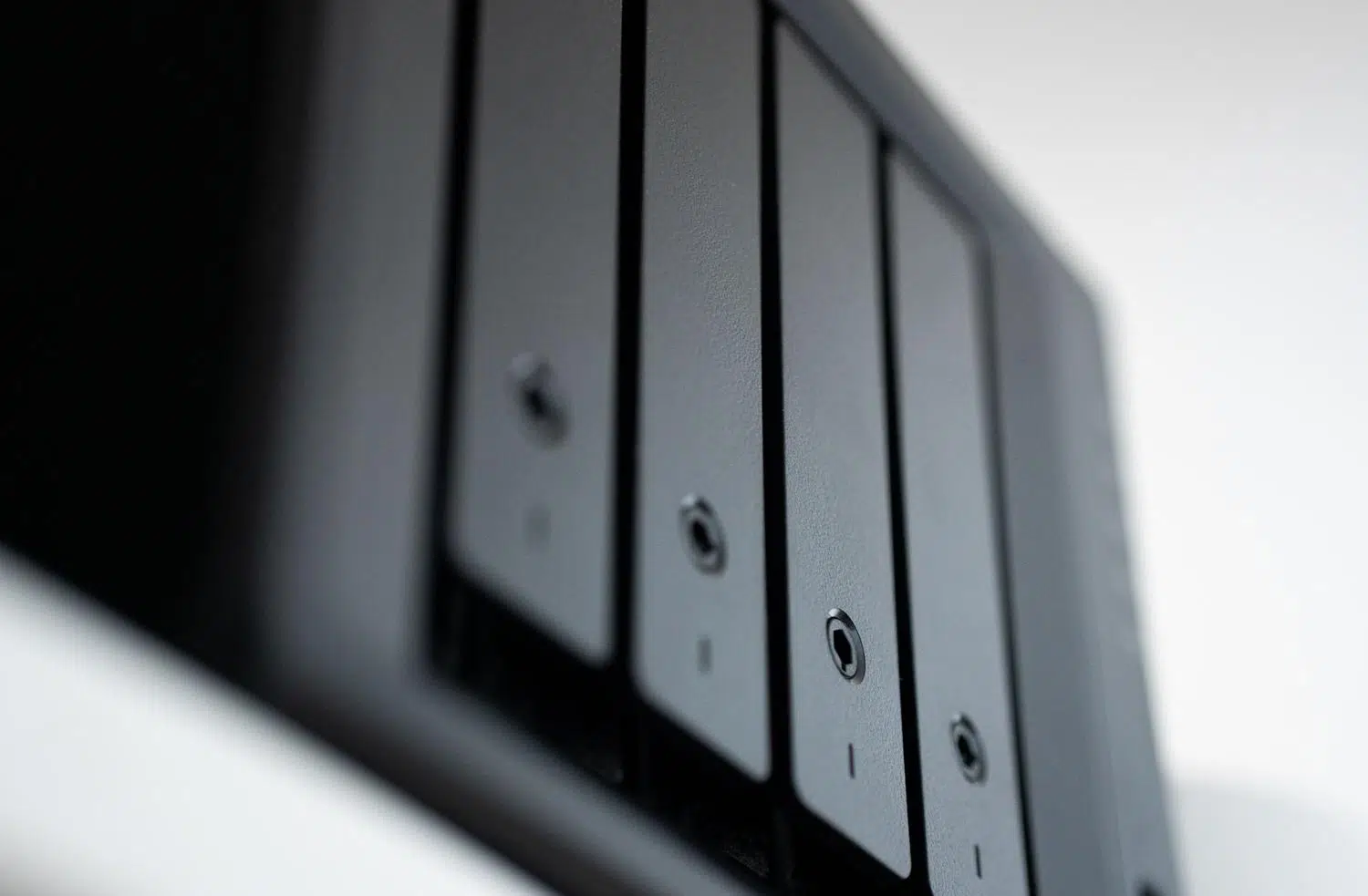
When we consider upgrading our NAS server, whether because we've run out of space, want more power to virtualize Docker containers, or simply want to switch to a more cutting-edge brand, we're always faced with the same question: how on earth do I move terabytes of data without the whole system crashing and without risking losing important files?
The reality is that migrating storage isn't simply a matter of copying and pasting folders. Depending on whether you're moving within the same product family or changing ecosystems, the process can be a breeze or a complete technical nightmare. To avoid unpleasant surprises, it's crucial to plan each step carefully and understand that the continuity of your business or digital home depends on meticulous execution.
Compatibility and challenges according to the manufacturer

The first thing to understand is that not all NAS devices speak the same language. Although the vast majority are based on Linux, each brand, such as Synology, QNAP, or Asustor, uses its own partitioning structure and formatting . This means that if you try to move the physical disks from one NAS brand to another of a different brand, the new server will most likely force you to reformat them, erasing absolutely everything.
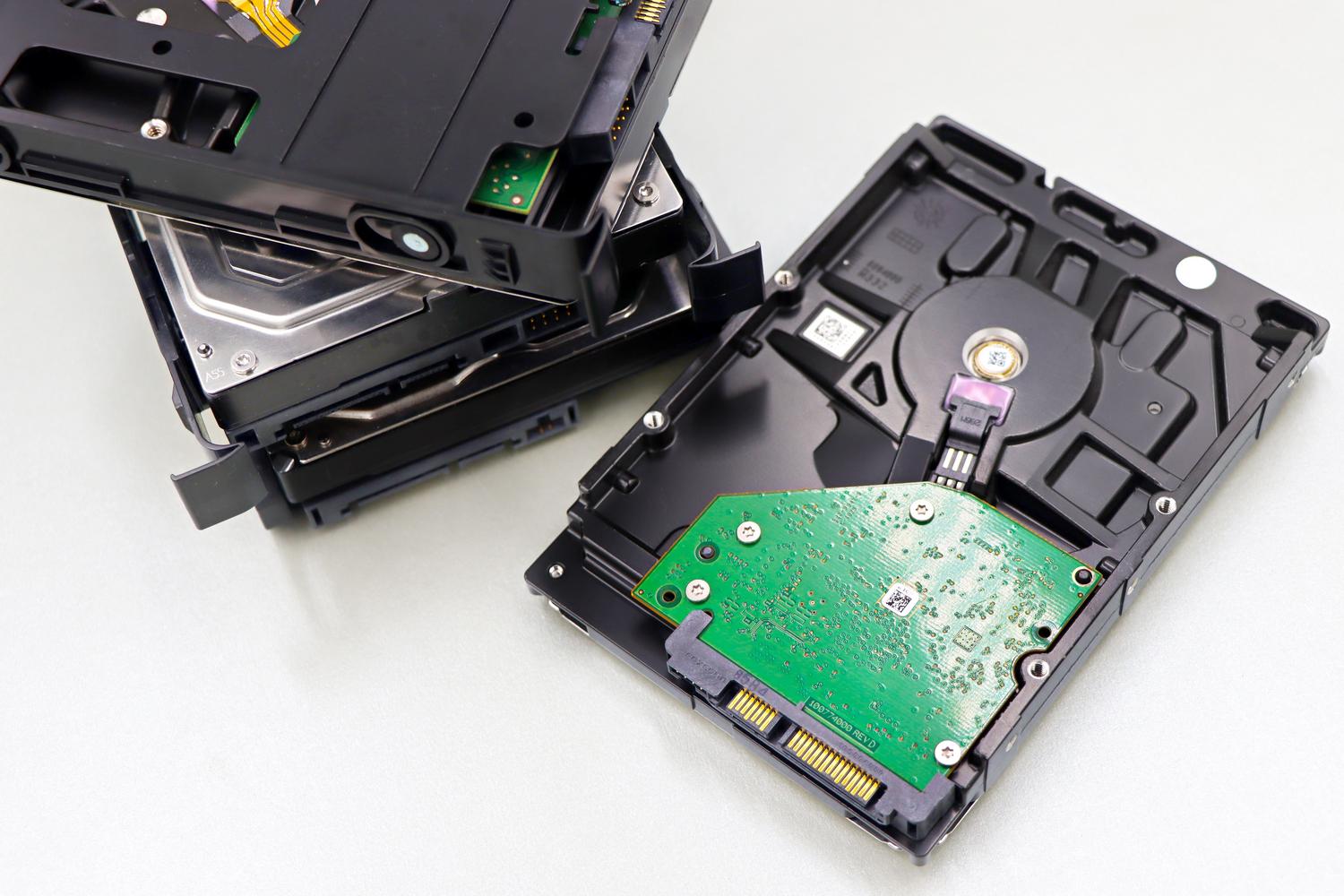
If you're switching from the same brand, things are simpler. Generally, you just need to turn off the computer, move the SSD or HDD to the new enclosure, and turn it on; the system usually recognizes the storage and restores the configuration automatically. However, be careful with QNAP, as there are critical incompatibilities between its QTS (based on EXT4) and QuTS hero (based on ZFS) operating systems. In this specific case, you can't swap the drives without formatting them, so you'll need an external bridge.
Strategies for a seamless migration
To ensure users don't notice the change and that the service remains active, we can't rely on luck. The ideal approach is to follow a phased synchronization methodology . First, a complete copy of the data is made to the new destination while the old server continues operating. Then, delta synchronizations are performed, which only move the files that have changed, thus minimizing the final downtime.
In more professional environments, such as Windows servers or Samba systems, orchestration tools like the Storage Migration Service can be used . This process involves creating a detailed inventory, transferring the data, and finally, performing a transition where the new server assumes the identity (name and IP address) of the old one. This way, applications that consume the data do not need to be reconfigured, as they continue to see the same network address.

The golden rule of support: 3-2-1
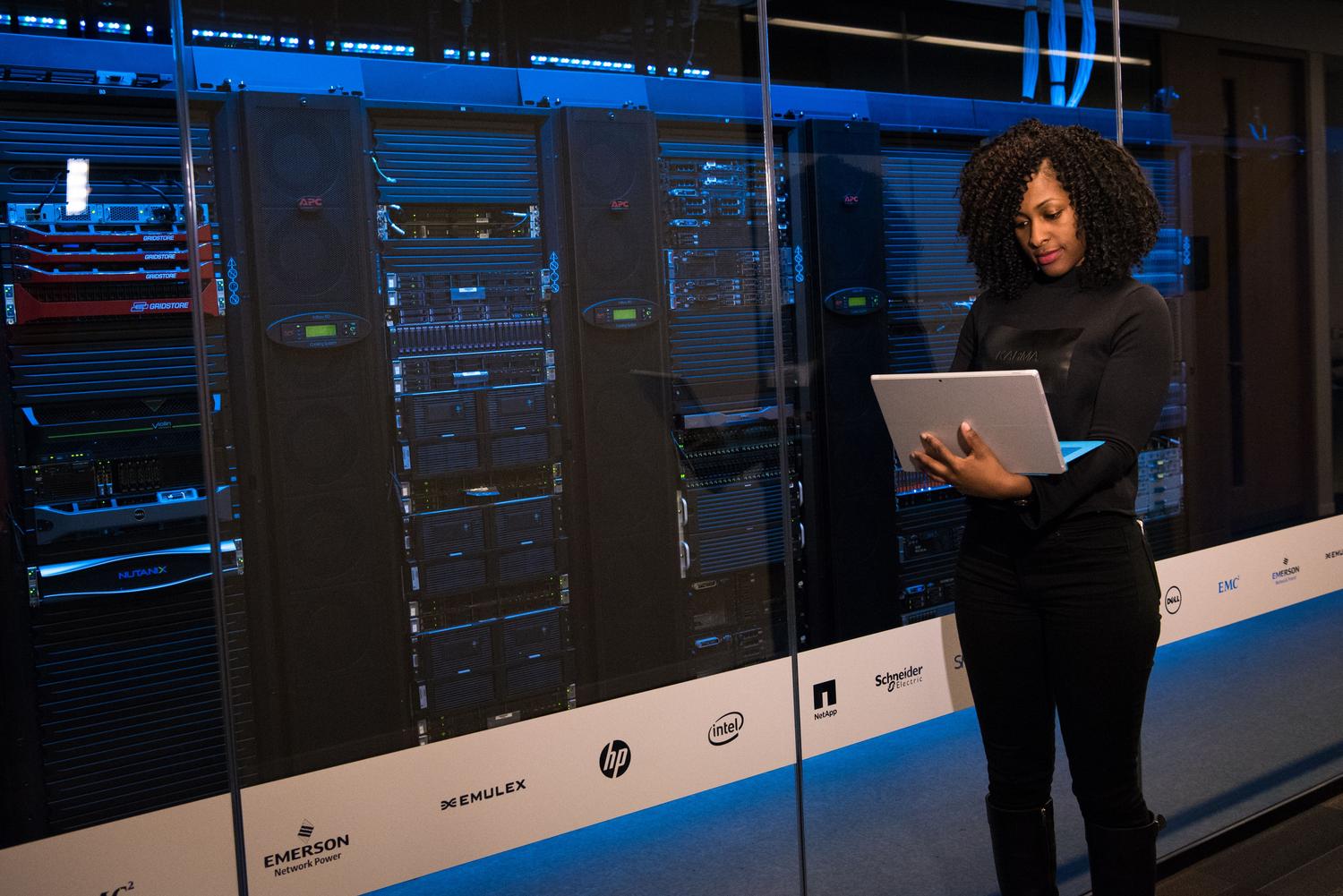
No systems expert would dare migrate a server without a safety net. This is where the famous 3-2-1 strategy comes in. It consists of maintaining three copies of the data : the original file and two backups. These backups should be on two different storage devices (for example, an external hard drive and a cloud service), and, very importantly, one of those copies should reside in a different physical location to protect against fire or theft.
To automate these tasks, there are powerful tools like Hyper Backup in Synology or HBS 3 in QNAP. These applications ensure that migration isn't a leap into the unknown, but a controlled process where, if something goes wrong at the destination, there's always a safe return point to recover the data.
Critical steps to avoid disaster

- Surrounding analysis: Before touching anything, check the software versions, dependencies, and actual data volume to avoid running out of space on the new server.
- Destination preparation: Install the operating system and configure user permissions on the new NAS before starting the transfer.
- DNS Management: If the server is accessible via the web, reduce the TTL (Time To Live) of the DNS records in advance so that the IP change propagates quickly.
- Stress tests: Do not shut down the old server immediately. Keep both systems running and verify that the forms, access, and performance be stable on the new machine.
Advanced technical considerations and ETL
When migration involves changing not only the hardware but also the database or application format, we enter the realm of ETL (Extract, Transform, Load) processes. This is vital when moving from legacy or proprietary systems to modern, virtualized environments, which may require a step-by-step virtual machine migration . It's necessary to map how servers are correlated with storage to prevent the system from being unable to find file paths upon reboot.
A very common mistake is trying to copy the environment exactly. Sometimes this is the perfect opportunity to optimize storage , clean up obsolete data, and improve security. However, you must be careful with character encoding; converting from mainframe systems (EBCDIC) to PCs (ASCII) requires specific conversion tools to prevent text from becoming unintelligible symbols.
The key to success lies in automation and meticulous planning. Using heterogeneous tools that allow data to be moved between different brands, implementing a robust backup strategy, and performing a gradual server identity transition makes the process virtually invisible to the end user, ensuring that data integrity remains intact throughout the entire process.


Passionate writer about the world of bytes and technology in general. I love sharing my knowledge through writing, and that's what I'll do on this blog, show you all the most interesting things about gadgets, software, hardware, tech trends, and more. My goal is to help you navigate the digital world in a simple and entertaining way.