- There are methods that create exact replicas of the system through cloning or RAW images.
- Selective backups of critical files can be automated using synchronization tools.
- The choice of method depends on whether you are looking for immediate recovery or optimized cloud storage.

Having a Raspberry Pi running at full capacity, with all containers and services configured, is incredibly satisfying, but also a source of anxiety . Anyone who has spent hours wrestling with the terminal knows that a corrupted SD card or a botched update can wipe everything out in the blink of an eye, leaving you heartbroken and forced to start from scratch.
The reality is that microSD cards aren't eternal and suffer greatly from constant write cycles. Therefore, it's not a question of if your system will fail, but when it will happen . To prevent a simple technical error from costing you an entire afternoon of work, it's essential to implement a backup strategy that suits your level of expertise and what you actually need to save.
Direct cloning of the SD card

When you're looking for maximum simplicity and near-instant recovery, cloning the card is the fastest way. This process involves creating an exact physical duplicate on another blank SD card. If the primary card fails, you simply remove one, insert the other, and the system boots as if nothing had happened.
For those using the desktop version of Raspberry Pi OS, there's a pre-installed tool called SD Card Copier , located in the accessories menu. It's extremely intuitive and does all the heavy lifting for you. If you prefer the command line or are using a Lite version, you can use tools like rpi-clone or even the `dd` command , although the latter requires more care to avoid erasing the wrong disk.
The major drawback of this method is that it relies on having a physical memory card stored away. If you lose that backup SD card or it gets damaged while in storage, you'll be left with nothing. Furthermore, to ensure a reliable backup, it's highly recommended to stop services that constantly write data, such as databases or Docker containers, before starting the cloning process.
System image creation

Unlike cloning, creating an image generates an .img file that you can save to your computer, an external hard drive, or even the cloud. It's essentially a bit-by-bit snapshot of your entire storage drive, allowing you to restore your system across multiple different cards if needed.
On Windows, the go-to tool is Win32 Disk Imager , which reads the card in raw (RAW) format without requiring the operating system to recognize the Linux format. On macOS, there are alternatives like ApplePiBaker, and on Linux, the `dd` command is the standard. An important detail is that these images often fill the entire card, even if you only use a few gigabytes. To solve this, there's a program called PiShrink that compresses the image by removing empty space, making the file much more manageable.
To get your system up and running again, you can use the Raspberry Pi Imager by selecting the "use custom" option and loading your image file. This is the ideal option if you want to maintain a version history of your configuration without filling up your SD card drawer.
File synchronization and selective backups
If you don't mind reinstalling the operating system from scratch but don't want to lose your custom settings and databases, the most efficient solution is to back up specific files. This is where rsync comes in , a powerful tool that only copies the files that have changed, saving you time and space.
You can create a simple script to automate this process and schedule it to run, for example, every night using cron . If you want something more structured without writing complex scripts, rsnapshot is an excellent alternative, as it's an rsync wrapper that allows you to manage incremental backups with a history (daily, weekly, monthly) using hard links to avoid unnecessary data duplication.
For those who prefer not to rely on a local drive, rclone lets you send important files directly to cloud services like Google Drive or OneDrive. This gives you peace of mind knowing that even if your house floods or your hard drive fails, your critical data is safe on a remote server.
Tips to extend the life of your storage

Beyond backups, the ideal is to prevent SD card corruption. One of the most common causes of corruption is shutting down the Raspberry Pi simply by unplugging the power cable. To avoid this, always use the command `sudo shutdown -h now` and wait for the LED activity to stop before unplugging it.
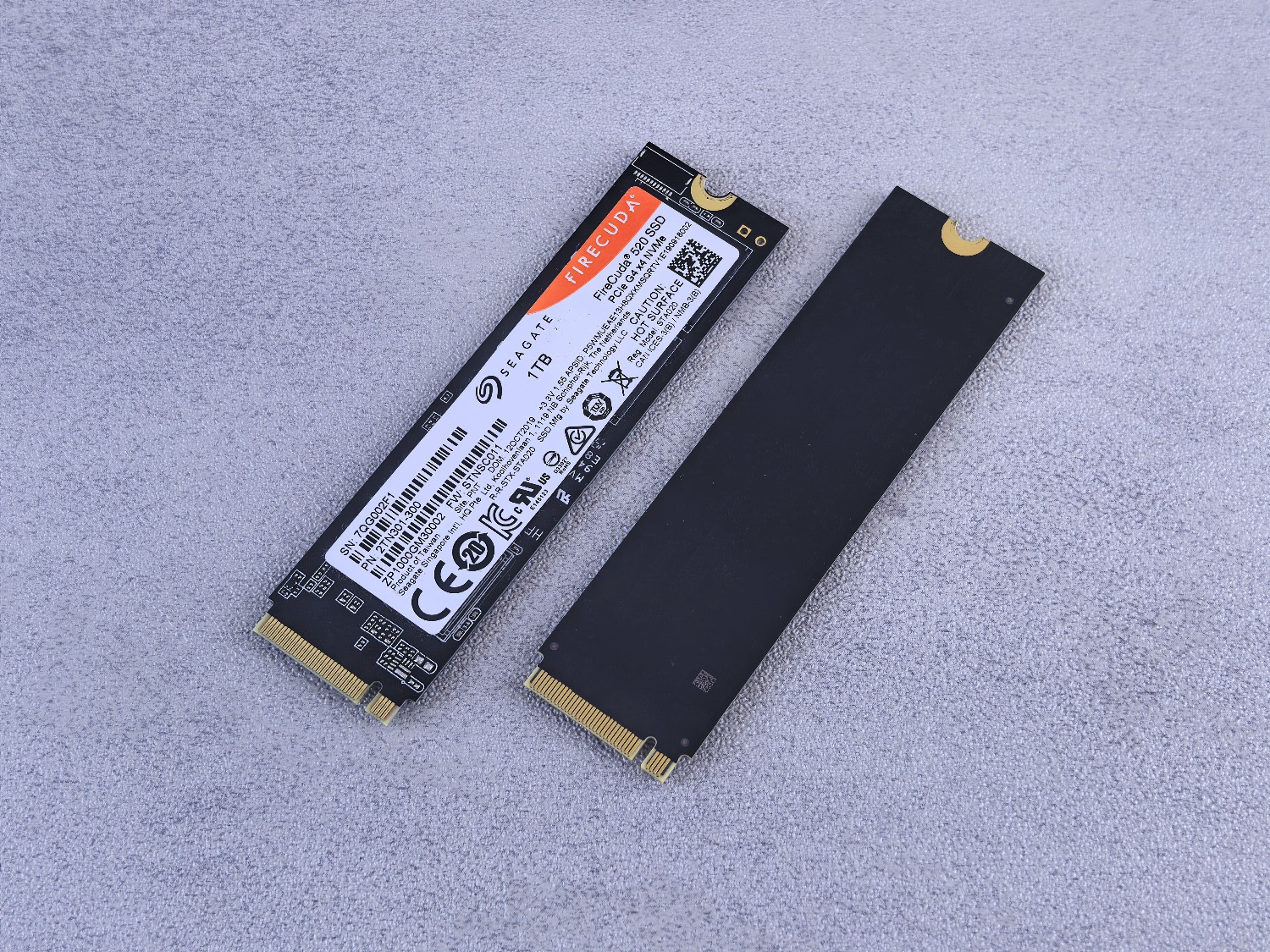
Another critical point is power. Using generic chargers can cause micro-voltage interruptions that damage the partition table. Invest in an official or high-quality power supply that provides the necessary amperage (especially for the Pi 4 and Pi 5). Finally, if your project involves constantly writing data, consider migrating the system to an NVMe SSD (in the case of the Pi 5) or a USB hard drive, as they have infinitely greater resistance to wear and tear than any microSD card.
The security of your setup depends on combining good shutdown habits, a stable power source, and choosing a backup method that is sustainable over time, whether through quick SD cloning, creating compressed images, or automated synchronization of key files in the cloud.
FAQ
Does the dd command work for backing up a Raspberry Pi?
Yes, it allows you to make a bit-by-bit copy of the SD card by creating a RAW image, although it requires caution when choosing the source and destination paths to avoid deleting data.
What is the difference between cloning an SD card and creating an image?
Cloning creates an immediate physical copy on another SD card, while imaging generates a file on a computer that can later be restored to any card.
How can I reduce the size of a backup image?
You can use a tool called PiShrink, which analyzes the image file and removes unused space so that it takes up much less storage.
Is it possible to make a backup without turning off the Raspberry Pi?
Tools like SD Card Copier, rpi-clone, or rsync allow you to back up the system on the fly, although it is recommended to stop databases and Docker containers to avoid inconsistencies.
Which tool is best for saving files to the cloud?
Rclone is the most suitable option, as it is compatible with more than 50 storage providers such as Google Drive or Dropbox and allows you to synchronize specific folders.
Why do Raspberry Pi SD cards get corrupted?
They usually fail due to the exhaustion of read and write cycles, sudden shutdowns that damage the file system, or the use of unstable power supplies.
How can I automate my backups?
The most common way is to create a backup script with rsync or rsnapshot and schedule its execution using the system's cron task manager.
