- Drift is mainly caused by the physical wear and tear of the potentiometers that measure the joystick position.
- There are quick solutions through cleaning with alcohol, software adjustments, or replacement of internal parts.
- Magnetic sensor technology (Hall Effect) eliminates the problem at its root by preventing mechanical friction.

It's probably happened to you: you're in the middle of an intense match and suddenly your character starts walking on its own or the camera spins without you touching the stick. It's a nightmare that drives any gamer crazy and has a very specific name: drift. This phenomenon is especially common with next-generation controllers, like the PS5 DualSense or those for Xbox Series X/S, making it the number one headache for today's gamers.
Even if your remote control seems dead, there are several ways to try and revive it. These range from quick fixes you can try in your living room to more complex technical interventions. The important thing to understand is that not all malfunctions are the same, and depending on whether the problem is dirt or actual wear and tear, the solution will vary from a simple drop of alcohol to a complete replacement of the sensor technology.
What exactly is drift and why does it happen?
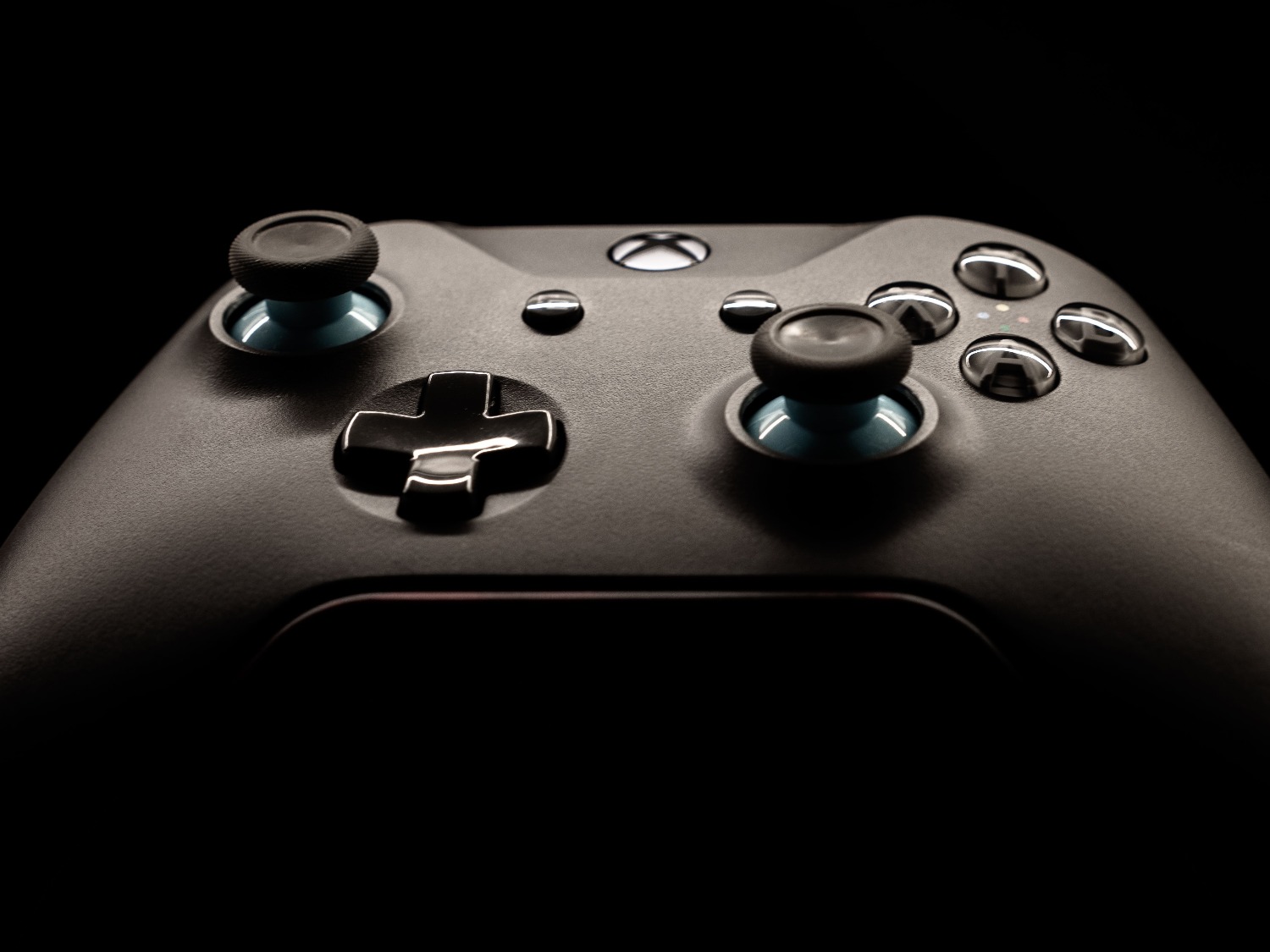
To understand how to fix it, you first need to know what's happening inside the casing. Analog joysticks work thanks to components called potentiometers . These mechanical parts detect the stick's position through physical contact; basically, one part rubs against another to send an electrical signal to the console.
The problem arises when, due to intensive use or impacts, this contact point becomes dirty, oxidized, or physically deformed . When this happens, the controller registers a movement input even if the stick is perfectly centered. In controllers like the DualSense, it's estimated that aggressive use in shooter games can shorten the component's lifespan to just four months , while moderate use could extend it to seven.
DIY repair attempts and quick fixes
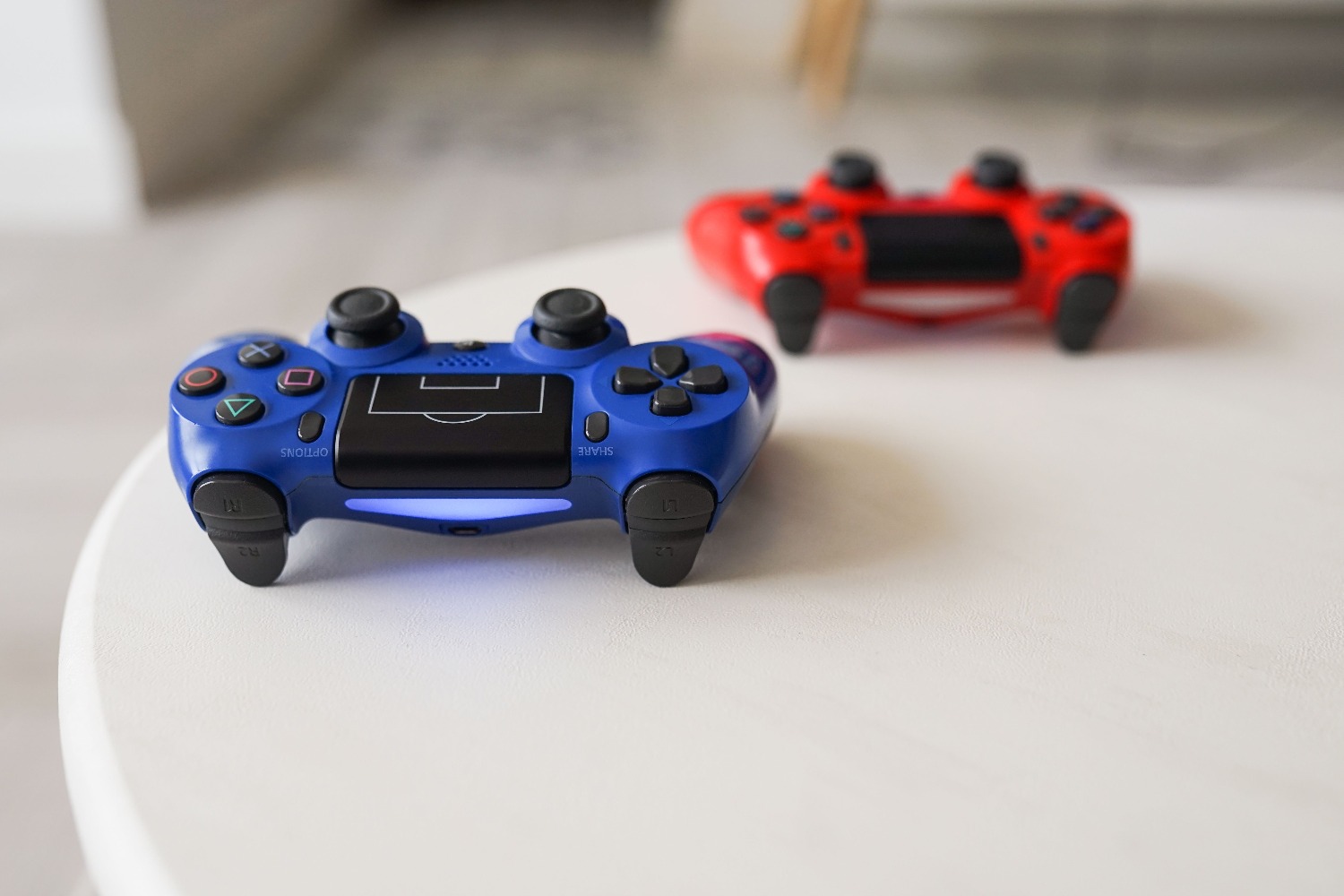
If you don't want to open the controller or don't have soldering tools, there are a few things you can try before giving up. One of the most discussed options in forums is cleaning with isopropyl alcohol . This involves opening the device and applying alcohol directly to the stick mechanism to remove dust or grease. While this can provide immediate results and eliminate the dead zone, it's often a temporary effect , and the drift returns within a few days.
For Xbox Series X/S users, there's an easier way through the software. Using the Xbox Accessories app, you can access the stick calibration and adjust the dead zone . This essentially tells the console to ignore small, unintentional joystick movements. Keep in mind, though, that this is a temporary fix; if the stick is worn down significantly, you'll lose precision in games that require very fine movements.
Advanced repairs for handymen
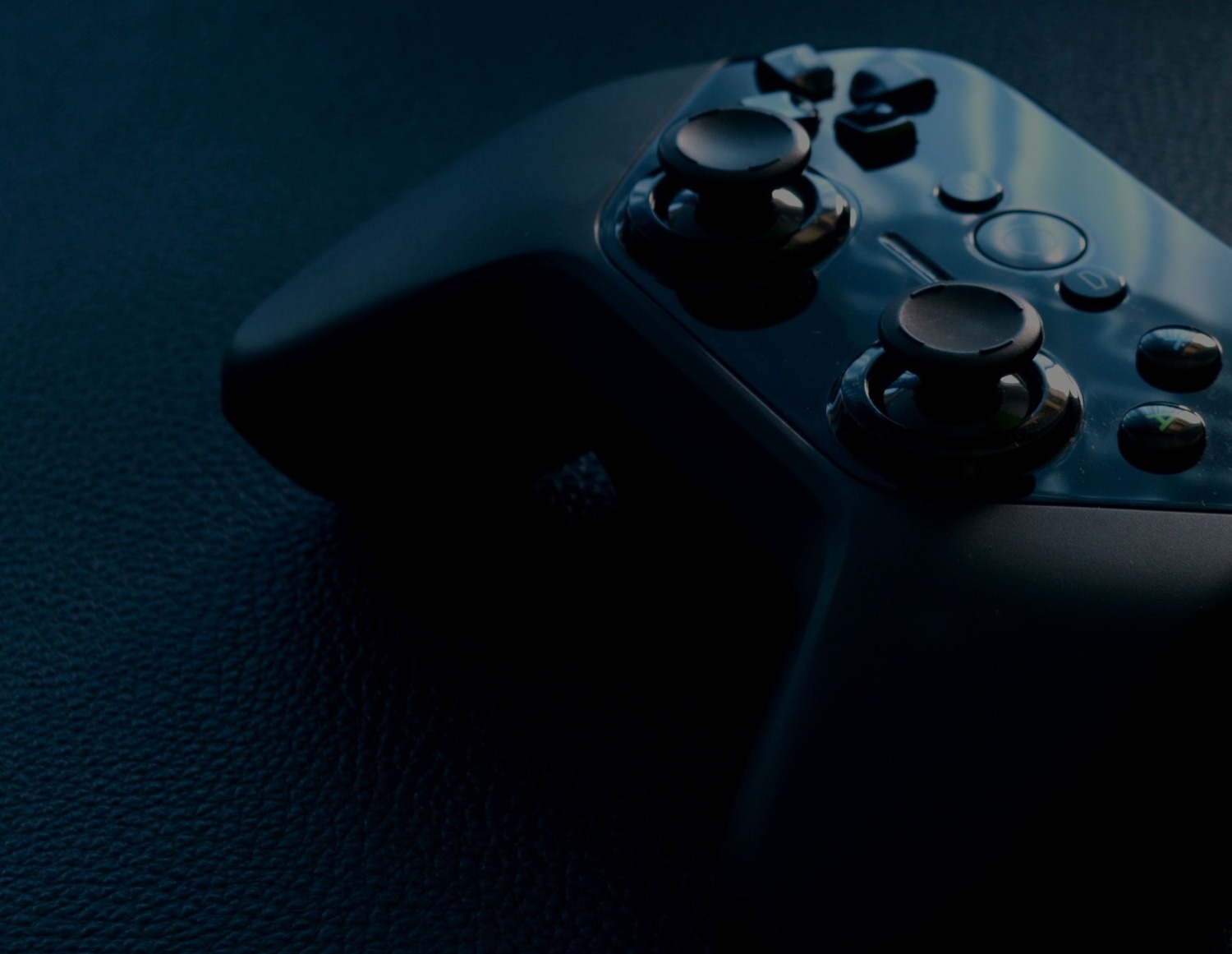
If you feel confident disassembling the controller but don't know how to solder, there's a clever trick: simply replace the internal white piece of the potentiometer. Instead of replacing the entire joystick module (which requires soldering), you can buy inexpensive adjustment potentiometers, remove the small plastic piece, and replace the damaged one. If the character moves sideways, the problem is usually with the bottom potentiometer; if it moves up or down, it's the side one.
Another option for those seeking a definitive solution is to upgrade to magnetic joysticks with Hall effect sensors . Unlike traditional joysticks, these don't use physical contact but rather magnetic fields to measure position. With no friction, there is no mechanical wear , and therefore, drift is eliminated. This technology is already featured in some premium controllers and can now be installed in standard controllers through specialized technical services.
Costs and times for professional repairs

When DIY solutions fail, the wisest course of action is to consult a professional. Prices vary depending on the controller and the part. For example, installing a magnetic joystick on a DualSense controller can cost around €30 for a single joystick or €50 for a pair. For more complex controllers like the PS5 Edge, prices can rise to €70 for both sticks. An efficient repair service will typically resolve the problem within 24 to 48 hours , offering warranties that cover the repair for several months.
Keeping your controller clean and avoiding pressing the sticks too hard can help extend its lifespan, but wear and tear is inevitable in analog components. Whether it's adjusting the dead zone, cleaning with alcohol, manually replacing the potentiometer, or investing in Hall Effect technology , there are ways to restore the precision of your gameplay without having to buy a new controller every few months.
FAQ
How can I tell if my controller has drift?
It detects when the character or camera moves slowly on its own even if you are not touching the joysticks while the controller is on.
Does cleaning the stick with alcohol help?
It may work initially by removing dirt and dust, but it is usually a temporary solution as the physical wear of the potentiometer persists.
What is the dead zone and how does it help with drifting?
It is a software-configurable area where the controller ignores any movement signals, preventing the character from moving on its own in cases of slight drift.
What are Hall effect joysticks?
These sensors use magnets instead of physical contact to detect position, eliminating the friction and wear that cause drift.
Can you fix drift without knowing how to weld?
Yes, it is possible by simply replacing the internal plastic part of the potentiometer or by adjusting the dead zone setting in the controller application.
How long do joysticks usually last before they fail?
For PS5 controllers, the lifespan can be around 7 months with moderate use, reducing to around 4 months if very aggressive games are used.
