- Checking your internet connection and WiFi is key before blaming the Roku for the slowness.
- A slow TCL Roku is usually due to inadequate hardware and increasingly resource-intensive apps.
- Buying an external device like a Fire TV Stick 4K or Chromecast is usually better than changing your TV.
- The choice between Fire TV and Chromecast depends on the ecosystem (Amazon or Google) you prefer.
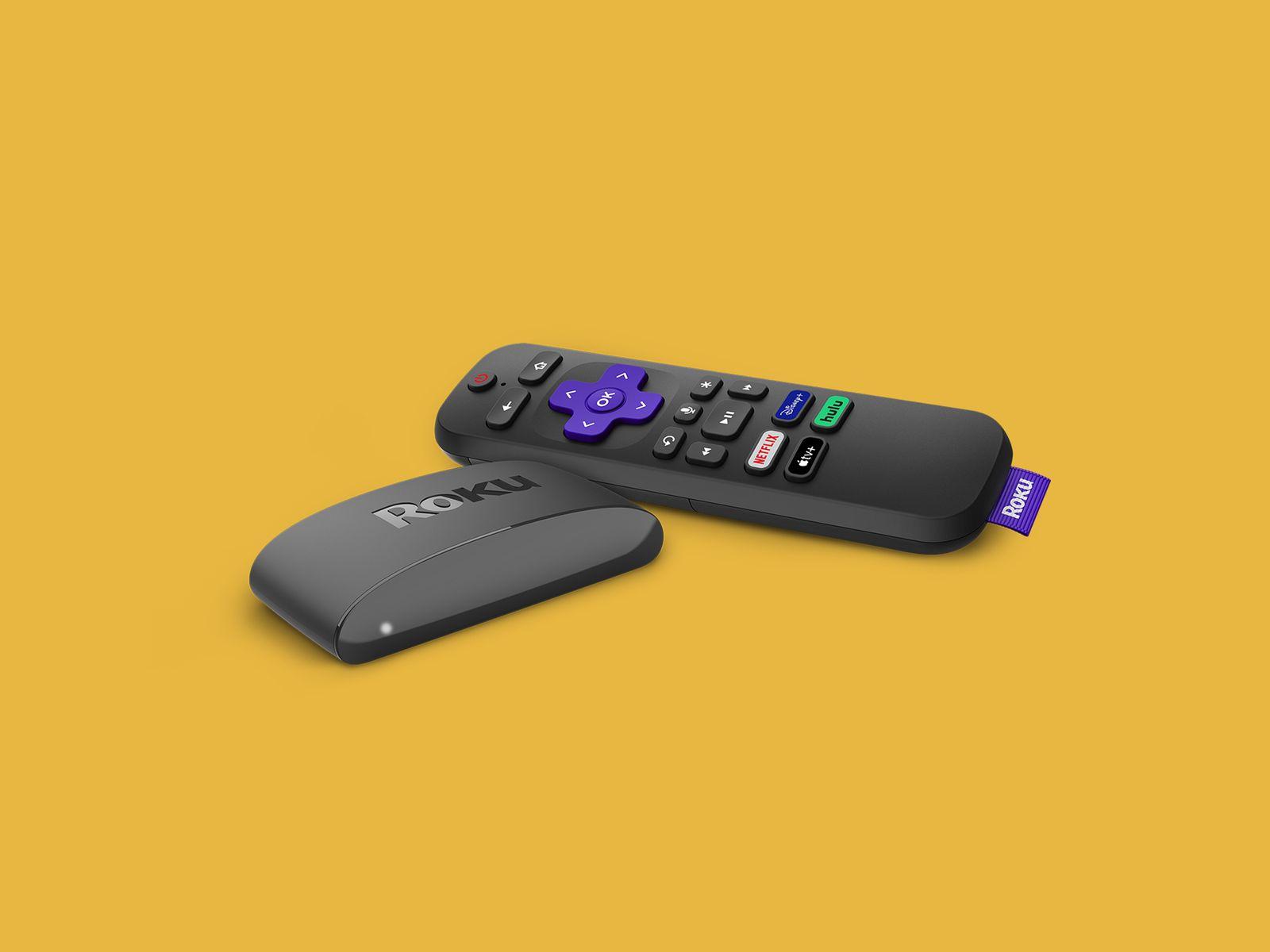
Si tu Your Roku Express or your TCL TV with built-in Roku is getting slower and slowerIt takes forever to open Netflix, apps freeze on the home screen, and you're forced to restart your device every time you want to watch something—you're not alone. Many users experience the same problem: by the time they finally manage to play a show, they've already finished dinner or lost all desire to watch anything.
In this context it is normal to wonder if Is it worth continuing to struggle with the Roku? Or perhaps it's time to upgrade your device: buy a new TV, switch to an Amazon Fire TV Stick 4K, try a Chromecast, or even check your home internet connection before spending any money. Let's break down, step by step, what might be happening and which option is best for you.
Why is your Roku Express or TCL Roku TV running so slowly?
When a TCL Roku TV of about two years starts to go extremely slowlyThis is usually due to a combination of factors: limited hardware, increasingly heavy apps, potential network problems, and a certain accumulation of internal system errors over time.
The most common complaint is that Apps like Netflix either fail to load or get stuck on the home screen indefinitely.Sometimes they even freeze right after opening, forcing you to turn the system off and on or restart it from the menu. This pattern indicates that the device is working at its limit.
Another typical symptom is having to restarting the TV or Roku Express every time you want to watch somethingAt first, this may seem like a quick fix, but when it becomes routine, it's a sign that the user experience is no longer acceptable for a device designed to simply turn on, open the app, and view content without complications.
It should be noted that Roku Express and many TCL TVs with Roku have very modest hardware: basic processor and a limited amount of RAM and storageWith each update to streaming apps (Netflix, Disney+, HBO Max, etc.), the requirements increase a little more and the performance margin narrows.
In addition to all this, if your internet connection isn't particularly fast or the router is far away, it's easy for problems to appear. courteous, buffering and slowness when loading the menusAlthough the problem may seem to be with Roku, the network is often largely to blame, especially if several devices are connected and streaming at the same time.
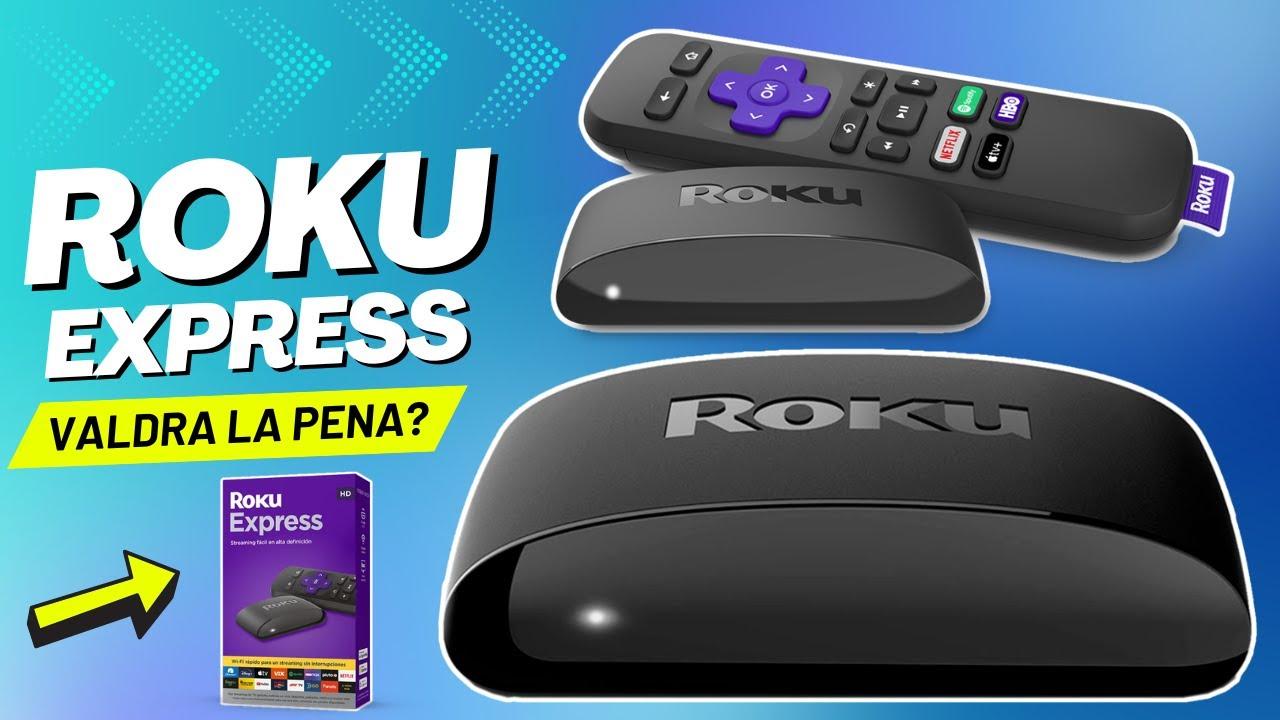
Check your internet connection before blaming Roku
Before thinking about changing your appliance, it's advisable to rule out that the problem is not the internet connectionMany users change their streaming device and discover that the problem persists, because it was the WiFi or the fiber optic line that was causing the issue.
Start by doing a simple test: makes a speed test from the same place where you have the RokuUsing a mobile phone or laptop connected via Wi-Fi to the same network, if the result is significantly lower than your contracted speed or you see irregular download and upload speeds, you have a clear clue as to what the problem might be.
For 4K streaming, it's usually recommended to have at least 25 Mbps stable per device, and for Full HD, about 10 Mbps. If you're only getting 5 Mbps and it's being shared with other devices, it's normal that Netflix won't start or that it takes a very long time to load any content.
Another key point is the WiFi quality in the area where the television is locatedIf there are many walls, interference, or the router is at another part of the house, the signal can be very weak. In these cases, even a good streaming device will lag and freeze frequently.
If you suspect the network, try to Temporarily connect your TV or Roku via Ethernet cable (if the model allows it, sometimes with an adapter) and, incidentally, Analyze the latency on your LANIf this solves most of the slowness problems, you'll have confirmed that the bottleneck was the WiFi and not so much the device.
Basic tricks to speed up your Roku Express or TCL Roku
If you confirm that the connection is reasonably good, you can try some quick actions to restore some flow on your Roku Express or your TCL TV with Roku before deciding whether to switch to another device.
One of the most effective measures is Completely restart the systemIt's not just about turning the TV off and on. The Roku menu usually has a specific option to restart the device. This clears unresponsive processes and frees up memory, which can provide a brief but temporary performance boost.
It is also convenient Uninstall the apps you don't useEach app takes up storage space and consumes resources in the background. If you haven't opened a certain streaming service in a while, remove it and keep only the platforms you actually use daily.
Another important point is Keep your Roku software up to dateSometimes an outdated system or app version can cause errors, crashes, and slowdowns. From the settings menu, you can force a search for updates for both the system and installed channels.
If none of this makes a noticeable difference and you still have to You have to restart your Roku almost every time you want to watch a show.It is quite likely that the problem is already structural: the hardware is just right for the current use you give it and the modern apps you install.
Does it make sense to buy a new TV just for slow streaming?
Considering replacing your entire TV because the Roku is slow is a radical move. I have a TCL 4K that's about two years old. It remains perfectly valid in terms of image qualityBrightness and resolution are sufficient for most users. The panel will likely last several more years without problems.
The weak point here is that the The integrated intelligent “brain” has become somewhat outdated. This is something that happens with almost all Smart TVs.The internal hardware ages faster than the screen itself. Apps become more resource-intensive, new codecs appear, interfaces change, and the system starts to slug.
Therefore, unless you want to take advantage of it to make a significant leap in screen size, HDR quality, or change brands For other reasons, buying a completely new TV just to fix slow streaming is usually an unjustified expense.
In many cases it is much more sensible and economical keep your TCL 4K as a simple “monitor” and delegate all the smart features to an external device, such as a Fire TV Stick 4K, a Chromecast with Google TV, or a similar device. This extends the life of your TV and instantly improves the user experience.
Additionally, having an external streaming player gives you flexibility to change platforms in the future without having to replace your TV. If in a few years the Fire TV becomes insufficient, you can replace it and continue using the screen without any problems.
Fire TV Stick 4K: advantages and disadvantages compared to Roku
The Amazon Fire TV Stick 4K is one of the most popular alternatives when the Roku Express or the built-in Roku system falls shortIn terms of hardware, recent versions are usually more powerful than basic Roku models, with a better processor and more memory, resulting in smoother menus and faster app launches.
Among its main advantages is the integration with the Amazon ecosystemIf you use Prime Video, Alexa, Echo speakers, or Amazon services, the Fire TV Stick is a great fit: you can control the device with your voice, search for content, open apps, or even manage other compatible devices at home using voice commands.
Another point in favor is that It supports most major streaming platforms. (Netflix, Disney+, HBO Max, YouTube, etc.), plus many additional apps and simple games from the Amazon store. For typical living room use, the catalog is more than sufficient.
Conversely, the Fire TV system is heavily focused on prioritize Amazon content and servicesThe main screen often displays Prime Video recommendations and ads for its own content, which some users find a bit intrusive compared to more neutral interfaces.
It's also worth considering that if you're not interested in the Amazon ecosystem or its voice assistant, Some of what Fire TV offers may not be as useful to you.In that case, alternatives like Chromecast with Google TV or even some Android TV Boxes might be a better fit for your habits.
Chromecast with Google TV: an option focused on user experience
The Chromecast with Google TV represents a significant leap forward compared to older Chromecasts that were only useful for send content from mobile to TVThis model already has a complete system with remote control, its own menus and direct access to apps without always depending on the phone.
Its main advantage is the google tv interfaceIt's highly focused on recommending content based on your tastes and subscriptions. Instead of concentrating on a single platform, it mixes recommendations from different apps (Netflix, Disney+, YouTube, etc.) so you can find something to watch without having to log into each service separately.
Like the Fire TV, it features integrated voice assistant (Google Assistant)You can search for series, open applications, check the weather, or control compatible smart home devices with voice commands from the remote itself.
Another advantage is the good integration with Android and the Google ecosystemIf you regularly use YouTube, have an Android phone, or use other Google services, Chromecast with Google TV may feel especially convenient and natural to you.
On a less positive note, it has been reported that in some models or firmware versions, with many apps installed or after several months of use, The flow may be somewhat affectedalthough overall it's still faster than a basic Roku from a couple of years ago.
Fire TV Stick 4K vs Chromecast with Google TV: Which one to choose?
Once you're clear that you don't want to change your TV just for streaming and that you prefer an external device, the choice between Fire TV Stick 4K and Chromecast with Google TV It largely comes down to your ecosystem preferences and small nuances of daily use.
If you frequently use Amazon Prime Video, Alexa, and other services from the brand, the The Fire TV Stick 4K is a perfect fit.The integration is very convenient, the menus work quite smoothly, and the remote with microphone gives you quick access to any installed content or app.
Conversely, if you're more involved in the Google world, frequently use YouTube, have Android phones, and like an interface that combines recommendations from various streaming servicesChromecast with Google TV will probably feel more natural and enjoyable to you.
In both cases you will notice a significant improvement over a saturated Roku Express or a slow TCL Roku TVBoth in response time and application stability, opening Netflix, switching apps, or resuming an episode will no longer be an ordeal.
In addition, both Fire TV and Chromecast usually receive frequent updatesThis helps maintain compatibility with new versions of the apps and fix bugs that may cause crashes or slowdowns over time.
What if I stick with Roku but change models?
Another possibility to consider is Stay within the Roku ecosystem but opt for a superior model to your current Roku Express or the system integrated into your TCL. Newer mid-range and high-end Roku devices typically have more powerful processors and more memory.
The advantage of this option is that You stay on an interface you already knowWith the same type of menus and channel organization, it makes the transition easier. If you like Roku's simplicity and don't want to change environments, it could be an interesting alternative.
However, in many markets the Fire TV and Chromecast have a greater presence and support of local apps, additional services, and accessories. Before deciding, it's a good idea to check which Roku models are available and how well they perform in your region.
If you're already quite frustrated with how Roku currently works and its limitations, this might make more sense. Take advantage of the change to try out a new system instead of reinvesting in the same platform.
In terms of raw performance, the latest Roku models can compete head-to-head with equivalent Fire TV Sticks and Chromecasts, but the availability and price They will vary depending on the country and specific offers.
Factors to consider before making a decision
To make an informed choice, beyond the frustration of the moment, it's worth reviewing some Key factors that will make a difference in your streaming experience over the next few years
The first is The real performance you needIf you only watch 1080p series occasionally, almost any modern device will be more than enough. But if you want to take advantage of 4K, HDR, and several demanding apps installed, it's advisable to opt for mid-range or high-end models within each ecosystem.
Another fundamental aspect is the usabilityA device might have better hardware on paper, but if the interface is chaotic, full of ads, or complicated for your family to use, you'll end up missing it every time you pick up the controller.
must not forget the compatibility with the apps you actually useAlthough almost all of them include Netflix, Prime Video, and YouTube, some more specific services may be better integrated or have more polished versions on a particular platform, something worth checking before buying.
Finally, review the topic of advanced audio and videoSupport for Dolby Vision, HDR10+, Dolby Atmos, etc. If you have a good sound system or a quality 4K TV, making sure your streaming device takes advantage of these technologies will make all the difference in the final experience.
In any case, coming from a Roku Express or a TCL Roku from a couple of years ago and moving to one of these modern external devices It usually represents a very noticeable leap in fluidity and comfortenough so that watching a series stops being an obstacle course and becomes something as simple as turning it on, choosing and enjoying.
When it comes down to it, if your TCL 4K TV still has a good picture but the Roku system has become unbearable, the most logical thing to do is invest in a powerful external streaming device (Fire TV Stick 4K, Chromecast with Google TV, or a more recent Roku) and reserve the option of buying a new TV only for when you really want to upgrade the screen. This way you'll avoid overspending and get a better return on your investment. fast and stable playback experience And you can continue to use your current TV as a central part of your living room setup for quite some time.
- title: How to fix slow streaming on a Roku Express and TCL Roku

Passionate writer about the world of bytes and technology in general. I love sharing my knowledge through writing, and that's what I'll do on this blog, show you all the most interesting things about gadgets, software, hardware, tech trends, and more. My goal is to help you navigate the digital world in a simple and entertaining way.