- Echo in televisions can be solved by disabling simultaneous speaker output or changing the format to PCM.
- AV synchronization allows you to manually correct latency between the image and the soundbar.
- Audio recordings with overlapping audio can be cleaned up using AI algorithms and De-echo tools.
Have you ever recorded an important meeting or put on a movie in the living room and suddenly the sound seems to be coming from a cave or has an unbearable echo? It's a real pain, especially when you're trying to concentrate on what's being said and the audio overlaps, creating that stadium-like effect that drives everyone crazy. This problem is more common than you might think and usually occurs due to equipment configuration issues or errors in sound capture.
The good news is that whether you're struggling with your TV settings, trying to salvage a pre-recorded video for an online course, or simply want your podcast to sound professional, there are effective solutions . Depending on whether the echo is happening in real time or if the file is already corrupted, the approach will vary, but there's always a way to clean up that annoying noise so your voice sounds crisp and clear.

How to fix echo in TVs and sound bars
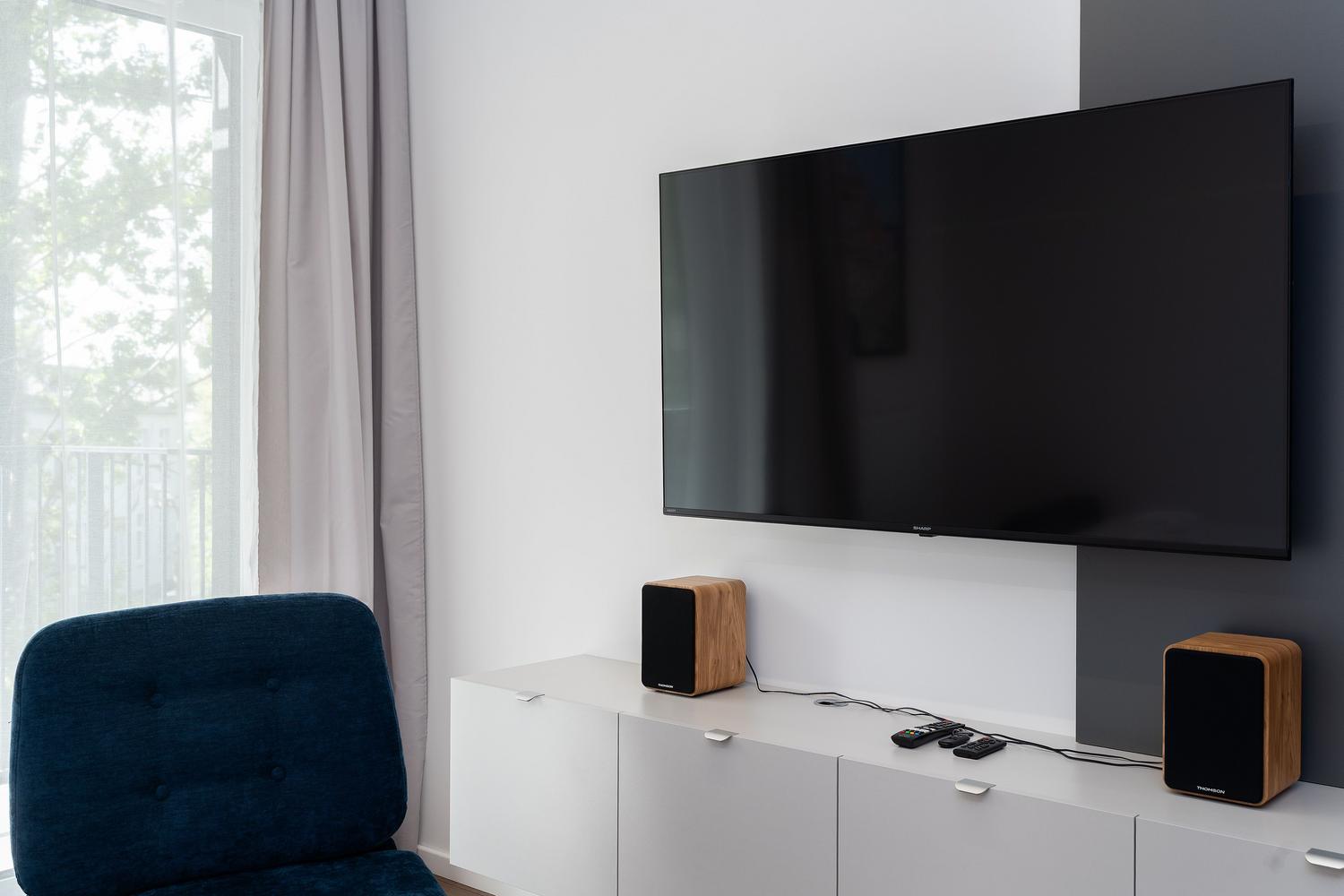
When using an external soundbar in conjunction with the TV speakers, it's very common to experience an echo. This happens because the devices process the digital signal at different speeds, generating a latency or delay that causes the sound to be out of sync.
To eliminate the problem entirely, the best solution is to prevent two audio outputs from working simultaneously. Instead of activating both the TV's built-in speakers and external speakers, it's best to select only one audio output from the sound menu. This ensures there are no overlapping signals causing the reverberation effect.
Another technical alternative is to change the digital audio output setting to PCM mode . Doing this allows the signal to travel without additional compression, drastically reducing processing time and preventing audio from going out of sync. If you have a remote control with AV Sync functionality , you can manually adjust the delay using the arrow keys until the audio and video are perfectly synchronized.

Recovering audio recordings with echo or overlapping
There are more complicated cases, such as when you're recording a video call and, by mistake, the system captures audio from two different sources (for example, the system's direct sound and the sound picked up by your own microphone). The result is a track where one voice is loud and the other, with a half-second delay , is quieter, creating a persistent echo that's a nightmare for the listener. In these cases, you can optimize your microphone's audio to prevent it from happening again.
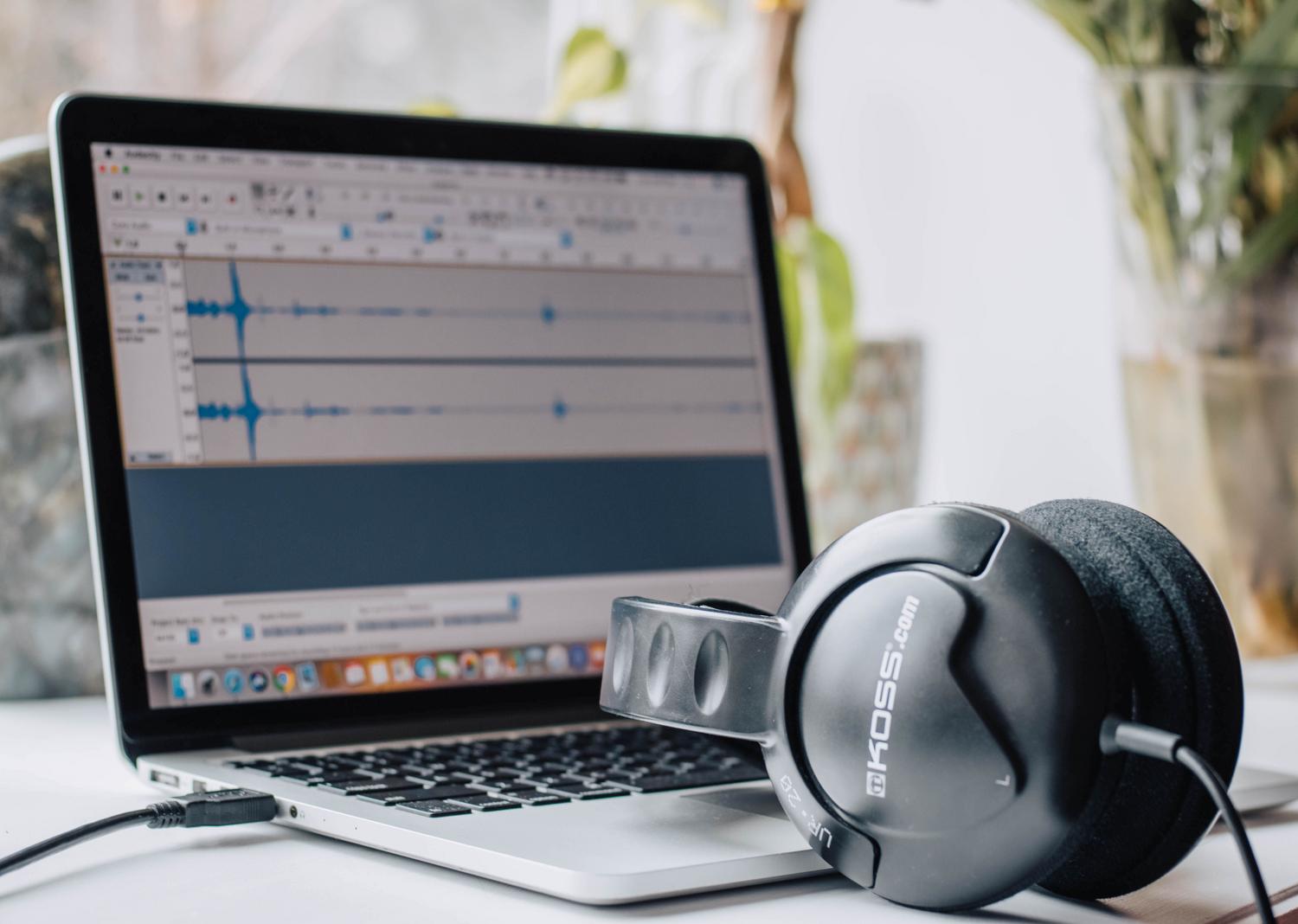
If you find yourself in this situation, basic reverb removal tools sometimes fall short. To salvage the file, there are AI-based platforms like LALAL.AI, or you can use an Audacity guide to professionally clean up audio and remove noise. The process involves uploading the file and applying a specific "De-echo" setting that detects unwanted artifacts and removes them without compromising the quality of the original voice.
- Upload your audio or video file to the platform.
- Activates the function of De-eco processing in the previews.
- Adjust the intensity level if you notice that the sound is still not clean enough.
- Download the final result in your preferred format to maintain the sound fidelity.
The impact of echo in the educational and professional environment

For those who teach online, create recorded courses, or manage hybrid training programs, clear audio is not a luxury, but a necessity. Echoing audio can make it difficult for students, especially those using basic headphones or their phone's speaker , to understand the explanations, thus reducing the quality of learning.
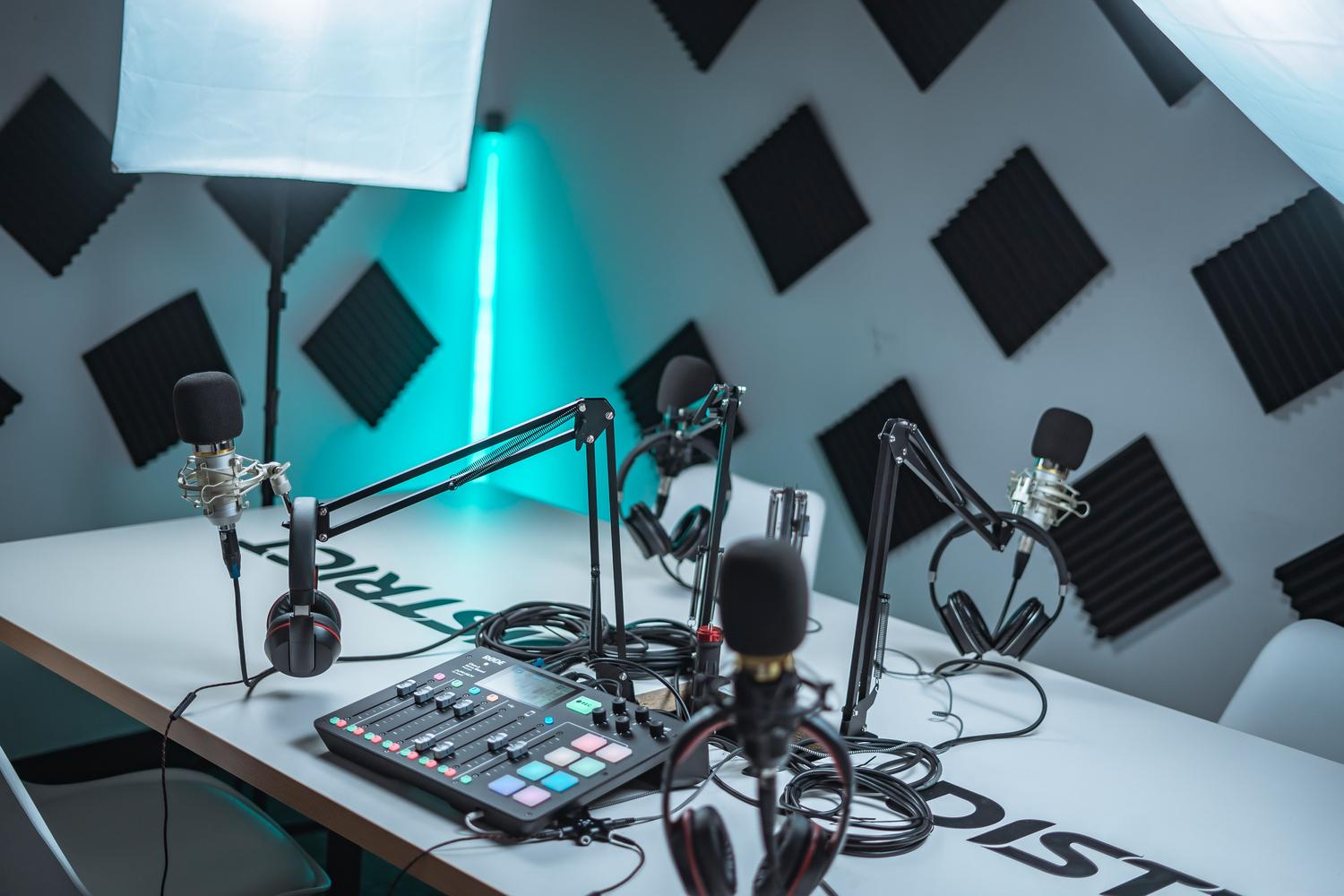
Excessive reverberation is not only annoying, but it also masks the nuances of the voice and impairs speech intelligibility . In the world of podcasting or music production, this makes the work sound amateurish, so choosing the ideal professional audio interface for your studio is vital. Therefore, cleaning up vocal tracks is essential for achieving a cohesive mix and a polished finish that conveys professionalism.
Whether it's adjusting your sound system's AV sync, switching the output to PCM to reduce latency, or using advanced AI software to clean up existing recordings, there are tools to eliminate noise. The key is to identify whether the problem stems from hardware desynchronization or a recording error in the file, in order to apply the appropriate correction technique and restore voice clarity.


Passionate writer about the world of bytes and technology in general. I love sharing my knowledge through writing, and that's what I'll do on this blog, show you all the most interesting things about gadgets, software, hardware, tech trends, and more. My goal is to help you navigate the digital world in a simple and entertaining way.