- VLC allows you to group audio and video files into custom playlists compatible with XSPF and M3U formats.
- Content management can be done by dragging entire folders or importing network links and IPTV.
- The application offers advanced tools to automate library loading and schedule program shutdown.
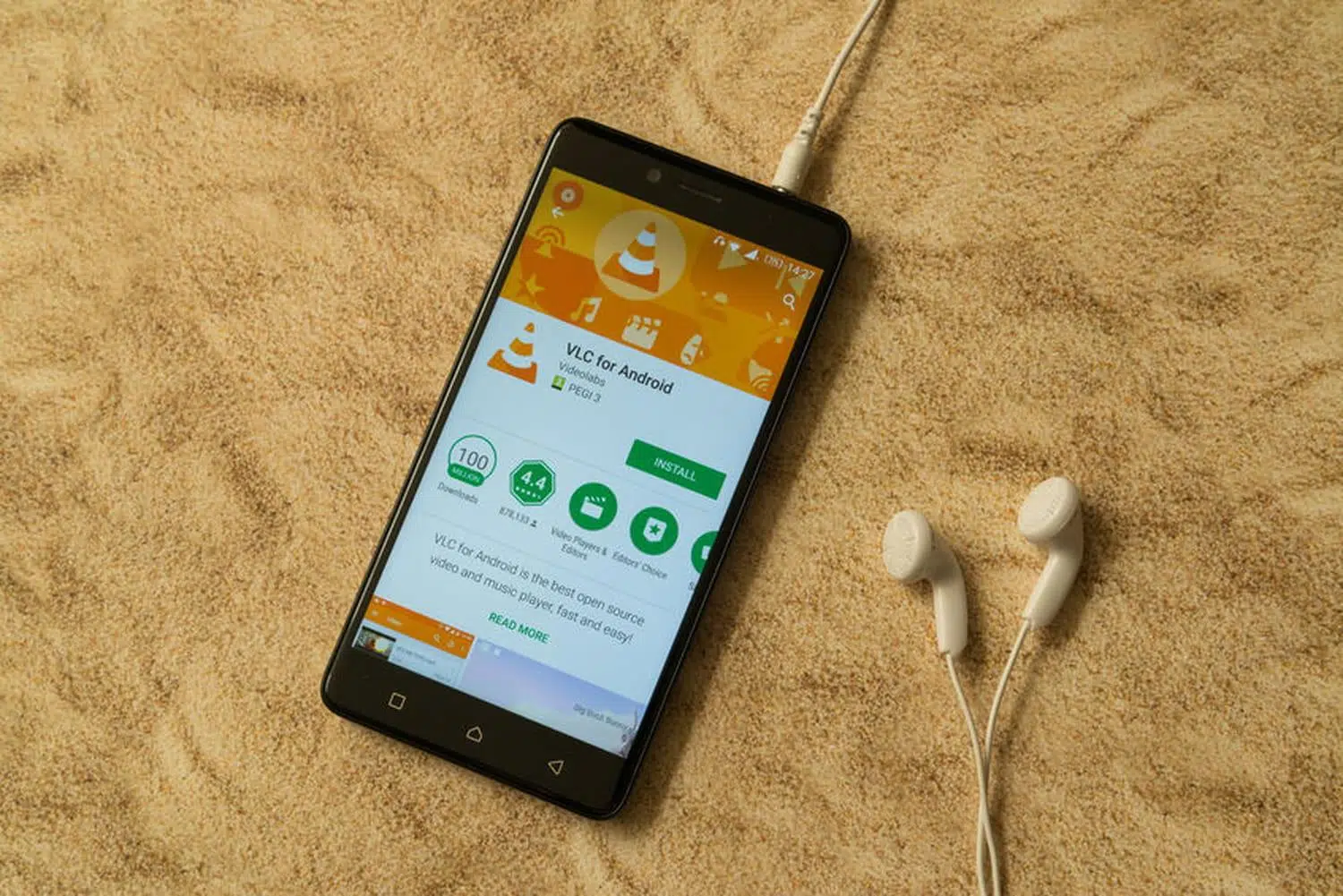
If you enjoy consuming multimedia content, you're probably already familiar with VLC player. It's undoubtedly one of the most powerful and versatile tools available today, and it's completely free and open source. Best of all, it doesn't matter what device you use, as it works flawlessly on Windows, macOS, Linux, and also on Android or iOS mobile devices, allowing you to play everything from a simple MP3 to 4K or Blu-ray movies without breaking a sweat.
One of the most useful features is the ability to organize your files using playlists. It's not just about randomly adding files, but about automating content playback so you don't have to open one video after another. Whether you want to set up a TV series marathon, organize your favorite artist's songs, or manage academic lectures, VLC provides everything you need for a much smoother and more convenient user experience.

How to create playlists on a computer (PC and Mac)
Creating a playlist on your computer is a piece of cake, and there are several ways to do it. The quickest is undoubtedly to drag and drop the files directly from your file explorer into the VLC interface. If you prefer to use the menu, you can go to the "Media" tab and choose the option to open multiple files , where you can add all the material you need using the plus (+) button.
For those who have hundreds of videos organized into folders, as is often the case with classes or lectures, the best option is to drag the entire folder to the playlist window. This way, the program will automatically select all the media files within it, saving you hours of choosing them one by one—a massive time-saver.
Once you have the order you like, it's essential to save your work. To do this, go back to "Media" and select " Save playlist to file ." Here you can give it a descriptive name and choose the format; the most common format is XSPF , although it also supports M3U or HTML. Remember that this file doesn't contain the videos themselves, but rather an index that records the location of each file on your hard drive.

Advanced management and view customization
VLC doesn't stop at basic creation. If you have a very long playlist, the default view might not be convenient. If you right-click on the playlist window, you'll see that you can change the Playlist View Mode . This allows you to switch from a simple list to one that displays album art , making it much faster and easier to find a song.
If you need to add more content to a list you've already saved, simply open the list file and drag the new items to the empty space, or use the "Add File" option. To delete something you no longer need, simply select it and press the delete key, or right-click and choose "Delete ," keeping your library clean and up-to-date.
Use of external links and IPTV lists
Something many people don't realize is that VLC can function almost like a streaming service if you know how to use links. You can create playlists based on YouTube URLs , giving you a huge, free music library without annoying ads. To do this, go to "View" > "Playlist," right-click in the right-hand pane, and select " Open advanced ," then paste the video's web address there.
Similarly, IPTV playlists are a great option . Instead of installing unfamiliar apps that sometimes fail, you can go to the "Media" menu, select " Open Network Stream ," and paste the IPTV playlist URL. This will automatically load the available channels, allowing you to navigate between them using the three horizontal lines menu next to the playback controls, taking full advantage of VLC's codec support.

Settings on Android devices
On mobile, the process is slightly different since the interface is adapted for touch. First, open the app and go to the Audio mode section (since video playlists work differently). Navigate to your songs, tap the three dots next to the track, and select Add to playlist . If it's your first time, you'll be asked to name the new playlist.
To access them later, simply go to the Playlists tab and refresh the content. It's an excellent way to create a playlist with VLC Android to take your favorite podcasts or music with you, organized by genre or mood, while you're on public transport or exercising, ensuring continuous and automatic playback.
Automation tricks and troubleshooting
If you're someone who always uses the same playlist, you can have VLC load it automatically at startup. To do this, go to "Tools" > "Preferences," change the view to advanced settings (Show all) , and find the "Playlist" section. There, check the box for " Use Media Library " and save the changes. This way, the program will remember exactly where you left off.
Sometimes problems can arise, such as the infamous "File not found" message . This usually happens because the video folder has been moved or renamed, and the XSPF file no longer knows where it is. A solution for more tech-savvy users is to open the XSPF file with Notepad and manually correct the folder paths to match the current location.
Another common problem is that the song order gets all jumbled up. This usually happens because you don't save the playlist after rearranging the tracks or because shuffle mode is enabled . To avoid this, make sure you turn off "Shuffle" mode in the Playback menu and always remember to save the playlist after making any changes to the track order.
Mastering playlist creation in VLC, whether using folders, network links, or the mobile app, transforms this player into a comprehensive multimedia management center. Thanks to its ability to support almost any format and the option to automate file loading, we can organize thousands of pieces of content without technical complications, as long as we maintain our folder structure intact to avoid path errors.

