- Optimization of autonomy through critical load classification and dynamic energy management.
- Accurate calculation of backup time considering technical correction factors such as the Peukert effect and temperature.
- Technological differentiation between UPS Online and Line Interactive systems to guarantee business continuity.
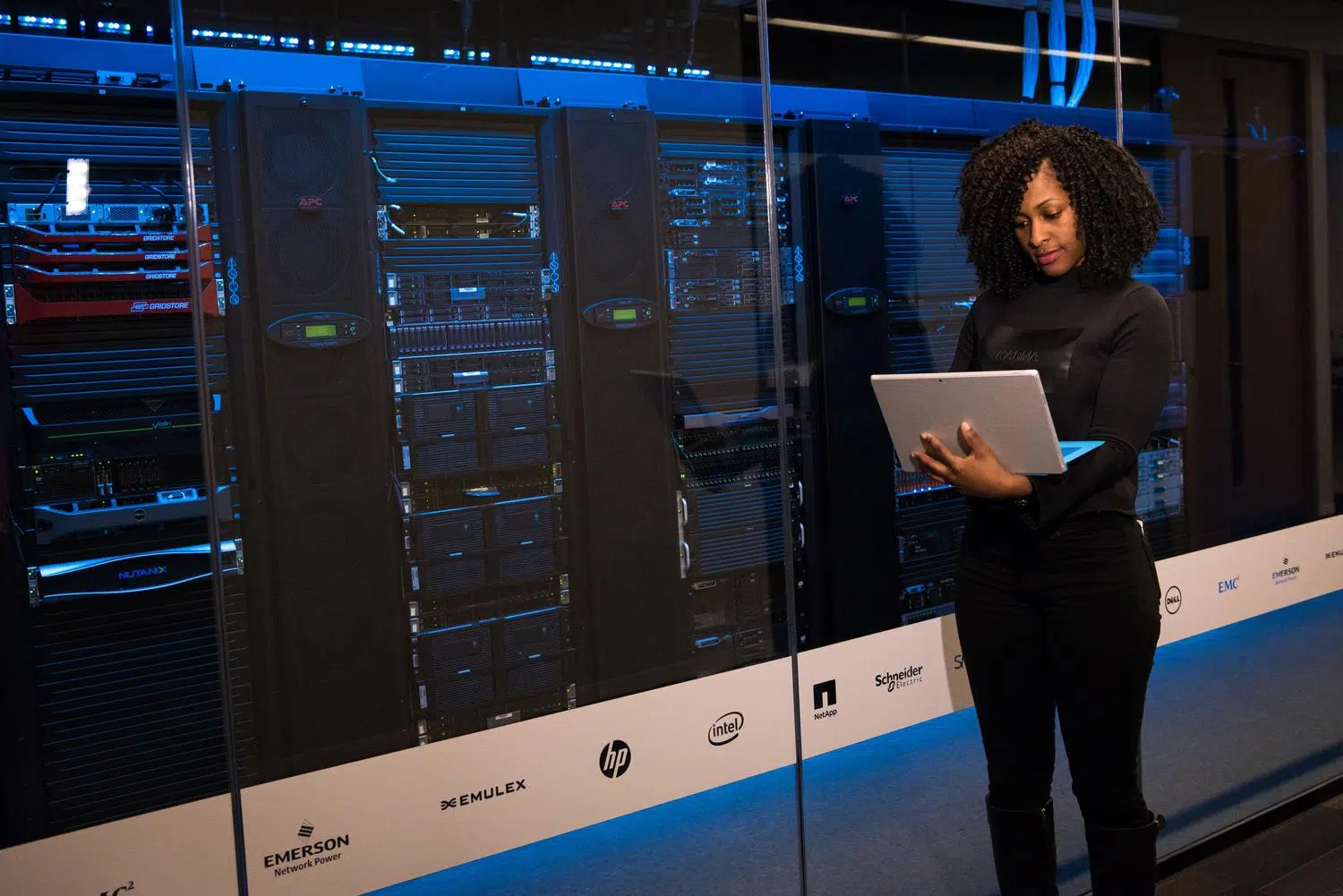
When we talk about keeping a server running 24/7, most people think about processor power or disk speed, but the reality is that all of that is useless if the power supply fails, even for a brief flicker. A sudden outage not only shuts down the machine, but it can also leave your database in shambles or corrupt critical files, which in a business environment translates into a considerable loss of money and productivity.
To avoid these unpleasant surprises, simply plugging in any UPS and forgetting about it isn't enough. The real key lies in knowing how to configure load balancing and set intelligent priorities, ensuring that the equipment that truly keeps the business running has sufficient power while less critical accessories are shut down first to conserve battery power. To achieve this, a comprehensive guide to choosing and configuring the right UPS is essential.

Understanding Autonomy Time: Beyond Theory
Many users make the mistake of relying solely on the manufacturer's label. To calculate actual backup time, a basic formula is used: (Capacity Ah × Voltage V × Efficiency) ÷ Charging Power W. However, in the real world, there are factors that "steal" energy. For example, the Peukert effect tells us that if we discharge the battery too quickly, its usable capacity decreases, so it's advisable to add a safety margin of 20% to 30%.
We also can't forget that batteries are sensitive to climate. If the room is very cold, capacity can drop by up to 70%, while excessive heat , although it may seem to improve performance in the short term, cuts battery life in half. Furthermore, it's vital to remember that VRLA batteries lose between 3% and 5% of their capacity each year, so a robust design should only account for 80% of the nominal capacity over a five-year period.

Tiered Load Management: The Energy Budgeting Strategy
Not all hardware deserves the same protection. To get the most out of your battery, the ideal solution is to implement tiered charging . This involves dividing your devices into three priority levels:
- Level 1 (Critical): Servers, storage arrays, firewalls, and life support systems. These must remain powered on until the generator starts or a safe shutdown is completed.
- Level 2 (Important): Network access equipment, office workstations, and surveillance systems. The goal here is to give them between 15 and 30 minutes to save their work.
- Level 3 (General Support): Printers, scanners, or non-essential lighting. These devices must disconnect immediately when the UPS trips.
If the UPS has programmable outlets, a sequential shutdown plan can be configured . Initially, Level 3 loads are cut off; after 10 minutes, Level 2 loads are notified; and finally, all remaining power is allocated to Level 1 loads. This procedure can extend battery runtime by 30% to 50%, allowing you to protect your data efficiently using a UPS .
UPS Technologies: Which one to choose based on criticality?

Depending on what we're protecting, some technologies are more suitable than others. Line Interactive systems are more economical and efficient, ideal for small offices or low-criticality equipment, although they have a short transfer time (milliseconds) that most servers can tolerate thanks to their internal capacitors.
For environments where failure is not an option, such as data centers or virtualization, a double-conversion online UPS is the right solution . In these systems, the load is completely isolated from the electrical grid, meaning zero transfer time and perfect power quality, eliminating any risk of micro-outages or fluctuations.

When the required power exceeds 14kW, it's time to switch to three-phase solutions . These allow for better load distribution between phases and offer significantly greater scalability for dense communications racks or AI infrastructures.
Hardware and Battery Optimization
The choice of battery type directly impacts cost and space. Lead-acid batteries are the classic and economical option for long operating times, but they require strict temperature control (ideally between 20 and 24°C) and quarterly discharge tests to prevent sulfation.
On the other hand, lithium batteries are the current trend for urban data centers. Although the initial investment is higher, their volume is 60% smaller, they charge much faster, and they allow a depth of discharge (DoD) of up to 95%, which optimizes usable capacity and extends the system's lifespan to up to 20 years.
Common Mistakes You Should Avoid
A common mistake is sizing a UPS based on VA (Volt-Amperes) instead of W (Watts). It's important to remember that the actual usable power depends on the power factor; if a device is rated at 10kVA with a power factor of 0,8, you only have 8kW available. Furthermore, connecting peripherals like laser printers to the UPS is a serious error, as their inrush currents are extremely high and can cause the system to crash. In these cases, it's vital to know how to choose the ideal power supply to avoid overloads.
Another common oversight is thinking that a "maintenance-free" UPS doesn't need servicing. It's crucial to perform deep discharge tests annually to recalibrate the time estimation algorithms and detect failing cells before an actual power outage occurs.
Achieving a resilient infrastructure requires combining precise electrical calculations with a load prioritization strategy and rigorous maintenance. By differentiating critical from secondary equipment and choosing the appropriate battery technology, a simple power backup is transformed into a business continuity system capable of protecting data and hardware integrity against any unforeseen power outage.

