- Management of proprietary drivers and firmware to enable advanced network cards.
- IP address configuration using DHCP or persistent static assignment.
- Use of modern tools such as Netplan and NetworkManager for interface management.
- Implementation of VLANs and firewalls with nftables to optimize security and traffic.

If you've ventured into setting up your own network or simply want to get the most out of your computer, configuring a high-speed connection in Linux can seem daunting at first. It's not just a matter of plugging in a cable and calling it a day; it's about understanding how the operating system interacts with the hardware so that those 2,5 Gb/s aren't just empty promises from the manufacturer.
Throughout this article, we'll break down everything from the most basic concepts of local networks to the finest terminal settings . Whether you're using a Debian-based distribution, Ubuntu, or something more exotic, you'll find all the essential information here to make your network run smoothly and avoid getting bogged down with drivers or static IPs.
Fundamentals of network infrastructure in Linux
For everything to run smoothly, you first need to take a look at the foundation. In modern systems, the hostname resolution It relies on the NSS mechanism. It is essential that the file /etc/hosts is properly configured; normally you will see the address 127.0.0.1 for localhost and, in some cases, 127.0.1.1 for the computer name, something typical in Debian installations to avoid errors in environments like GNOME.
Your machine name is saved in /etc/hostname And, if you need other devices to find you on the network without complications, using Multicast DNS (mDNS) It's a safe bet in ad hoc LAN environments. On the other hand, the file /etc/resolv.conf It's the one that controls the DNS configuration; if you have the package installed resolvconfYou'll see that it's an automatically managed symbolic link.
Network interface and controller management
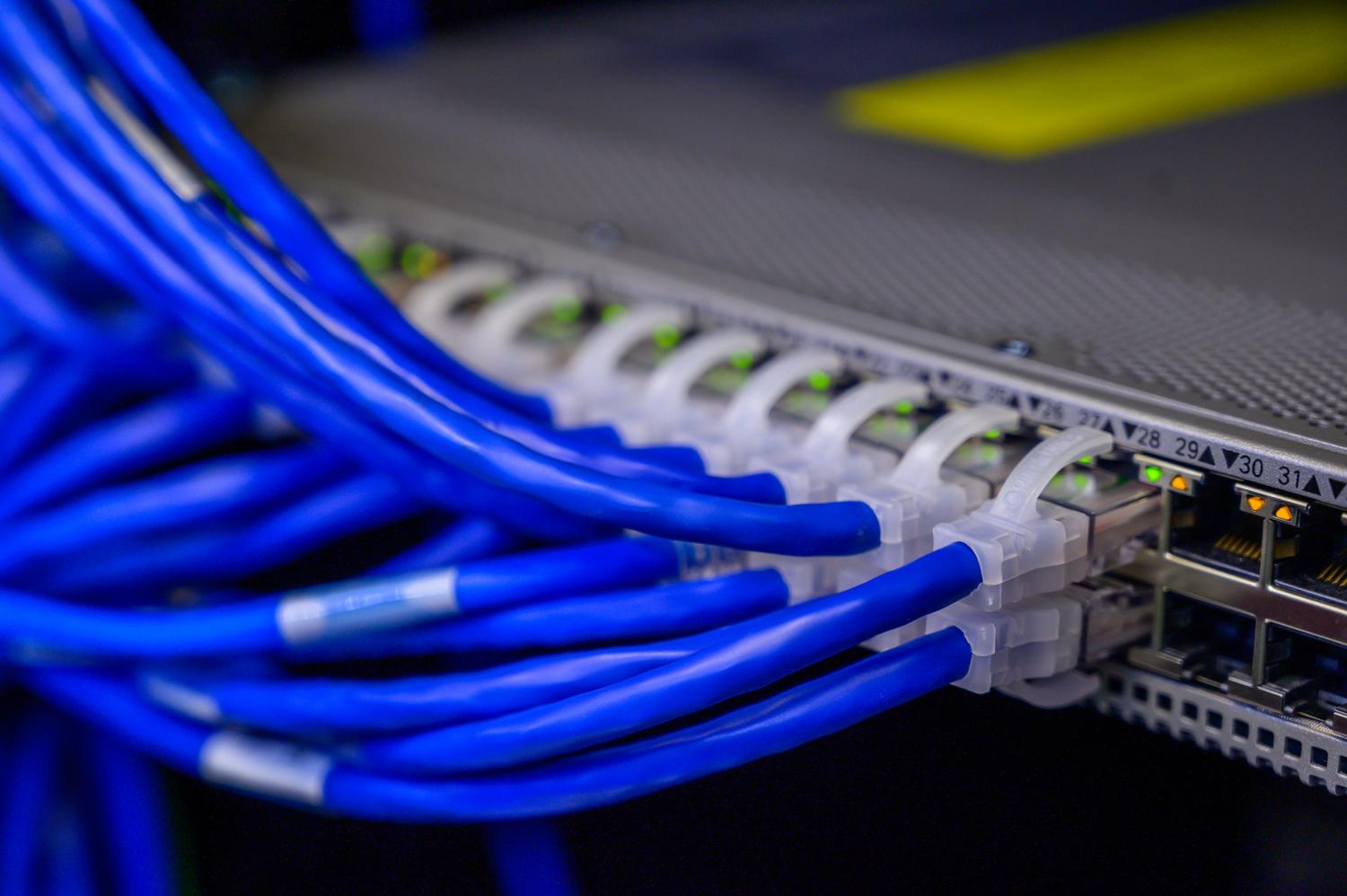
We are no longer in the times of eth0 y wlan0Now Linux uses the predictive interface nomenclaturewhich means you'll see names like eno1 o enp3s0This prevents the names from being swapped when adding a new network card, which would give you a monumental headache when configuring services.
A critical point is the proprietary firmwareMany high-speed Ethernet cards require drivers that are not included by default in strictly free distributions. If your card doesn't boot, try installing the package isenkram and run isenkram-autoinstall-firmware so that the system can search for the appropriate binaries from the manufacturer, whether it's Intel, Atheros, or Ralink.
Connectivity configuration: DHCP vs. Static IP
You have two ways to give your computer an identity on the network. The simplest is DHCP , where a server (usually your router) automatically assigns an IP address. This is the ideal option for workstations where you don't want complications.
However, if you're setting up a server or infrastructure team, you need a static configurationHere you must manually define the IP address, subnet mask, and gateway. For quick and temporary changes, use the command ip addr add It's your best friend, but remember that these changes are erased upon restarting.
Modern persistent configuration tools
Depending on your distribution, you'll have different tools to prevent the network from resetting when you shut down your PC. This is most common in Ubuntu and its derivatives. Netplan, which uses YAML files in /etc/netplan/It is a very clean declarative system that then delegates the task to systemd-networkd or NetworkManager.
If you prefer something more visual or you're on a distro like Fedora, NetworkManager That's the key. You can manage it from the GNOME or KDE graphical interface, or use the powerful command-line tool. nmcliNote that NetworkManager often ignores manually configured interfaces. /etc/network/interfaces to avoid conflicts, so it's best to choose just one method.
Advanced optimization and segmentation: VLANs and Security
When the network grows, putting everything in the same bag is a mistake. VLANs (Virtual LANs) They allow a physical network to be divided into several logical parts, using the kernel module. 8021qYou can create virtual interfaces that isolate, for example, server traffic from guest traffic, drastically improving security and performance.
Regarding security, we can't leave the door open. The framework Netfilter It's the heart of the firewall in Linux. Although iptables It has been the standard for years, the current trend is to migrate to nftableswhich is more efficient and has a much more consistent syntax for managing incoming and outgoing traffic.
Diagnosing network problems
If the connection isn't working, don't panic. There's a logical diagnostic flow: first, check that the interface is active with ip link showThen verify that you have an assigned IP address and finally do a ping to the gateway. If you can reach the router but not the internet, the problem could be with the DNS servers, something you can verify with the command dig.
For the most stubborn cases, tcpdump It is the definitive tool for analyze packets in real time and see exactly where the information is lost. Supplemented with nmapYou can scan your local network to discover which devices are active and which ports they have open, which is vital for detecting IP conflicts or down services.
Special connections and local services
Sometimes we encounter more unusual configurations, such as point-to-point (PPP) connections or the use of older ADSL modems. Tools like pppoeconf They allow you to configure internet access using specific protocols. Furthermore, if you want to turn your Linux system into the brain of your home, you can install dnsmasqa lightweight solution that makes DHCP server and DNS cache at once.
To share files on the local network, the classic option is Samba to interact with Windows, or NFS If you work exclusively in Linux environments, configuring a Samba server involves defining shared routes in /etc/samba/smb.conf and manage users with smbpasswd to ensure secure access.
Mastering a Linux network involves navigating the physical configuration of drivers and the logic of the TCP/IP stack, using tools like Netplan or NetworkManager to ensure stable connectivity. From IP address assignment to VLAN creation and traffic filtering with nftables, complete control over data flow allows you to optimize the performance of advanced hardware and guarantee robust LAN security against potential intrusions.

Passionate writer about the world of bytes and technology in general. I love sharing my knowledge through writing, and that's what I'll do on this blog, show you all the most interesting things about gadgets, software, hardware, tech trends, and more. My goal is to help you navigate the digital world in a simple and entertaining way.