- Implement a defense in depth that integrates physical security keys and strict restrictions on application installation.
- Optimize Chrome by forcing HTTPS connections, isolating browsing processes, and disabling vulnerable JavaScript features.
- It includes protections against physical theft of the device and advanced filters against spam and phishing in Gmail and Messages.

These days, carrying your phone is essentially carrying your entire life in your pocket: from your bank passwords to your most private photos. The problem is that cybercriminals never rest and are always looking for a way to slip through, whether it's with a deceptive link or an app that seems harmless but is actually a Trojan horse. That's why Google has rolled out a security feature called Advanced Protection , a kind of digital bunker designed for those who want to sleep soundly without fear of having their account emptied or their identity stolen.
The most interesting thing about this system is that it's not limited to just one thing, but rather creates a defense-in-depth strategy . This means it puts several layers of security on top of each other so that if one fails, the next one stops the attack. You don't need to be a computer expert to set it up, but it is important to know exactly what you're activating, especially in the Chrome browser and the Android ecosystem, where the integration is seamless to protect your Android's privacy and security from external threats.

How to enable Advanced Protection on your device
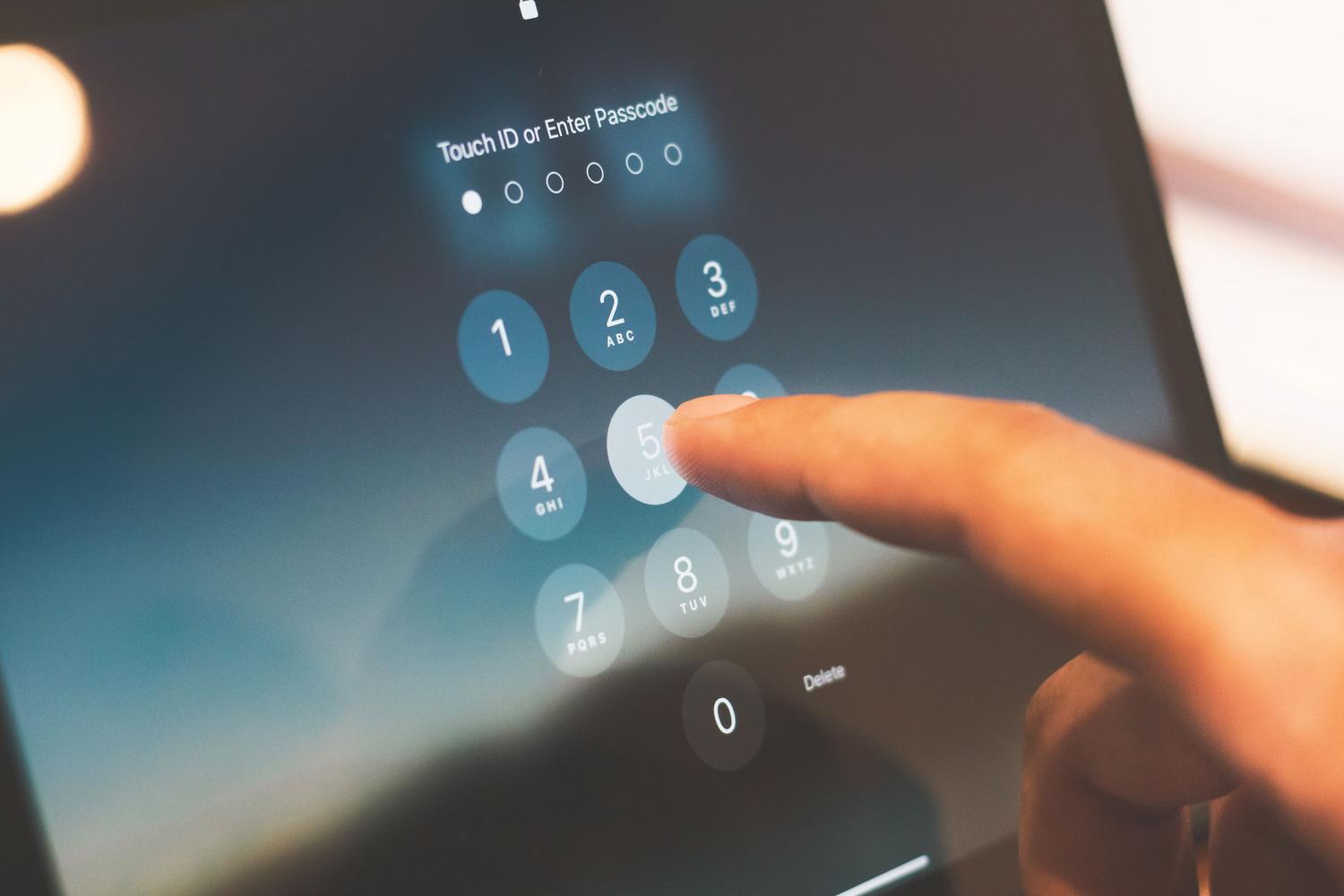
To activate this shield on Android, the first thing you need is a screen unlock method set up (such as a PIN or fingerprint), as this is the foundation of security. Keep in mind that, depending on the model, the system may require you to restart your phone for all settings to take effect.
There are two easy ways to access the settings menu. The first is by going directly to Settings > Security and privacy > Other settings > Advanced protection . If you prefer to go through Google services, you can go to Settings > Google > All services > Personal and device security > Advanced protection . Once there, simply enable the Device protection option . At this point, the system will give you the option to enable intrusion logging; if you do, you'll need to link a Google account so that the encrypted logs are securely stored in the cloud.
Securing your Google Account and using physical keys
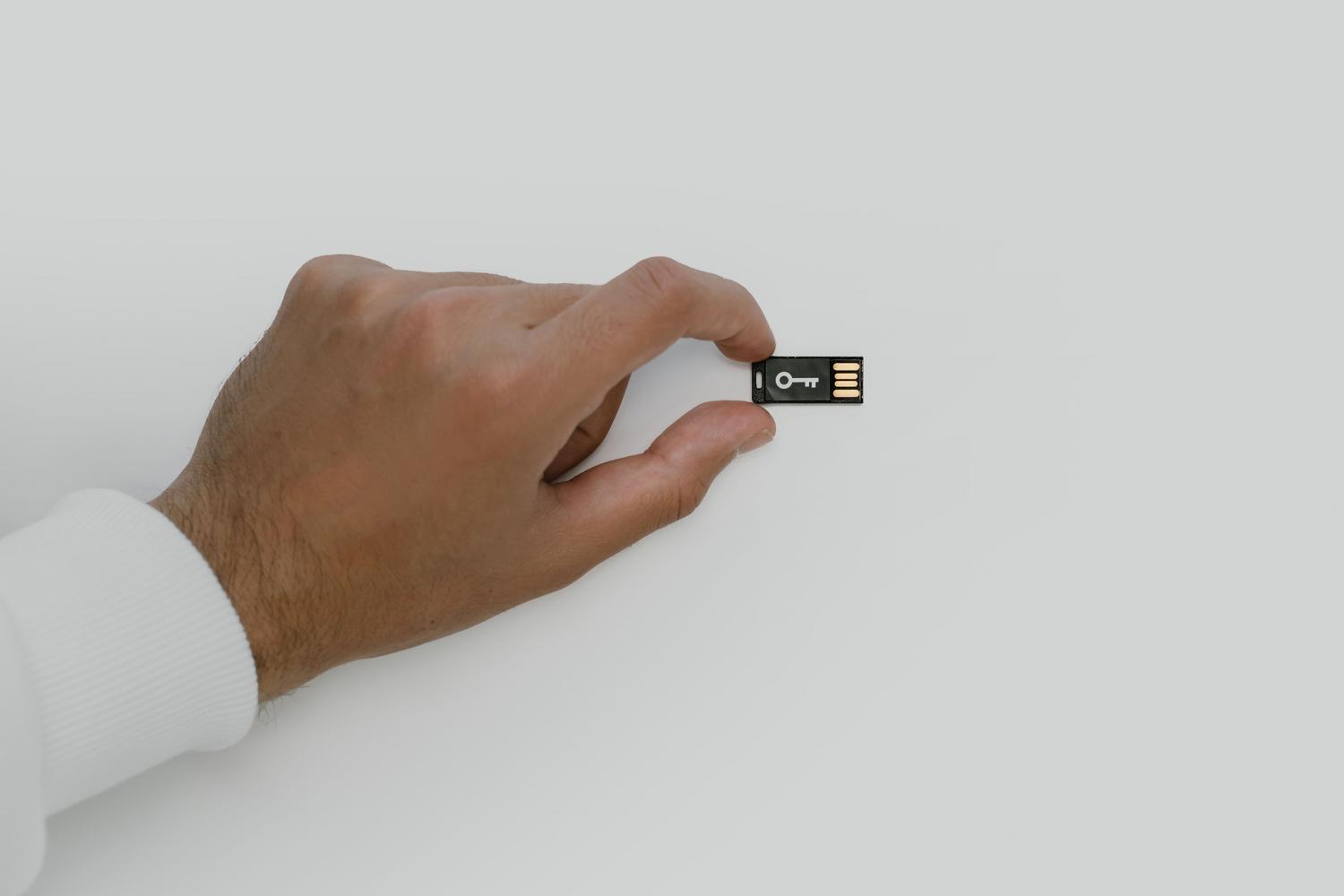
If you want to take security to the next level, protecting your hardware isn't enough; you need to secure your account. Google lets you enroll in a program where authentication using physical security keys is the primary requirement. These keys (USB or NFC style) are much more secure than SMS, as they require you to have the physical object in your hand to log in.

When activating this mode, it's essential to configure access keys compatible with your mobile phone or tablet and always add a recovery email and phone number. However, be aware that this comes with some restrictions: for example, some third-party applications might stop working, and you'll need the access key every time you try to log in from a new device. To register, simply go to the Advanced Protection section and select Account Protection , following the on-screen instructions.
Specific improvements to the Chrome browser

Chrome is the gateway to the network and, therefore, the most critical point. By enabling Advanced Protection (especially on Android 16 or higher with at least 4 GB of RAM), the browser changes its behavior to be much more restrictive and secure. One of the key improvements is that Chrome forces HTTPS connections whenever possible, displaying a serious warning if the site only allows HTTP, thus preventing your data from traveling unencrypted over public Wi-Fi networks and mitigating risks such as serious vulnerabilities in Google Chrome.
In addition, full site isolation is implemented , meaning each tab runs in its own independent process. This way, if you visit a malicious website, it can't jump to another tab to steal cookies or information from other sites. To further reduce the attack surface, Google disables high-level JavaScript optimizers and WebGPU technology, sacrificing a small amount of performance in exchange for closing vulnerabilities that hackers often exploit.

Other layers of security integrated into the system
Advanced Protection doesn't just affect the web; it controls the entire mobile ecosystem. For example, it blocks the installation of apps from unknown sources and prevents updates to apps that don't come from the official store. It also includes anti-theft features, such as automatic locking for suspicious activity or forced restart if the device remains locked for 72 hours, ensuring that data is unreadable without the owner's password.
Regarding communication, the Messages and Google Phone apps are being strengthened. Proactive scam detection is being activated , monitoring chat notifications and warning about phishing links. On compatible devices, connections to 2G networks , which are much easier to intercept than modern networks, can even be avoided. For Google Workspace administrators (Business or Enterprise editions), there's an option to activate Gmail's Enhanced Safe Browsing from the admin console, allowing them to analyze suspicious attachments and links before they reach the end user.
Keeping software up to date and using common sense remains the best defense, as no tool is foolproof against social engineering. Combining physical keys , process isolation in Chrome, and restricting external applications creates an extremely robust digital environment that drastically minimizes the chances of a successful attack on Android and Google.


Passionate writer about the world of bytes and technology in general. I love sharing my knowledge through writing, and that's what I'll do on this blog, show you all the most interesting things about gadgets, software, hardware, tech trends, and more. My goal is to help you navigate the digital world in a simple and entertaining way.