- Restricting access to system folders in recent versions of Android aims to protect privacy and sensitive data.
- There are several methods to bypass these limitations, from using SAF to advanced tools like Shizuku or ADB.
- Manually managing these directories allows you to free up massive space by removing data from applications and games that are no longer used.
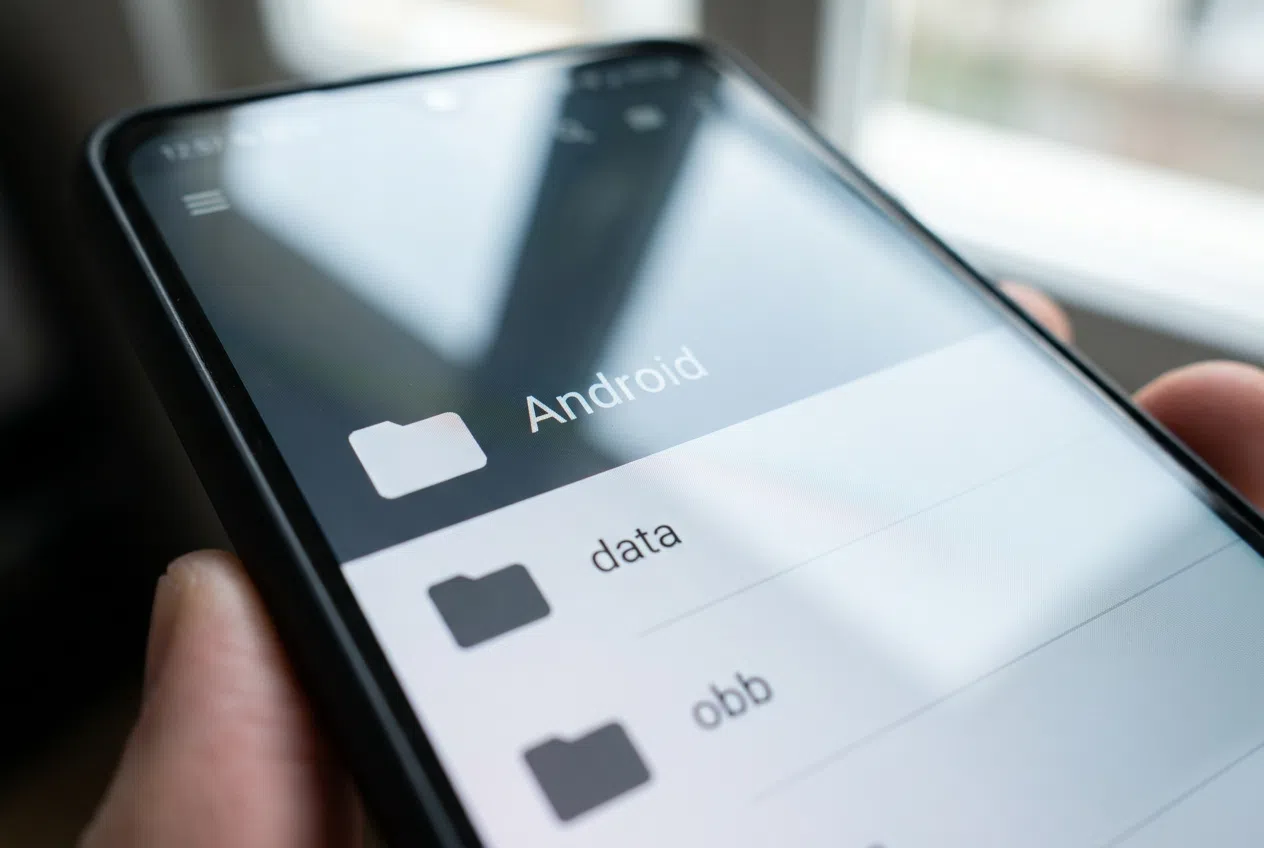
I'm sure it's happened to you: you try to access the system folders to install a patch, move a saved game, or simply clean up your phone, and you find the folder completely empty . It's a common frustration, especially for those of us who came from older versions of Android where doing this was a breeze and there weren't so many obstacles.
The reason Google has restricted access to your storage in newer versions of the operating system is security. Essentially, they want to prevent malicious apps from reading your passwords or private messages stored in those locations. However, there are ways to circumvent this and regain full control over your storage by following this guide to protect your privacy and security on your Android device.

Understanding the labyrinth: What are data and obb?
To avoid breaking anything, we first need to know where we are. On the road /storage/emulated/0/Android/obb/ We find what are called Opaque Binary Blobs. These are massive data packets that games like Genshin Impact or PUBG download after installing the app. These are static files that don't change with use, but they can be easily consumed. between 5 and 25 GB per game.
On the other hand, we have the route /storage/emulated/0/Android/data/Here things are more dynamic, since the private working filesFrom Spotify and Instagram caches to WhatsApp databases and saved games in your favorite titles. Note: while deleting the obb folder only forces the app to download the data again, Deleting the data folder is like doing a factory reset of that specific application, losing settings and started sessions.

Tricks to bypass access restrictions
If you have Android 12 or higher, the "Access all files" permission is no longer sufficient. Here are the options that currently work best:
- The SAF (Storage Access Framework) method: Some browsers, like AnExplorer, allow you to use this framework. When you try to access the folder, the system will ask if you want to. give explicit permission to that folderJust click on "Use this folder" and accept.
- The trick with the Files app: Many users have noticed that updates to the system app "Files" block access. A quick fix is to go to Settings, find the Files app, and uninstall updates to revert to the factory version, which is usually more permissive.
- Using Shizuku and FV File Manager: For more advanced users or those with Android 14, combining Shizuku with managers like FV File Manager or ZArchiver is the safest bet. manage files without restrictions.
- PC connection (MTP): If you don't want to deal with apps, connect your phone to your computer using a USB cable. The MTP protocol still allows this. navigate through data and obb without the system giving you any trouble, even if it's a little slower, taking advantage of the Uses of USB-C on your Android.
Advanced tools and space management
If cables seem prehistoric to you, there are options on GitHub like ADB-Explorer or ADBFileExplorer that allow you to manage files from your PC using ADB commands, which is extremely efficient and fast . Furthermore, if you prefer working over your local network, some file managers allow you to transfer files between your PC and Android device via FTP , thus avoiding the need for cables and facilitating the transfer of documents and multimedia between devices.
For those looking to free up space, the ideal solution is to organize the Android/obb folders by size. You'll be able to quickly identify which games you abandoned months ago are still running. occupying 20 GB of storage and delete it without fear. In the data folder, the advice is to be more cautious: the safest thing to do is enter the subfolders called cache o temp and empty them, avoiding touching the folders databases o shared_prefs not to lose your app progress.
Managing these routes requires a bit more skill nowadays than before due to Google's security layers, but whether by using Shizuku, reverting system updates, or connecting directly to a PC, it's still possible to optimize storage and customize the content of our favorite apps.


Passionate writer about the world of bytes and technology in general. I love sharing my knowledge through writing, and that's what I'll do on this blog, show you all the most interesting things about gadgets, software, hardware, tech trends, and more. My goal is to help you navigate the digital world in a simple and entertaining way.