- GPU-accelerated rendering using OpenGL and Metal for extreme smoothness.
- Native integration with GTK4 on Linux and AppKit on macOS, avoiding generic frameworks.
- Internal multiplexer that allows managing tabs and divisions without external software.
- Philosophy of total privacy with 100% local operation and no telemetry.

If you spend all day glued to your console, you know it's not just a simple black window, but the true command center of your workflow. Sometimes, you get so used to a tool that you're reluctant to try new things, but when a project like Ghostty comes along , curiosity wins out. This emulator isn't your typical terminal emulator that promises a lot and delivers little; it's a serious commitment to efficiency that aims to eliminate any trace of lag in your interaction with the system.
What makes Ghostty stand out in the crowded Linux and macOS ecosystem is that it doesn't force you to choose between advanced features and a lightweight program. It's designed to be extremely fluid , taking advantage of modern hardware for buttery-smooth scrolling and instantaneous keyboard response, avoiding those annoying distractions that stifle productivity when handling massive amounts of data or endless logs.

What exactly is Ghostty and what makes it special?
Developed by Mitchell Hashimoto, Ghostty is a terminal emulator written in Zig , a modern language that allows for precise hardware control. Unlike others that use middleware, this terminal employs native technologies : GTK4 for Linux users and Swift/AppKit for macOS users. This means the application doesn't feel like an external patch, but rather integrates seamlessly with the operating system's visual environment.
One of its greatest strengths is GPU acceleration . While many terminals rely on the CPU, Ghostty uses OpenGL on Linux and Metal on macOS. This allows it to maintain a very high refresh rate, even under heavy loads, resulting in flawless text rendering and animations. Furthermore, it adheres to a radical privacy philosophy : everything runs locally, without accounts, cloud storage, or telemetry sending your commands to external servers.
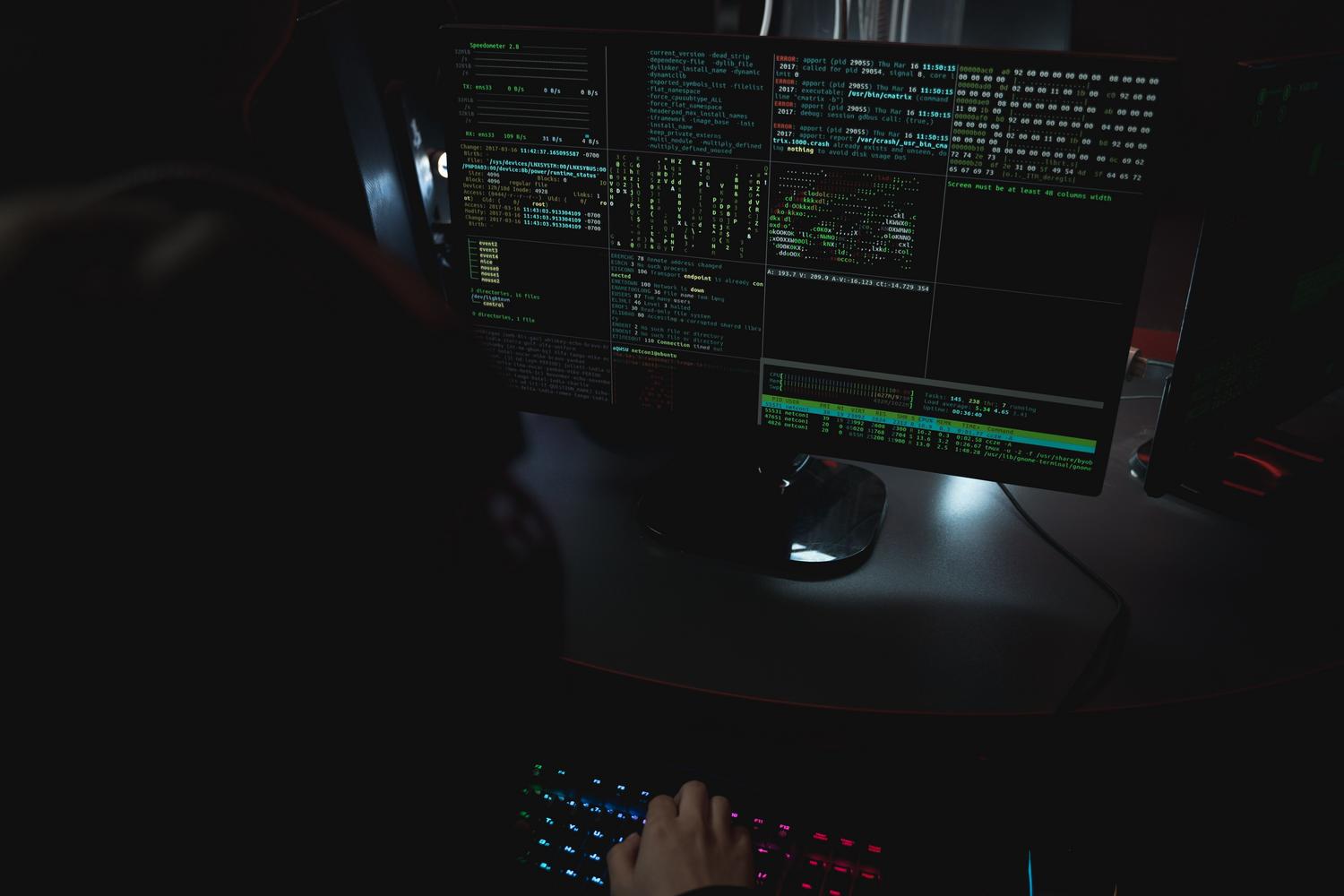
Advanced features for demanding users
For those coming from tools like tmux, Ghostty offers a surprise: a built-in multiplexer . You can create horizontal or vertical screen splits and manage tabs using keyboard shortcuts without needing to install any additional software. A hidden gem is the tab overview , which lets you see thumbnails of all open sessions—essential when switching between multiple servers via SSH.
Visually, the support for ligatures and grouping of letters is excellent, allowing complex emojis and special scripts to display correctly. Furthermore, it implements the Kitty graphics protocol , enabling applications like Yazi to display image previews directly in the terminal, eliminating the need to open external viewers.
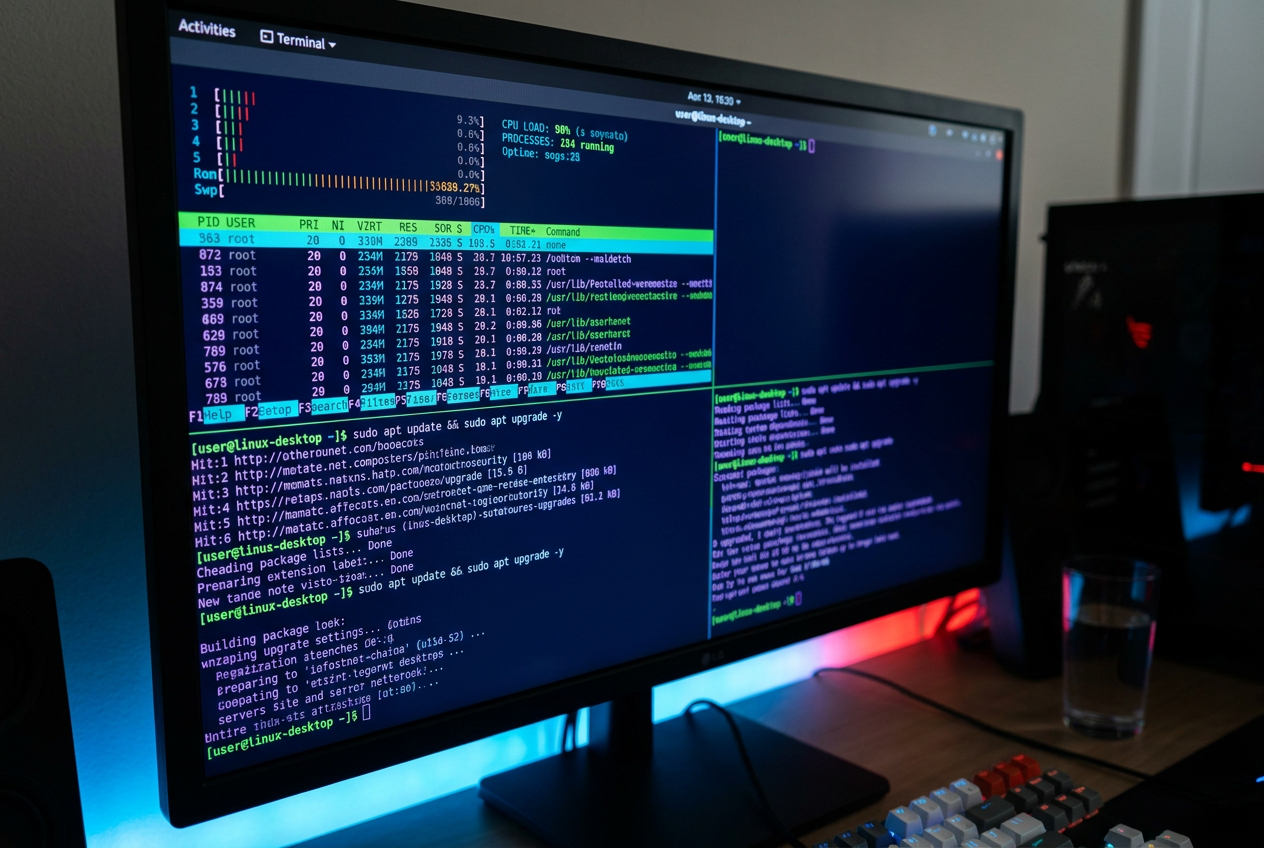
Installation guide for various distributions
Installing Ghostty can vary depending on your operating system, although the trend is to make the process as easy as possible. On Ubuntu or Debian- based distributions , you can choose the official .deb package or use community repositories like deb.griffo.io to quickly obtain updated versions without having to compile, if you prefer a simpler way to install Ghostty on Linux .
- ArchLinux: The process is very simple using the AUR with commands like
yay -S ghosttyoparu -S ghostty. - fedora: It requires the installation of basic dependencies such as cmake and gcc-c++, followed by cloning the official GitHub repository for compilation.
- macOS: The fastest way is through Homebrew by running
brew install --cask ghostty. - Manual installation: For purists, you can clone the repository, run
cmake .and thenmake install.
Hassle-free customization and setup
Ghostty follows a philosophy of zero configuration Initially, upon opening, it detects your shell and works immediately. However, for those of us who like to tinker, it offers a configuration file based on key-value pairs in ~/.config/ghostty/configavoiding the complexity of formats like JSON or YAML.
You can adjust from the background opacity and the blur radius (glass style) up to the color space display-p3 For compatible screens. To manage themes, Ghostty includes hundreds of pre-installed options that you can explore with the command ghostty +list-themesIf you want to tweak the font, the command ghostty +list-fonts It will show you all the fonts available on your system.
Specific tools for developers
The terminal includes a built-in Terminal Inspector , a powerful tool for debugging console applications. It allows real-time analysis of cell attributes, Unicode properties, and rendering performance metrics. Furthermore, it supports dynamic configuration loading , allowing you to split the settings file into multiple files to keep everything organized.
Another strong point is the management of custom keyboard shortcutsThrough syntax keybind = combinación = acciónYou can map any function, such as opening new tabs or performing splits, adapting the terminal entirely to your muscle memory. It even allows the use of GLSL shaders to add visual effects, such as the CRT style for the nostalgic.
This emulator positions itself as a robust, proprietary alternative that merges the speed of modern hardware with refreshing ease of use. By integrating GPU acceleration and a native multiplexer, it eliminates friction in the workflow of any programmer or system administrator, becoming a tool capable of replacing veterans like Kitty or Alacritty thanks to its balance of power and simplicity.

Passionate writer about the world of bytes and technology in general. I love sharing my knowledge through writing, and that's what I'll do on this blog, show you all the most interesting things about gadgets, software, hardware, tech trends, and more. My goal is to help you navigate the digital world in a simple and entertaining way.