- Find My Device now lets you locate people as well as devices.
- The People feature makes it easy to share locations in real time.
- Google Maps and Family Link complement this location tool.
- Privacy and security are guaranteed with personalized controls.
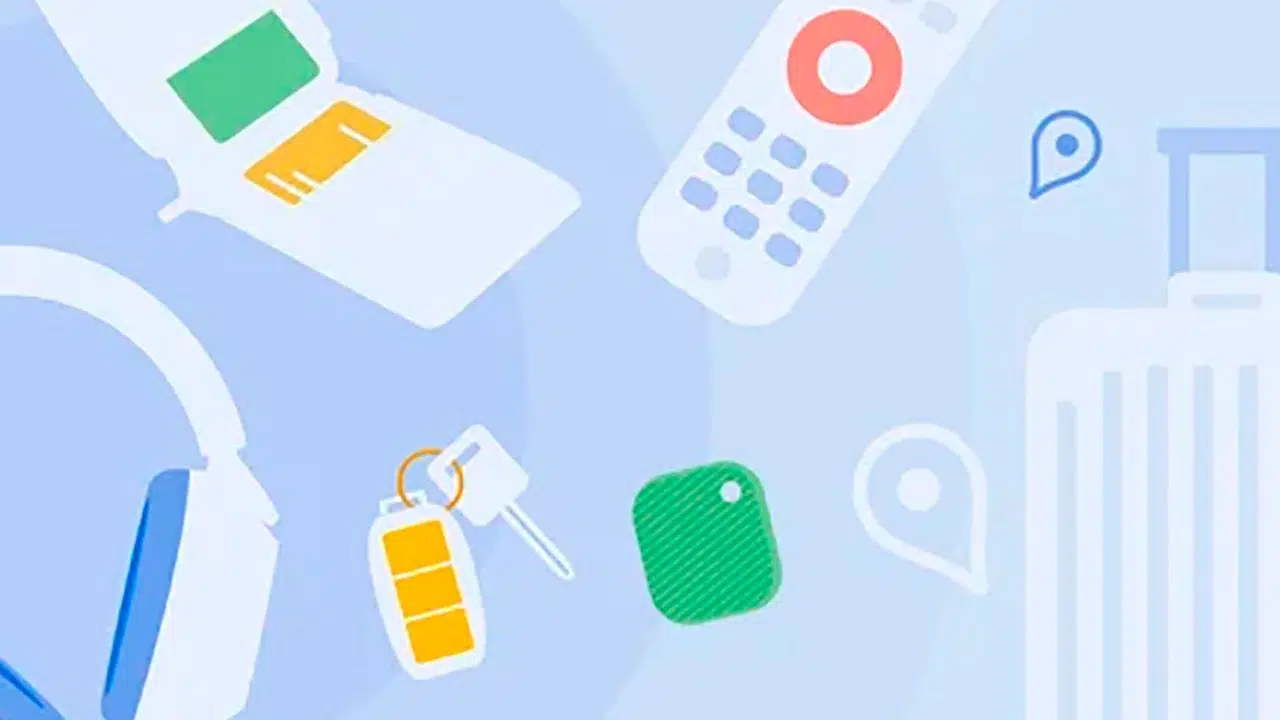
Google has constantly evolved its mobile services, and one of its most recent features is the ability to find people with the Find My Device app . What was previously used solely to track lost devices now has a new tab dedicated to locating people , allowing users to share their real-time location with family and friends.
If you've ever needed to know the location of a loved one without any hassle, Google's Find My Device has become one of the best options. Its integration with Google Maps and the ease of sharing and managing locations make this tool an ideal way to stay connected with those who matter most. To learn more, we recommend reading about how to find people on social media.
How does the new option to locate people work?
Until recently, Google Maps allowed location sharing, but now with Find My Device, it's possible to do so more intuitively from a dedicated tab called People . From there, you can see who has chosen to share their location with you and quickly send your own.
To start sharing your location on this app, you just need to:
- Access the Find My Device app.
- Select the People tab.
- Click the button to share location.
- Choosing There that you want to share your location.
- Send the generated link to whoever you want.
This feature is especially useful for families with children or elderly relatives who require supervision, allowing them to easily and securely monitor their location. If you'd like to learn more about managing contacts to share information, visit our article on how to find your friends on social media platforms.
Initial setup to use Find My Device
Before using the people locator feature, the app must have the appropriate permissions on your device. To do so, follow these steps:
- Make sure you have an active Google account on your phone.
- Download the latest version of Find My Device from Google Play.
- Grant location permissions when requested by the app.
- If you want to share your location with family members, add them as trusted contacts.
Google has integrated the location sharing feature with other platforms such as Google Maps and Family Link , making it even easier to access this information.

Privacy and control options
One of the most important aspects of sharing your real-time location is privacy . Find My Device has implemented several measures to give users complete control over who can see their location and for how long.
- You can choose to share your location for 1 hour, a full day or until you decide to stop it.
- The list of people with access can be managed and modified at any time.
- If you decide to stop sharing your location with someone, just select them from the People tab and tap Stop sharing.
Additionally, you can block unwanted users if you decide at any point that they shouldn't see your location. If you'd like to learn more about security when sharing information, you might be interested in our article on how to find people on social media apps.
Additional actions within Find My Device
In addition to finding people, the app continues to fulfill its primary function: locating lost devices . Within the platform, you'll find options such as:
- Play a sound on the lost device.
- Remotely lock your device to prevent unauthorized access.
- Erase device data in case of theft.
- Receive precise directions to locate it on Google Maps.

Availability and compatibility
Currently, the Find My Device feature is in beta , meaning not all users have immediate access. Google has rolled out this update gradually, ensuring it works correctly before its full deployment.
To use this feature, you need to have:
- Android 9 or higher version.
- Location permissions enabled.
- Google account linked to the device.
- Latest version of the application in Google Play Store.
If you don't yet have access to the People feature within Find My Device, you can use Google Maps to share your location until the update reaches your device. Additionally, for solutions related to using Google, you can read how to find Google users.
Staying connected with loved ones is now easier thanks to this new Find My Device feature. The ability to securely and privately share and track real-time locations makes this app an essential tool for family and everyday life.


Passionate writer about the world of bytes and technology in general. I love sharing my knowledge through writing, and that's what I'll do on this blog, show you all the most interesting things about gadgets, software, hardware, tech trends, and more. My goal is to help you navigate the digital world in a simple and entertaining way.