- Real-time location management and sending the estimated time of arrival to contacts.
- Configuration of arrival and security alerts through visibility control.
- Integration of shared location between the Maps, Search, and Messages apps.

Sometimes we need someone to know exactly where we are, or we simply want to coordinate a meeting point without getting bogged down in endless explanations. Apple Maps offers a host of tools to make sending your location or the route you're taking a breeze, whether it's to reassure your family or to arrange to meet up with friends at a specific spot.
The best part is that Apple's ecosystem is incredibly integrated, so you can switch between the Maps, Search, or Messages apps as needed. From sharing a static pin to letting someone see your live view while you drive, here are all the tricks to master these features completely.

How to share your location and routes in real time
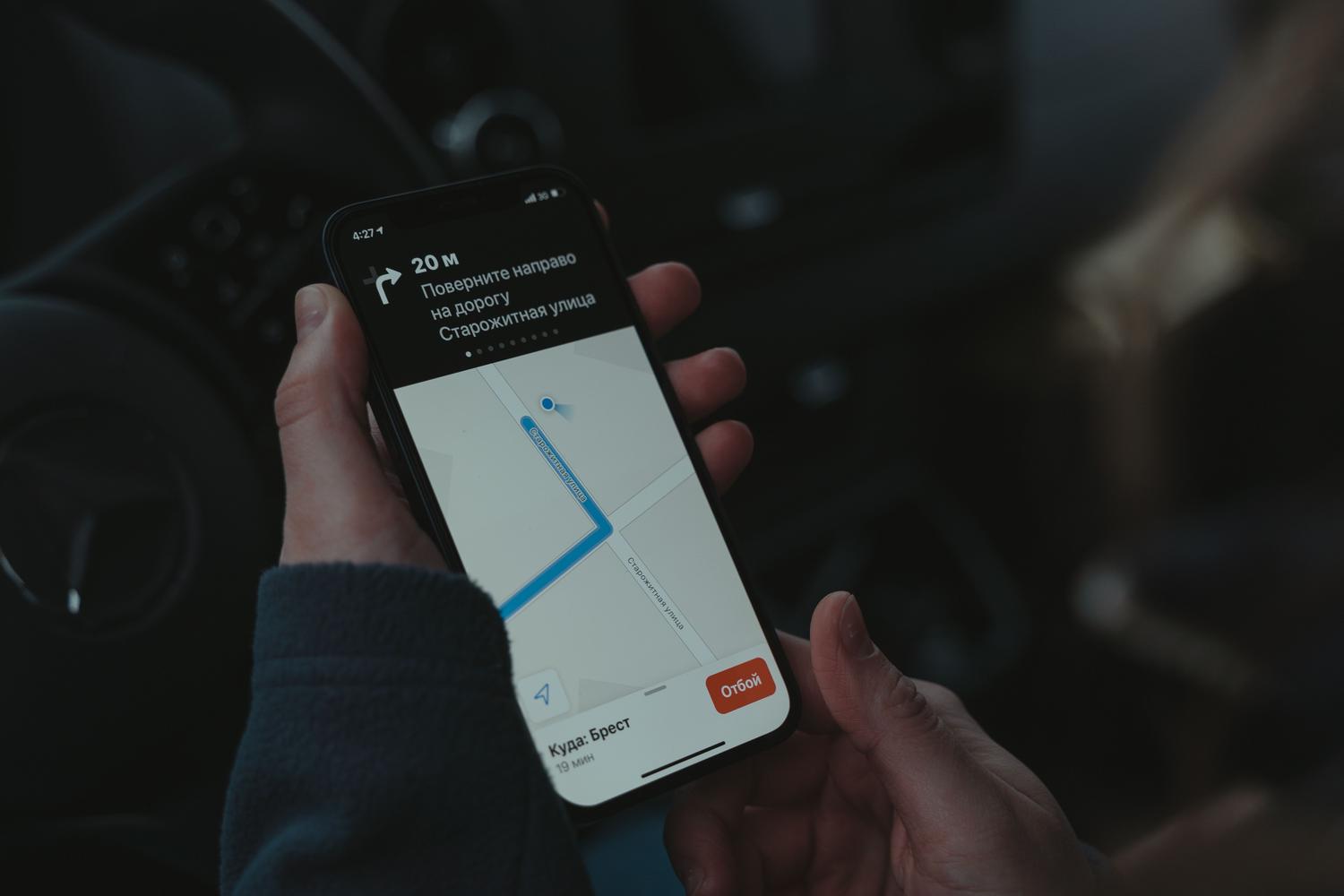
If you're on a trip, you can let your contacts see your estimated time of arrival (ETA) . By activating this option while following directions by car, bike, or on foot, the other person will not only know what time you'll arrive, but they'll also be able to track your live location and all the stops you make along the way. This is ideal for avoiding the typical "Where are you coming from?" message every five minutes.
For those who prefer something more precise, there's the option to send your current location as a screenshot or a pin. If you place a marker on the map and share it, the other person will see that exact point, but they won't be able to track your movements as you move around, which is perfect if you just want to indicate where the restaurant is or find a parked car using Apple Maps.

Using the Messages and Search apps to coordinate

You don't always need to be in Maps to manage this. From a conversation in Messages, you can tap the contact's name and choose "Share my location ." Here you can decide whether you want them to see you for an hour, until the end of the day, or indefinitely. Additionally, if you use the Find My app, you have more comprehensive control over who has access to your location in the "Me" tab , where you can turn the service on or off.
One very useful feature is Arrival Alert . It's not the same as live location sharing; this system automatically notifies a trusted contact when you've arrived at your destination. Interestingly, if there's an unexpected delay and you don't respond, the system can share your current location and battery status so your family doesn't worry.

Family management and device security
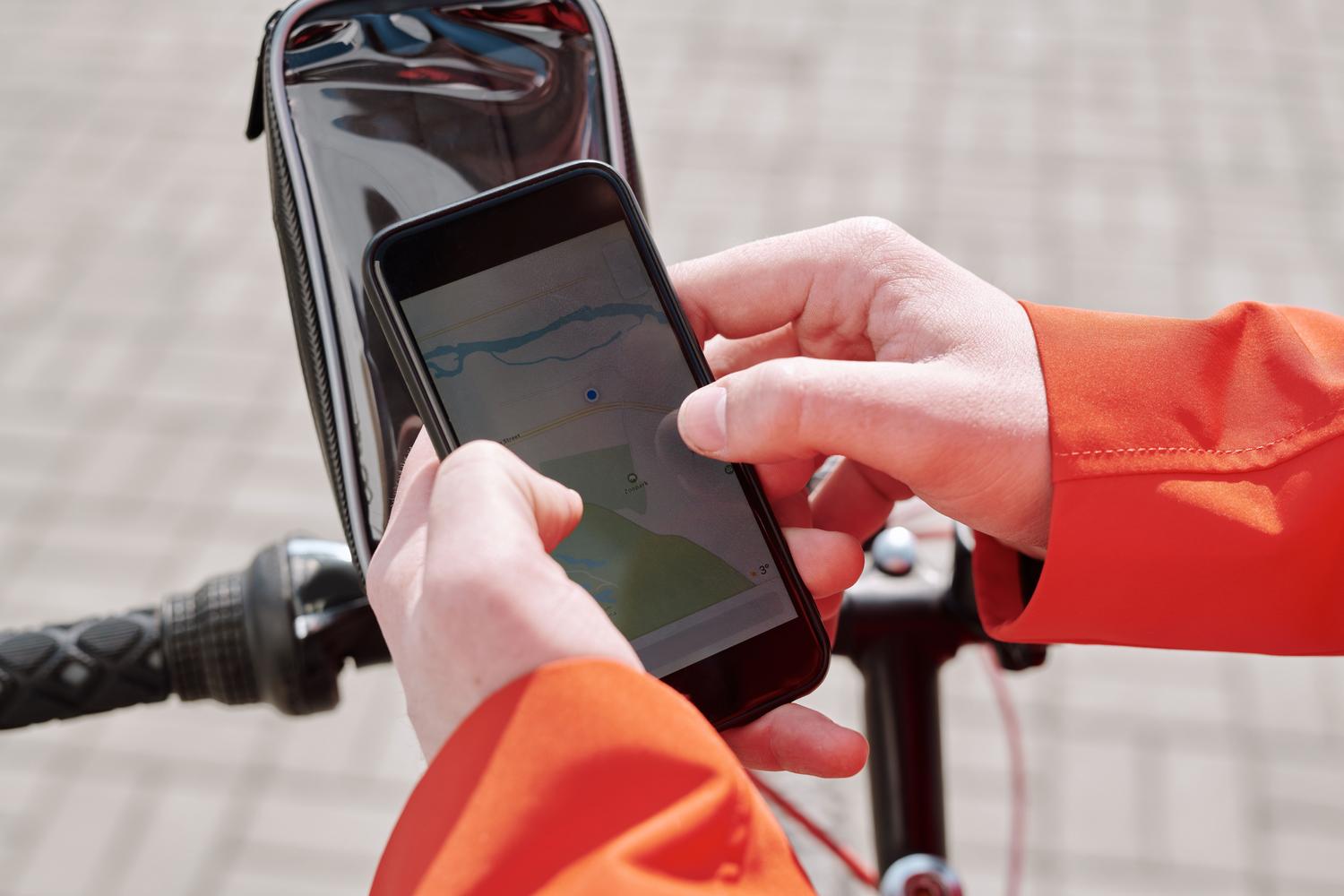
For those who have set up the "Family Sharing" group, the organizer can easily share the location with all members. However, each person retains their privacy and can choose whether or not to be visible. This is a blessing if someone loses their device, as family members can use the Find My app to locate the iPhone or iPad , make it play a sound, or remotely erase its data if the device has been stolen.
Regarding privacy, Apple has implemented Security Checkup . This tool allows you to immediately cut off all access to your location information if you feel your security is at risk. You can review exactly which apps and people have access and revoke permissions quickly and easily.

Additional tips and navigation tricks
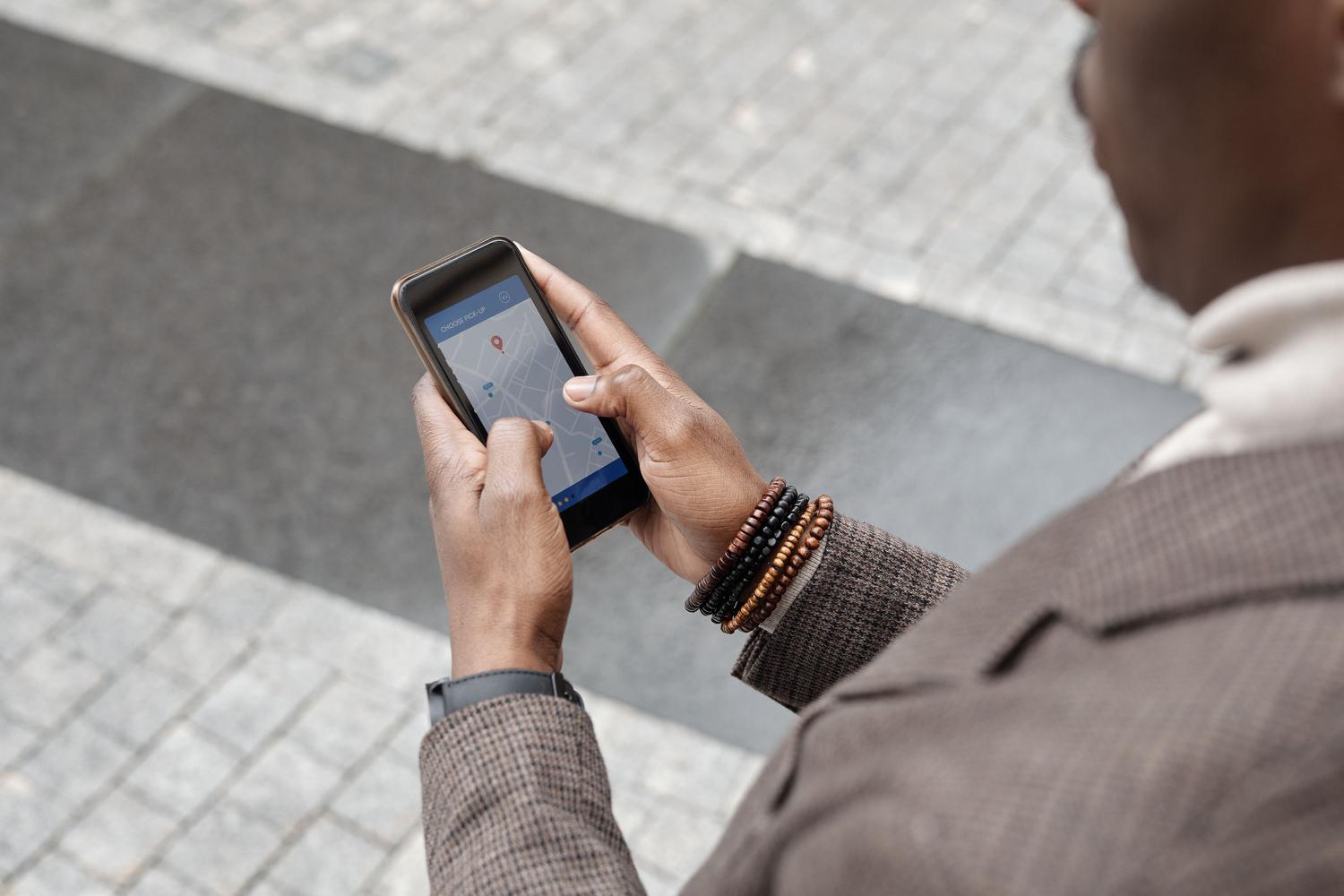
If you use a Mac, you can also plan your routes and predict travel times . When getting directions, you can change the "Now" option to a specific departure or arrival date and time, allowing Maps to calculate the duration based on typical traffic patterns . This way, you'll know if it's better to leave earlier to avoid tolls and common highways.
It's important to note that, unlike other tools that automatically save a route history (as is the case with some Google services), Apple's approach is more focused on active communication and user safety in the present moment. If you have multiple devices, such as an iPhone and an iPad, remember to go to Settings and select "Use this device as my location" so that the person looking for you can see which device you're actually carrying.
Mastering these tools lets you move around freely, knowing you can effortlessly keep your loved ones informed . Whether it's through accurate live location tracking, the peace of mind of arrival notifications, or intelligent privacy and family group management, Apple Maps becomes the perfect ally to ensure no one gets lost and everyone arrives at their destination on time.


Passionate writer about the world of bytes and technology in general. I love sharing my knowledge through writing, and that's what I'll do on this blog, show you all the most interesting things about gadgets, software, hardware, tech trends, and more. My goal is to help you navigate the digital world in a simple and entertaining way.