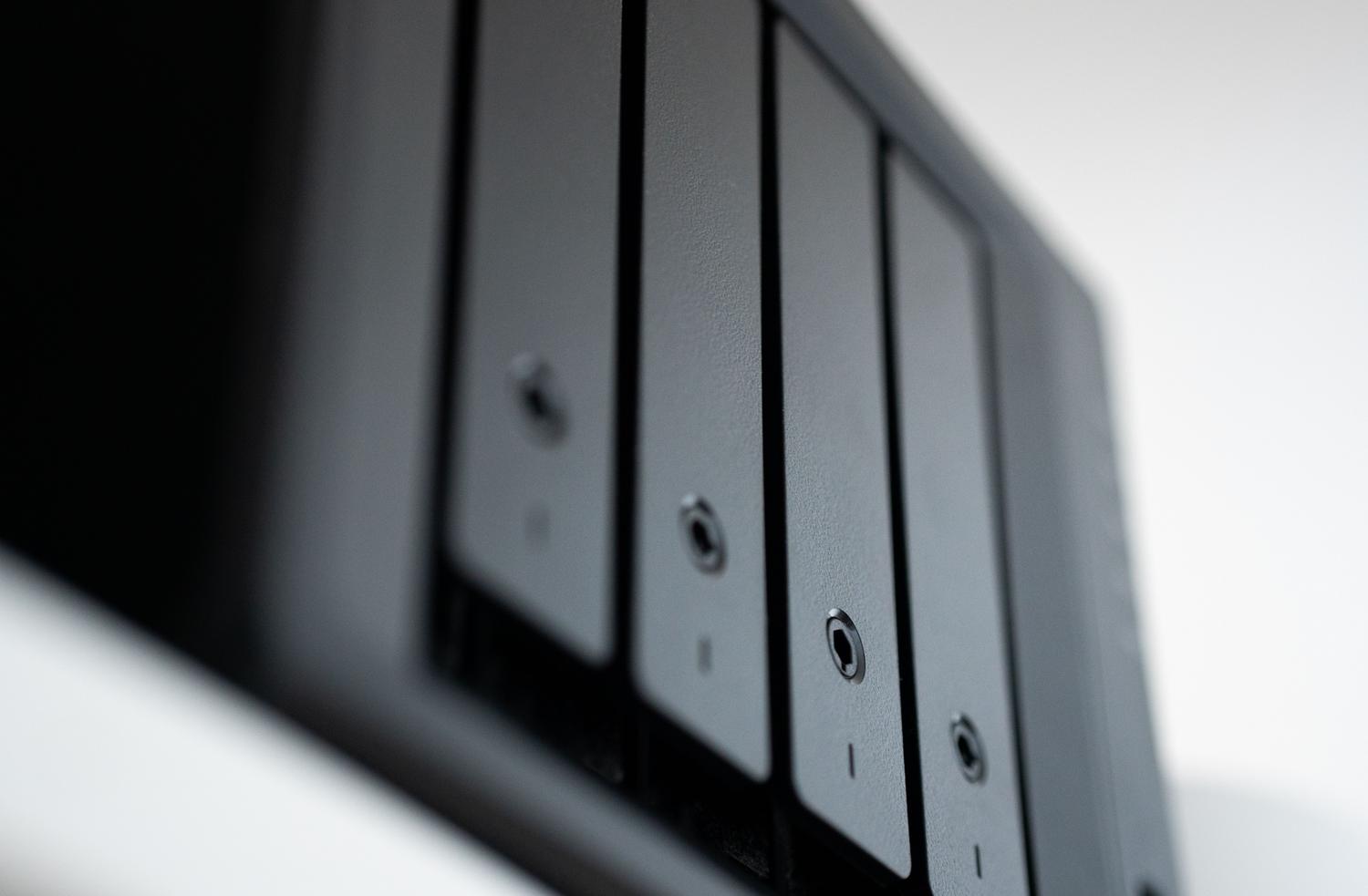
You've probably read that lately, a lot of NAS users, whether Synology, QNAP, or Asustor, are shocked to discover they've been targeted by coordinated attacks when they check their logs. Some have had the misfortune of falling victim to ransomware , watching their files encrypted in the blink of an eye, leaving them in a desperate situation where the only way out seemed to be paying a ransom with no guarantees.
The reality is that, while no system is 100% foolproof, there are very effective ways to build a robust defense. It's not just about installing software, but about changing our mindset regarding how we expose our data to the network and how we leverage technologies like snapshots to transform our storage into a veritable time machine capable of reversing any disaster.

The Master Shield: Understanding Snapshots

When we talk about snapshots, many people mistakenly think they're the same as a conventional backup . Nothing could be further from the truth. While a backup copies all the data to another location (which consumes time and space), a snapshot is like a snapshot of the file system's state at a specific moment. It doesn't duplicate everything, but rather records the metadata and pointers of the data blocks.
Technically, there are two main approaches. Copy-on-Write (COW) copies the old block before writing the new one, while Redirect-on-Write (ROW) , common in systems like ZFS, writes the new data to a different location and updates the pointer. The latter is extremely fast, although it can cause fragmentation on mechanical disks, making it ideal for all-flash storage.
In the event of a ransomware attack, which typically encrypts the file and deletes the original, snapshots are a lifesaver. They allow for instant recovery (minimum RTO) because the administrator only needs to tell the NAS, "revert to the state at 09:55," and in a matter of seconds the files are available again, regardless of whether you have 1 TB or 100 TB of data.
Advanced protection and proactive detection
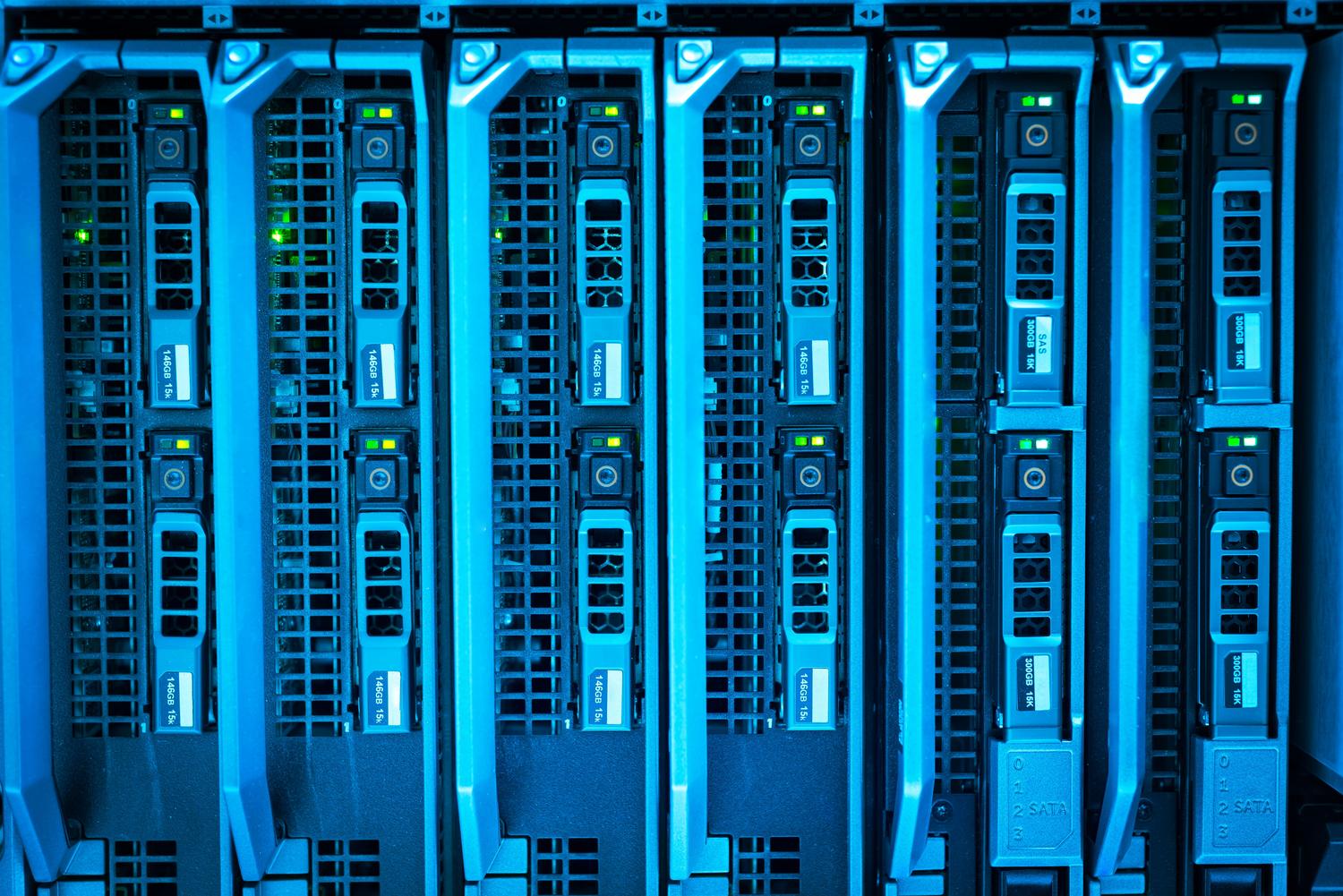
Hackers have evolved and are now trying to delete Windows shadow copies (VSS). This is where NAS devices shine, as their snapshot management is out-of-band, independent of the operating system , making it impossible to delete them from an infected PC. Taking this to the next level, there are immutable snapshots, also known as WORM (Write Once, Read Many), which lock the snapshot for a defined period; not even the root administrator can delete them.
Furthermore, cutting-edge technology is no longer passive. It now utilizes AI-powered entropy detection . The system monitors data randomness; if it detects that many blocks abruptly change to a random state (typical of encryption), the NAS can automatically disconnect the SMB/NFS connection or create an emergency snapshot to mitigate the damage before the attack progresses.
Securing access to the NAS
Having the best recovery technology is useless if you leave the door wide open. The first thing to consider is whether you really need to expose your NAS to the internet . If so, forget about traditional port forwarding or UPnP, which are magnets for attackers. The smartest option is to use a VPN like Tailscale or OpenVPN , which creates a secure and private tunnel.

If you use tools like QuickConnect, remember that your ID must be a long, random string —no funny or easily guessed names, as lists of IDs circulate online. It's also vital to configure your firewall with geo-blocking to allow only IPs from your country, although this is just one more layer of protection and not a complete solution.
Account hygiene and permissions management
A critical mistake is using the administrator account for everyday tasks. If a PC on your network becomes infected and you have a network drive mounted with administrator privileges, ransomware can encrypt the entire volume . Ideally, you should create a user account with the minimum necessary permissions and reserve the administrator account only for critical tasks, protecting it with a strong password and, ideally, multi-factor authentication (MFA).
In enterprise environments, the Four-Eyes Principle is recommended , where destructive actions such as formatting a volume or deleting snapshots require authorization from two different administrators. This prevents a single compromised user or malicious employee from deleting everything.
Backup and maintenance strategies
To ensure your strategy is robust, you should apply the 3-2-1 golden rule : maintain three copies of your data on two different storage media, with at least one copy stored off-site. You can combine snapshots with cloud backups using rclone or utilize cold storage , such as MyArchive drives, which are physically disconnected from your system.
Don't neglect your software; keep your operating system (DSM, ADM, QTS) automatically updated to patch zero-day vulnerabilities. If you use Docker containers, be careful, as they are typically outside the NAS's security umbrella and must be managed and updated manually to prevent them from becoming a gateway for malware.
Having a clear action plan is the difference between a scare and a tragedy. By combining the use of immutable snapshots , a strict policy of no direct internet exposure , and the 3-2-1 backup rule, you can turn your NAS into a fortress. The key lies not in relying on a single measure, but in adding layers of security that make it harder for an attacker to gain access and ensure that, no matter what happens, you always have a clean and recoverable copy of your most valuable data.


Passionate writer about the world of bytes and technology in general. I love sharing my knowledge through writing, and that's what I'll do on this blog, show you all the most interesting things about gadgets, software, hardware, tech trends, and more. My goal is to help you navigate the digital world in a simple and entertaining way.