- Fundamental difference between software drivers for the operating system and electronic hardware drivers for motors.
- Detailed analysis of Trinamic Technology (TMC) and its advantages in silence and precision compared to classic options.
- Workflow from 3D modeling and G-code slicing to physical execution on the machine.

Entering the world of additive manufacturing can initially seem like trying to read Mandarin Chinese. Between terms like extruders, filaments, and firmware, it's normal for any newcomer to feel a bit lost. However, the truth is that with a little patience and curiosity , anyone can master these machines and start bringing their ideas to life in plastic.
When we talk about "drivers" in the context of 3D printing, we're referring to two completely different things: on the one hand, the software that allows the computer to recognize the printer, and on the other, the small electronic components that manage the stepper motors. In this article, we'll break down both concepts so you'll have no doubts and can get the most out of your equipment.
Operating System Drivers and Compatibility
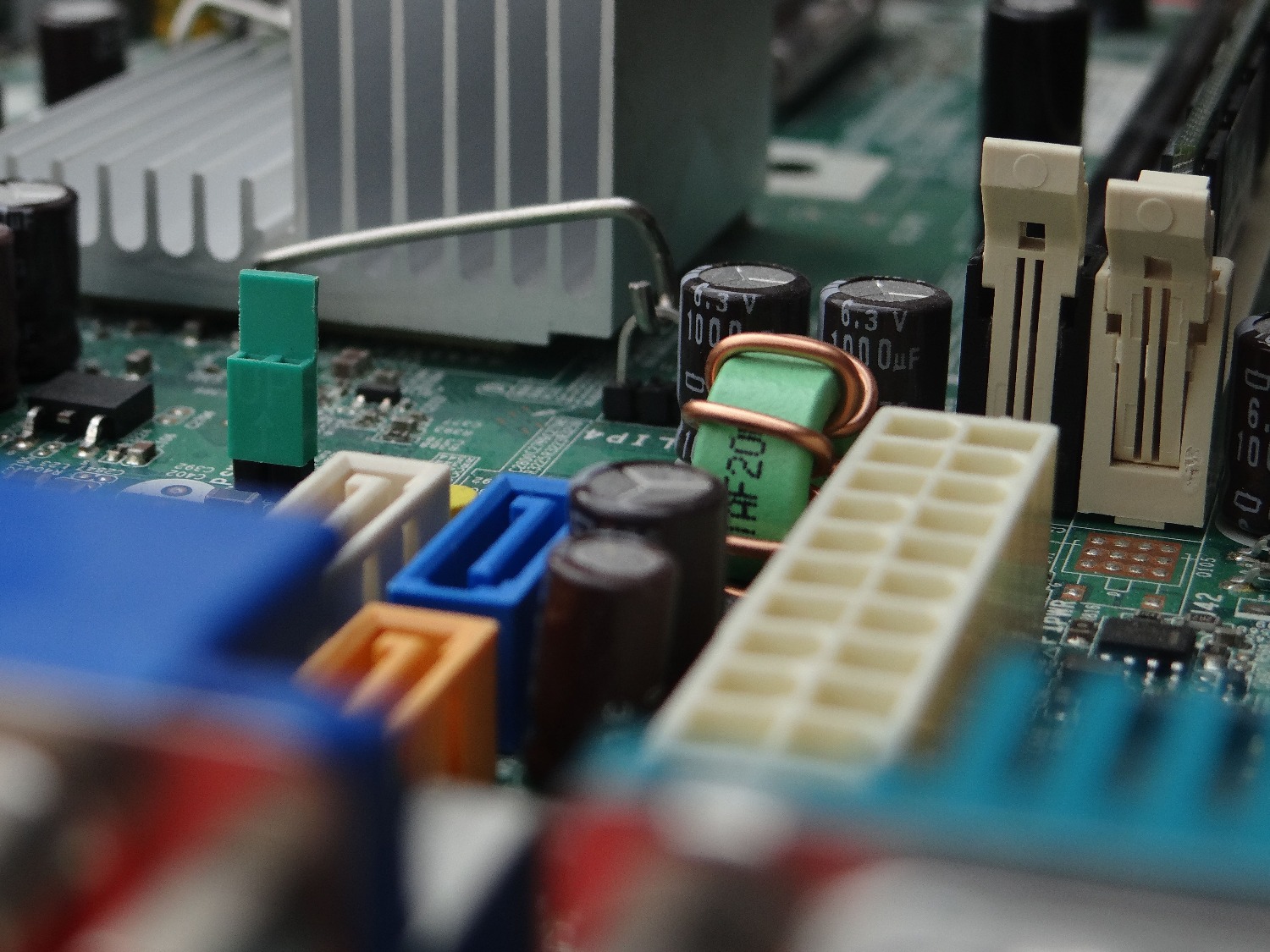
For a printer to be recognized by Windows 10, there are standard drivers that make life easier for developers. The goal is for the device to be Plug and Play , preventing the user from having to deal with complex manual installations. To achieve this, the printer's firmware must include a specific compatibility identifier , such as the code "3DPRINT," which tells the operating system exactly what type of hardware it's using.
Once the system detects the printer, the standard drivers are downloaded and the printing capabilities are configured. Developers can adjust extended properties , such as the print area dimensions or filament diameter, overriding the default values to match the actual machine. It is crucial that each manufacturer uses its own VID and PID (Vendor and Product Identifiers) to avoid detection conflicts in the Windows registry.
The Hardware: Electronic Motor Drivers
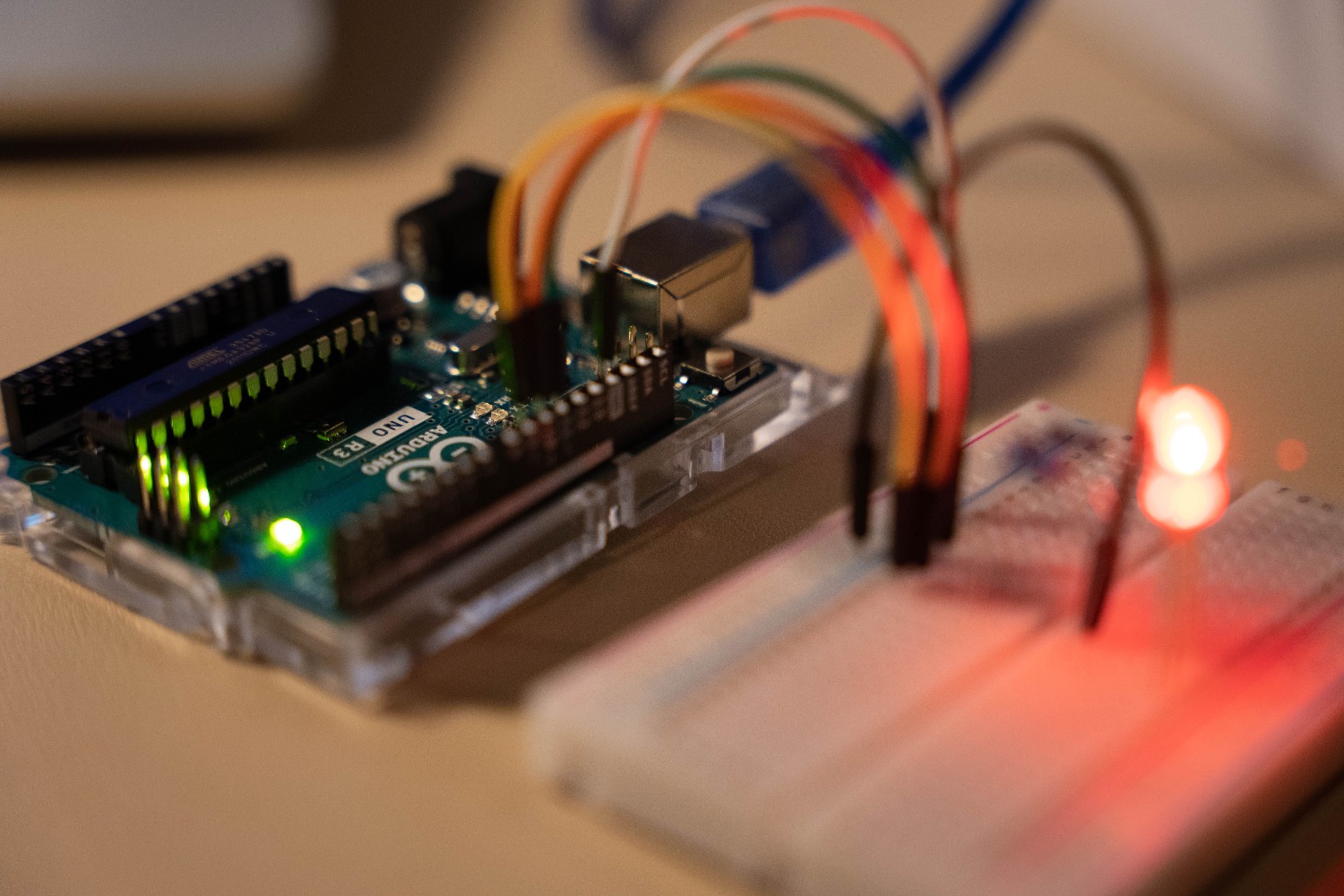
At the hardware level, drivers are tiny boards that translate the microcontroller's commands into precise movements for the stepper motors. These motors convert electrical pulses into angular rotations, and the quality of that movement depends directly on the driver. A poor-quality component can cause the printer to be noisy or produce prints with the annoying " salmon skin" effect , which are those visual irregularities on the print walls.
The power of these components is usually regulated by a physical potentiometer, although more advanced models allow digital adjustment via software . Ideally, the current should be set to the lowest possible level where the motor doesn't skip steps; if you set it too high, the motors and drivers will overheat , which can cause printing errors or even permanent damage to the electronics.
The TMC (Trinamic) Driver Revolution
For a long time, A4988 or DRV8825 drivers were used because they were inexpensive and robust, but nowadays Trinamic models have taken over. The main difference is noise; while the older ones sounded like a small tractor, the TMC drivers are virtually silent thanks to technologies like StealthChop, which drastically reduces electromagnetic hum.
- StallGuard: This device detects when the engine hits something, eliminating the need for installation physical career endings and reducing wiring.
- CoolStep: It adjusts the current according to the motor load, ensuring that the temperature drops up to 80% in some cases.
- SpreadCycle: Optimize the movement to make it smoother, especially during acceleration changes.
Among the most outstanding models are the TMC2209, very well-balanced and powerful, and the TMC2130, which stands out for its superior thermal management . For those seeking raw power in CNC machines, the TMC5160 series is the ideal choice, as it handles much higher currents with ease.
Modes of Communication: From Simple to Intelligent
Not all drivers communicate with the motherboard in the same way. The most basic mode is Step/Direction , where the controller only sends step and direction commands but receives no response from the driver. It's simple, but it leaves you without all the advanced features of Trinamic chips.
To unlock the true potential, UART or SPI modes are used . These "smart" interfaces allow the firmware (such as Marlin) to change the motor current in real time or switch between silent mode and maximum torque mode without touching a single screw. It's the difference between having a basic remote control and a system with complete control over the machine.
From Design to Object: The Workflow
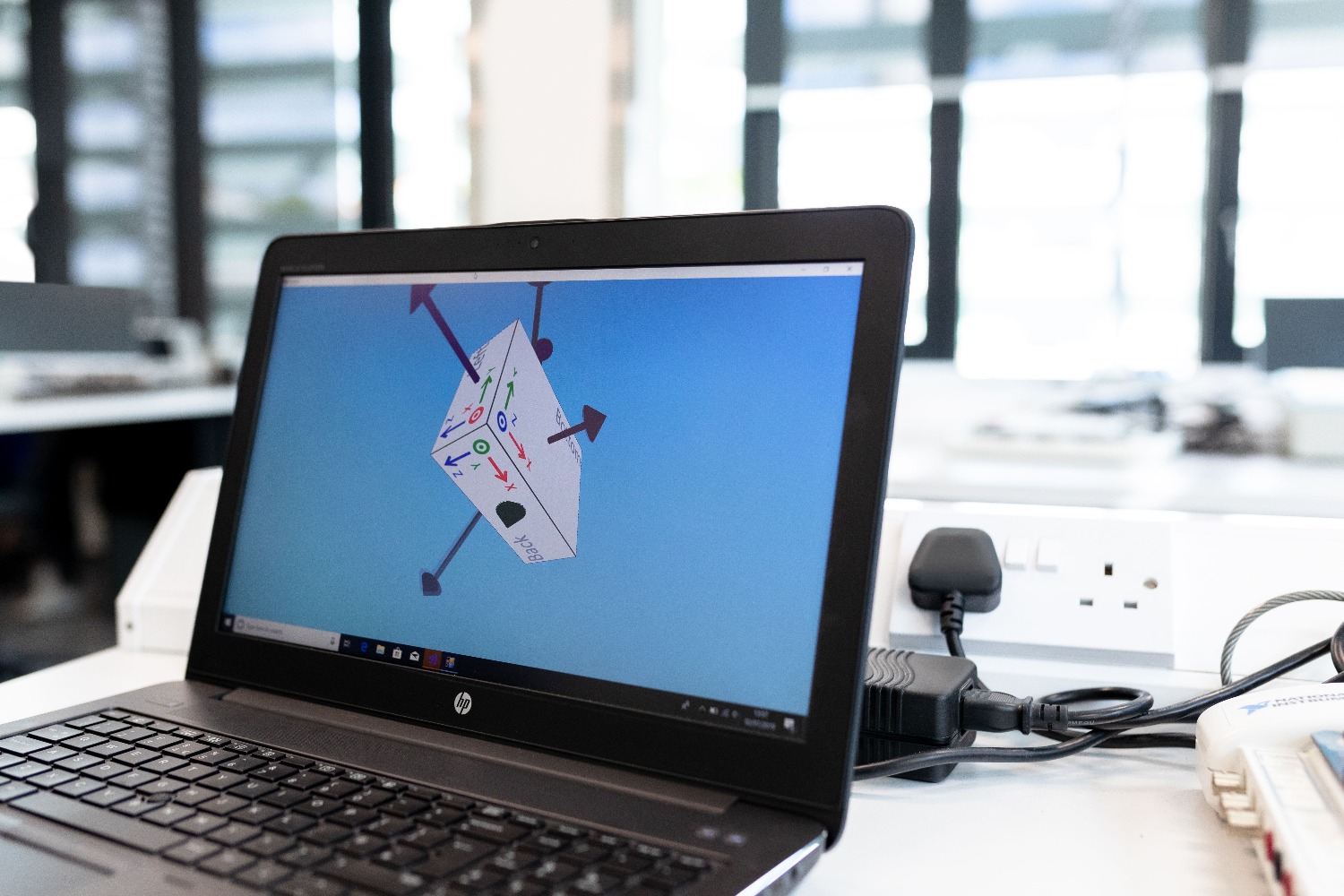
For the drivers to have something to execute, we need a G-code file. The process begins with 3D modeling , where you can use free software like Blender for organic shapes or Fusion 360 and FreeCAD for technical and parametric parts. Once you have your design in STL format, slicing software comes into play.
Programs like PrusaSlicer, Cura, or Simplify3D slice the model into layers and translate them into G-code commands . These commands are the exact instructions that the drivers will execute: "move to the X coordinate, heat the nozzle to 200 degrees, and extrude material." Depending on the material, such as PLA for beginners or PETG for more durable parts, the temperature and speed parameters will vary.
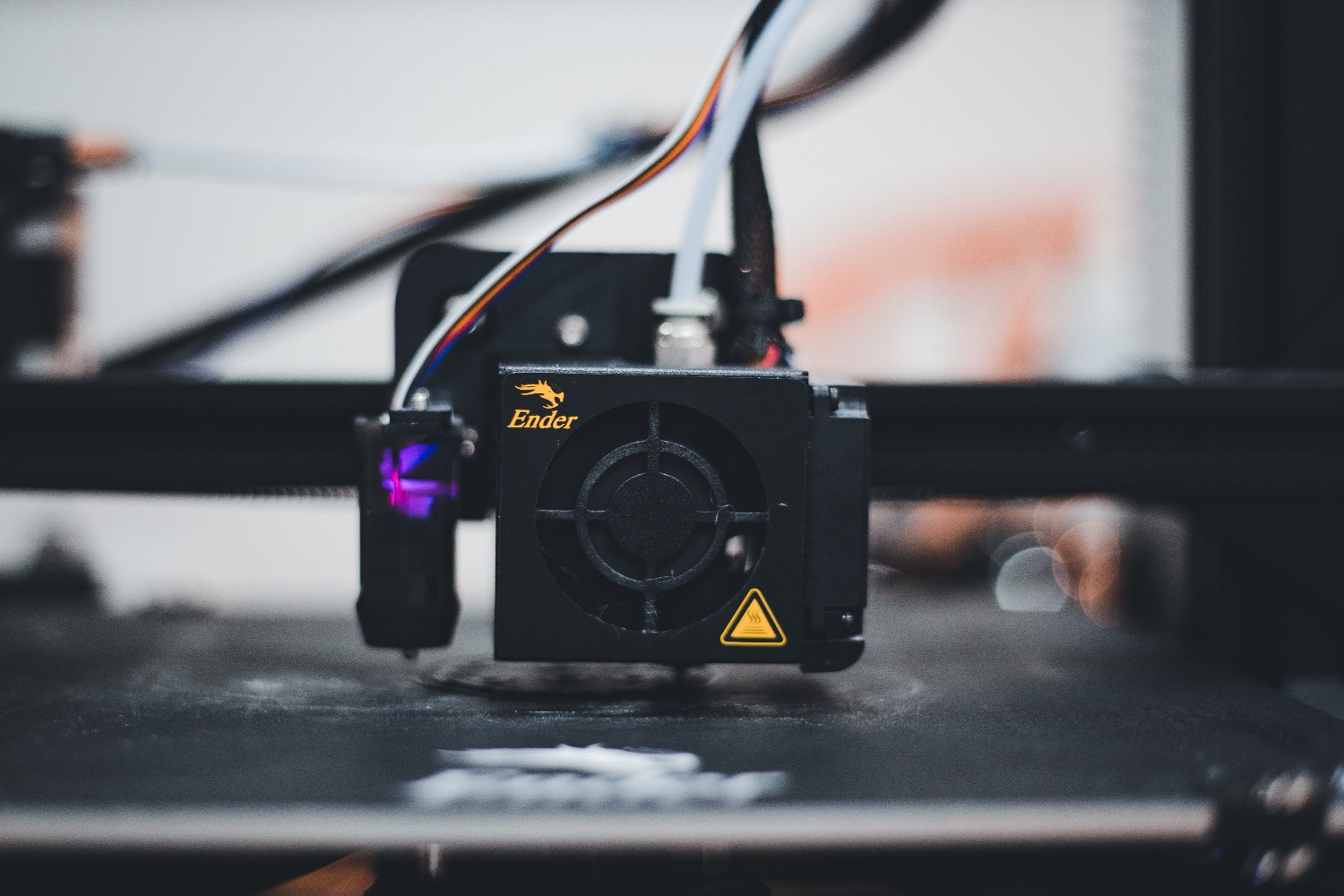
Having comprehensive control over the design software, the slicer, and the electronic drivers allows you to transform an inexpensive printer into a professional precision tool . The key lies in choosing components that reduce noise, optimize temperature, and enable seamless communication between the computer and the motors, ensuring that each layer is deposited with the greatest possible accuracy.
FAQ
What is the difference between a software driver and a 3D hardware driver?
The software driver is the controller that allows the operating system to recognize the printer, while the hardware driver is the electronic chip that manages the power and movement of the motors.
What is the purpose of StallGuard technology in drivers?
This function detects the motor load to recognize when it has reached the limit of its shaft, thus eliminating the need for physical limit switches.
What advantages do TMC drivers offer over A4988 drivers?
TMC drivers are significantly quieter, offer higher step resolution, and feature technologies to reduce motor heating.
How can you reduce the noise of 3D printer motors?
The most effective way is to replace conventional drivers with Trinamic models that use StealthChop technology to minimize sound vibrations.
What is G-code and how does it get into drivers?
G-code is the programming language that indicates movements and temperatures; it is generated in a laminating software and processed by the electronics to give orders to the drivers.
Is it necessary to use UART or SPI mode in the drivers?
It is not mandatory, but it is highly recommended as it allows you to configure the power and advanced functions directly from the printer menu without using screwdrivers.
What happens if I set too much power in the drivers?
Excessive current causes both the motor and the driver to reach dangerous temperatures, which can lead to missed steps or damage to the electronic board.
