- AnduinOS is an Ubuntu-based distro that mimics the look and feel of Windows 11 to make the transition to Linux easier.
- It offers LTS and standard versions, planned support until 2029, intensive use of Flatpak, and no Snap by default.
- Its creator, a Microsoft engineer, maintains it as a personal project with a focus on usability, low power consumption and a family-friendly environment.
- It doesn't introduce major technical innovations, but it stands out as a simple and accessible option for former Windows users.
AnduinOS has appeared on the radar of many desktop users almost overnight: a Linux distro based on Ubuntu, with an aesthetic very similar to Windows 11, and created by none other than an engineer who works at Microsoft. This curious mix has attracted the attention of both Windows users and the Linux community itself.
Although it began as a personal project, AnduinOS has gradually taken shape, released several versions, and grown in ambition . Today, it's a viable option for those who want to move beyond Windows 10 or Windows 11 without sacrificing a familiar environment, featuring a Microsoft-style taskbar, a centralized Start menu, Flatpak integration, and surprisingly low resource consumption for a GNOME-based operating system.
What is AnduinOS and what is its philosophy?
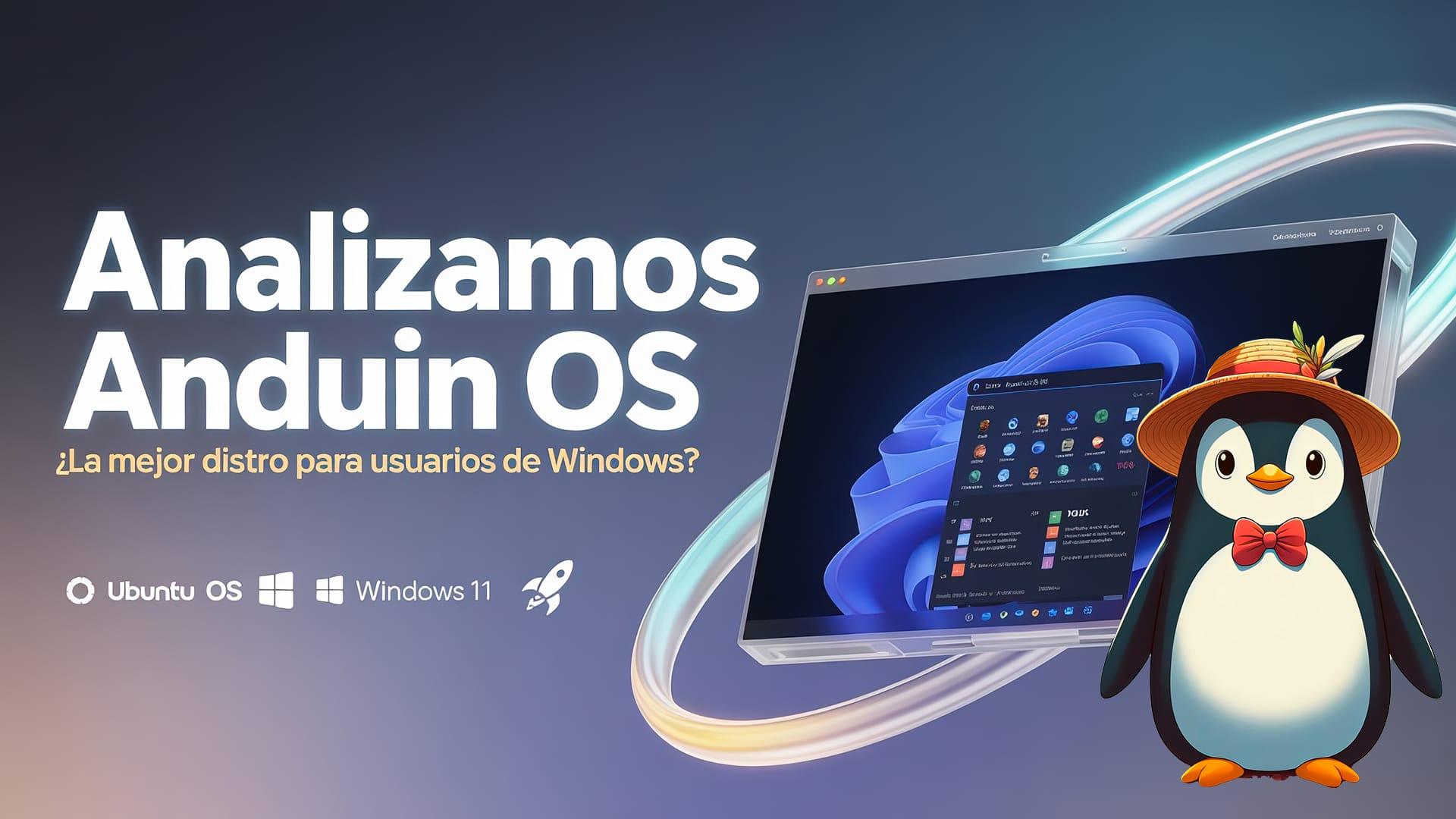
AnduinOS is a Linux distribution based on Ubuntu that aims to make the transition from Windows as smooth as possible , especially for developers and users accustomed to Microsoft's way of working. The project's core idea is to maintain familiar operating habits and workflows , but within a modern and flexible Linux environment.
The person responsible is Anduin Xue, a software engineer employed at Microsoft (not on the Windows team) and a Chinese citizen residing in China. He began by compiling scripts and tweaks for his own use, almost automatically as part of his daily routine, until he decided to package everything into an installable ISO. This personal experiment ended up being published, and when it reached Distrowatch, the server was overwhelmed by thousands of downloads daily.
At its technical foundation, AnduinOS doesn't try to reinvent the wheel . It takes Ubuntu as is, adapts it visually, adds some tools and default settings, and presents it as a desktop very similar to Windows 11. In fact, the system itself still identifies as Ubuntu in the version file and directly uses its repositories, APT package system, and ecosystem.
Xue's own stance on his creation is quite modest: he states that he dedicates only a few hours a month to its maintenance , has no short-term commercial plans, and sees it as a hobby that will continue as long as he finds it entertaining. He doesn't rule out offering services to companies in the future if the circumstances allow, but for now, the project remains a personal, open-source initiative , licensed under GPLv3.
This combination of amateur origins, a Microsoft-affiliated author, and a very specific focus on Windows users has also generated some controversy and misgivings within a segment of the community. However, beyond theories and suspicions, the reality is that it is a relatively simple, transparent distribution with very specific objectives.
Graphical environment: a GNOME tweaked to resemble Windows 11
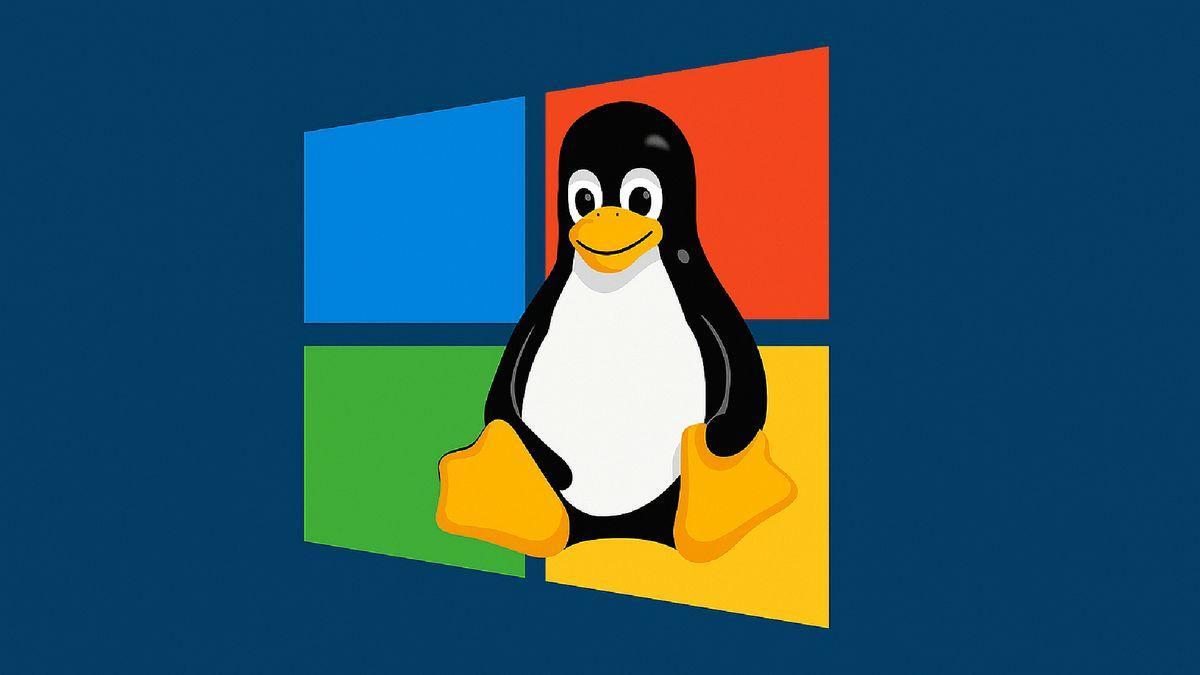
The distro's defining feature is its interface, which is practically a carbon copy of Windows 11. Based on GNOME (in its recent versions, such as GNOME 48 in the newest editions), AnduinOS loads a set of extensions, themes, and tweaks that transform the environment to resemble the Microsoft desktop.
Key features include ArcMenu, which replaces GNOME's standard application menu with a centralized, box-shaped Start Menu and an application list very similar to Windows. Also included is Dash to Panel , which merges the dock and top bar into a single bottom panel, grouping windows, shortcuts, and the system tray, closely mirroring the behavior of the Windows 11 taskbar.
In terms of aesthetics, AnduinOS uses Fluent-style themes (such as Fluent Dark) for window elements, icons, and colors. The idea is that, from the first boot, the user will recognize the layout: bottom bar, centered icons, start menu with search bar, notification areas, and a weather widget in the corner—all very familiar to anyone used to Windows.
Another interesting detail is that the default browser can be Microsoft Edge , further reinforcing the feeling of being in "a Windows without Windows." However, the use of Firefox, adjusted with localization fixes and prepared for HDR content, is also mentioned, so the default browser may vary depending on the version, but always maintaining a practical and ready-to-use approach.
Although the interface closely mimics the Redmond system, it remains GNOME with all its customization possibilities . Users can change behavior, add more extensions via the Extension Manager, adjust the toolbar, modify themes, or even move closer to a classic Ubuntu environment if they prefer—something that is much more limited in Windows.
Technical basis, versions and support cycle
Under the hood, AnduinOS is based entirely on Ubuntu , both its LTS branches and intermediate releases. There are two main release lines:
- LTS Edition (for example, AnduinOS 1.1), designed for those who want stability and long-term support.
- Standard Edition (for example, AnduinOS 1.3 and later), geared towards enthusiastic users who prefer more recent features.
The LTS 1.1 version is expected to be supported until 2029 , thus maintaining a similar lifecycle to the Ubuntu LTS on which it is based. The 1.3 edition is based on Ubuntu 25.04 and is expected to be supported until approximately January 2026, in line with the lifecycle of that Ubuntu version.
Within the standard branch, the distribution receives minor updates; for example, AnduinOS 1.3.3 introduces specific fixes and adjustments . Among them is a solution to an accessibility issue that prevented screen readers from correctly reading the text. The librime-plugin-lua package is also added so that users of the ibus-rime input method can use Lua scripts, primarily for the Chinese environment (it affects the zh_CN configuration by default).
Another significant change is the addition of policykit-desktop-privileges to the default packages. This allows the system to perform certain operations (mounting drives, performing simple updates, and other routine administrative tasks) without constantly prompting for a password , simplifying the experience for novice users and bringing it closer to typical Windows behavior.
Further versions are already planned: AnduinOS 1.4, based on Ubuntu 25.10 , and a future AnduinOS 1.5, planned for Ubuntu 26.04 LTS , which should mark a significant leap in maturity and stability, leveraging the foundation of a new Ubuntu LTS. This roadmap offers some reassurance to those who fear the project might be abandoned at any moment.
Performance, kernel, and hardware requirements
One of the most surprising aspects for those who try it is that, despite using GNOME with several extensions, AnduinOS maintains reasonably low RAM consumption . In tests on physical hardware and virtual machines, memory usage hovers around just over 1,3 GB at idle, a manageable figure for this desktop environment.
At the kernel level, versions such as Linux kernel 6.1.4 or 6.14 are mentioned , depending on the build and edition, which translates to good compatibility with recent hardware and support for modern technologies. This is complemented by APT 3.0 as the classic package manager on the Ubuntu side, making updates quick and reliable for those familiar with Debian/Ubuntu.
In terms of minimum requirements, the distribution is relatively accessible. The project indicates that a 2 GHz x86-64 processor (equivalent to an Intel Core i3 or similar AMD processor), 4 GB of RAM , approximately 20 GB of free disk space (preferably SSD), and a screen with at least 768p resolution are sufficient. In practice, it is also noted that it consumes fewer resources than standard Ubuntu GNOME , so it can revitalize computers that no longer meet the official Windows 11 requirements.
Another aspect to consider is that the ISO size is around 2 GB , so it doesn't require huge downloads or unusual installation methods. And thanks to its compatibility with optimized X11 sessions , it performs particularly well in virtualized environments, where Wayland can still cause some issues.
Overall, for desktop use, browsing, development, and even gaming via Steam, AnduinOS offers remarkably smooth performance . Available information suggests good compatibility with games running through the Steam client for Linux, leveraging the previous work of the Ubuntu and Proton ecosystems.
Installation: Quick and easy process
If you've ever installed Ubuntu, setting up AnduinOS will feel very familiar . The distribution uses the classic Ubuntu installer, with some aesthetic tweaks to match its modern visual theme, but the flow of steps is essentially the same.
The installation process has been optimized for speed, taking around five minutes on relatively recent computers. During the initial setup, you can choose the base system: a branch equivalent to Ubuntu 24.04 (focused on stability) or a more advanced one, such as Ubuntu 25.04/25.10 , depending on the specific AnduinOS version you download, to have more up-to-date packages.
After copying the files and the initial boot, the system starts without any complex additional steps . Everything is pre-configured: active bottom panel, start menu in the center, icons applied, and the software store ready to use. However, some users have reported minor cosmetic bugs , such as issues with user avatars in the GNOME settings—minor details that don't affect daily use but serve as a reminder that the project is relatively new.
An important point to note is that, to upgrade from one major version of AnduinOS to another (for example, from 1.3 to a future 1.4 or 1.5), a direct and automatic update system is not yet available . The developer intends to enable this feature later, but for now, upgrading between major branches involves a clean install and, if necessary, restoring data and settings.
On the other hand, one of the interesting new features is the inclusion of a tool for generating custom ISO images . This utility allows users to package their own AnduinOS with custom logos, configurations, and desktop settings, which is especially useful for developers, businesses, or administrators who want to deploy a consistent environment across multiple computers.
Software management: Flatpak, graphic store, and no Snap
A striking decision, considering its Ubuntu origins, is that AnduinOS does away with Snap by default . Instead, it relies on Flatpak as the primary system for installing universal apps, along with the classic APT for the system's core packages.
The project includes a built-in software store that looks very similar to the Microsoft Store . From this graphical store, you can easily search for, install, and update Flatpak applications, and even update the system itself directly from the interface —something reminiscent of KDE's Discover store or GNOME's own software center, but with a different design.
This combination allows a user new to Windows to use the system almost without touching the terminal . They can search for apps, click install, receive updates, and control the software in a way very similar to what they already know. At the same time, those coming from the Linux world have all the advantages of the Ubuntu ecosystem: official repositories, PPAs if needed, and compatibility with a large number of packages.
Using Flatpak as the backbone of user software has the advantage of isolating applications through sandboxing , facilitating the installation of new programs without breaking system dependencies, and providing updated versions even on a more conservative base. This fits well with the AnduinOS philosophy: a familiar environment, but with the flexibility and security that Linux offers.
Furthermore, being based on Ubuntu, the distro inherits compatibility with Steam and other launchers , making it quite easy for users who want to play games. Combined with Proton and the usual tools of the Linux gaming ecosystem, the result is a system suitable for both work and leisure.
User experience for those coming from Windows
The true goal of the distribution is to ensure that a user accustomed to Windows 10 or 11 doesn't feel "lost" when starting up for the first time . That's why almost everything, from the taskbar design to the menu layout, aims for that characteristic familiarity.
Certain elements, such as the weather widget in the lower left corner or the Start menu with pinned apps and a grid-based list, reflect deeply ingrained habits among Windows users. Even features like clipboard history, accessible with a keyboard shortcut similar to Windows+V, have been taken into account to minimize the clash of familiar habits.
At the permissions and administration level, the inclusion of policykit-desktop-privileges reduces the number of password dialogs required for simple tasks, bringing it closer to the user-friendly feel of Windows in its home configuration. Mounting drives, running basic updates, or installing simple programs can be done without constantly typing in your password.
Also key is the intuitive way the bottom panel and Start menu work . Anyone familiar with the Windows taskbar will immediately recognize the pinned icons, grouped windows, notification area, and shortcuts. Therefore, the main difference for new users isn't the graphical environment, but rather the system's internal logic (file structure, concepts like repositories, permissions, etc.), which is gradually revealed over time.
For those with a more technical background, AnduinOS offers a very comfortable middle ground for development : an Ubuntu base, access to common programming tools, the ability to use containers, WMs, editors and everything you would expect in Linux, but maintaining an aesthetic that makes it easier to switch between Windows and Linux machines on a daily basis.
Criticisms, limitations, and who might be interested
Despite its merits, AnduinOS is not without its critics and reservations within the community . Some users see the distro as a charming curiosity, but not as a recommendable option compared to more established alternatives like Ubuntu, Linux Mint, or KDE Neon, especially when it comes to systems intended to last for years in production.
There is also some debate surrounding the fact that the developer works for Microsoft and resides in China, which has raised suspicions among a more distrustful segment of the community. To date, there is no indication that the project is officially linked to Microsoft or that it includes problematic behavior; it is a personal, open-source project with code under GPLv3, but the controversy has persisted.
From a strictly technical standpoint, the lack of direct upgrades between major versions is a significant practical limitation. It requires reinstalling the system to move from one major version to another, which falls short of the "hassle-free" experience some users seek, especially those without prior Linux experience.
On the other hand, while its interface is comparable to Windows 11, it doesn't offer many profound technical innovations . Essentially, it's Ubuntu with a well-designed customization layer and several usability-focused design choices. This can be perfectly valid, but it also leads some to see it as "just another derivative" within the vast landscape of Linux distributions.
The reality is that AnduinOS can be an excellent option for users who want to try Linux without a jarring visual shock , for those who are attached to certain Windows habits, and for developers who switch between both systems daily. On the other hand, if someone is looking for a distribution with a huge community behind it, years of experience, and very clear long-term guidelines, distributions like Ubuntu, Linux Mint, or Fedora are likely still safer bets.
In the end, AnduinOS proves that a simple but well-executed idea can capture attention even in an ecosystem as saturated as that of Linux distributions . A familiar desktop environment, moderate resource consumption, a solid foundation like Ubuntu, and a developer with professional experience at Microsoft have been enough to generate buzz, garner thousands of downloads, and position this distribution as a unique alternative for those considering moving away from Windows 10 and its hardware limitations for the future.
Anyone who dares to try it will find a Linux distribution that feels suspiciously like Windows at first glance , but which hides all the power, freedom, and flexibility of free software beneath that veneer. It may not be the ultimate distro for everyone, but it is a very convenient entry point for many users who would otherwise never make the switch.


Passionate writer about the world of bytes and technology in general. I love sharing my knowledge through writing, and that's what I'll do on this blog, show you all the most interesting things about gadgets, software, hardware, tech trends, and more. My goal is to help you navigate the digital world in a simple and entertaining way.