- WinBoat runs Windows real with KVM and Docker, integrating windows via FreeRDP.
- Key requirements: Active KVM, Docker+Compose v2, FreeRDP 3, and space in /var.
- Better compatibility than Wine all with apps complex; no GPU passthrough yet.
- AppImage/Unpacked distributions and compilation with NodeJS and Go.
If you have ever considered changing Windows for Linux, compatibility has probably held you back. As much as the penguin ecosystem has matured, There are applications and games that remain Windows territory. And there isn't always a worthy substitute. That's precisely where a very interesting proposal that has been gaining traction comes into play: WinBoat.
The idea is straightforward yet powerful: instead of translating Windows calls as Wine does, WinBoat runs a real Windows inside Linux But it integrates your windows as if they were native. No more fighting with prefixes, fancy DLLs, or dozens of parameters: with WinBoat, the goal is for you to work with your programs, not their configuration.
What is WinBoat and why is it changing the landscape?
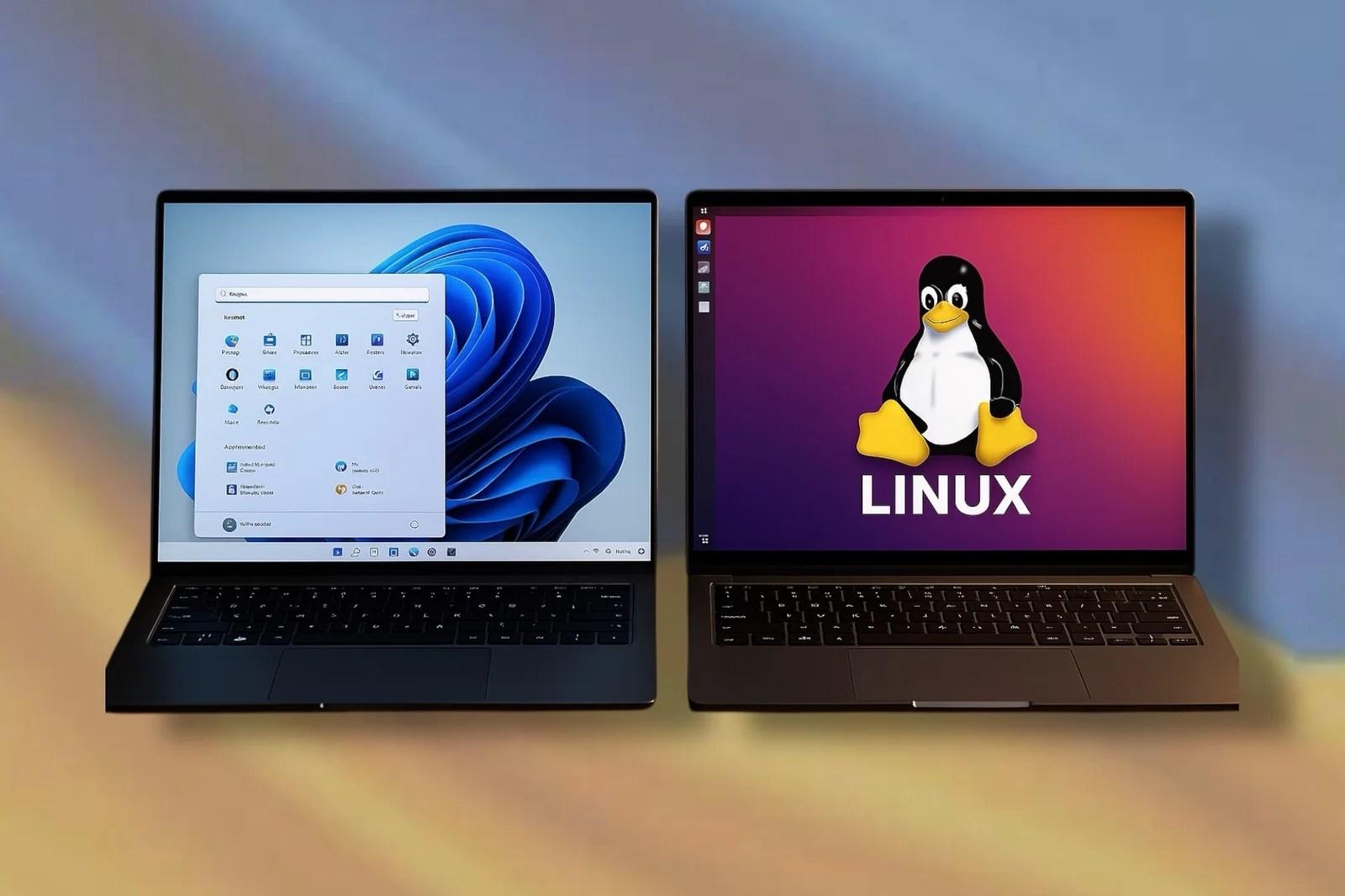
WinBoat is a free and open-source application designed to bring together two worlds that often collide. Under a slogan as charming as it is clear, Windows for Penguins, its goal is to offer the lowest possible friction when using Microsoft software within your preferred Linux distribution.
Instead of acting as a compatibility layer, WinBoat raises a real Windows Relying on KVM virtualization and Docker containers, applications are displayed embedded on your desktop using RemoteApp and FreeRDP, so they look and behave like normal windows in GNOME, KDE, or whatever environment you use.
If you've tried solutions like WinApps, you'll notice the change in approach. In WinBoat The interface is more polished and much of the process is automated., from the creation of the environment to visual integration. The idea is that the user focuses on working with their programs, not tying up loose ends in the terminal.
What can you expect in terms of compatibility? The base is very broad: If it works on Windows, it usually works here too., except for specific cases that require direct graphic acceleration or anticheat at the kernel level, two fronts that are still unresolved.
How it works inside
The technical heart of WinBoat combines three key pieces: KVM for virtualization, Docker to encapsulate and orchestrate the environment, and FreeRDP to draw the guest system windows directly into your Linux session. The result is that you open Word, Photoshop or your corporate tool and you see it as just another window on your taskbar.
The interface is built with Electron and The backend uses Go for orchestration via HTTP, which allows you to automate everything from the installation wizard to component management. In addition, your home directory is mounted in the guest Windows so that share files without complications between both systems.
The typical flow is simple: WinBoat provisions a base Windows image, boots the VM with KVM, exposes the necessary services, and when you launch an application, integrates it with RemoteApp and FreeRDP so that it behaves natively on your Linux desktop. If you need it, you can also open a full Windows desktop on demand.
It is important to be clear that there is no emulation here: it is about Real Windows running with virtualization accelerationThis requires more resources than a Wine-like layer, but in return you get much greater compatibility with programs that depend on deep system components.
Requirements, compatibility and preconditions
Before you jump in, you should check some minimums; consult our technical guide to requirements and limits. WinBoat asks at least 4 GB of RAM and a processor with 2 threads, although more memory and cores will improve the experience significantly.
It is also necessary to have about 32 GB free in the /var path, since temporary images and data are stored there. Without this space, the startup may fail or stop working.
Essential: KVM virtualization enabled in BIOS/UEFIIf the kernel or firmware configuration blocks KVM, it won't work, even if everything else is in order. Check this first.
On the software side, you need Docker in privileged mode and Docker Compose v2, as well as adding your user to the Docker group to avoid constantly using sudo. Alternatives like Podman, Docker Desktop, or rootless containers are not currently supported.
For graphical integration, WinBoat requires FreeRDP 3.xx with audio support. Additionally, it is advisable to have the kernel iptables modules loaded so that all routing and networking runs smoothly.
Download, installation and packaging available
Currently you can get WinBoat in format AppImage ready to run, which makes things much easier on most distros. Just mark it as executable and open it.
If you prefer more control, there is a variant unpacked with loose binaries (for example, in the linux-unpacked/winboat folder), from which you can launch the application without specific packaging.
It should be noted that, for now, No support for Podman, Docker Desktop, or rootlessBefore you start, install Docker and Compose v2, check out FreeRDP 3, add your user to the docker group, and get everything ready.
Are you interested in compiling from code? The project uses NodeJS and Go as base toolsThe process is very straightforward: clone the repository, install npm dependencies, compile, and the binaries appear in the dist folder with AppImage and Unpacked versions.
For development there is a way npm rundev which streamlines local testing without having to package for each iteration. If you like tinkering, this will be a perfect fit.
What WinBoat Offers: Key Features and Experience
One of the first things you'll notice is its elegant and intuitive interface, designed to integrate with your desktop as naturally as possible. It doesn't feel like a heavy VM: it feels like apps have always resided on Linux.
The setup process is highly automated: you choose preferences and specifications and WinBoat takes care of the rest, from provisioning the guest Windows to applying the necessary configuration.
In terms of compatibility, the approach is ambitious: almost any Windows application should work, except for software that requires GPU acceleration or kernel-level anti-cheat. For many professional suites, this is just what was needed.
Additionally, you can switch between integrated individual windows or a full desktop Windows whenever you need it. If your workflow requires it, it's as easy as a click.
File system integration is another strong point: Your home folder is mounted inside Windows, allowing direct document sharing, without intermediate services or complicated synchronization.
Extras include features such as smart card swiping and resource monitoringThey're not essential for everyone, but they make a difference in professional and corporate environments.
Real-life tests: productivity, development, and some gaming
In office and daily work scenarios, the overall feeling is positive. Applications such as Microsoft Office (Word and Excel, even with macros) They behave with ease, which already covers many needs.
With creative software, there are good signs: Affinity Photo, Adobe tools or Acrobat have shown remarkable compatibility in community testing, much more predictable than with Wine-based solutions.
For development, utilities such as Visual Studio Code or Notepad++ They run without any problems, allowing you to keep Linux as your primary system and use native Windows tools when necessary.
In games, the picture is mixed. Older or less demanding titles may perform decently, but It's not the ideal route for modern gaming.. Proton and Steam They remain the reference for that within Linux.
Where WinBoat really shines is in business or niche programs that fail on Wine: accounting, corporate suites, tools with deep integrations or specific dependencies on the Microsoft operating system.
Quick comparison: Wine, PlayOnLinux/Lutris, VMs and CrossOver
Wine has been a benchmark for years, but it can be unpredictable: prefixes, dependencies and trial and error They're part of everyday life if you're outside the box. PlayOnLinux and Lutris make life easier, although they inherit a lot of that complexity.
The Virtual machines type VirtualBox o VMware They work, of course, but They consume more resources by dedicating RAM and CPU to the guest, in addition to lacking the comfortable integration that WinBoat offers with its native windows.
CrossOver is solid and professionally supported, but it's paid. On the other hand, WinBoat is open source and free, and its automation greatly reduces input friction for the average user.
In comparative summary, WinBoat bets on broad automation support, sacrificing some lightness compared to Wine, but avoiding many of its usual pains.
Hardware, USB and graphics acceleration
The passage of USB It is possible today, although with a trick: it requires Edit the docker-compose.yml file in the ~/.winboat path and apply the changes with the commands Compose's usual (down and up -d). The good news is that bringing this feature to the GUI is high on the project's priority list.
Direct graphics acceleration (GPU passthrough) not available for nowThe use of paravirtualized controllers and technologies like Looking Glass is being investigated, but to date, there is no stable solution ready for everyone.
If your priority is games with kernel-level anticheat, things get complicated: this type of protection usually blocks virtualization and therefore does not work in WinBoat.
For productivity programs, 2D editing or technical utilities without major 3D demands, the performance is perfectly usable, but Modern AAAs are not the target of the project in its current state.
Project status, community and roadmap
WinBoat is in beta phase with active developmentThe official repository accepts contributions under the MIT license, and the community collaborates by reporting issues, improving documentation, and testing on different distros.
Clear goals loom on the horizon: GPU acceleration, Flatpak packaging, and Podman supportHowever, there are obstacles: networking issues with Podman, and sandbox restrictions make it difficult to expose Docker and binaries within Flatpak.
The author of the project has clarified that, for now, Podman and Docker Desktop are not supported., and rootless operation isn't viable. This is a temporary limitation, but it's worth keeping in mind if your environment standardizes on these technologies.
As for applications confirmed by users, some powerful names appear: Affinity Photo, Paint Tool SAI v1.0, the Adobe suite, Acrobat, AeroChat or Office 365These are precisely the cases that tend to get stuck in Wine and where WinBoat makes a difference.
If you're coming from Windows 10 and considering migrating due to end of support, WinBoat may be the perfect bridge: allows you to keep the tools you need while adopting Linux as your primary environment. It's especially useful for SMEs and professionals who rely on specific Windows software.
Good practices and useful tips
Before you start, check that your user is in the docker groupYou'll save yourself from having to invoke sudo every time and avoid permission issues.
Check the version of FreeRDP (3.xx with sound support)Using the correct version greatly reduces visual and audio issues.
Make sure that you have free space in /var and the file system won't let you down mid-download or during an update.
If you touch the USB step, documents changes in docker-compose.yml and save a copy. It'll save you trouble when you update or want to revert settings.
And if you like to follow the project closely, stop by its official website and the community on Discord, which focuses on announcements, FAQs, and testing of new features.
WinBoat isn't meant to be a magic wand, but it does offer a winning combination: Broad compatibility, elegant integration, and less friction than traditional solutions. For those who need that "piece of Windows" within Linux, it's a realistic, modern option with a promising roadmap.

Passionate writer about the world of bytes and technology in general. I love sharing my knowledge through writing, and that's what I'll do on this blog, show you all the most interesting things about gadgets, software, hardware, tech trends, and more. My goal is to help you navigate the digital world in a simple and entertaining way.