- HScope works in Windows through emulators such as GameLoop or BlueStacks, with compatibility linked to mapping USB.
- Extensive USB oscilloscope support and advanced features such as FFT, CSV export and data logger.
- Clear differences between the free and full versions: channels, samples, FPS, and analysis tools.
- Proven for use in automotive environments, with a simple interface and logging and calibration options.
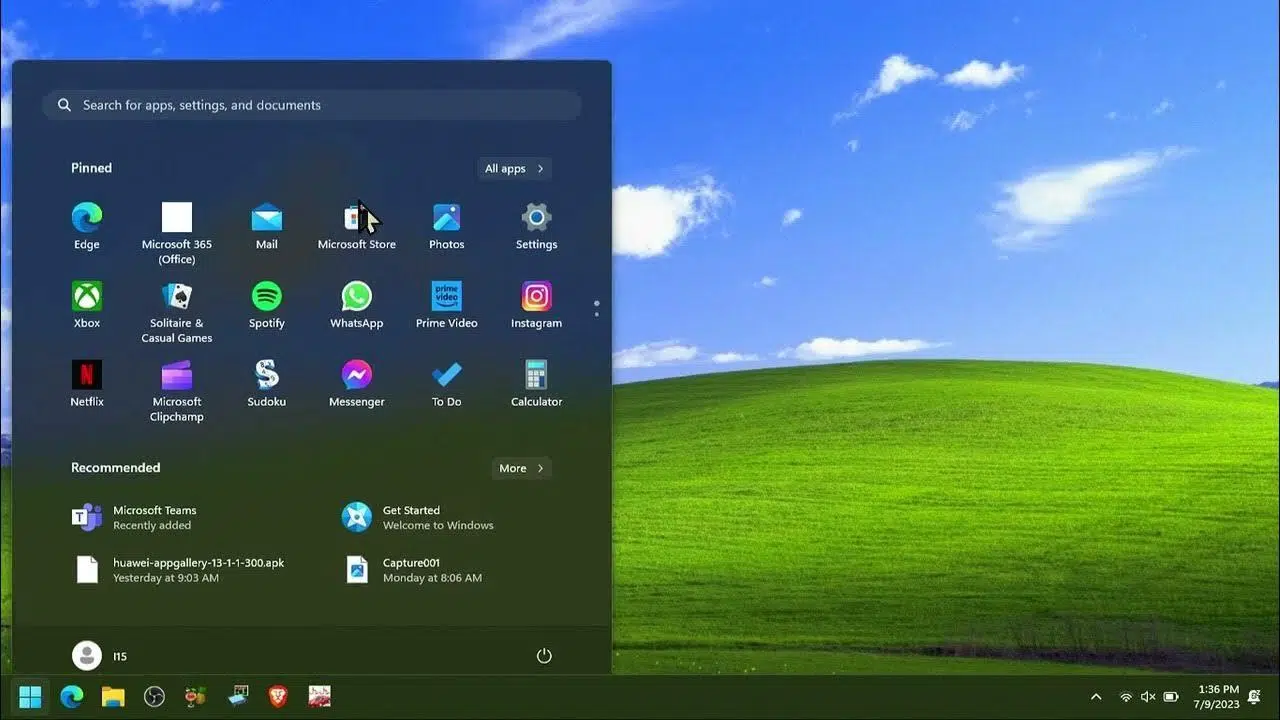
If you've made it this far, it's because you want to use HScope on your Windows PC without dealing with strange limitations. HScope is an Android app that turns your USB oscilloscope into a portable tool , and yes, you can run it on Windows through emulators like GameLoop or BlueStacks to view and analyze signals on a large screen.
Before we get started, it's worth clarifying exactly what this application offers and what you can expect when running it on a computer. HScope works with a specific list of USB oscilloscopes , and while it requires USB OTG on mobile devices, on PC it relies on an emulator; therefore, it's essential to try the free version first to verify that your hardware is compatible.
What is HScope and how does it help you in Windows?
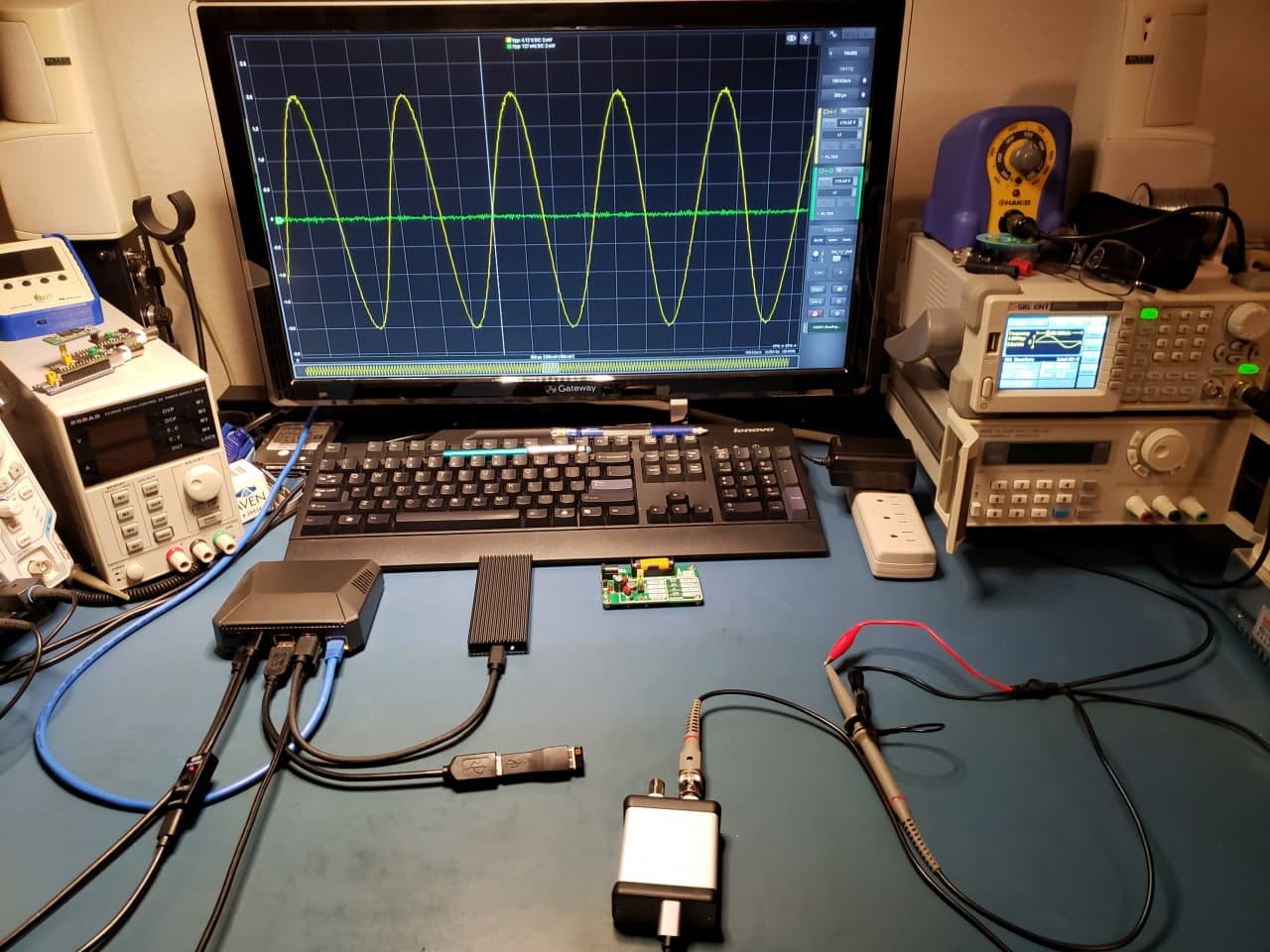
HScope, developed by MartinLoren, is designed to put the lab in your pocket: capture, visualize, and analyze real-world signals with an intuitive interface . Using it on Windows via an emulator provides convenience and ample workspace, ideal for extended diagnostic or tuning sessions.
Regarding compatibility, the developer's website maintains a complete list of supported models. Among the devices listed as compatible are :
- HS502 Oscilloscope
- HS10X (DIY) and HS402
- Lotus OSC482, OSC802 and OSCA02
- SainSmart DDS120 / Rocktech BM102
- Voltcraft DSO2020
- ARMFLY AX-Pro
- Hantek PSO2020
- Hantek 1008
- Hantek iDSO1070 / Saluki MO1072
- Instrustar ISDS205A
- Owon VDS1022
- Microphone input
- And other models listed by the author
Please note that this is an unofficial application for USB oscilloscopes: the author disclaims all liability for any damage or analysis errors resulting from the use of this software . If you are interested in trying new features, there is a beta program you can join through Google Play using the activation link provided by the developer.
Prerequisites for using HScope on Windows
To run HScope on a PC, you need an Android emulator. The most popular options mentioned on top-ranked websites are GameLoop and BlueStacks , which allow you to install Android apps on Windows (and in many cases, macOS as well).
On Android phones, HScope requires USB OTG and a compatible oscilloscope. On a computer, the emulator acts as a bridge: some emulators can map or expose USB devices to the virtualized Android system, although support depends on the emulator, the USB driver, and the oscilloscope model itself. That's why we insist on testing everything with the free version.
As a general rule, keep an eye on power and interruptions: on a PC you forget about your phone's battery and untimely calls , which is especially convenient during long measurement sessions or in workshop environments.
Install HScope on Windows with GameLoop
GameLoop's website indicates that HScope can be run without issues on this emulator. Here are the recommended steps to get it up and running :
- Download and install GameLoop from its official website.
- Open GameLoop and use its search engine or library to locate HScope.
- Install the app from the search results or, if you prefer, import the HScope APK into the emulator.
- Start HScope and grant the requested permissions.
- Connect your USB oscilloscope to your PC and, if GameLoop offers device options, enable USB access for Android.
- Try the free version of HScope to confirm that the device is recognized and that sampling is working correctly.
From there, you can work on a larger screen with greater comfort. The user experience is usually smooth for basic visualization and analysis tasks , provided the emulator handles USB communication with your oscilloscope well.
Install HScope on Windows with BlueStacks
BlueStacks is also recommended for running HScope on PC or Mac . Its focus is on simplifying the installation and performance of Android apps , and pages that reference HScope suggest trying it for its ease of use.
- Download BlueStacks from the official website and install it on your computer.
- Sign in to Google Play within BlueStacks and search for HScope.
- Install the app and open it for initial settings.
- Connect the USB oscilloscope to your PC; if BlueStacks offers external device options, enable them accordingly.
- Please validate recognition and functionality with the free version before considering a paid license.
According to the information sheets, HScope can run smoothly even on BlueStacks . However, practical compatibility depends on your hardware and the USB support of the emulator you're using.
HScope Key Features: From Essential to Advanced
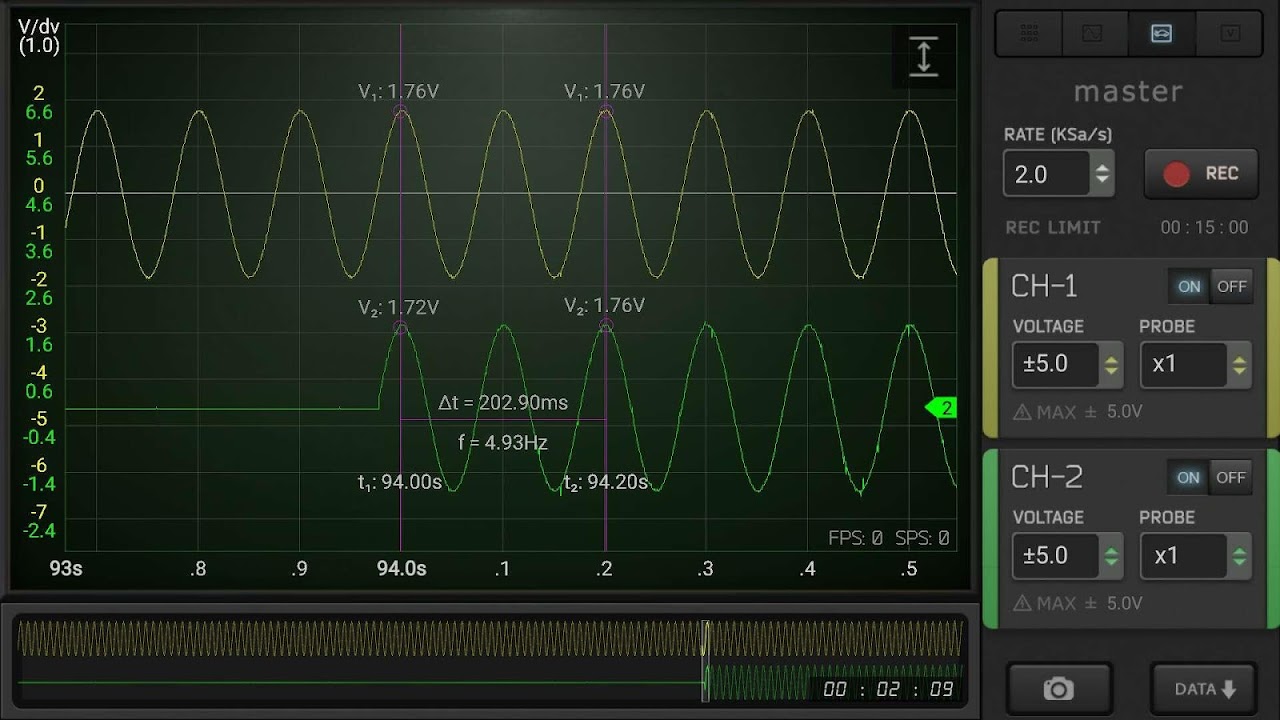
Beyond the installation, it's worth understanding what HScope offers. The interface is clear and easy to use , allowing you to move between shooting, sampling, measurements, and viewing with just a few taps or clicks.
Among its standout features are real-time shooting control (slope selector, manual or automatic leveling, and software stabilization), AC/DC coupling adjustment (HScope simulates it via software if the physical device lacks this capability), and capture utilities with sample limits depending on the editing process. The app also offers display modes with linear interpolation or Sync for smoothing curves, and a manual ruler for time or frequency measurements.
The analysis section includes FFT for power spectrum estimation , with selectable data windows and CSV export options compatible with Matlab-type workflows. The full version also features data logging (data logger), XY plotting, and calibration.
Free version vs full version
HScope clearly differentiates what each mode includes. Before purchasing, the author himself advises against buying the paid version if the free version doesn't work on your computer.
What the free version offers
- Limited sampling rates
- 1 channel available
- Trigger with slope selector, manual/automatic level and software stabilizer
- Up to 500 samples per acquisition
- Refresh rate limited to 4 FPS
- Basic statistics: minimum, maximum, PPV, average and RMS
- Linear interpolation between samples
- Demonstration of voltmeter and data logger
- Possibility of taking screenshots
With this foundation, you can verify compatibility with your oscilloscope and the chosen emulator before considering upgrading to the full license.
What the full version adds
- 2 channels (or more, if the physical device supports them)
- Maximum visible frequency at 48 MSa/s: 12 MHz with Sync interpolation; up to 24 MHz in FFT
- Acquisition of 1000 samples
- Roll mode with 4000 samples
- Refresh rate up to 20 FPS (depending on device performance)
- AC/DC by software when the hardware doesn't offer it
- Self-voltage
- Single Trigger
- Rule for manual measurements of time and frequency
- FFT with data window selection
- Sinc interpolation between samples
- Export to CSV (includes Matlab compatible data)
- XY graph
- Data Logger
- Calibration
As you can see, the jump from the free version to the full version multiplies the analysis capabilities , in addition to doubling samples and channels when your oscilloscope allows it.
Performance, visualization, and practical tools
To stabilize waveforms in real-world conditions, trigger control is essential . The app allows you to change the slope, set the level, and stabilize the path via software, which is especially useful when the signal has noise or slow drift.
For quick measurements, the built-in statistics (Min, Max, Vpp, Avg, RMS) save a lot of time . If you need something more in-depth, the FFT gives you a spectrum estimate, adjusting windows to minimize leakage and see frequency peaks more clearly.
When the goal is to document or work outside the emulator, exporting to CSV makes it easy to open the data in MATLAB or spreadsheets . In long projects, the data logging and XY plot from the full version help to track trends or analyze relationships between signals.
User experiences: automotive and more
According to prominent reviews, HScope has restored usefulness to budget-friendly equipment like the Hantek 6022BE, eliminating the need for much more expensive solutions . The app's portability allows for diverse tasks such as tuning subwoofers, verifying RPM pulse trains, and troubleshooting instrument clusters.
In terms of practical compatibility, there are reports of successful use with platforms such as Verus, ATS eScope, and Hantek 6074BE , achieving reliable waveforms. Obviously, this depends on each hardware combination and the emulator itself, so it's advisable to verify compatibility on a case-by-case basis.
For those who work in a workshop, the ability to record and save captures or logs is key: HScope incorporates recording and saving functions that simplify subsequent analysis , reinforcing its portable approach both on mobile and on PC with emulator.
Frequently asked questions about licensing and use
Can I know the license price before paying? Yes. The app and the developer's website show the cost before you make a decision, transparently.
What does the license unlock on my specific model? The developer details, model by model, what additional features the license enables (for example, more channels if your hardware supports it, or extended sampling ranges).
How long is the registration buffer in the paid version? Registration duration and limits are documented in the app and on the developer's website; consult them to find out the exact size based on your settings and device.
Can it be used in automotive applications without complications? Yes, HScope includes features designed for automotive diagnostics and allows you to record waveforms for analysis, making fieldwork easier.
Recommendations for compatible probes? No specific brands are recommended. Ideally, you should check your oscilloscope's manual to confirm probe compatibility and, if you still have doubts, contact the manufacturer's support.
Compatibility and safety tips
The author reiterates that this is unofficial software for USB oscilloscopes, and therefore assumes no responsibility for damage, problems, or analysis errors resulting from its use. It is advisable to start with simple signals and well-powered equipment.
The full list of compatible models is available on the developer's official website, and there's a quick start guide to help you get started. If you want access to features in testing, you can join the beta program via the Google Play activation link.
If your oscilloscope isn't listed, try the microphone input as a single signal or check for generic support. In any case, always test with the free version before purchasing.
How to get the most out of Windows: best practices
When running HScope on an emulator, try to allocate sufficient resources (CPU/RAM) and close resource-intensive programs to avoid latency. A stable system usually results in smoother capture , especially if you maximize the refresh rate or enable Roll mode in the full version.
If the emulator offers USB mapping, activate only the necessary device and avoid overloaded hubs. Short, high-quality cables reduce noise and interference , which you'll notice in the stability of your shots and the repeatability of your measurements.
Organize your CSV exports with a naming scheme that includes date, channel, and test conditions. This will make it easier to cross-reference data in Matlab or other tools and maintain a reliable history.
With a properly configured emulator and a compatible oscilloscope, HScope allows you to measure, record, and analyze real-world signals from Windows , enjoying an interface designed to be agile and with features that cover everything from the basics to FFT analysis.

Passionate writer about the world of bytes and technology in general. I love sharing my knowledge through writing, and that's what I'll do on this blog, show you all the most interesting things about gadgets, software, hardware, tech trends, and more. My goal is to help you navigate the digital world in a simple and entertaining way.